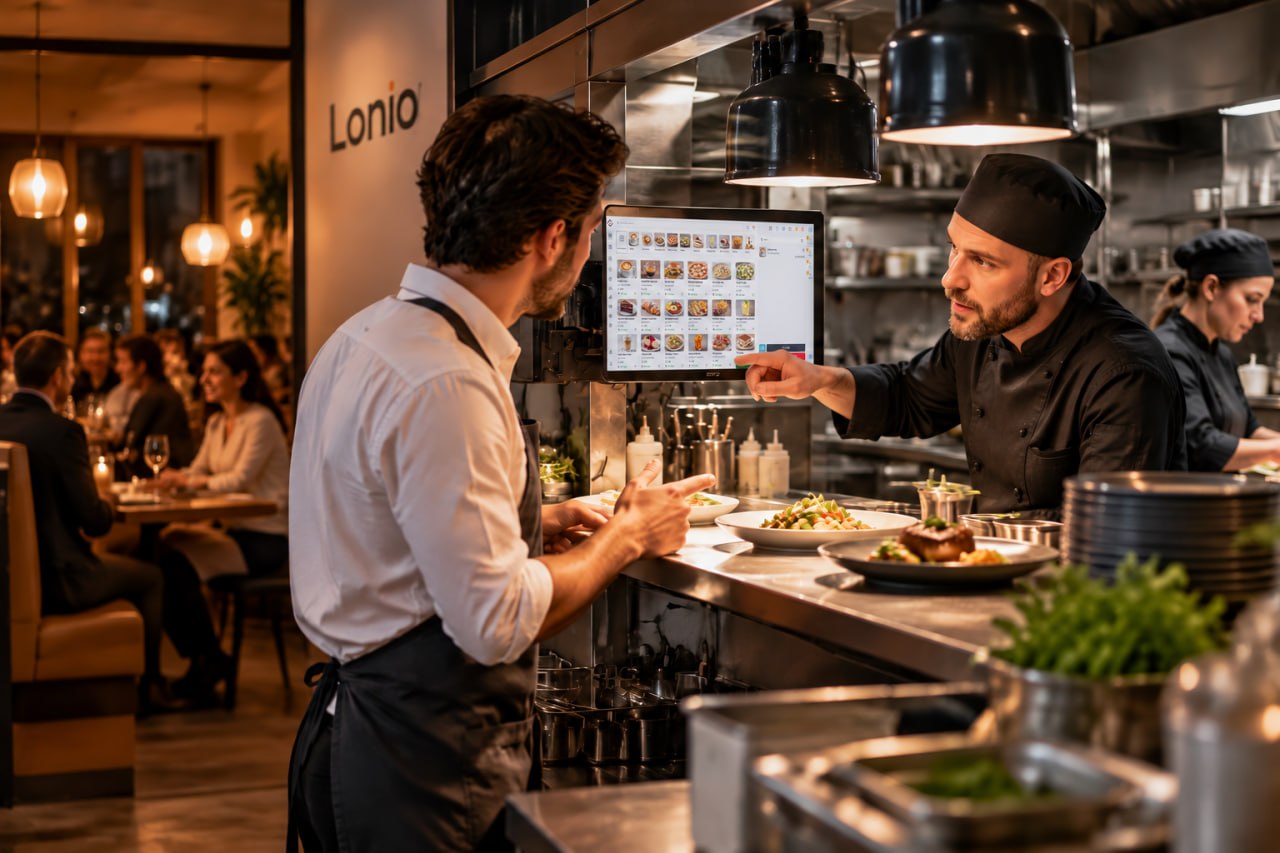
POS system for a bar or pub: pay for each round or keep a tab open?
Choose a bar or pub system around how guests order and pay: open tabs, part payments, shift handovers, purchasing, stock and a clearly priced migration.
- Bahram Davoodi
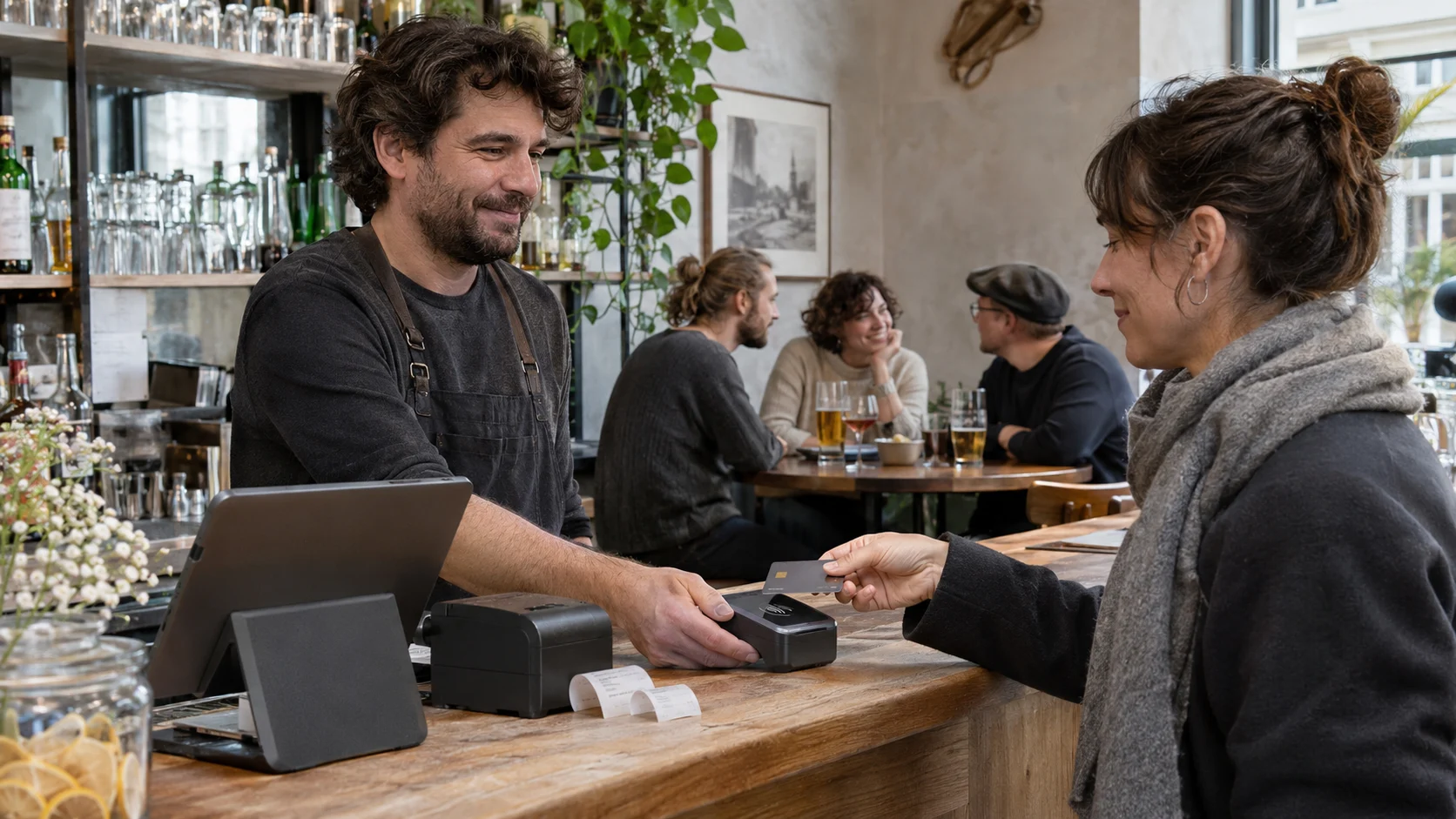
Paying at the bar for each round or adding drinks to an open tab throughout the evening: this choice shapes how a bar works. When choosing a system, consider the drinks catalogue, purchasing, stock, website and staff handovers alongside the cash register. Start by describing how your guests actually order and pay. This establishes the scope your business needs.
Distinguish three ways of working
With immediate payment, the order, payment and receipt form one short transaction. Popular drinks, sizes and variations should be easy to find. Pay particular attention to a cancelled or unclear card payment: staff must be able to establish whether payment has already been made before charging again.
With open tabs, guests continue ordering over a longer period. Each new round needs a clear link to a table, a group or another recognisable identifier. The current total, payments already made and outstanding balance must remain traceable. Ask who is allowed to edit a bill and correct items assigned to the wrong group.
A mixed operation needs both approaches. Guests at the bar pay immediately while a seated group runs up several rounds. Decide when staff may switch between these processes. Switching must not cause an order to disappear or create it twice.
The key trial: three rounds and an early departure
Use an explicitly fictional example to assess a system: six guests order together. After the second round, one person pays for their drinks and leaves. The remaining guests order again and later pay separately.
Ask for the following process to be demonstrated on the equipment being offered:
- Create a group and assign the first and second rounds to it.
- Select the departing person's drinks and complete their payment.
- Check which items and amounts remain outstanding.
- Add another round without changing the completed part payment.
- Correct an order accidentally assigned to the wrong group.
- Settle the remainder and check that the bill, payments and receipts agree.
Record the result of each step: demonstrated, unresolved or not included in your proposed setup. This is a selection test; no successful result with Lonio is claimed here. The existing guide to split bills and part payments explains the difference between separate bills and several payment methods.
What happens after midnight and when staff change over?
A long evening may involve several staff members and span two calendar dates. Clarify the relationship between order time, payment time and the business report. At handover, responsibility for an open group tab must be assigned to someone. Unresolved payments belong in the handover notes until their status is established.
Also ask to see how to read the report when an order is placed before midnight and paid afterwards. A staff handover must not be taken to mean that all guests have already paid. The guide to opening, handing over and closing a shift covers the complete process.
Plan the drinks catalogue and purchasing together
A bottle bought from a supplier and a glass sold to a guest are different units. Record the pack size, serving quantity and available variations for each drink. For mixed drinks, recipes and portion sizes should be unambiguous. Ask specifically whether and how your proposed setup links sales items to stock movements. A general stock function does not establish that ingredients will be deducted automatically according to recipes.
Then compare the approved information on the drinks menu, in the POS system and on the website. When a new size or price is introduced, it must be clear who updates each version. This makes system selection a decision for the whole business.
Prepare for a system change with open tabs
Choose a clearly documented handover point. Separately record which group tabs remain open, which payments have already been made and which receipts belong to the previous system. Agree in writing which data can be transferred, in what format and who will reconcile it.
Historical turnover must not accidentally appear as new sales during migration. Test a small, agreed dataset and compare quantities, amounts and statuses with the source. An import offer alone does not confirm that open tabs, receipt references and all the required data will be transferred.
Compare the quote for this exact process
Request a breakdown with four separate areas:
- Software: required functions, POS stations, users and locations, along with the charging unit for each.
- Equipment and payment connection: purchase or rental, setup, recurring fees and any transaction costs.
- Migration: data preparation, import, checking, training and support during the launch.
- Ongoing operation: support coverage, contract term, cancellation and export options for a later switch.
Ask for open tabs, part payments and the required reports to be explicitly assigned to the package being offered. Monthly prices without this scope are not enough for a sound comparison.
Lonio is an integrated system for the whole business. Bring an outline of a typical evening, your drinks list, equipment plan and migration requirements to the discussion. The result should be a specifically confirmed scope covering sales, catalogue, purchasing, stock and your online presence.