POS for a small café in Austria: what you need to open
Build your café’s opening setup around the morning rush: a clear menu, payments, preparation and closing, with connected features added where they help.
- Bahram Davoodi
Reviewed on 20 November 2026. Prices and legal references relate to Austria.
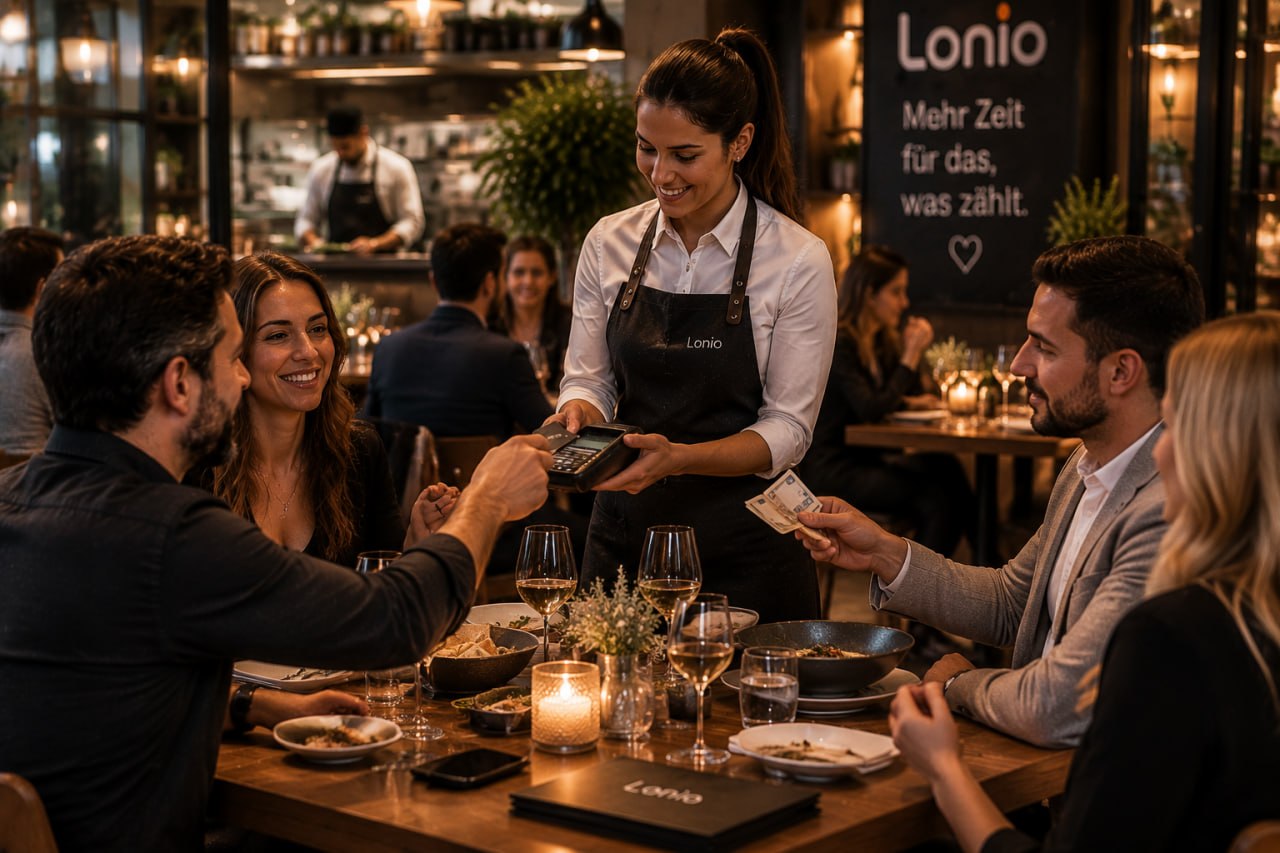
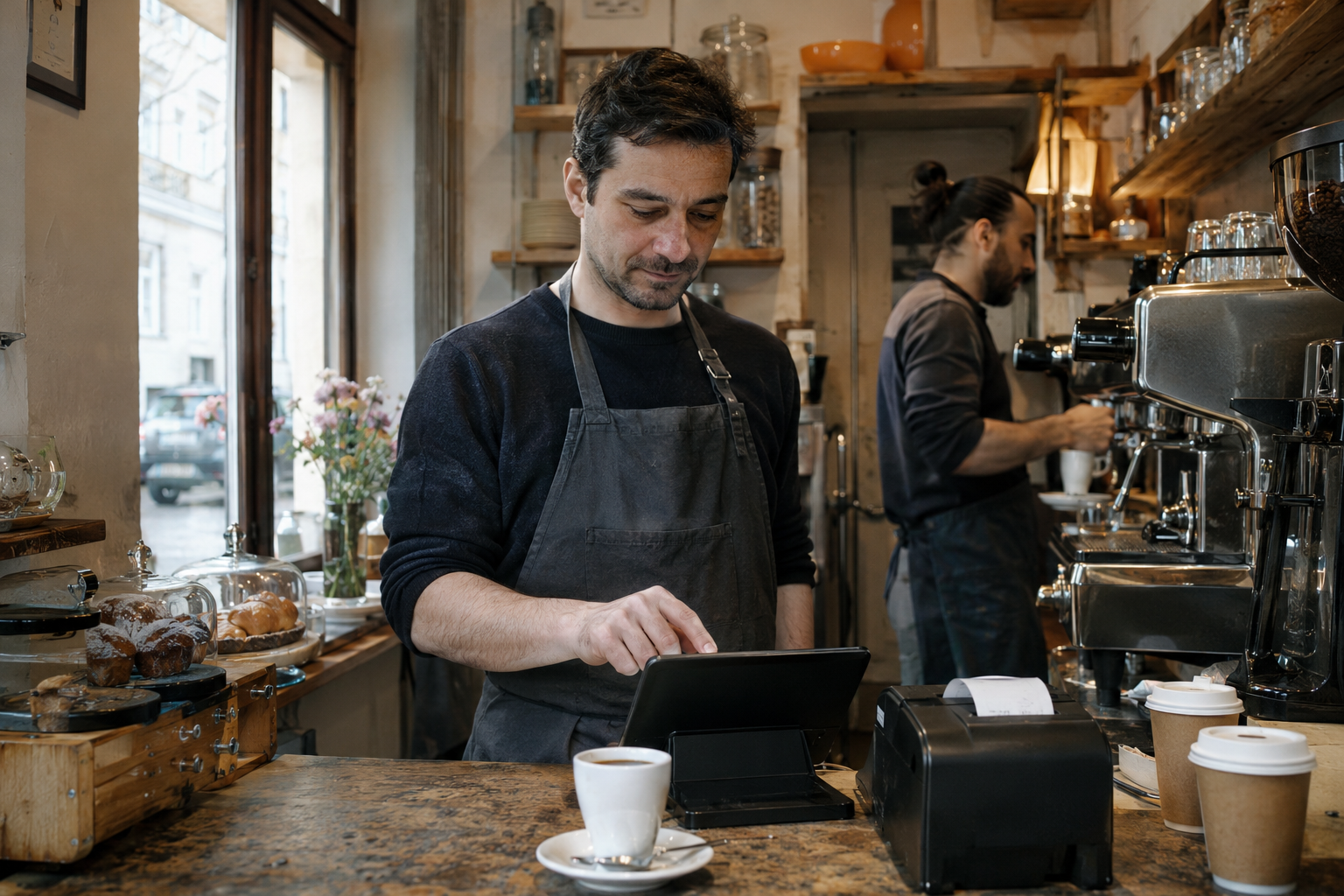
At a small café, the busiest minute may involve two coffees, a change of milk, a card payment and a customer collecting an order. A useful point-of-sale (POS) system keeps those steps clear while the owner is also making drinks. Start by describing that minute before comparing feature lists.
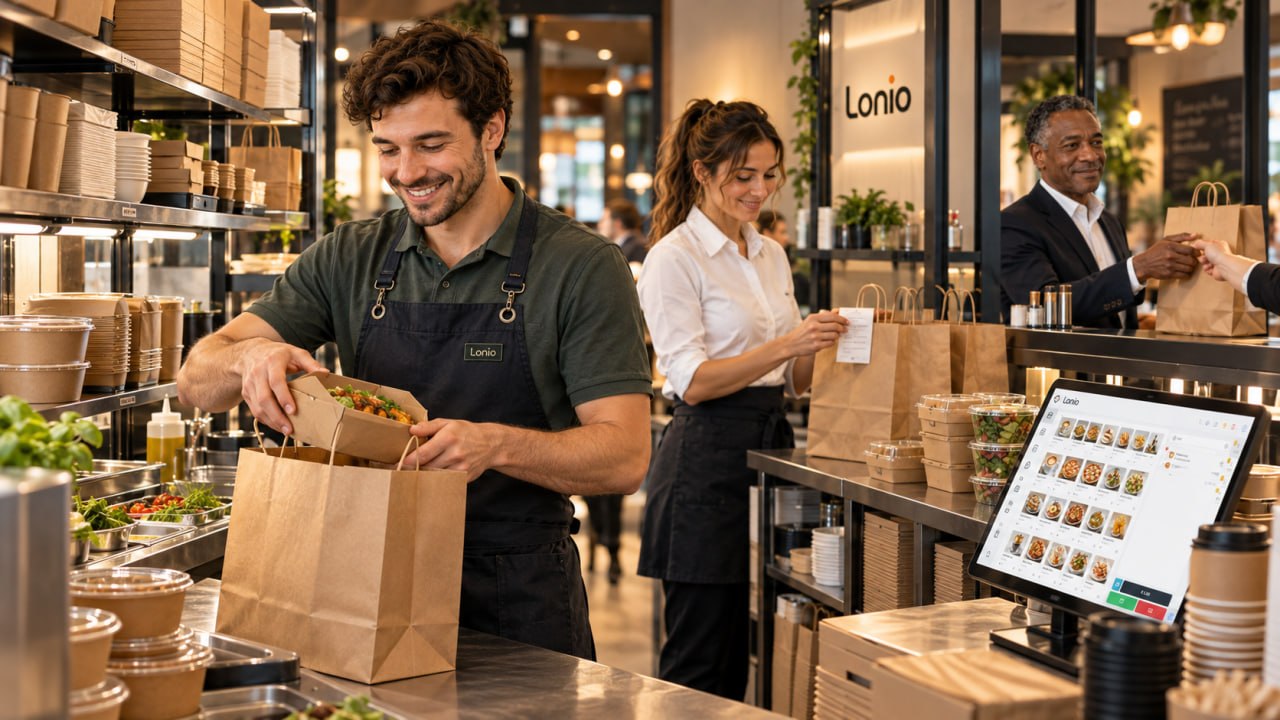
For a counter-service café, the opening setup usually centres on a manageable menu, reliable payment and receipt handling, a clear handover to preparation, and a closing routine. Table service, online ordering and stock control become valuable when they solve an actual part of your working day.
Decide where the order starts and ends
Write one sentence for your main service model: “The guest orders and pays at the counter, then collects the drink.” Now note the exceptions. Do you bring breakfast to tables? Keep an open bill? Take telephone orders for collection? Sell bags of coffee alongside drinks?
Those exceptions decide what to configure. A café with six tables and counter payment may not need the same opening workflow as a breakfast café where guests order several rounds and settle later. If open tables, split bills and service rounds dominate your day, the broader Austrian hospitality POS guide covers that service model.
Keep a short launch list: the tasks staff must complete on the first day, and the additions you will assess after real trading experience.
Build a menu that works during the queue
Enter your actual opening menu before the demonstration. Include common sizes, milk choices, extra shots and takeaway options. Check how a member of staff finds a popular drink, changes an option and corrects a mistaken selection.
Give similar items distinct names. “Large cappuccino” and “extra shot” should not require staff to remember unexplained abbreviations. Check the price shown to the guest against the menu and the final receipt. Have the applicable tax treatment confirmed when configuring items; copying one rate across the entire menu is not a substitute for checking it.
Lonio’s shared product catalogue brings products, variants and prices together for the POS and online shop. For a small café, the immediate benefit is maintaining a clear menu in one place. Publishing every item online can wait until the collection process is ready.
Run five real orders before choosing hardware
Use your own menu and the exact device setup you intend to operate. Ask a person who will actually work the counter to complete these tests:
- Sell a coffee and pastry, change the milk choice, take payment and issue the receipt.
- Correct an item before payment, then separately demonstrate a correction after payment with its proper record.
- Take an order that needs preparation, change it, and check that the person making it sees the change.
- Process a failed card attempt and confirm the order is not treated as paid or charged twice.
- Close a trial shift and explain the cash total, card total, tips and any difference.
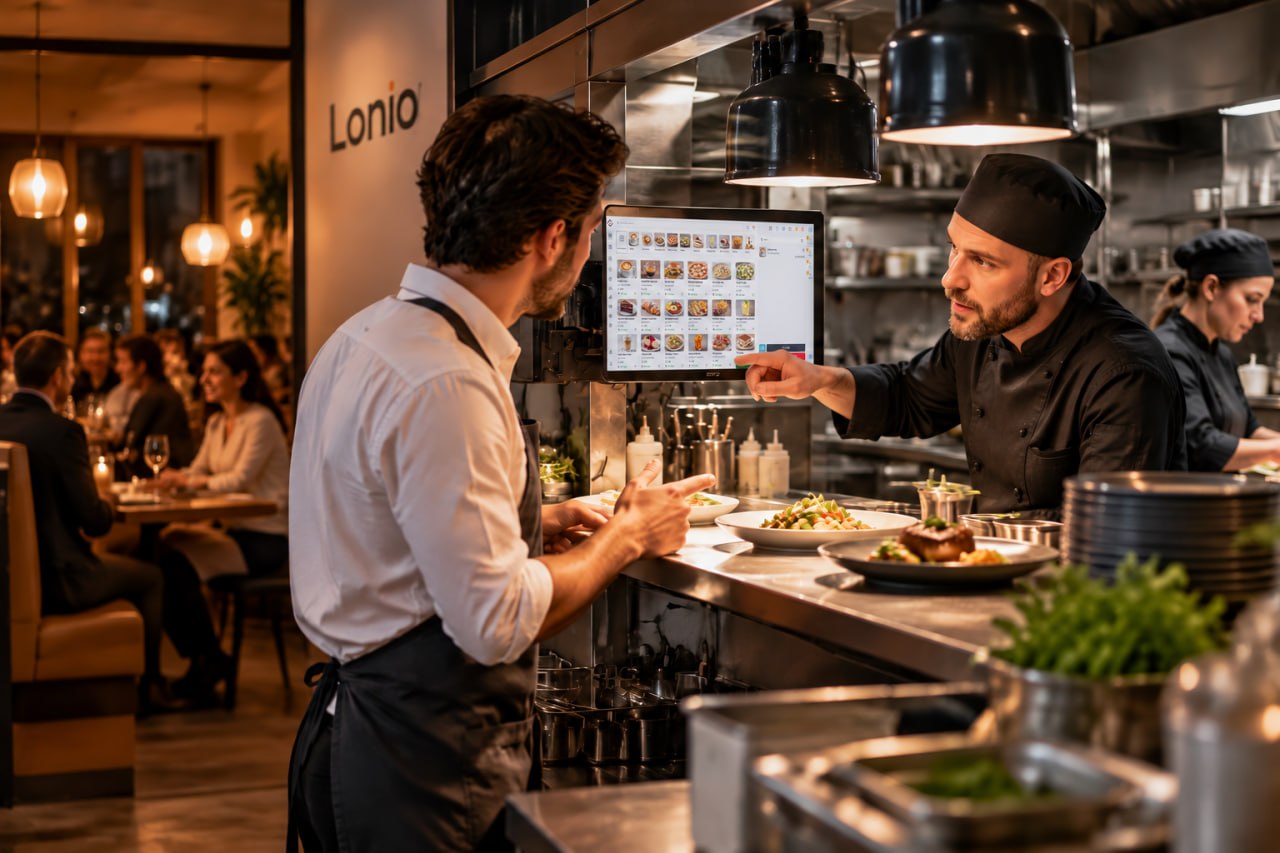
Lonio’s POS functions include sales, payment handling, shift processes and kitchen routing. Ask to see the relevant configured workflow. A kitchen display or printer earns its place when orders would otherwise be missed between the counter and preparation area.
Check the physical counter too: screen readability, printer access, cables, charging, spills and space for handing over drinks. Existing equipment may be reusable, but confirm each model, connection and payment setup before relying on it.
Add connected features in a useful order
Start with the information you would otherwise enter twice. If you sell packaged beans in the café and online, inventory management can help keep available stock visible across those sales. Distinguish packaged products from ingredient consumption; automatic deductions for milk or coffee require the relevant product and recipe configuration to be demonstrated.
For preorders, decide who checks new orders, which collection times you can fulfil and how an unavailable item is handled. An ordering page only helps if someone owns that process during the rush.
Reservations become relevant when guests book brunch tables or events. Customer records and loyalty tools can support repeat visits, while an accounting handover can reduce repeated entry at month end. Lonio brings these areas into one platform; choose the required scope with the package rather than assuming every café needs to activate everything on opening day.
Put a real opening budget on one page
Record four amounts from your actual quote: payment due before opening, the regular software charge, any periodic certificate or service charge, and payment-provider fees. List equipment already owned separately from equipment to buy. Add your own staff preparation time.
At the review date, Lonio’s pricing page lists Basic at €16.90 and Professional at €49.90 per month with monthly billing, excluding VAT and hardware. Signature certificates are listed separately from €129.90, with their terms to be agreed. Delivery-platform connections cost €20 per platform per month in Professional or Enterprise. These are separate from a delivery platform’s own commercial terms or payment fees.
Use the agreed configuration to calculate your budget. A subscription headline alone is not an opening quote.
Finish with the opening-day handover
Before trading, confirm the Austrian fiscal setup, responsibilities and records that apply to your business. Use the Austrian cash-register obligations guide as a starting point for that discussion.
Leave a short counter checklist: opening float, login, receipt check, failed-payment procedure, support contact and shift closing. Rehearse what happens if the internet, printer or terminal stops working; offline sales and offline card acceptance are separate questions.
Bring your menu, equipment list and five trial orders to a Lonio demonstration. You should leave knowing who does each step, what it costs and how the team will handle the first busy morning.