01
Prepare reservations and walk-ins
Review bookings, expected arrivals, table or counter capacity, staff rhythm, and customer context before the rush.
For restaurants and cafés
Restaurants and cafés connect reservations, menu options, POS, sales, gift cards, inventory and daily close around the service day.
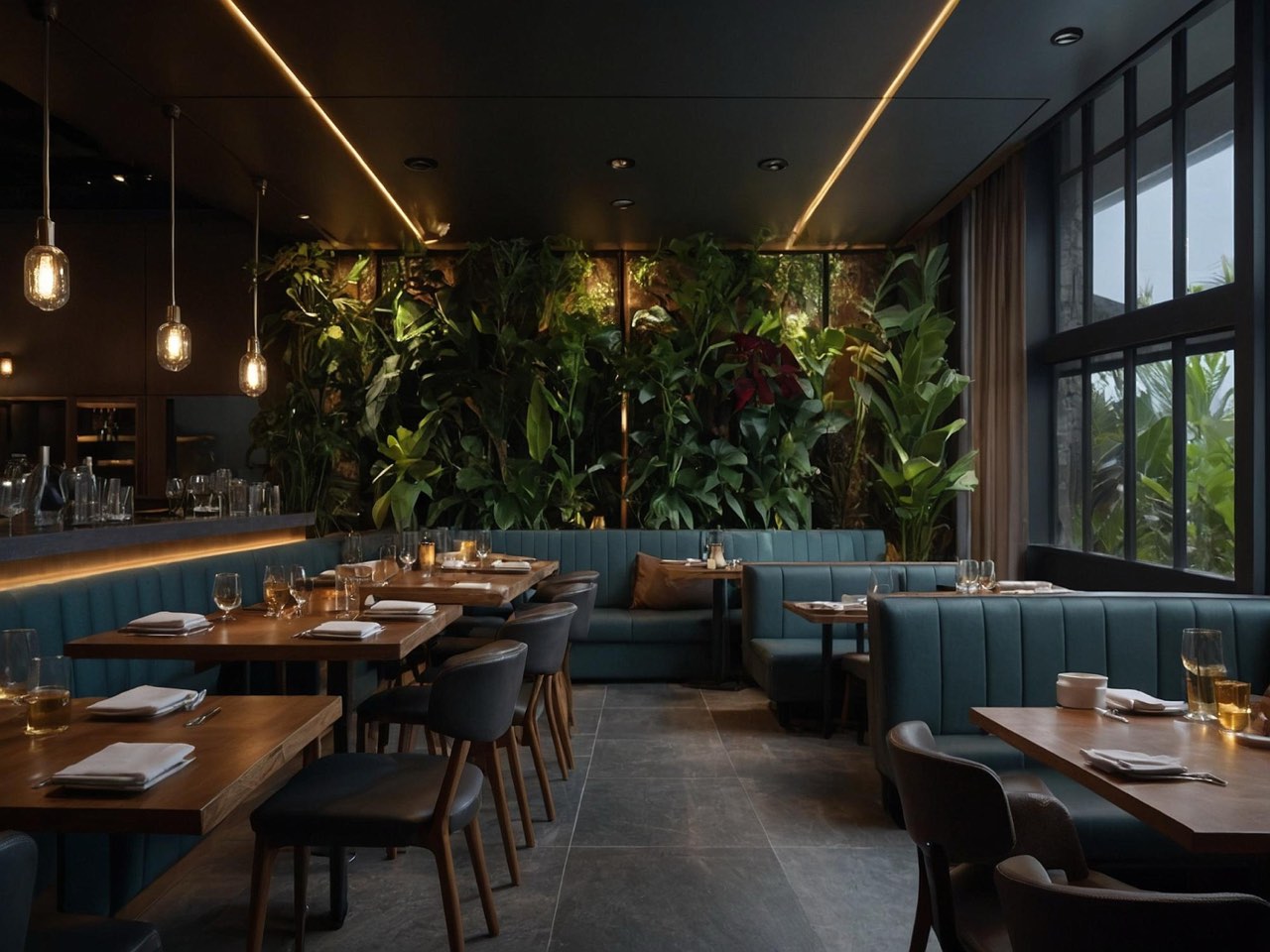
Service rhythm
Start with bookings and walk-ins, keep menu choices and availability close to the order, support counter or table selling, then review payments, inventory signals, gift-card context, and daily close after the rush.
Service board
Reservation, table, and counter rhythm
Reservation queue
T1
active
T2
active
T3
active
Bar
active
Pickup
ready
Close
review
Reservations
Booking context can sit near customer and service activity.
Menu options
Menu choices and add-ons stay tied to products and ordering.
Close review
Sales, payment, and shift context can be reviewed together.
Service day
The page follows how a restaurant actually works: prepare arrivals, keep menu choices current, serve fast, capture payment and receipt context, then review the day before the next one begins.
Review bookings, expected arrivals, table or counter capacity, staff rhythm, and customer context before the rush.
Maintain menu products, options, and availability so staff sell from a current service view instead of a separate list.
Move orders through POS, sales, payment state, receipt context, and customer handoff from the same workspace.
Gift cards and customer engagement can be planned with the service workflow when those modules are part of the setup.
Review sales, payment context, stock signals, staff notes, and reporting cues before the next service day.
Service environment
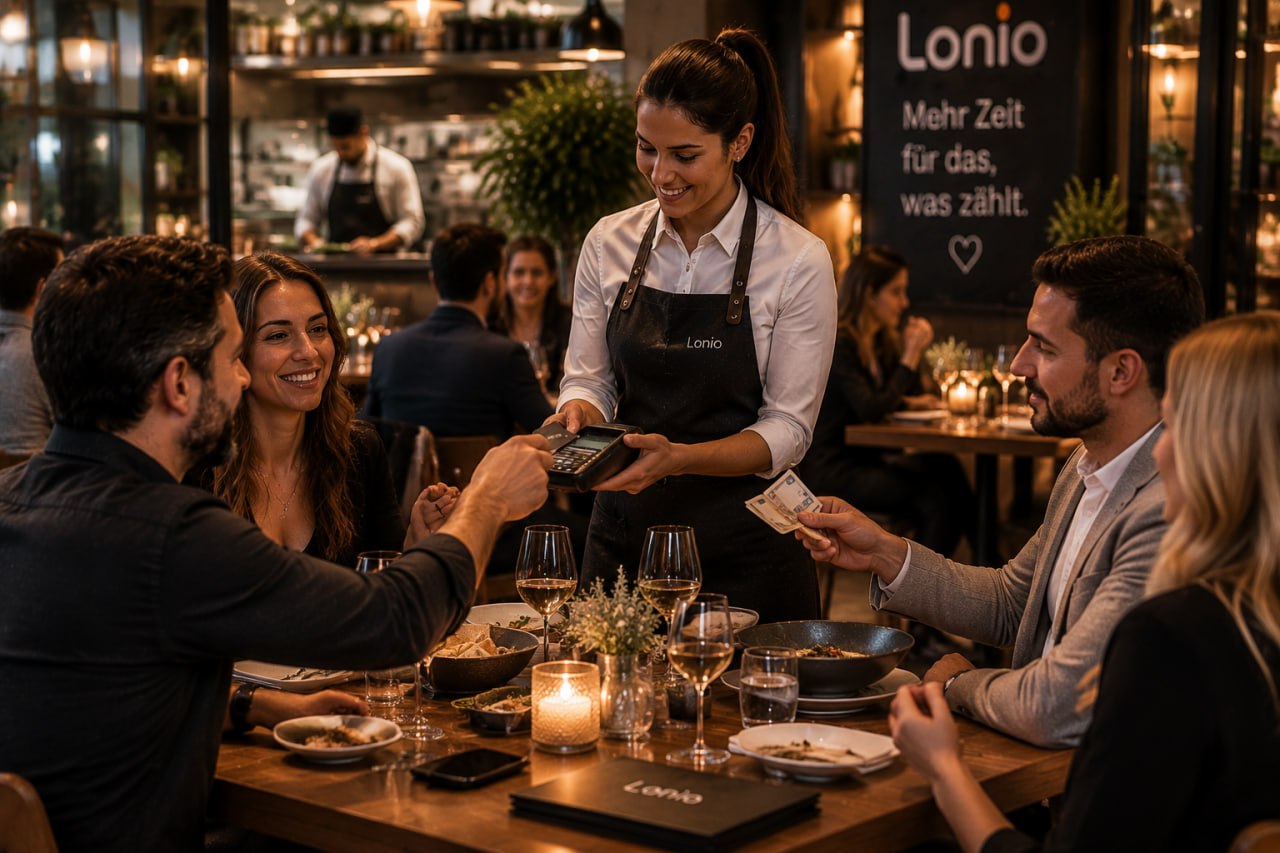
Hardware planning for restaurants starts with how service actually runs: staff take orders, guests pay, prep stations get context and managers review the day.
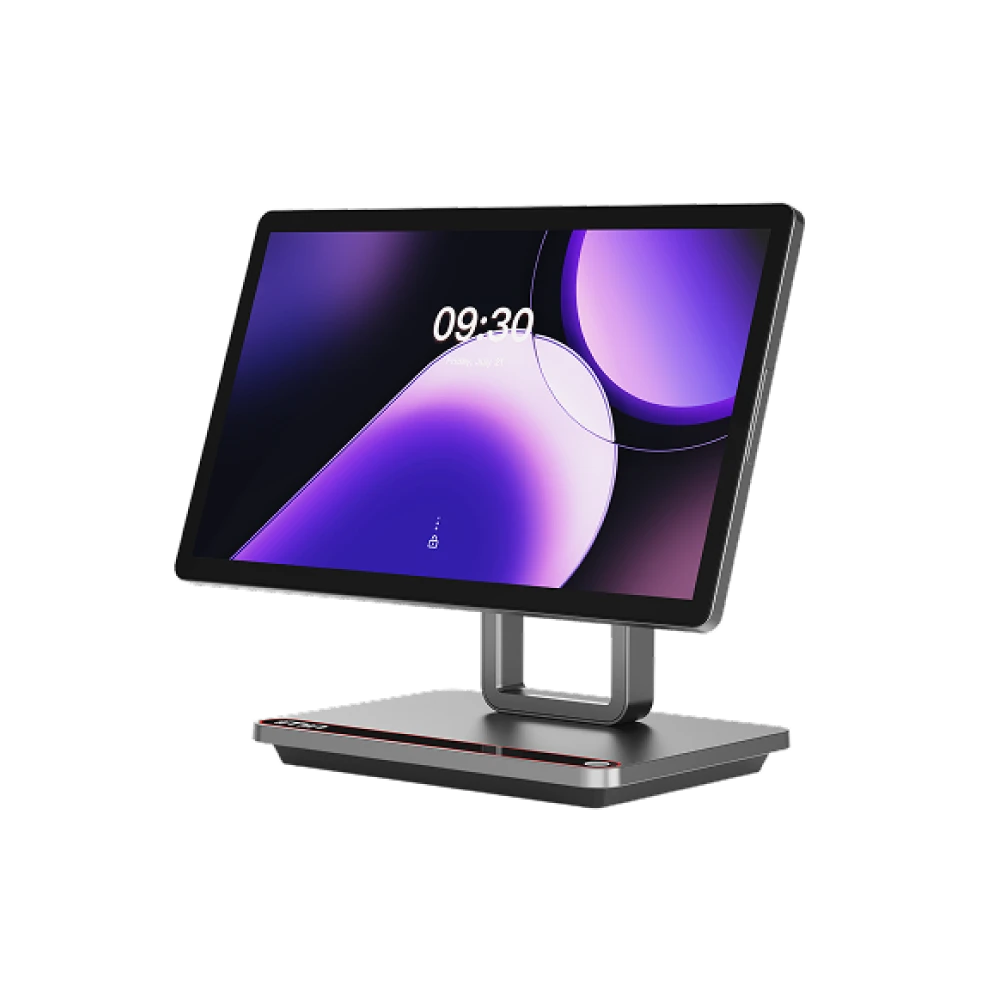
Payment terminal
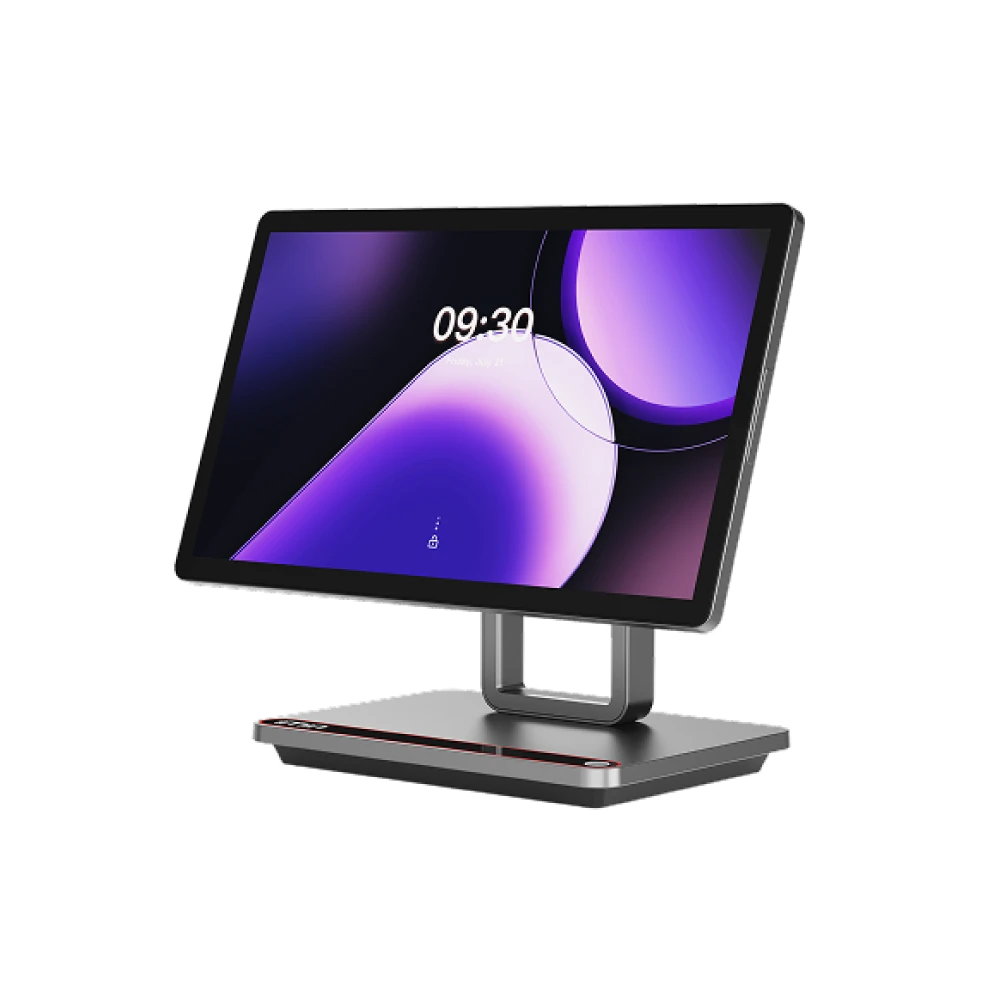
Printer
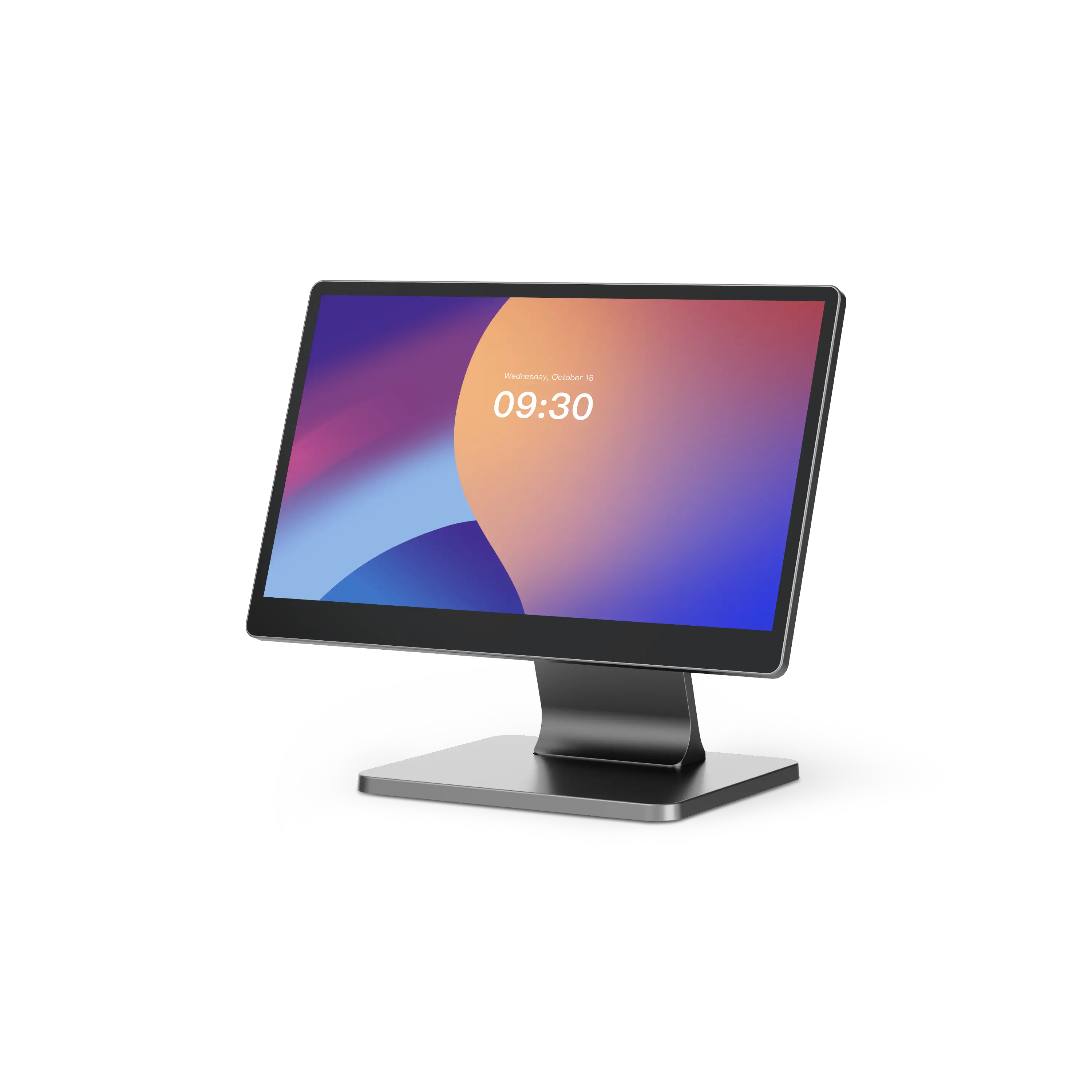
Scanner
Order entry for rush moments, table-side context, or quick counter service.
Payment readiness is planned with the service path; provider and method choices belong in setup planning.
Preparation or counter output can be planned when the station workflow requires it.
Managers can review sales, payment context, inventory signals, and service notes after the rush.
POS terminals, receipt printers and scanners for service.
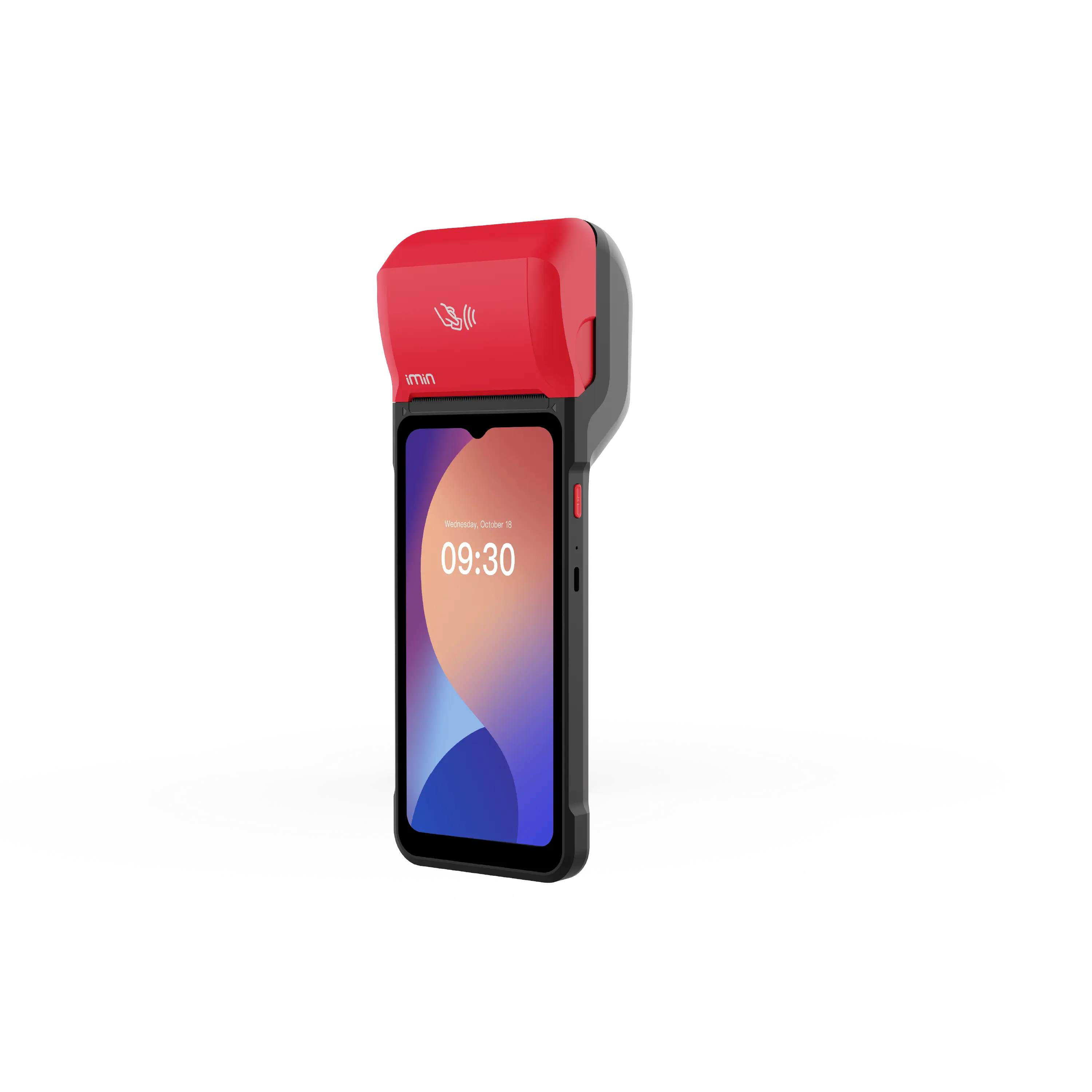
In stock.
€ 350.00
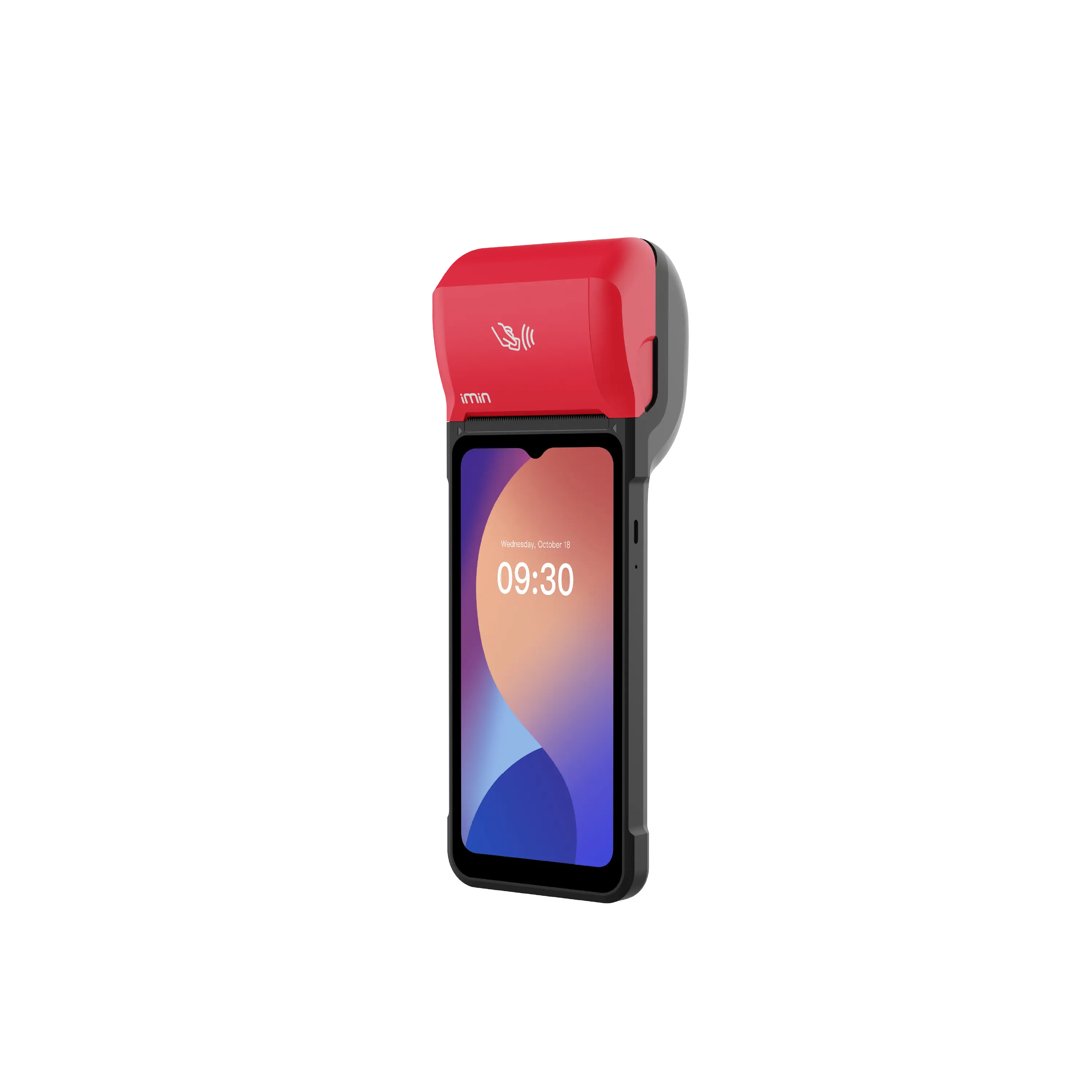
In stock.
€ 320.00
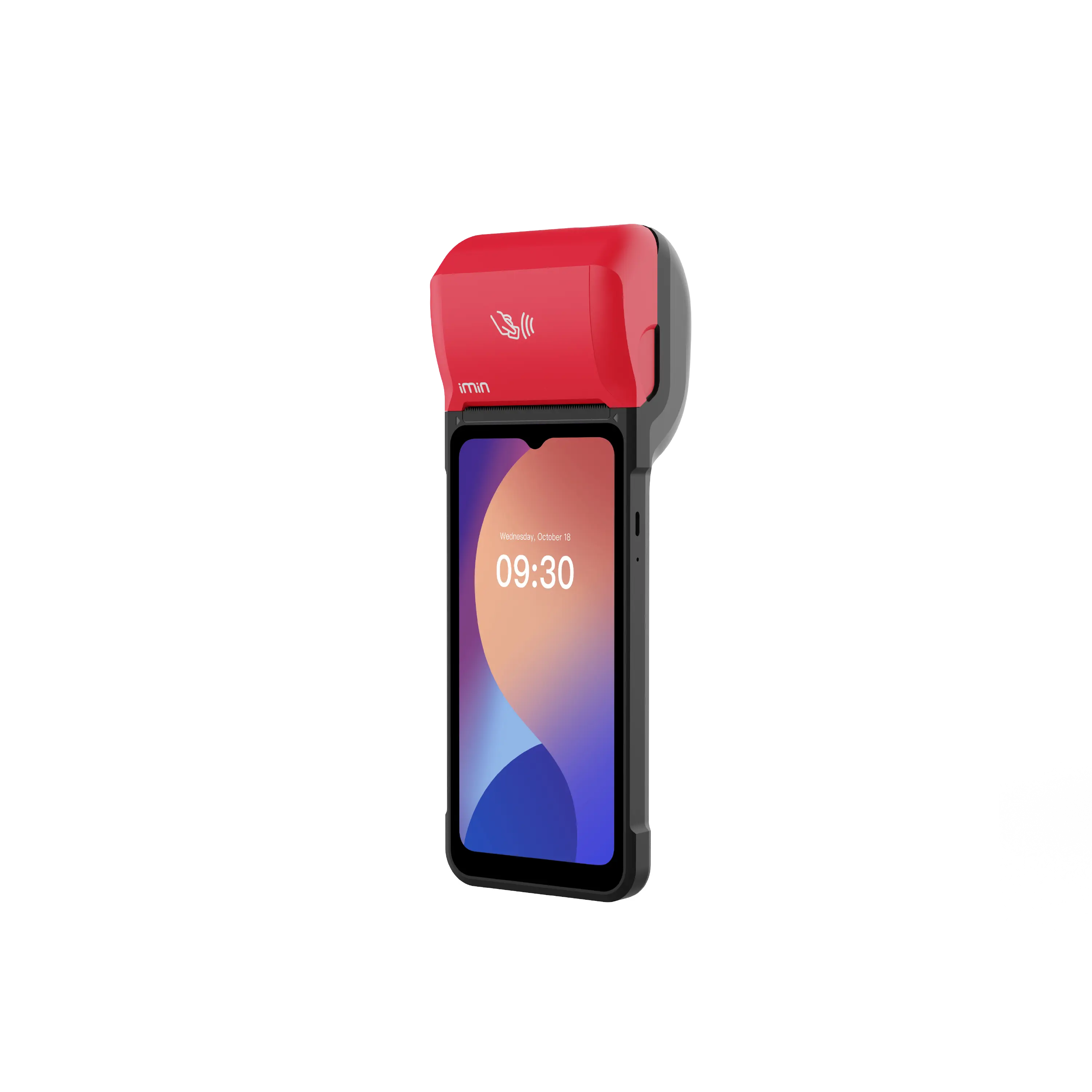
In stock.
€ 312.50
Currently out of stock.
Price available at checkout
Currently out of stock.
Price available at checkout
Currently out of stock.
Price available at checkout
Capability mix
Use POS, sales, reservations, catalog, inventory, gift cards, customers, marketing and reports – each module supports a practical part of the service day.
Checkout, orders, payments, receipts and daily close.
Orders, receipts and your whole selling day in one place.
Bookings, capacity and visit planning around your customers.
Products, categories, brands, collections and variants – maintained cleanly in one place.
Stock visibility, availability, movement, and selling-channel alignment.
Workflows for selling and redeeming gift cards.
Planning focus
Reservations, menu/catalog, POS, sales, payment context, inventory signals and reports usually take priority over back-office modules you can evaluate later.
POS / Checkout, Sales, Reservations, Catalog, Inventory / Stock
Contracts and Digital Signature, Subscriptions
Resources
Open the paths that help you compare reservations, menu choices, counter flow and close review – without turning this page into a long manual.
Start with the service day planning path and choose the next guide route.
Plan devices, stations and providers in advance – at your own pace.
Compare the plans before a demo or your start.
You'll find details on every module on the feature pages.
Guides and hands-on tips for restaurants and cafés.
Wednesday, 16 September 2026
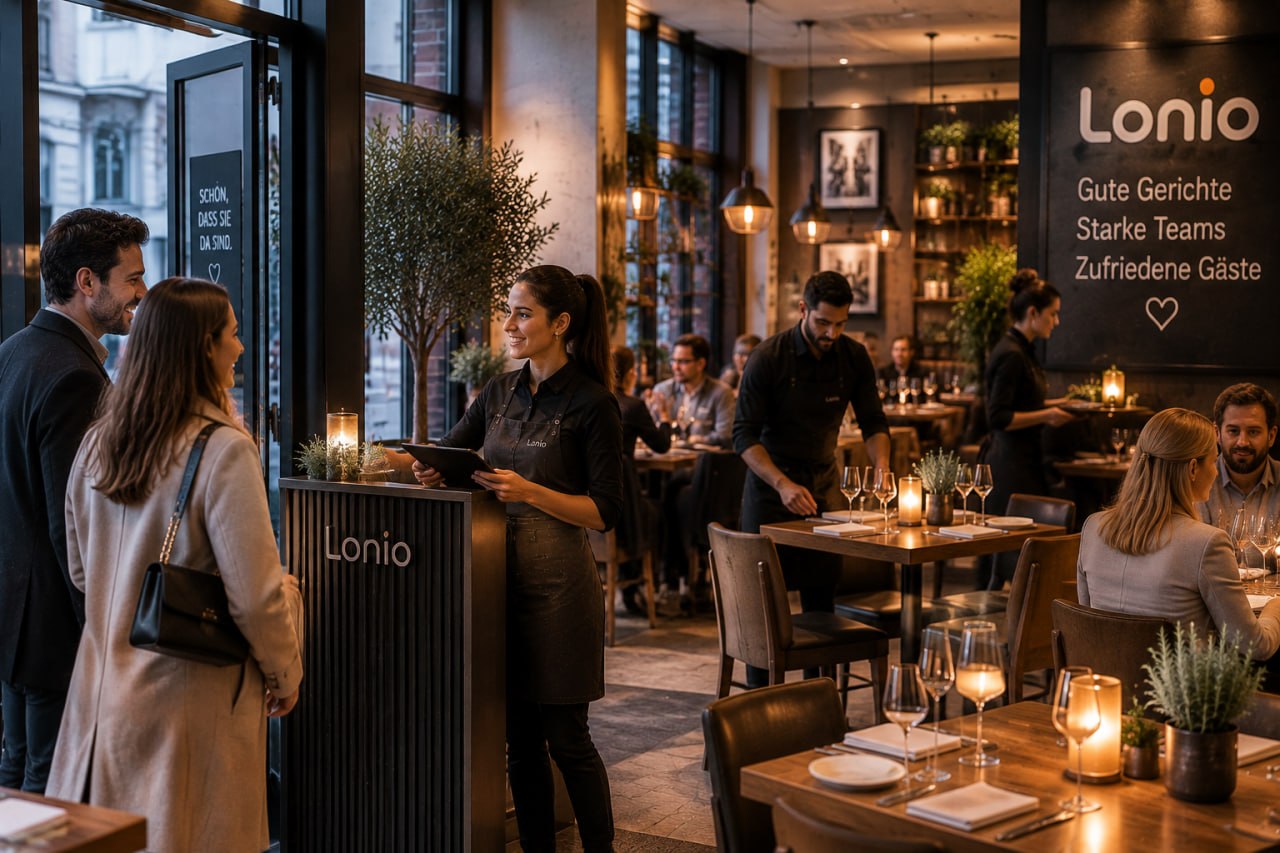
A complete guide to split bills, part and staged payments, open order balances, deposits, refunds and restaurant payment reconciliation.
Wednesday, 16 September 2026
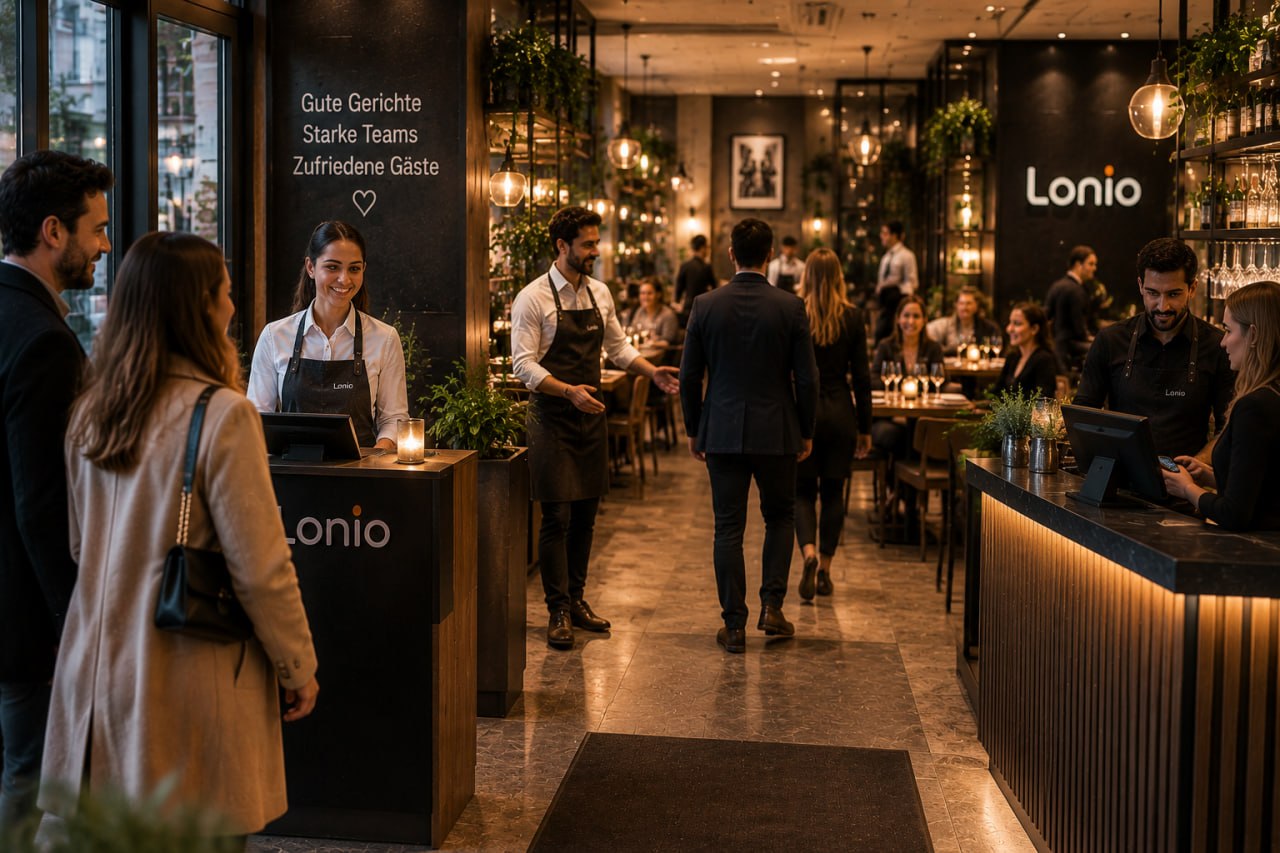
A practical guide to digital table plans, guest arrival, reservations and walk-ins, service sections, table combinations and real restaurant capacity.
Tuesday, 15 September 2026
Guide to connecting reservations, guest reception, table planning, ordering and payment in one restaurant workflow.
Industry planning
Bring your reservation model, stations, menu structure, payment flow and closing routine into the demo conversation.
Service day
Reservations, menu and team are ready before service starts.
Feature map
You'll find all the details on the individual feature pages.
Get practical guidance for restaurants and cafés planning service flow, menus, payments, hardware, inventory signals and close review.