POS System for Restaurants and Cafés in Austria: Table Service, Tips and Daily Closing
How restaurants and cafés in Austria can choose a POS system for table service, tips, payments, daily closing and RKSV-aware processes.
- Bahram Davoodi
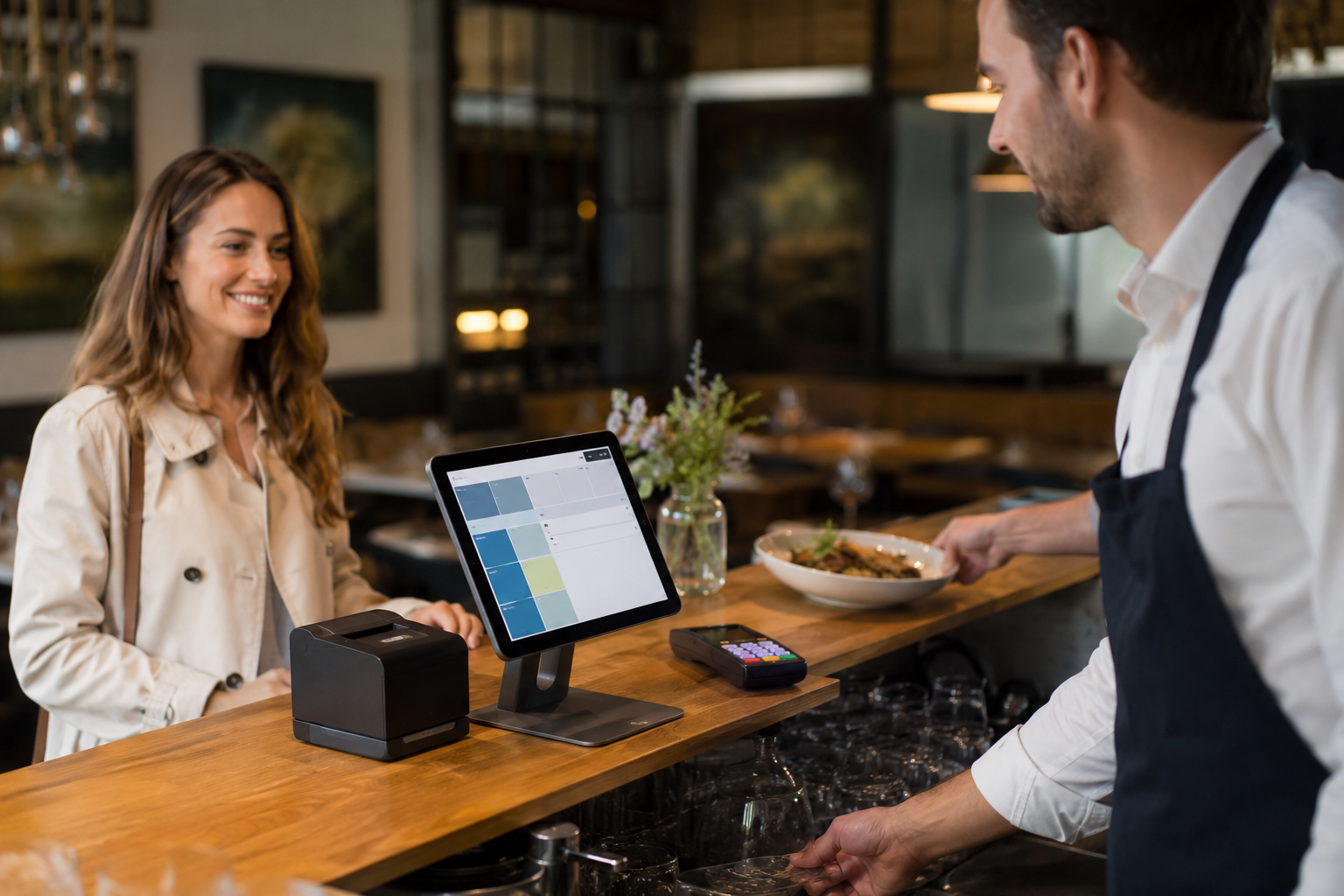
For restaurants and cafés in Austria, a POS system is far more than a cash drawer with a screen. The right system connects table ordering, sending orders to the kitchen and bar, payment, tips (Trinkgeld), shift reporting, stock and the daily closing (Tagesabschluss) into one traceable flow. A weak system leaves the team fighting lost orders, awkward corrections, incomplete reports and end-of-day discrepancies during the busiest hours.
This guide is written for owners and managers of restaurants, cafés, bars, bakeries with seated sales, food trucks and other hospitality businesses in Austria. The language is English, but the market, law, examples and operating context are Austrian. So when we talk about RKSV, Registrierkasse (cash register), Belegerteilungspflicht (receipt obligation), tips or daily closing, we always mean the Austrian business environment. This text is not legal or tax advice; for binding decisions you should consult a tax adviser, accountant or another qualified professional.
Why hospitality needs a different POS system
Selling in a venue is different from selling in a standard shop. In retail, a customer picks a product, pays and leaves. In a restaurant or café, an order often starts at the table, changes several times, is split between guests, comes with a tip, moves to the kitchen or bar and finally connects to the shift report.
That is why a POS system for hospitality has to match the rhythm of service. If the team has to take complicated steps for every small change, service slows down. And when reports are inaccurate, management cannot see which hour is busiest, which dish is most profitable, which payment method is used most and where mistakes keep repeating.
A suitable system helps the team capture orders quickly, manage tables clearly, handle payments without confusion and deliver reliable data at the end of the day. The Checkout and Sales page at Lonio is a good starting point for understanding the role of the till and sales inside one connected workflow.
A simple till versus a hospitality-ready POS system
Before you decide, it helps to make the difference between a simple till and a hospitality-ready POS system clear. Many daily problems appear when a system only records sales but does not reflect the real flow of service.
Area Simple till Hospitality-ready POS system Table ordering often manual or limited order linked to table, staff and service status Kitchen and bar needs notes, shouting or manual coordination orders sent to kitchen or bar with notes and changes Payment simple, corrections are hard mixed payment, split bill and traceable corrections Tips often separate or handled by hand tips recorded and reported transparently Daily closing manual reconciliation and separate checks daily report with payment methods, discounts and corrections in one path Management reporting limited to total sales shift report, best sellers, payment method and service performance
Table management and the flow of service
In a restaurant or café, table management is a central part of daily work. The team needs to know the status of every table: reserved, seated, ordering, waiting to pay or free. If that status only lives in the staff's heads, errors multiply during peak hours.
A suitable POS system makes order entry simple. A server should be able to link the order to a specific table, change an item, add a note and, when needed, send the order to the right place. If the venue works with reservations, connecting them to the service flow matters too. For this angle, the Reservations page at Lonio is a relevant internal link.
Of course, not every business works the same way. A small café may only need fast sales at the counter. A restaurant with several rooms or a garden usually needs table management, staff roles, ticket routing, shift reporting and varied payments. So the choice should start from a real scenario, not from a generic feature list.
Sending orders to the kitchen and bar
In a restaurant, the order is not only recorded at the till; it has to reach the kitchen, the bar or the preparation area. If that handover runs on paper, shouting or memory, the risk of forgetting, rework and delay rises. Especially when an order changes, an item is removed or a guest has a special request, the communication path must be clear.
A hospitality-ready POS system should send orders with the necessary detail to the right place. Drinks go to the bar, food to the kitchen, and special notes such as "no onion", "no allergen" or separate preparation must be visible. This does not only improve speed; it also raises service quality and guest satisfaction.
For businesses that use a kitchen display, an order printer or several workstations, the demo should test exactly how an order is sent, how a change is shown and what effect a cancellation or correction has on the kitchen and the final report.
Tips and mixed payments
Trinkgeld (tips) matters in many hospitality settings. Operationally, the system must clarify how a tip is recorded, reported and, when needed, separated from the core sale. This is not only about the guest experience; it also affects internal reporting, team transparency and the conversation with accounting.
If tips are noted by hand or kept outside the system, the risk of discrepancy grows at the end of the shift. Management should know how much tip was recorded, which payment method it came through, which shift or user it belongs to and how it appears in reports. This clarity helps the team and prevents internal disputes.
Mixed payments are also common in restaurants. A table may pay part in cash, part by card and part with a gift voucher. Sometimes guests want separate invoices or want to split the bill between several people. If the system does not handle this smoothly, staff have to correct things by hand, and those very corrections cause trouble later during the daily closing.
When evaluating a system, do not only check whether a card terminal connects. Ask how split payment, split bill, tips, refunds, item cancellation and order changes are recorded. Also check how readable the payment report is for accounting and internal control.
Daily closing and end-of-day reports
The daily closing (Tagesabschluss) means ending the working day and closing the sales reports. For a restaurant or café, this step should be fast, traceable and reliable. If staff spend a lot of time at the end of a shift reconciling cash, card, tips, cancellations and discounts, the chance of error rises.
A good report shows management how much each shift sold, which payment method was used, how many discounts or corrections were recorded, which items sold most and whether there is a discrepancy between system data and real money. The Reports page at Lonio fits exactly this role of turning data into daily decisions.
For a restaurant manager, the report is more than an end-of-day record. It can help with staff planning, menu adjustments, stock control and decisions about opening hours. So the POS system should produce data in a form managers can act on, not just archive.
RKSV, the Registrierkasse and the receipt obligation
In Austria, the topic of the Registrierkasse and RKSV is relevant for many businesses with cash sales. RKSV stands for Registrierkassensicherheitsverordnung and refers to the security requirements for cash registers in Austria. The Belegerteilungspflicht concerns the obligation to issue a receipt.
For a restaurant or café, this is not only about owning a register device. What matters is that sales, payments, corrections, receipts, reports and the required data are recorded so the business can manage its financial flow in a more orderly way. Still, no article and no software should claim a blanket compliance guarantee without a case-by-case review.
For a general overview, official sources such as USP on the Registrierkassenpflicht, the BMF on cash registers and the WKO on the Registrierkassenpflicht for businesses are a good starting point. However, the final assessment of status, thresholds, exceptions and implementation should be clarified with a professional.
Features to check before you buy
Before choosing a POS system for a restaurant or café, walk through a real working day. A guest arrives, sits down, orders, changes the order, an item is cancelled, payment is made, a tip is recorded and at the end of the day the report is closed. The system should make this path simple.
- Does the system support table ordering, counter sales and quick sales separately?
- Can orders be routed correctly to the kitchen, bar or preparation area?
- Are order changes, item cancellations and special requests clearly traceable?
- Is split bill and split payment easy for tables with several guests?
- Can tips be recorded and reported?
- Can staff, roles and access rights be managed?
- Are the shift report and daily closing clear and exportable?
- Are reservation, customer, invoice and report logically connected to sales?
- Is the data needed for accounting and tax review prepared in an understandable way?
- Are setup, team training and data migration clearly defined?
If a system only looks good in the demo but makes your real scenarios slow or complicated, it will probably cause trouble on busy days too.
Stock, menu and best sellers
Restaurants and cafés do not work with the till alone. Ingredients, menu items, ready-to-sell goods, drinks and side products should be traceable to some degree. If sales of an item rise while the related stock is checked too late, the team may hit a shortage at the worst moment.
For businesses with a menu, side products or packaged sales, connecting the POS to stock can be valuable. This connection brings daily sales closer to stock and the next order. The level of need differs: a small café may only want a simple best-seller report, while a larger restaurant may want tighter control. The Inventory and stock page at Lonio shows how this view can be connected.
For this angle, Lonio brings sales, reporting and stock closer together in one shared workspace. The goal is not a more complicated tool; it is that important data is less scattered.
Common mistakes when choosing a hospitality POS
One common mistake is choosing a system based only on the monthly price. Price matters, but if the system slows service, leaves reports incomplete or creates rework, the hidden cost shows up in the team's time. The second mistake is ignoring staff training. Even the best system produces poor data if it is unclear to the team.
The third mistake is underestimating the daily closing. Many focus in the demo on order entry and only later see that the end-of-day report, corrections and accounting export are not clear enough. The fourth mistake is choosing a purely generic system without hospitality features. Restaurants and cafés need the flow of table, order, payment, kitchen, bar and service, not just a simple sales form.
Which restaurants and cafés Lonio suits better
Lonio suits businesses that want to see sales, orders, customers, reservations, reports and daily operations in a more orderly way. If your restaurant or café deals with varied orders, several payment methods, shift reports, reservations or data-based decisions, the workflow software for restaurants and cafés page can be a good starting point.
If your focus is payment and ordering, the Checkout and Sales page is relevant. If managing reservations matters, the Reservations page helps. For management decisions, the Reports page offers more value.
If you want to manage table service, payments, tips, daily closing and the reports of your restaurant or café in a more orderly workflow, you can request a demo or consultation through the Contact Lonio page.
Conclusion
A POS system for a restaurant or café in Austria should do more than record sales. The right system brings table ordering, routing to the kitchen or bar, payment, tips, shift reporting, daily closing, reservation, customer and management data together in an understandable way. The busier the service and the larger the team, the more important this connection becomes.
Before you buy, test your real scenarios: table ordering, mixed payment, tips, item cancellation, routing to kitchen or bar, daily closing and accounting export. Do not rely on marketing claims alone for RKSV and the Registrierkasse, and clarify the exact situation of your business with a professional. The right choice is not just new software; it is the foundation for faster service, clearer reports and more reliable management.
Frequently asked questions about a POS system for restaurants and cafés in Austria
Does every restaurant in Austria need a POS system?
It depends on turnover, cash turnover, the type of business and the specific circumstances. Many restaurants and cafés need a Registrierkasse (cash register), but the exact situation should be clarified with official sources or a professional.
Can a POS system guarantee RKSV compliance?
Software can provide functions for recording, receipts and reporting, but a blanket compliance guarantee without a case-by-case review is not credible. For a final decision you should consult a tax adviser, accountant or qualified professional.
Why do tips matter in a POS system?
Because tips should be recorded in a traceable way for internal reporting, team transparency and financial review. A suitable system makes the recording and reporting of tips clear.
Which features matter most for a small café?
Fast sales, simple payment, receipts, a daily report, best sellers and ease of use for staff are usually more important than complex features. If you take reservations or use tables, table and reservation management become important too.
Frequently asked questions about a POS system for restaurants and cafés in Austria
Does every restaurant in Austria need a POS system?
It depends on turnover, cash turnover, the type of business and the specific circumstances. Many restaurants and cafés need a Registrierkasse (cash register), but the exact situation should be clarified with official sources or a professional.
Can a POS system guarantee RKSV compliance?
Software can provide functions for recording, receipts and reporting, but a blanket compliance guarantee without a case-by-case review is not credible. For a final decision you should consult a tax adviser, accountant or qualified professional.
Why do tips matter in a POS system?
Because tips should be recorded in a traceable way for internal reporting, team transparency and financial review. A suitable system makes the recording and reporting of tips clear.
Which features matter most for a small café?
Fast sales, simple payment, receipts, a daily report, best sellers and ease of use for staff are usually more important than complex features. If you take reservations or use tables, table and reservation management become important too.
Note: This article is for general information only and does not replace legal or tax advice. For binding guidance, please consult your tax advisor or the competent authority.