Lane
Scan and sell quickly
Barcode checkout starts the sales record while product identity and price context stay tied to Catalog.
POS / Checkout Sales
For supermarkets
Supermarkets need fast checkout flows, barcode lanes, stock depth, reordering, invoices, reports and accounting context.
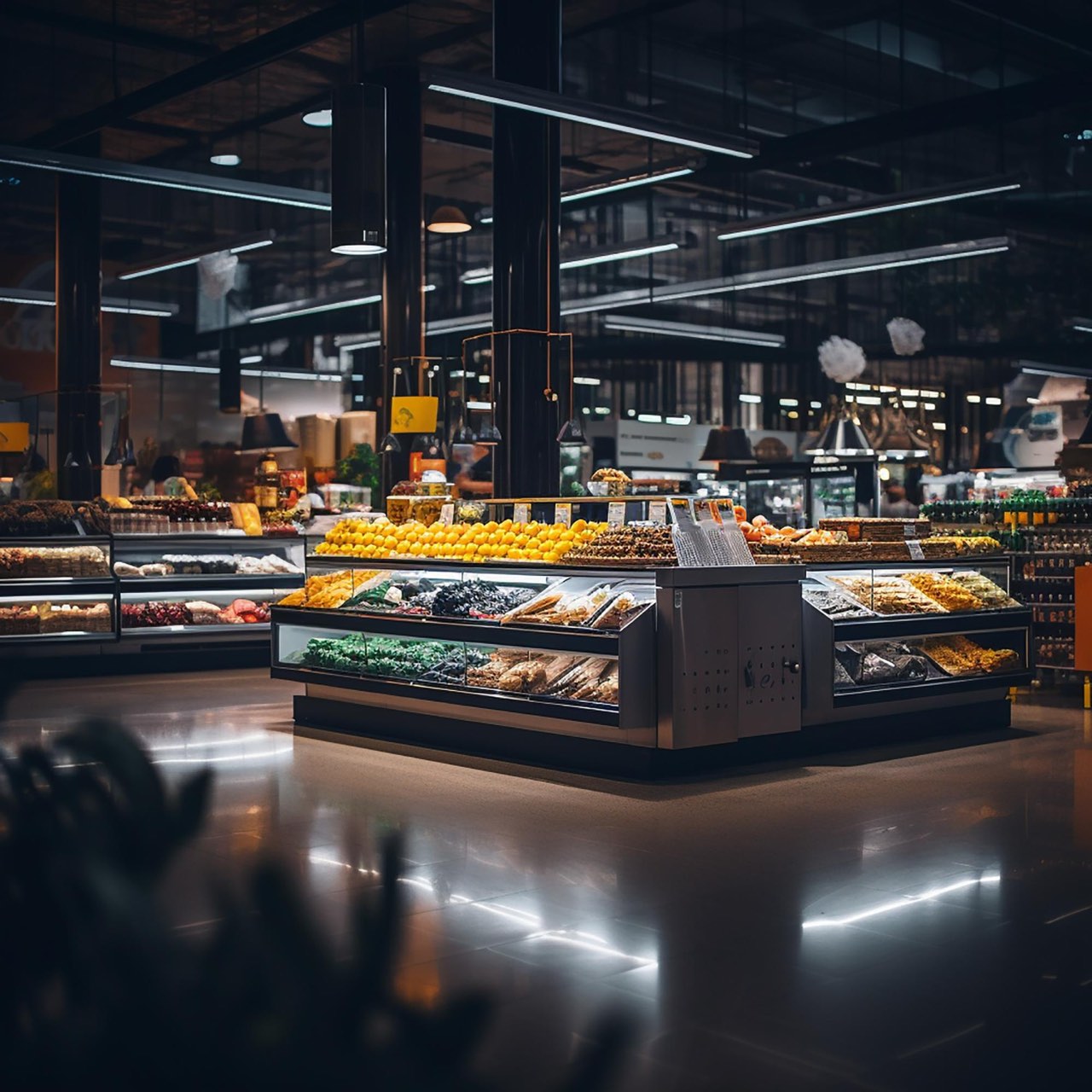
High-volume checkout
Keep barcode checkout tied to product records, shelf availability, purchase and receiving activity, daily reporting, invoice context, and accounting review.
Scanner lane
Shelf A
OK
Shelf B
Low
Shelf C
Reorder
Replenishment ticket
SupplierBarcode lane
Fast item lookup supports busy counter and lane operations.
Shelf depth
Product availability and movement can inform replenishment.
Purchase planning
Supplier and purchasing context stays near stock needs.
Stock depth
The supermarket model emphasises speed at the checkout and depth behind the shelf, with product availability and purchase planning feeding the same operating picture.
Follow the operating flow
Read from purchase request to reporting visibility. Each step keeps stock, products, POS, Site, and accounting context aligned.
The path of the goods
Order with the supplier, goods-in, availability at POS and online shop, reports.
Lane
Barcode checkout starts the sales record while product identity and price context stay tied to Catalog.
Catalog
Catalog structure supports large product ranges, barcode-linked lookup, availability signals, and reporting context.
Stock
Purchase activity helps teams plan supplier needs and receiving before stock returns to shelf availability.
Review
Sales, payment state, invoice context, accounting review, and reports support controlled end-of-day visibility.
Checkout and stock devices
Supermarket planning should separate fast basket checkouts from stock receiving and shelf availability checks. Device decisions stay at category level until models and providers are narrowed down.
Payment terminal
Printer
Scanner
Fast product lookup for checkout lanes and stock receiving workflows.
A counter station for basket review, payment state, receipt context, and daily close.
Receipt output for lanes where paper receipts remain part of the customer flow.
Payment readiness planned with provider, method, and station requirements.
Browser or tablet access for receiving, availability review, and replenishment attention.
Every work area needs different features – not everything matters equally.
| Area | Operating job | Capabilities |
|---|---|---|
| Checkout lane | Fast basket scanning and payment state. | POS / Checkout, Sales, Shipping and Payments |
| Shelf depth | Large product range and stock availability. | Catalog, Inventory / Stock, Purchase |
| Close review | Daily sales, invoice, report, and accounting context. | Digital Invoices, Reports, Accounting |
Barcode scanners, POS terminals and receipt printers for fast lanes.
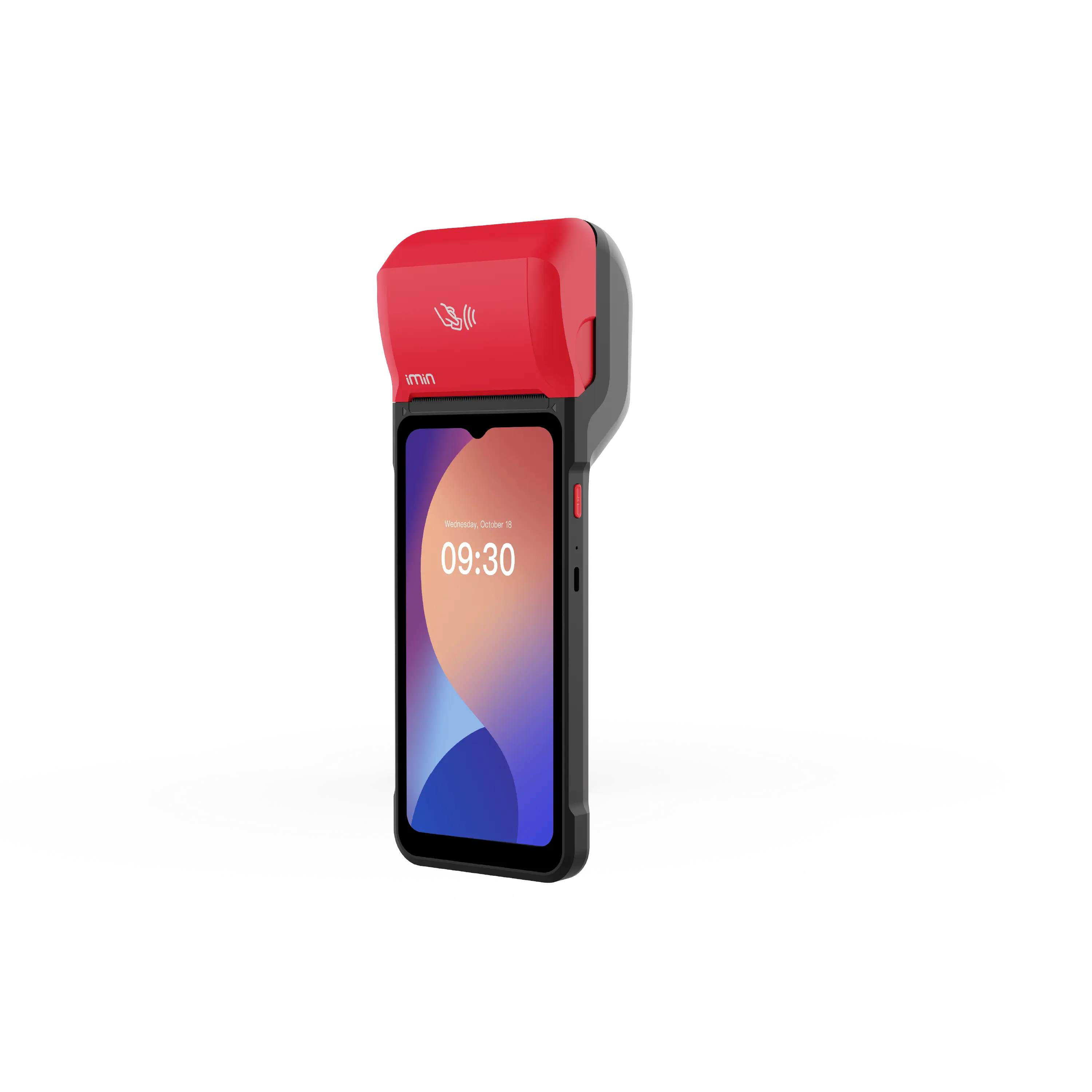
In stock.
€ 350.00
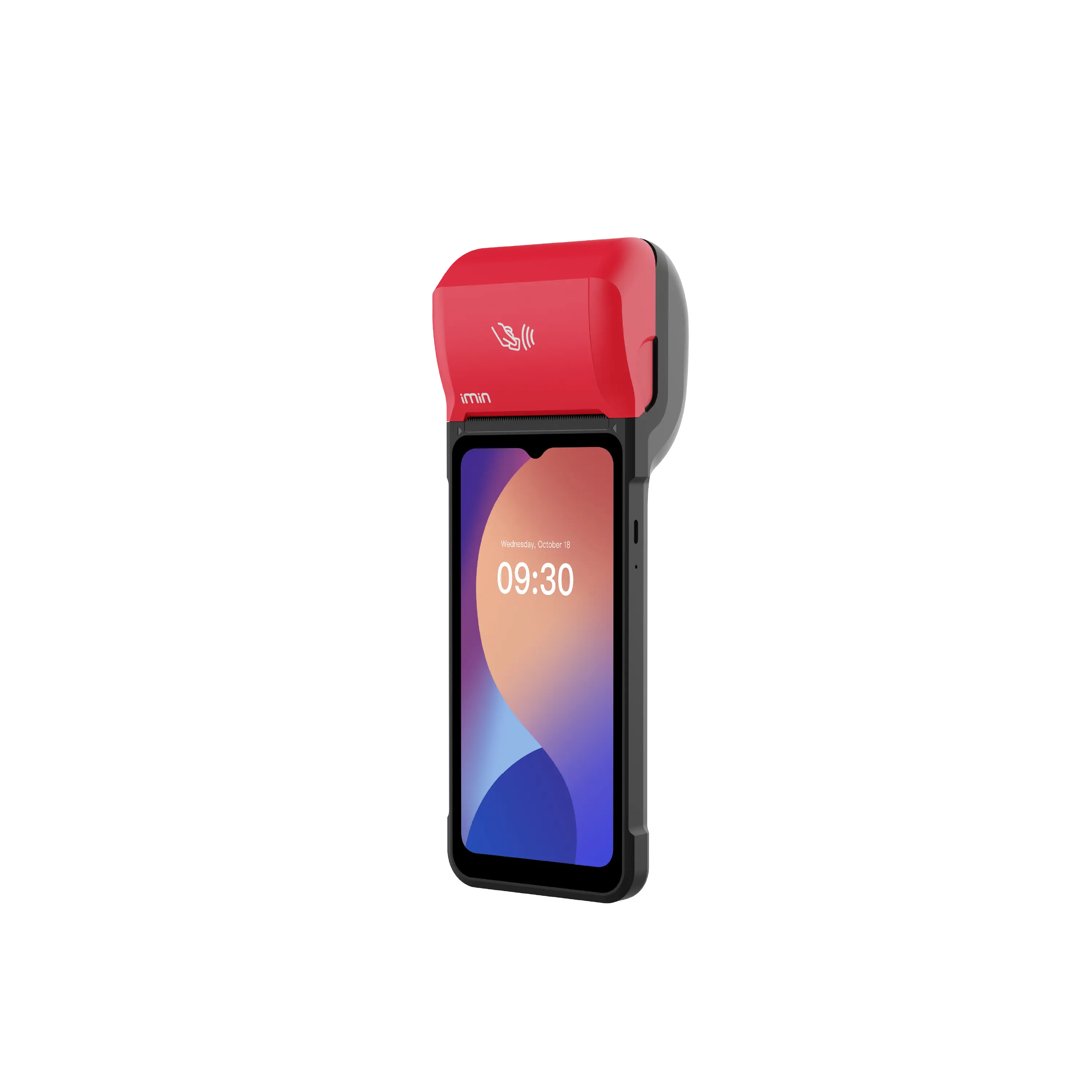
In stock.
€ 320.00
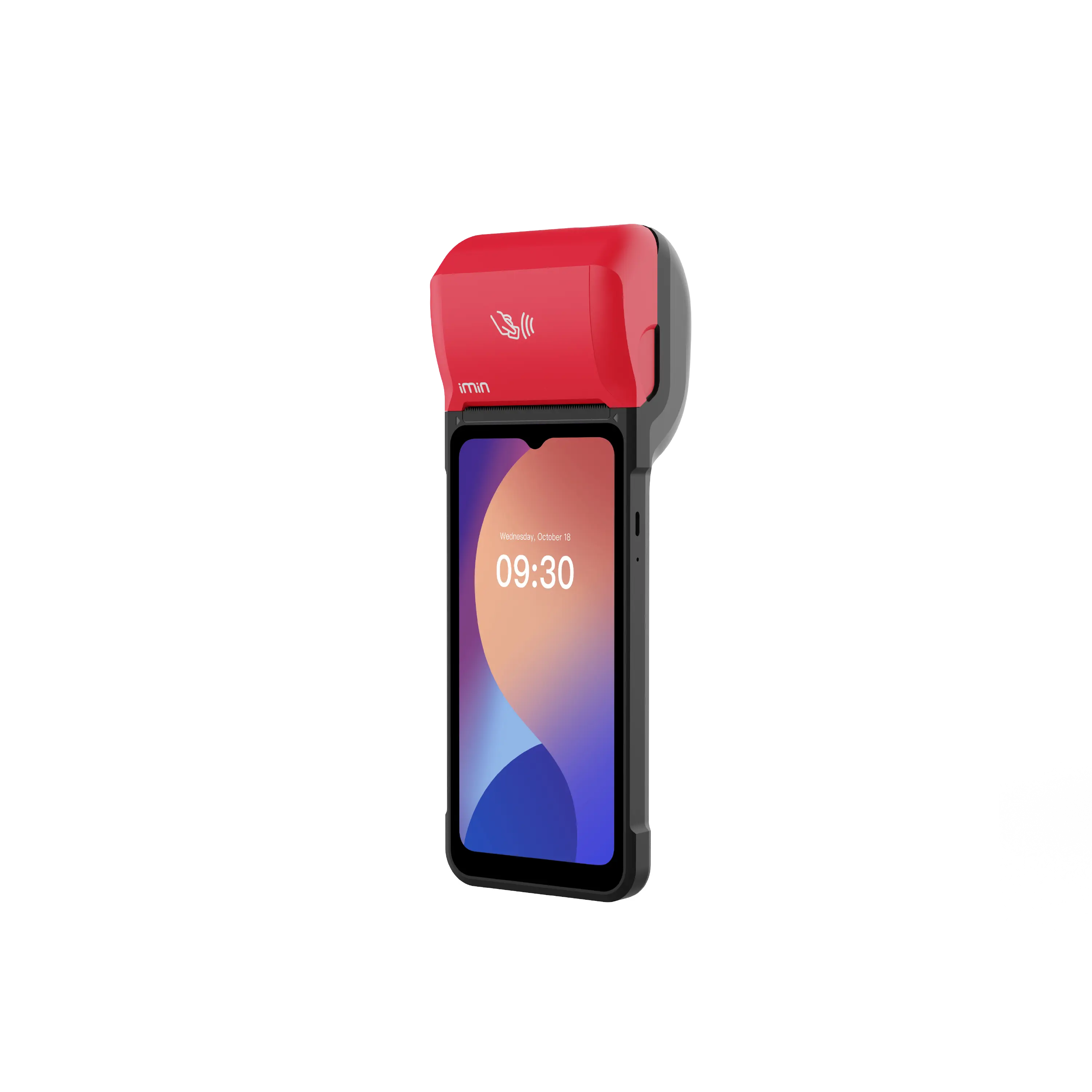
In stock.
€ 312.50
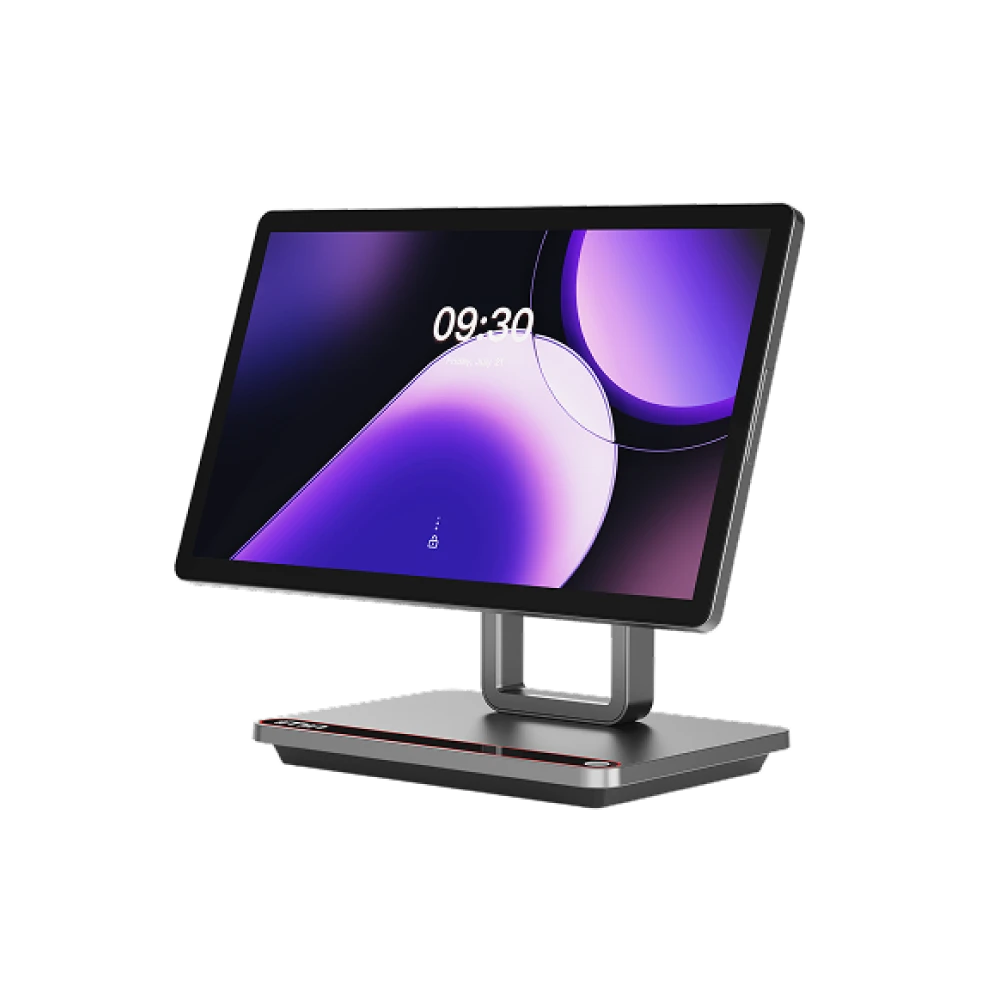
Currently out of stock.
Price available at checkout
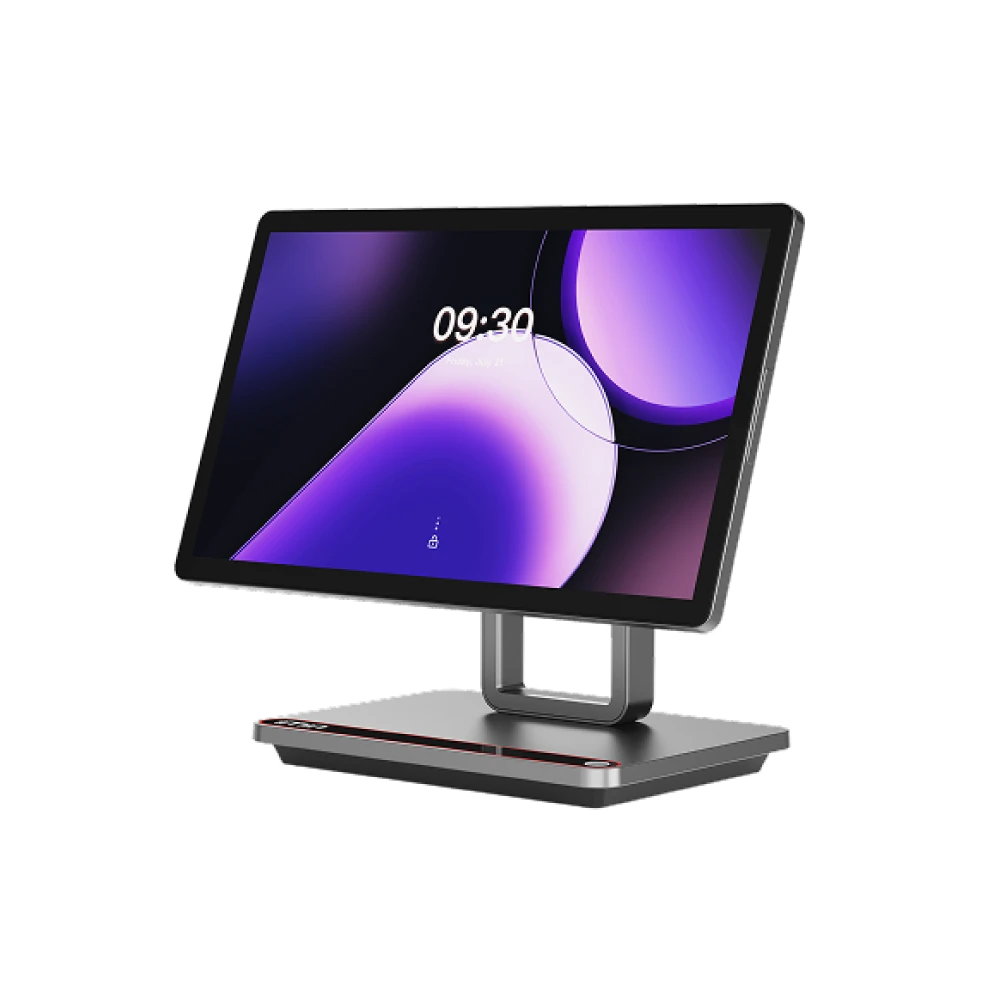
Currently out of stock.
Price available at checkout
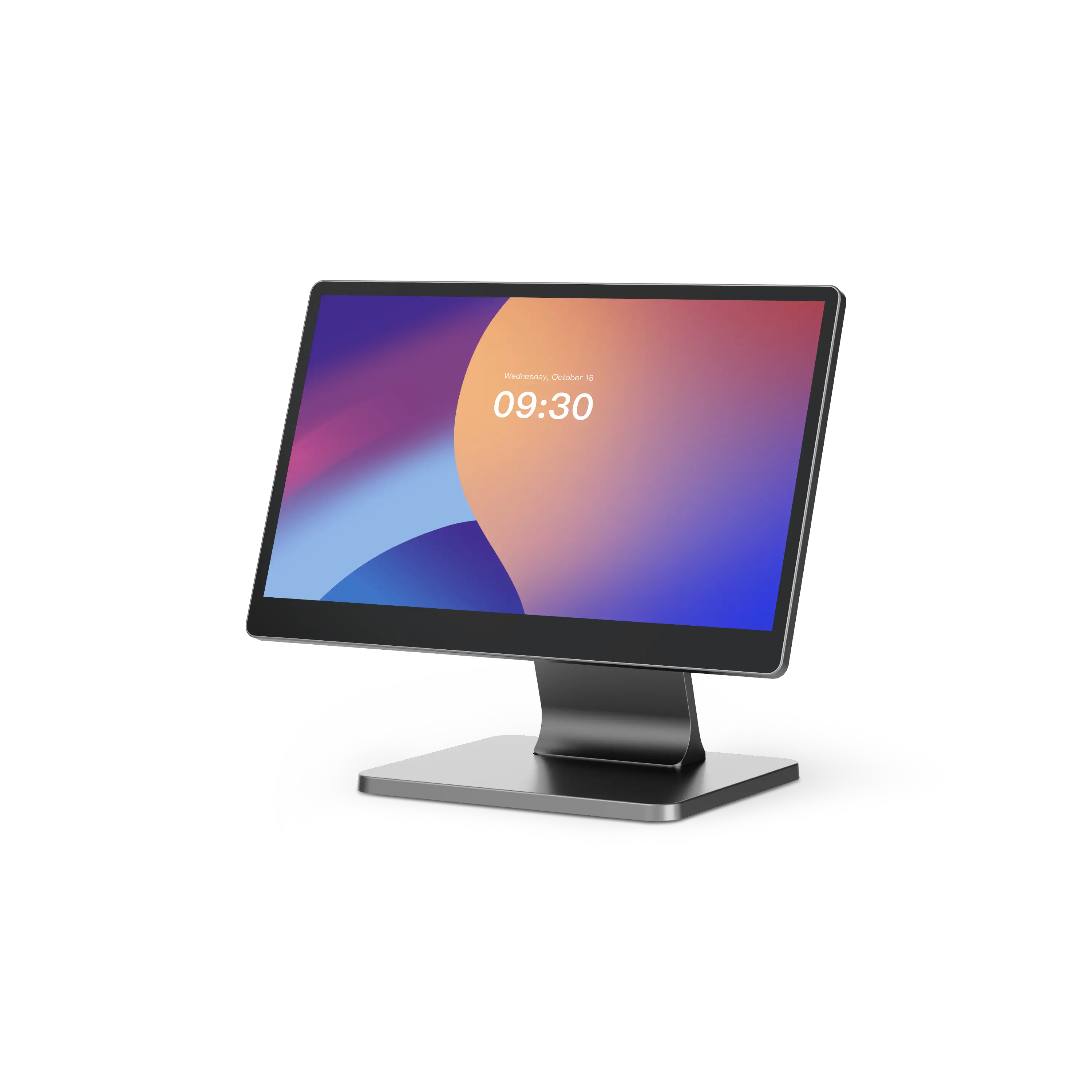
Currently out of stock.
Price available at checkout
Capability mix
POS, sales, catalog, stock, purchasing, payments, digital invoices, reports and accounting all matter, because every lane transaction can affect stock and review context.
Checkout, orders, payments, receipts and daily close.
Orders, receipts and your whole selling day in one place.
Products, categories, brands, collections and variants – maintained cleanly in one place.
Stock levels, availability and movements – aligned across all sales channels.
Supplier ordering, goods-in and reordering – without the paper chase.
Card payments, payment overview and shipping – wired into the POS.
Planning focus
Scanner flow, product depth, purchase planning, stock, invoices, reports and accounting context usually matter more than appointment or document-signing workflows.
POS / Checkout, Sales, Catalog, Inventory / Stock, Purchase
Reservations, Contracts and Digital Signature
Resources
Open the paths that help you compare barcode checkout, shelf depth, reordering and daily close – without turning this page into a long manual.
Start with the barcode checkout guide – the next steps follow naturally.
Plan devices, stations and providers in advance, at your own pace.
Compare the plans before your demo or launch.
You'll find details on every module on the feature pages.
Guides and hands-on tips for supermarkets and grocery.
Related guides will appear here when matching content is available.
Industry planning
Use the demo call to map barcode checkout, product depth, stock movement, supplier activity, invoices, reports and close review.
Scanner lane
Fast checkout stays wired to stock and barcodes.
Feature overview
Open the separate feature pages that matter for this industry.
Get practical tips for supermarket teams planning barcode checkout, shelf depth, reordering, purchasing, invoices, reports and hardware.