Recurring orders
Record recurring services with the customer and intended schedule.
- Set up orders with intervals from daily to annual
- Assign customers and regularly billed services together
- Connect recurring orders with automatic invoice creation

Organise recurring orders and services on a defined schedule. Automatically created invoices stay connected to the customer and associated payments.

A recurring support service is set up once and then billed at the selected interval.
Choose the customer and record the agreed recurring service.
Set the schedule for regularly needed products or services and follow the resulting invoices in the customer context.
A recurring order connects a specific customer, an offering and the selected interval.
Use recurring intervals from daily to annual for regularly ordered goods or agreed services.
Record who the recurring order is for and which products or services are billed.
Recurring invoices can also be configured from the POS workflow when the service is arranged there.
Automatically generated invoices remain connected to the customer and their payments.
The configured recurring order can generate new invoices at the defined interval.
Review generated invoices alongside the associated customer and sales details.
Payment follows the configured payment methods. Automatic invoice creation does not by itself mean automatic payment collection.
Keep existing subscriptions and their resulting billing history accessible.
Access existing subscriptions and review the recurring offering assigned to the customer.
Compare the recurring order with generated invoices and their associated payments.
Cancel subscriptions that will no longer continue. Invoices already created remain separate business transactions.
When products or services are needed regularly, a defined schedule connects the order to its next billing cycle.
All industry solutions
Set up recurring orders for products customers buy regularly. The agreed schedule generates new invoices, while payments and fulfilment remain separate steps in the sales workflow.

Use recurring orders for agreed product boxes or regular catering orders. Invoices follow the configured interval, while actual delivery is handled within each order.

Represent agreed ongoing care services or product orders as recurring orders. Billing stays connected to the customer, while treatment appointments are scheduled separately.

Set up recurring billing for expressly agreed regular services or ongoing customer arrangements. Reservations and occupancy remain managed within their booking workflow.

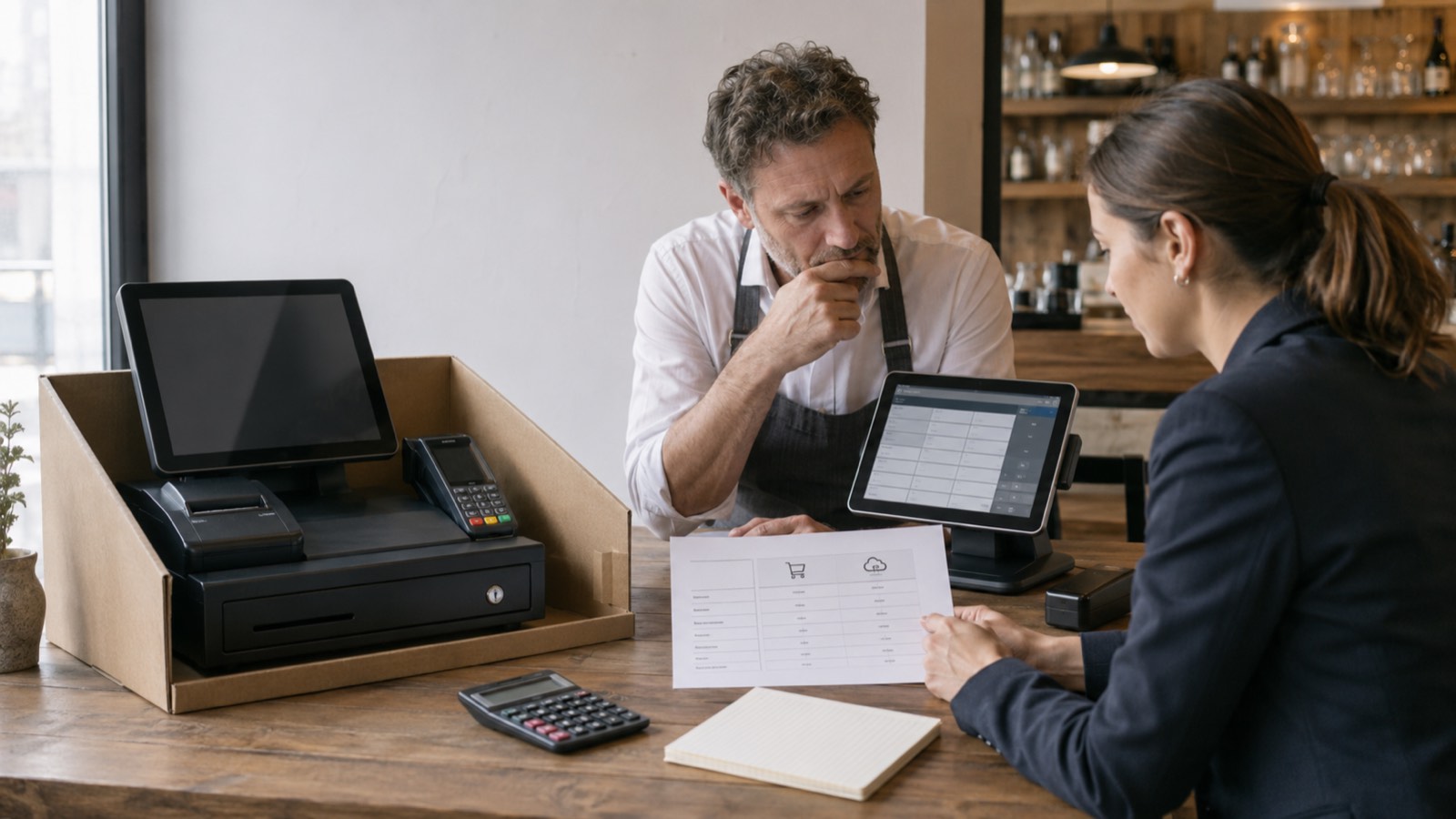
Bill agreed support, consultancy or regular services on a recurring basis. Automatically generated invoices remain individually accessible and linked to their payments.

Represent agreed ongoing training or learning services with a set billing schedule. Review generated invoices and track payments through the configured payment methods.
Recurring orders can be configured with intervals from daily to annual. The schedule should match the service and billing arrangement you have agreed.
Explore the right features with our team and discuss your setup.
Present products and services on lonio.com. Explore the marketplace from your customers’ perspective.