Input
Receiving context
Supplier deliveries book stock in automatically.
Purchase Suppliers
Stock visibility
Track stock levels and goods movements across channels, spot reorder needs early and avoid overselling – in store and in your online shop.
Stock operation
Inventory reflects goods-in, stock movements, availability and reporting signals, so teams can see what can be sold, what needs reordering and what changed during the day.
Supplier to stock path
Supplier
Receiving
Inventory
POS/Site availability
Stock ledger
Availability and movement
Supplier path
Purchasing activity can be planned around supplier and reorder context.
Stock movement
Goods-in and movement signals stay close to product availability.
Reporting context
Stock and purchasing activity can support operational reviews.
Stock movement
Inventory is your stock ledger. Purchasing updates it automatically as goods arrive.
Follow the flow of goods
From purchasing to reports: stock, products, POS and online shop stay aligned automatically.
The path of your goods
Order with the supplier, goods-in, availability at POS and online shop, reports.
Input
Supplier deliveries book stock in automatically.
Stock
Stock shows current quantities and availability.
Availability
POS and online shop know availability in real time.
Review
Every stock movement is traceable for review and stocktake.
Devices for the stockroom
Plan which devices your team needs for goods-in, stock checks and the shelf – pick the models later in the hardware shop.
Payment terminal
Printer
Scanner
Scan barcodes at goods-in, stocktake and stock checks.
Check stock and reorders in the browser – at the desk or on the move.
Mobile access for teams at the shelf and in the stockroom.
Label printing where the stockroom needs paper.
Barcode scanners and counter devices that connect stockroom and sales.
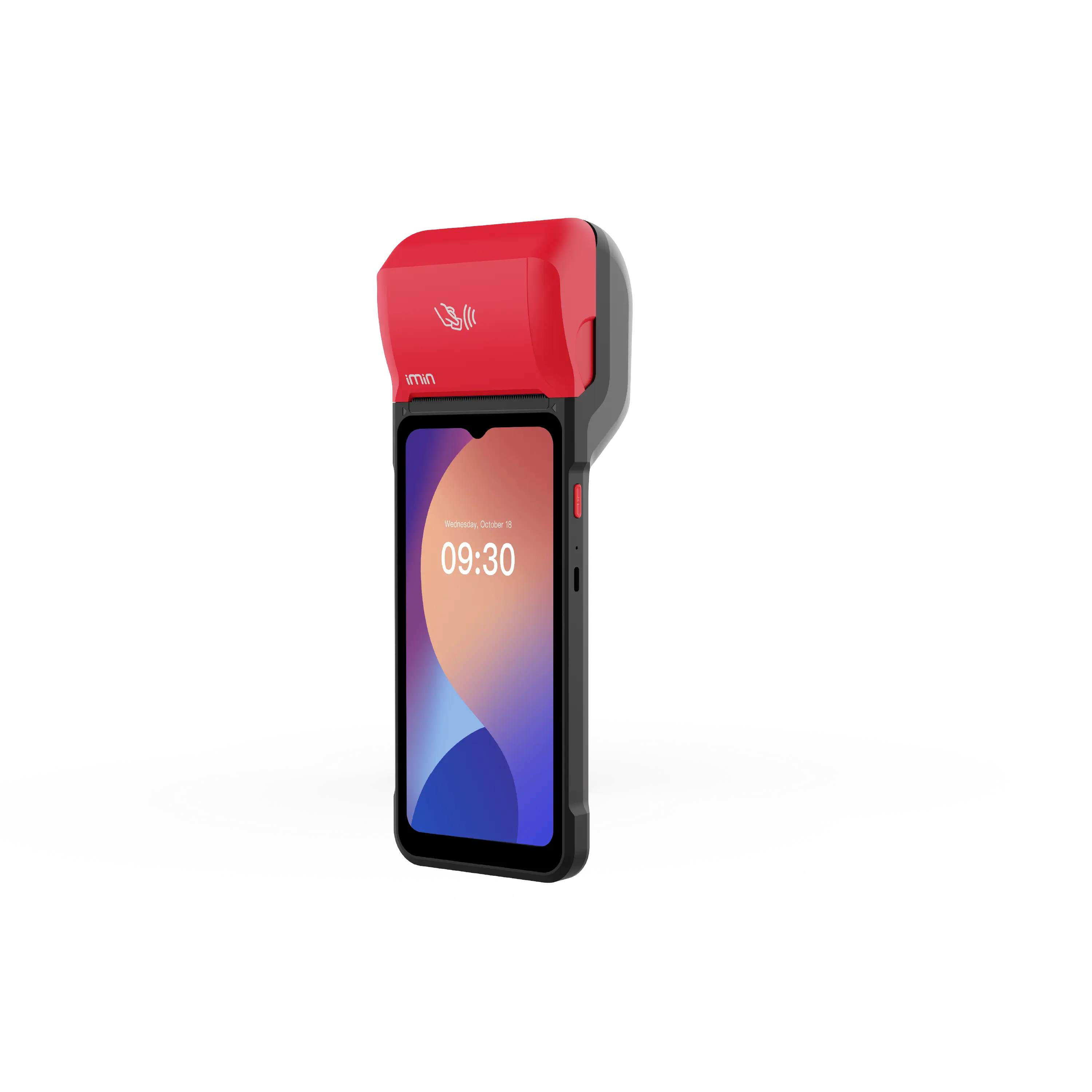
In stock.
€ 350.00

In stock.
€ 320.00

In stock.
€ 312.50
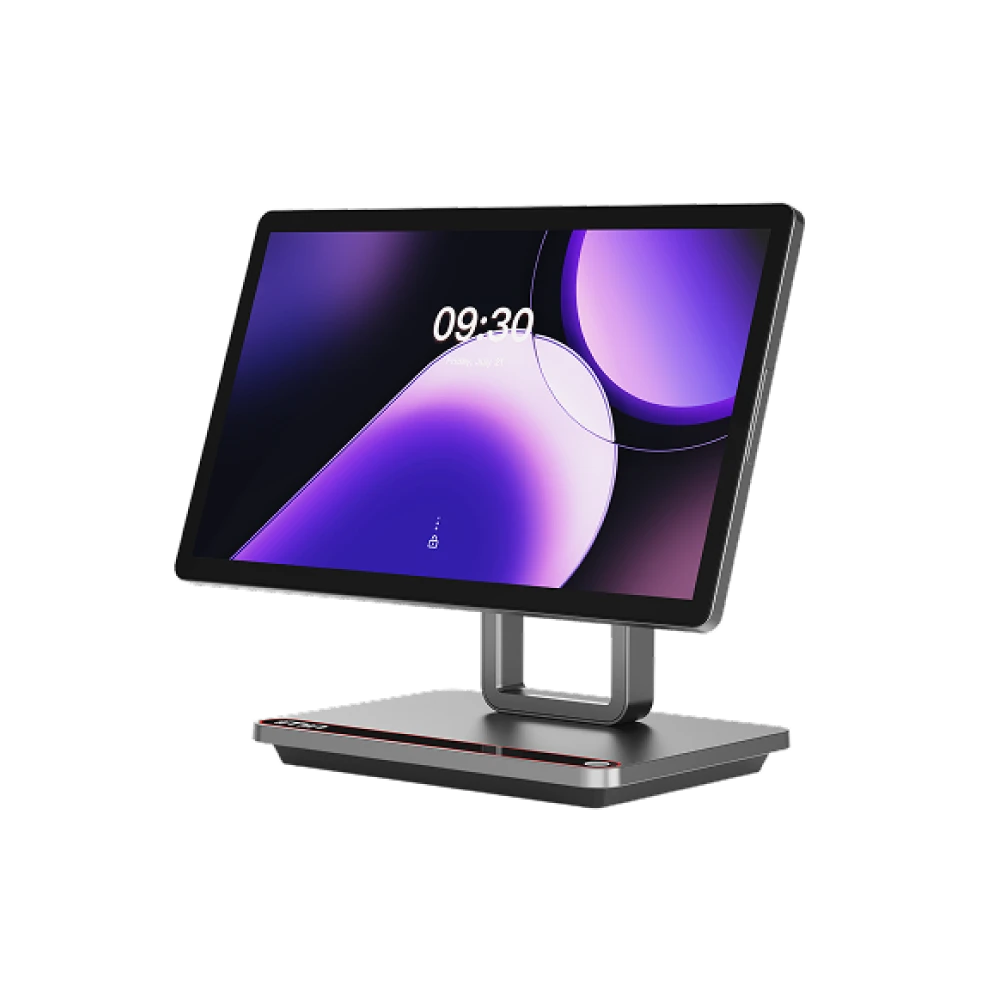
Currently out of stock.
Price available at checkout
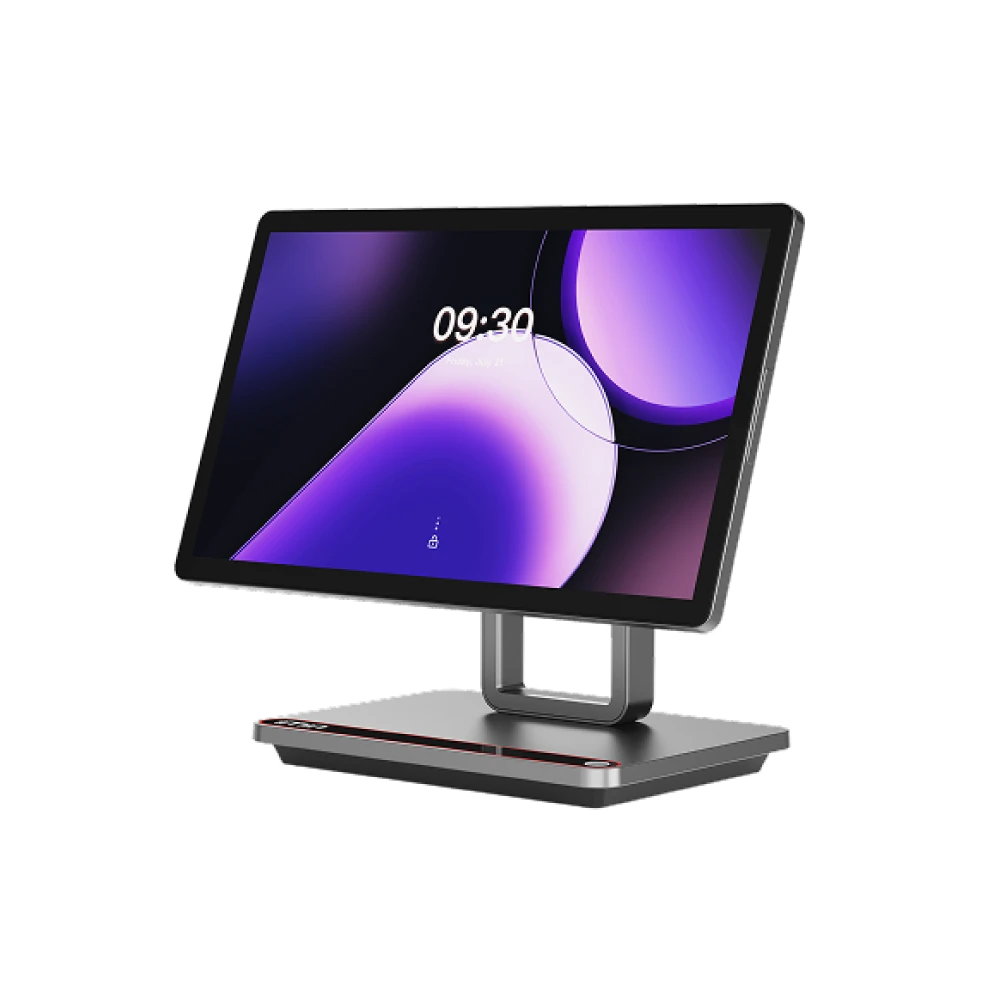
Currently out of stock.
Price available at checkout
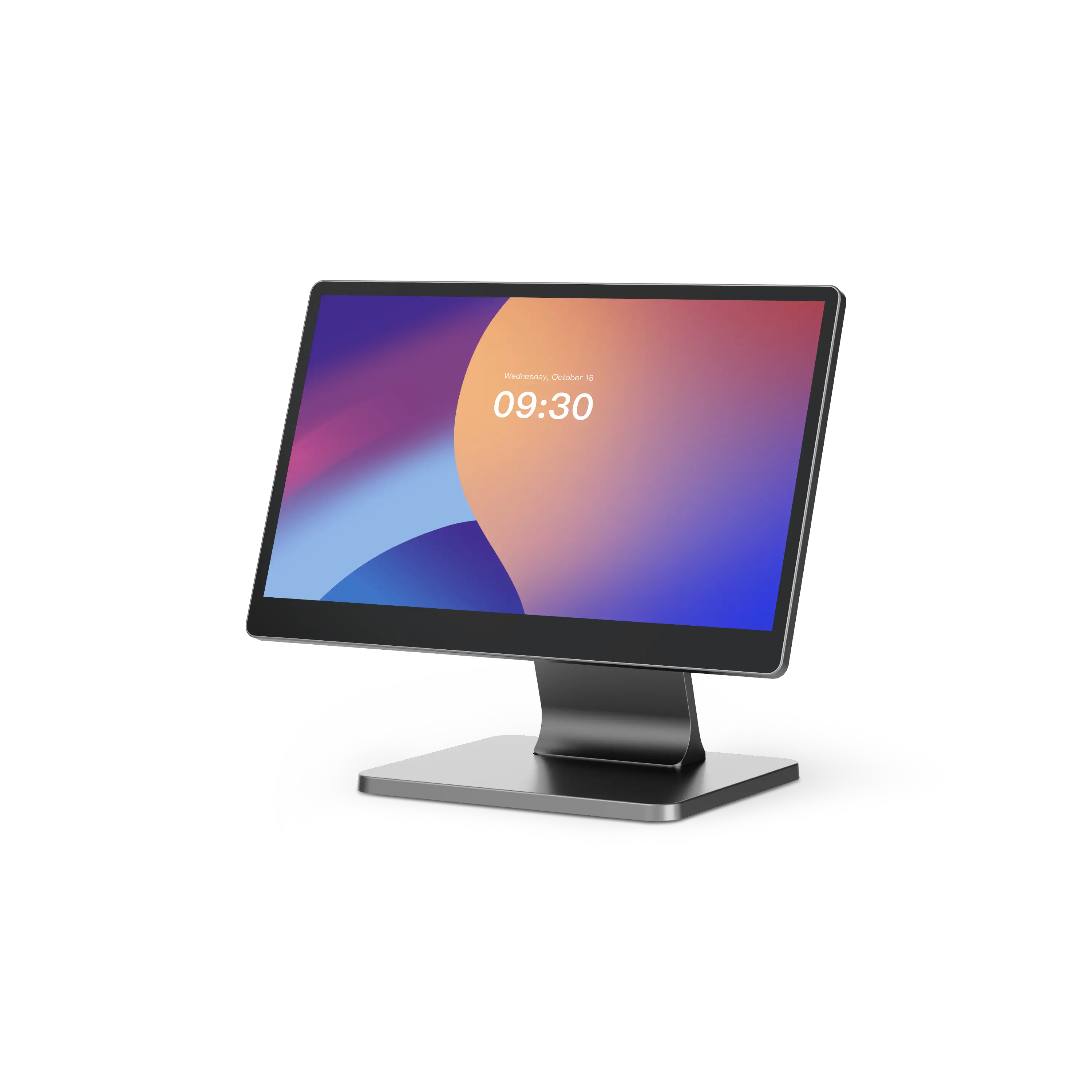
Currently out of stock.
Price available at checkout
Connected capabilities
Your stock does not belong in a separate spreadsheet: it lives with products, deliveries and sales – and stays current by itself.
Supplier purchasing, goods-in and reordering – without the paper chase.
Products, categories, brands, collections and variants – maintained cleanly in one place.
Checkout, orders, payments, receipts and daily close.
Daily close, revenue and clear numbers for your decisions.
For your industry
Wherever stock depth, availability or fresh goods shape the day, a well-kept inventory pays off.
Dozens of receipts an hour and deep stock: barcode checkout, reordering, invoices and reports have to run smoothly.
Checkout and stock focus
Fast checkout stays wired to stock and barcodes.
Advising and selling on the floor: checkout, stock, customer info and campaigns work as one.
Retail floor focus
You sell on the floor – product details and customer history are always at hand.
Fashion and range: collections, sizes, colours and seasonal stock – clear for your team and your online shop.
Catalog focus
Collections, sizes, colours and variants are cleanly mapped.
Fresh goods and the morning rush: availability, fast selling and purchasing have to line up.
Operating focus
Availability and counter rush are ready for fresh goods.
Availability
Inventory features depend on your plan and sales channels – you can expand any time.
For getting started: legally compliant POS, product & price management, digital receipts.
The all-rounder: adds real-time stock & purchasing, online shop and accounting export.
For multi-store businesses: multi-store management, advanced APIs and personal onboarding.
Guides and hands-on tips for stockroom and operations.

Thursday, 27 August 2026
Switch over your product range, plan promotions, prepare your team and technology: the compact autumn checklist for retail and hospitality businesses in Austria.
Thursday, 20 August 2026
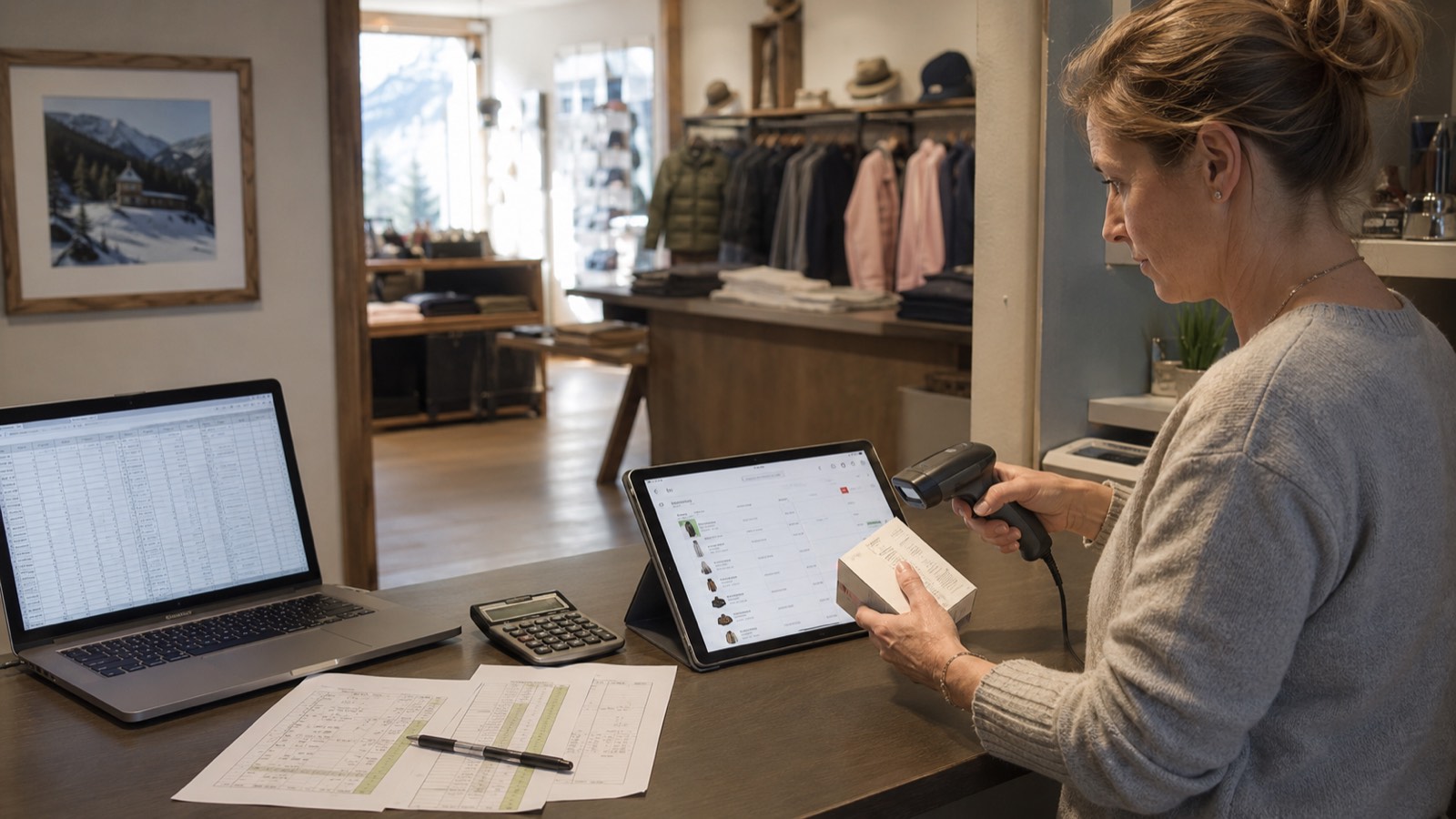
Clean up data, define the structure, import, count stock, train the team: how to move from an Excel list to a real inventory management system.

Monday, 17 August 2026
A simple rule of thumb, practical tips and automatic order proposals: how to set the reorder point and minimum stock per item correctly – without overstocking.
Stock planning
In a free demo we walk you through goods-in, availability, POS alignment and reports – using your own range.
Inventory / Stock
Stock levels, availability and goods movements – aligned across all sales channels.
For your industry
Supermarkets, Retail Stores, Clothing Stores, Bakeries
Short, practical tips on features, workflows and your next step – straight to your inbox.