Order context
- Focus
- The sale and customer behind the document.
- Next step
- Check order details.
Document workflow
Create legally compliant invoices straight from the sale. Payment status and accounting stay linked automatically.
Invoice and receipt context should stay close to the order, customer, payment status and review path.
| Area | Focus | Next step |
|---|---|---|
| Order context | The sale and customer behind the document. | Check order details. |
| Payment state | Payment context that informs invoice or receipt handling. | Review payment path. |
| Accounting review | Documents prepared for reporting and finance review. | Open Accounting. |
Capability workflow
Digital invoices are created from the order: customer, items and payment status are already in place.
Create the invoice or receipt straight from order and customer data.
The document status shows what is paid, open or overdue.
Every document is ready for reports, accounting and tax.
Connected capabilities
Every invoice stays linked to its order – accounting and reports read the same state.
Orders, receipts and your whole selling day in one place.
Customer profiles, order history and bookings at a glance.
Numbers, documents and everything accounting needs.
Card payments, payment overview and shipping – wired into the POS.
For your industry
Every industry uses this a little differently – here are the typical examples.
Dozens of receipts an hour and deep stock: barcode checkout, reordering, invoices and reports have to run smoothly.
Checkout and stock focus
Fast checkout stays wired to stock and barcodes.
Guest service with bookings, profiles, invoices, payments and reports – from check-in to departure.
Guest service focus
Reservation and guest details are connected before arrival.
Service business with contracts, digital invoices, accounting, payments and scheduling – it all hangs together.
Service focus
Customer, document and invoice context stay connected.
Advising and selling on the floor: checkout, stock, customer info and campaigns work as one.
Retail floor focus
You sell on the floor – product details and customer history are always at hand.
Availability
Invoice scope and automation are agreed together during rollout.
For getting started: legally compliant POS, product & price management, digital receipts.
The all-rounder: adds real-time stock & purchasing, online shop and accounting export.
For multi-store businesses: multi-store management, advanced APIs and personal onboarding.
Guides on invoices, receipts and payments.

Sunday, 19 July 2026
NFC, Apple Pay, QR payments and tipping at the terminal: what customers in Austria expect – and how the POS system and terminal work together.
Saturday, 18 July 2026
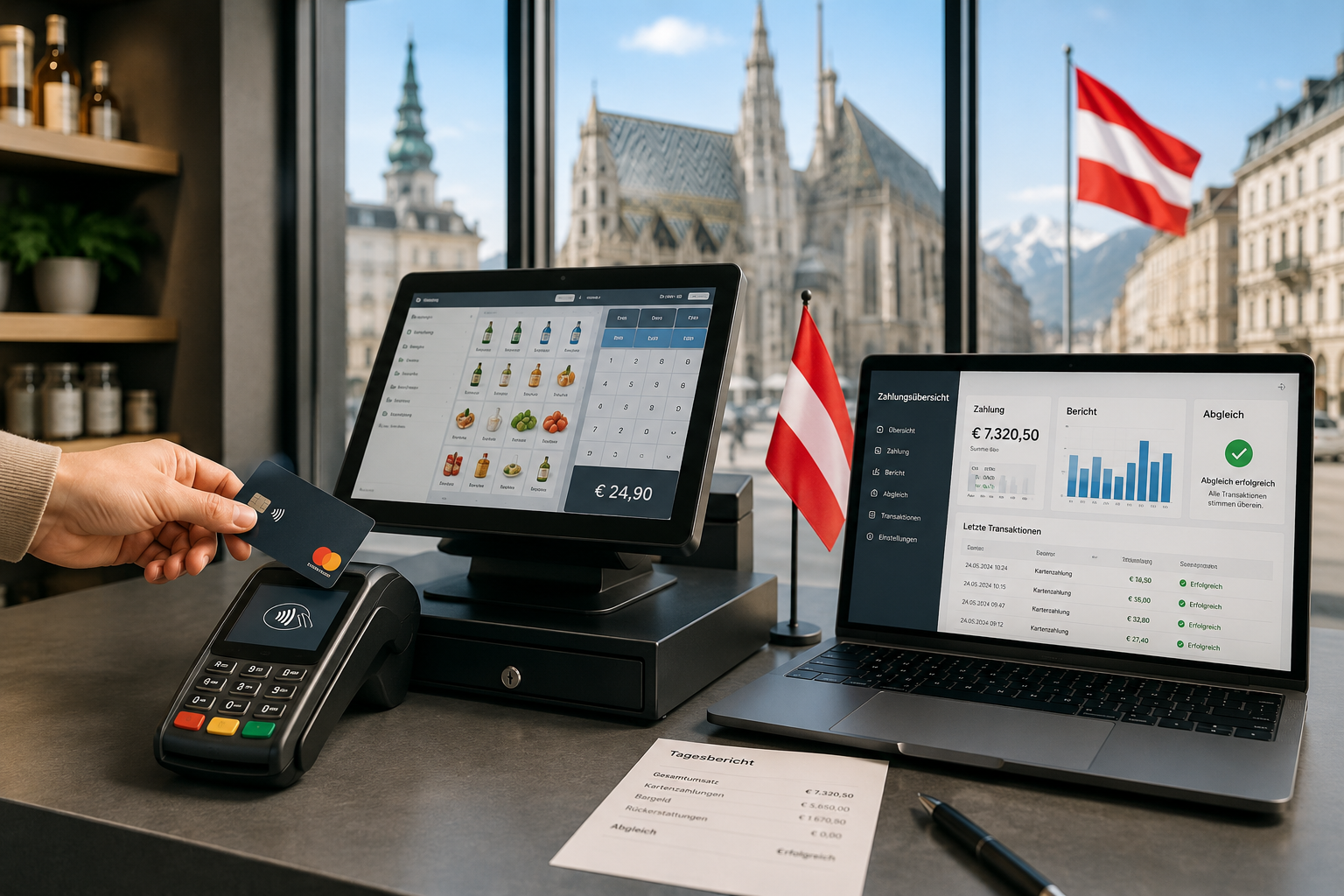
Card payment in Austria is no longer a side option — it's a full operational flow. Here's how Kartenzahlung and Zahlungsabwicklung connect to your POS, receipts, daily closing and accounting.

Saturday, 18 July 2026
New 4.9% rate for selected foods, plus 10, 13 and 20 percent: how to set up tax classes cleanly in your POS system – with an 8-step guide.
Invoice planning
Start with how documents should connect to customers, payments and accounting.
Digital Invoices
Invoices and receipts straight from the sale – linked to customer, payment and accounting.
For your industry
Supermarkets, Hotels & Accommodations, Offices & Services, Retail Stores.
Short, practical tips on features, workflows and your next step – straight to your inbox.