Need
Supplier need
Prepare reorders straight from product and supplier.
Suppliers Catalog
Purchase planning
Plan supplier orders, record goods-in and keep an eye on costs – cleanly separated from your live stock.
Stock operation
Purchasing keeps supplier planning and goods-in close to stock, product availability and reports.
Supplier to stock path
Supplier
Receiving
Inventory
POS/Site availability
Stock ledger
Availability and movement
Supplier path
Purchasing is planned around supplier and reorder needs.
Stock movement
Goods-in and movements keep availability current.
Reporting context
Stock and purchasing feed the daily review.
Supplier flow
Purchasing starts before stock changes: spot the need, order from the supplier, book the goods in – all fully traceable.
Follow the operating flow
From purchasing to reports: stock, products, POS and online shop stay aligned automatically.
The goods' journey
Order with the supplier, goods-in, availability at POS and online shop, reports.
Need
Prepare reorders straight from product and supplier.
Order
Keep open orders and expected deliveries in view.
Receive
Goods-in updates stock and availability automatically.
Review
Purchases flow cleanly into reports and accounting.
Receiving devices
Plan where your team receives and checks deliveries – with scanner, workstation or document printing.
Payment terminal
Printer
Scanner
Check supplier orders and goods-in comfortably in the browser.
Scan products quickly at goods-in.
Print delivery notes and goods-in documents where needed.
Costs, stock and reports in view right after goods-in.
Scanners and printers that make goods-in and the stockroom easier.
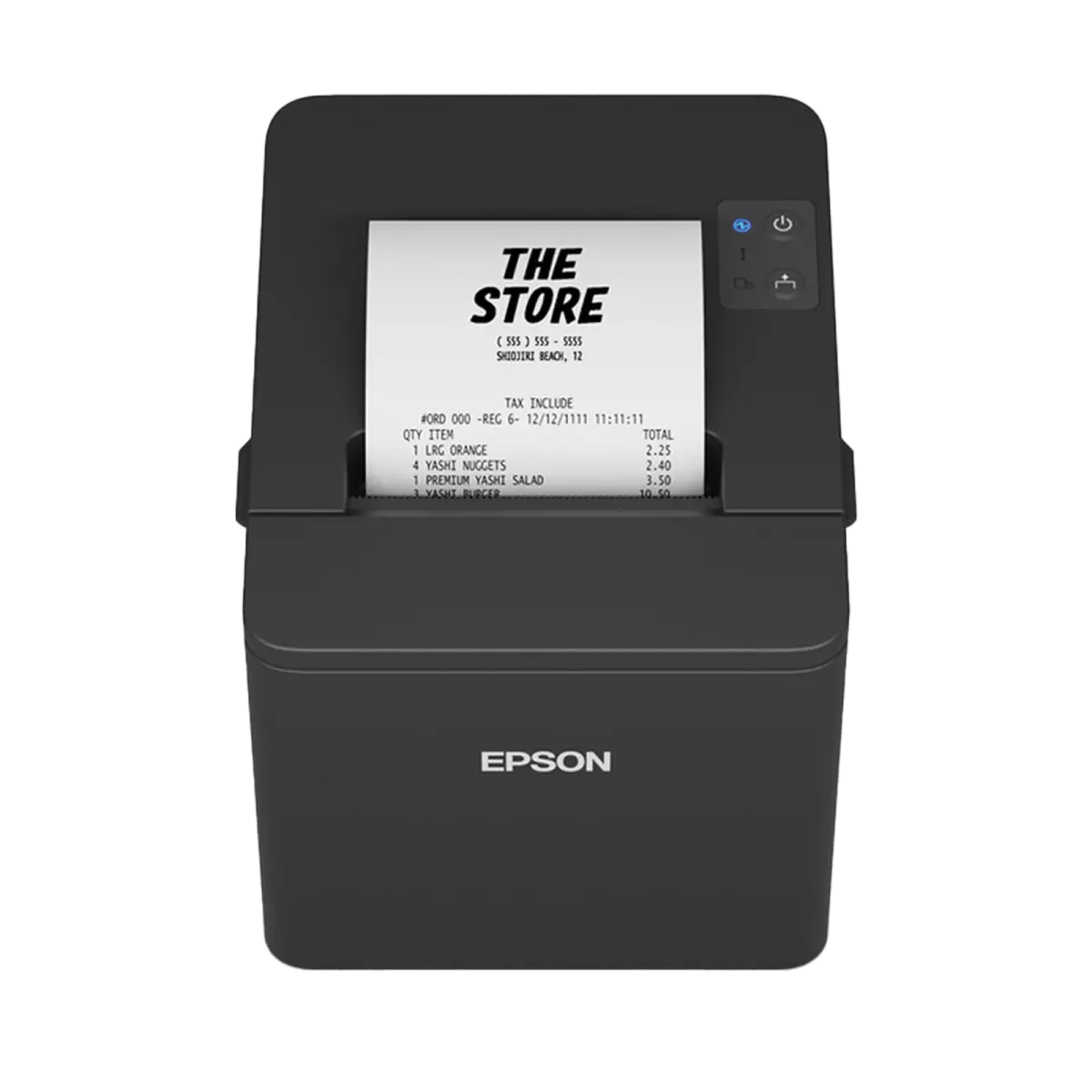
In stock.
€ 190.00
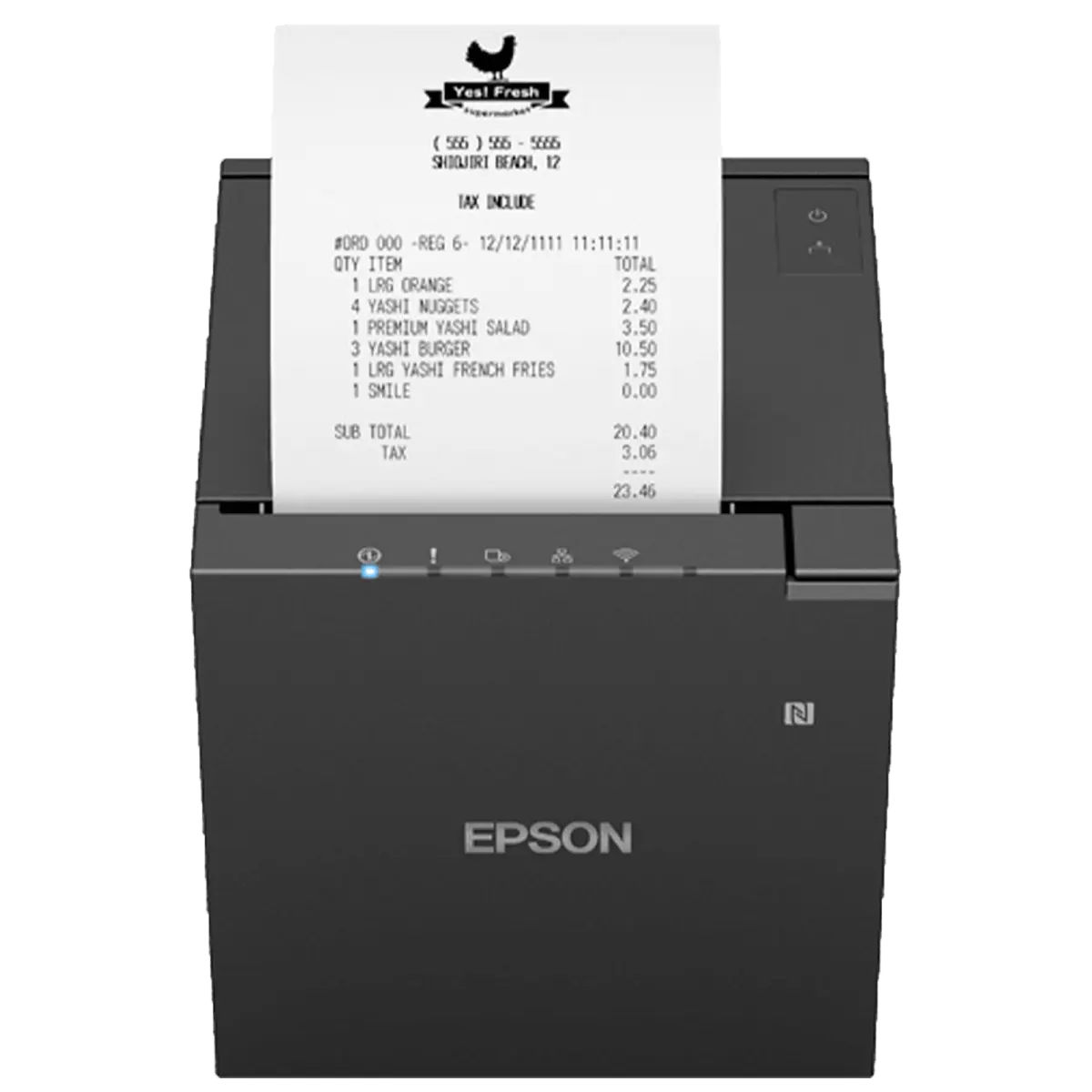
In stock.
€ 390.00
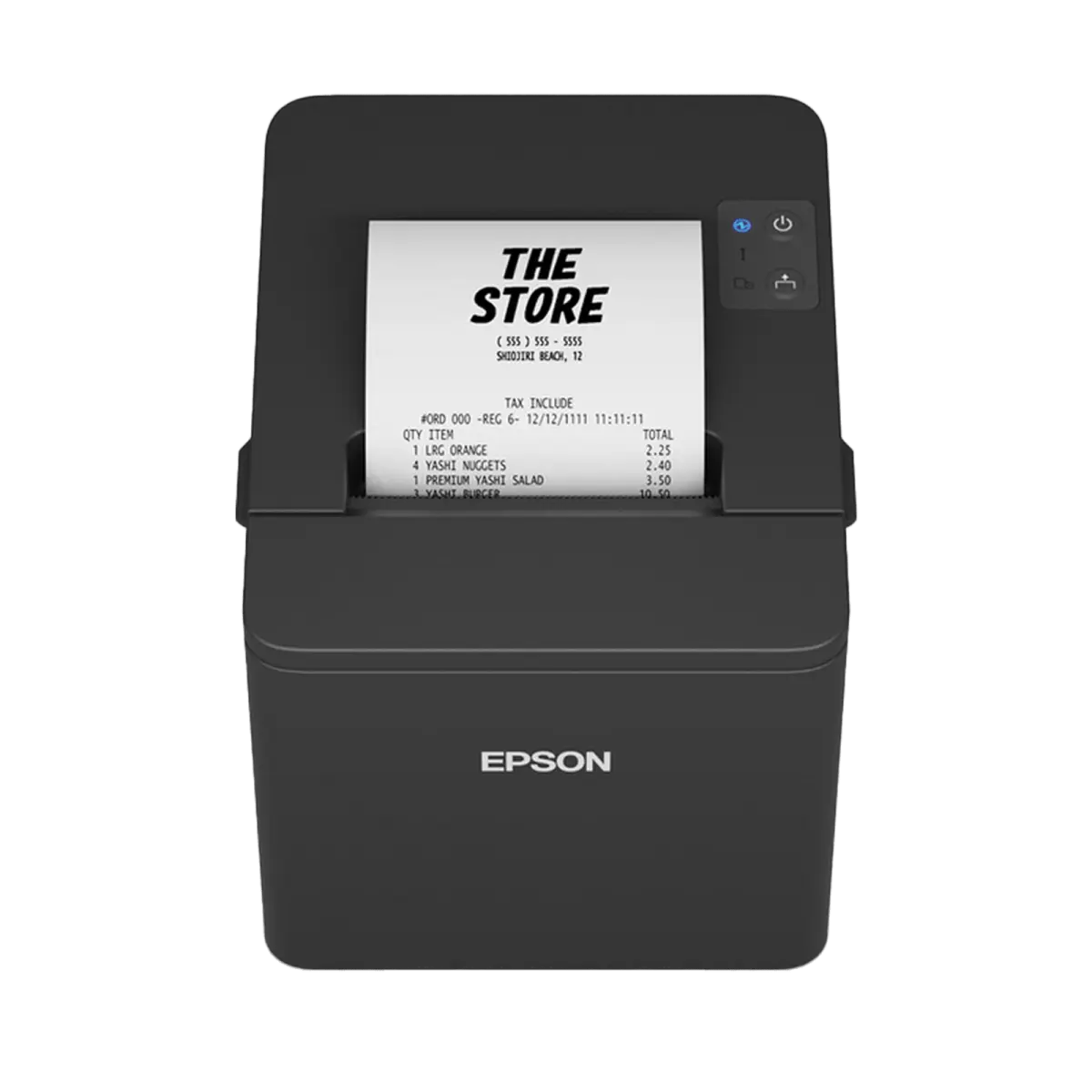
In stock.
€ 170.00
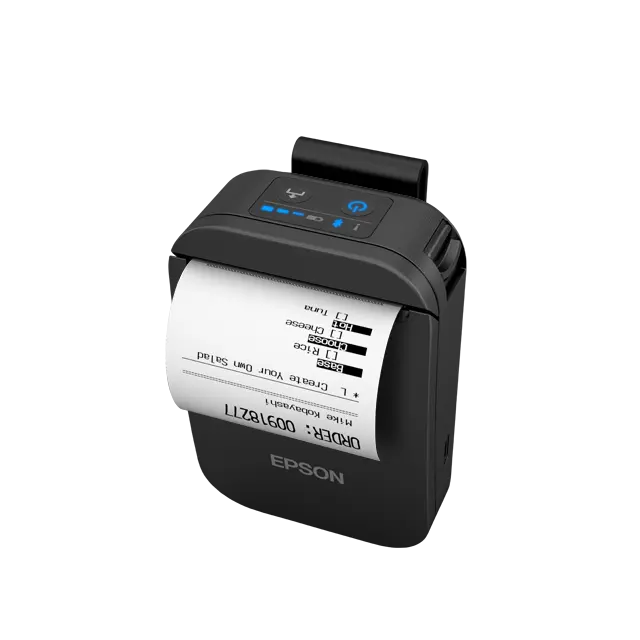
In stock.
€ 300.00
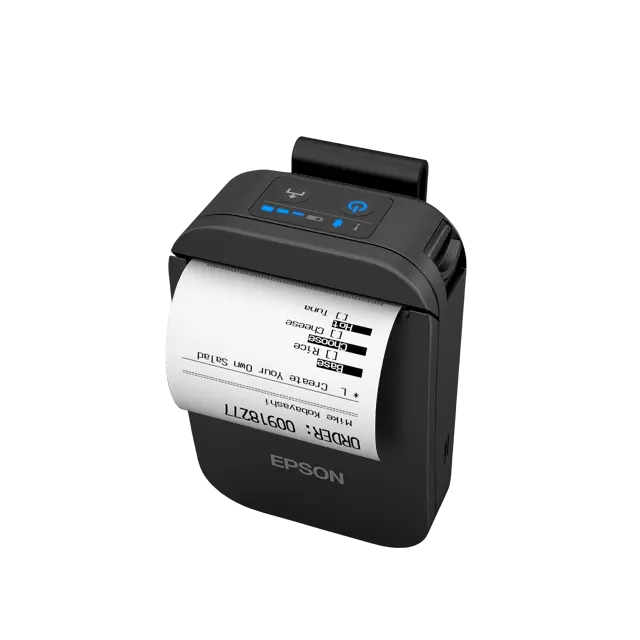
In stock.
€ 300.00
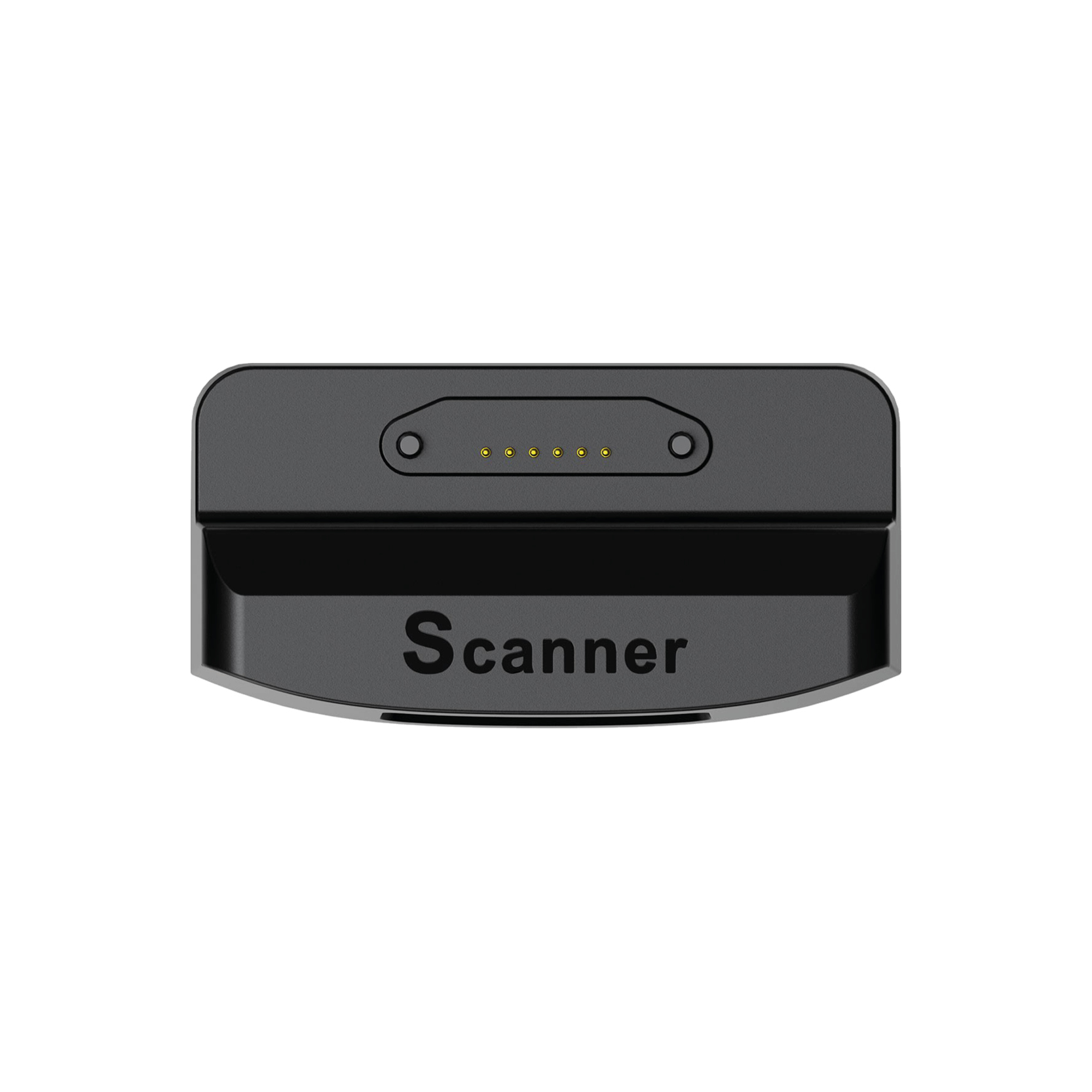
In stock.
€ 100.00
Connected capabilities
Order, delivery, stock and costs belong together – purchasing keeps everything in one track.
Stock visibility, availability, movement, and selling-channel alignment.
Products, categories, brands, collections and variants – maintained cleanly in one place.
Numbers, documents and everything accounting needs.
Daily close, revenue and clear numbers for your decisions.
For your industry
Wherever reordering, delivery timing or fresh goods drive sales, a clear purchasing process pays off.
Dozens of receipts an hour and deep stock: barcode checkout, reordering, invoices and reports have to run smoothly.
Checkout and stock focus
Fast checkout stays wired to stock and barcodes.
Fresh goods and the morning rush: availability, fast selling and purchasing have to line up.
Operating focus
Availability and counter rush are ready for fresh goods.
Advising and selling on the floor: checkout, stock, customer info and campaigns work as one.
Retail floor focus
You sell on the floor – product details and customer history are always at hand.
Fashion and range: collections, sizes, colours and seasonal stock – clear for your team and your online shop.
Catalog focus
Collections, sizes, colours and variants are cleanly mapped.
Availability
Purchasing scope depends on your plan – you can expand any time.
For getting started: legally compliant POS, product & price management, digital receipts.
The all-rounder: adds real-time stock & purchasing, online shop and accounting export.
For multi-store businesses: multi-store management, advanced APIs and personal onboarding.
Guides and hands-on tips for purchasing and reordering.

Thursday, 27 August 2026
Switch over your product range, plan promotions, prepare your team and technology: the compact autumn checklist for retail and hospitality businesses in Austria.
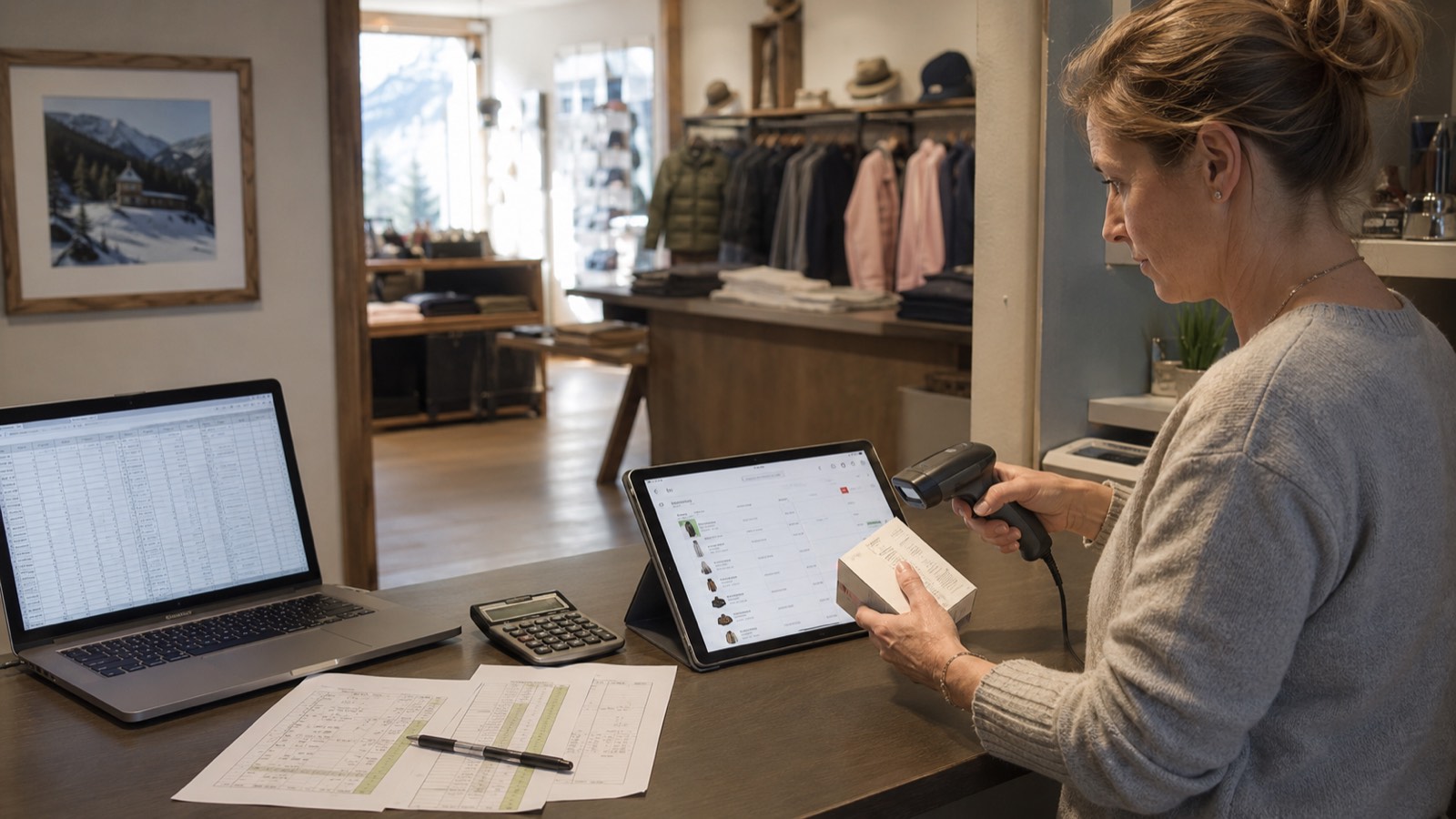
Thursday, 20 August 2026
Clean up data, define the structure, import, count stock, train the team: how to move from an Excel list to a real inventory management system.
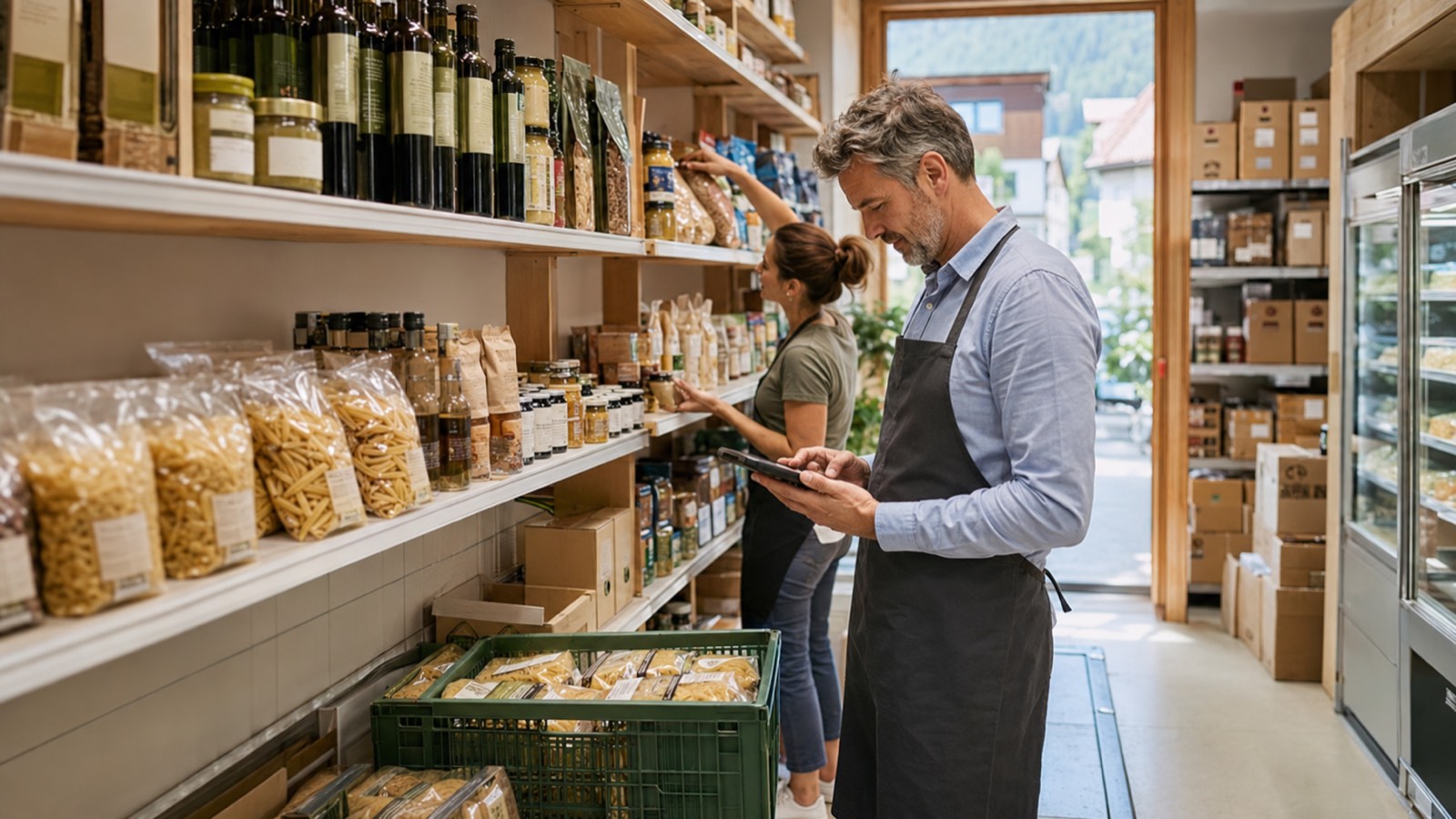
Monday, 17 August 2026
A simple rule of thumb, practical tips and automatic order proposals: how to set the reorder point and minimum stock per item correctly – without overstocking.
Purchase planning
In a free demo we walk you through reordering, goods-in and cost overview – using your own range.
Purchase
Ordering from suppliers, goods-in and reordering – without the paper chaos.
For your industry
Supermarkets, Bakeries, Retail Stores, Clothing Stores
Short, practical tips on features, workflows and your next step – straight to your inbox.