Connecting Reservations, Table Plan and POS: From Guest Arrival to Payment Without Re-entry
Guide to connecting reservations, guest reception, table planning, ordering and payment in one restaurant workflow.
- Bahram Davoodi

In many restaurants, reservations are kept in one calendar, table status is tracked on paper, and the guest order is entered in the point-of-sale system. This fragmentation means the guest name is entered again, the party size may not match the assigned table, a deposit can be forgotten at checkout, and management cannot follow the full guest journey from reservation to payment. Connecting reservations, the table plan and the POS turns these separate steps into one operational flow.
An integrated flow from reservation to payment
- Create the reservation with contact details, party size and notes.
- Assign a table or area according to capacity and upcoming bookings.
- Check the guests in and confirm the actual number of people.
- Open an order linked to the same reservation and table.
- Send items to the kitchen and bar.
- Move the table without separating the order from the guest.
- Split the bill, deduct the deposit and take payment.
- Close the reservation and release the table.
Why separate systems create errors
- A reserved table may be given to another guest.
- A change in party size may not reach the floor team.
- The deposit or reservation notes may not be visible at the till.
- After a table move, the order may remain attached to the former table.
- Reservation and sales reports cannot be connected reliably.
Managing walk-ins alongside reservations
Walk-in guests should also be added to the same table plan so the real capacity of the dining room remains visible. By seeing upcoming reservations, staff can decide which table can be used and for how long without creating a conflict later in the service.
Benefits of connecting reservations and POS
- Eliminates repeated data entry.
- Reduces table-allocation errors.
- Shows deposits and notes during payment.
- Links sales to each reservation.
- Supports analysis of no-shows, table occupancy time and sales per guest.
Practical scenario
A family of four has booked for 7 p.m. Reception assigns the booking to a suitable table. When the family arrives, staff check them in and open the order from the same reservation. Drinks are routed to the bar and food to the kitchen. At the end, the bill is split by item, the deposit is deducted and the table is released after payment.
How Lonio can help
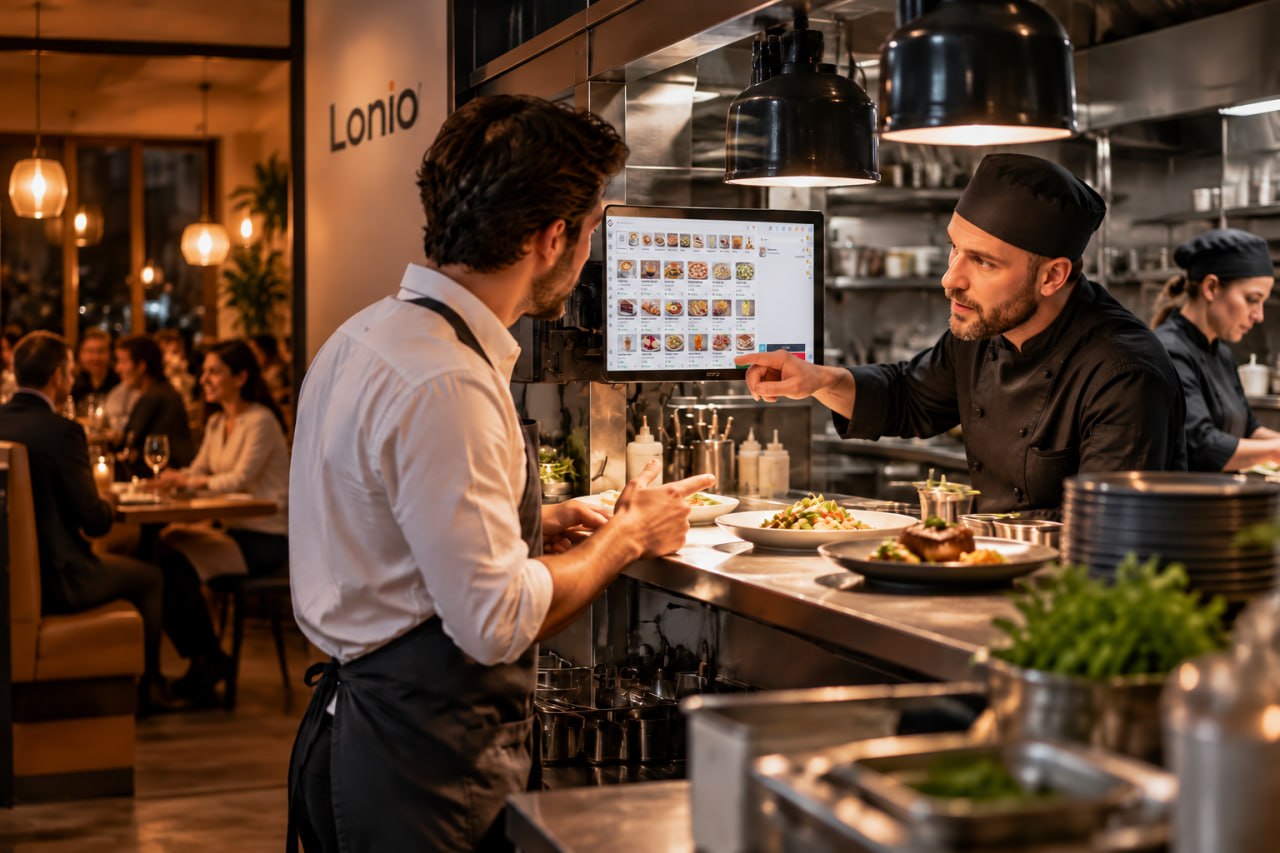
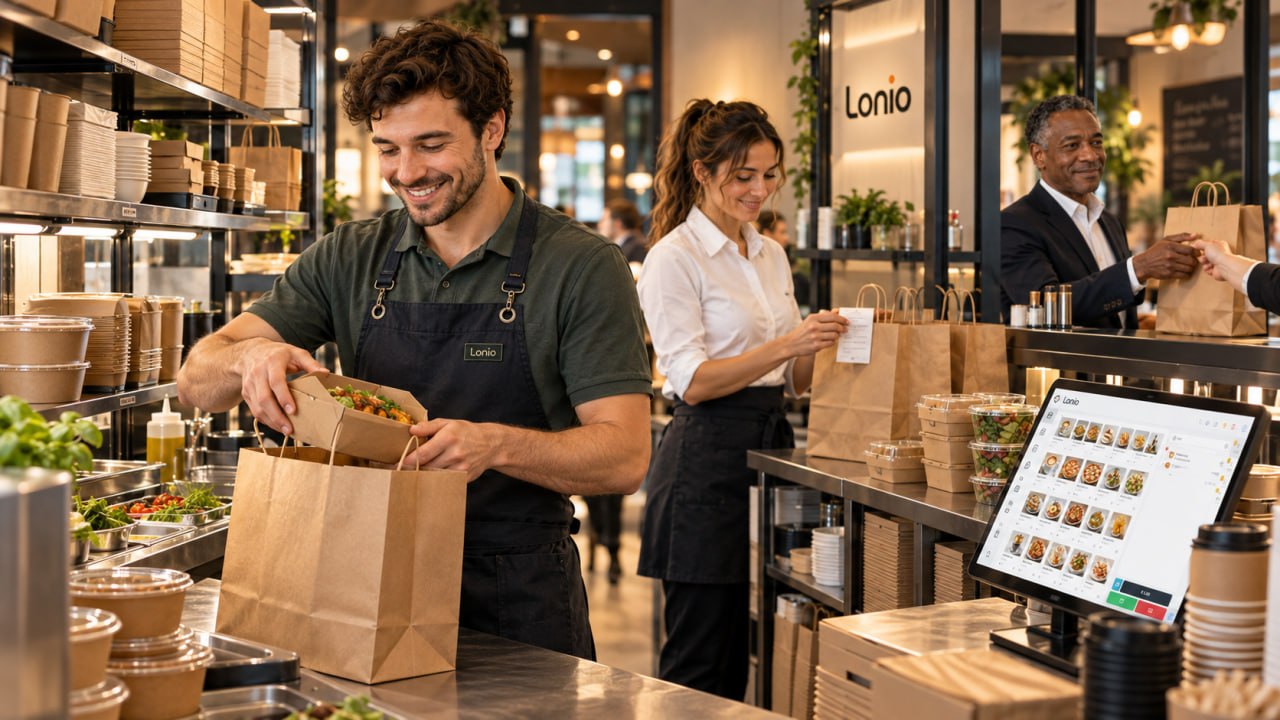
In Lonio Reservations, the team can manage bookings and guest reception, then continue the order and payment in the point-of-sale system. The restaurant and café solution shows how these stages fit together.
Conclusion
Connecting reservations, the table plan and the POS makes the guest journey controllable from before arrival through to payment. The main value is removing the gap between information and daily operations.
Frequently asked questions
Must a reservation be linked to a specific table in advance?
No. Staff can select a suitable table at arrival according to the actual dining-room situation.
What happens if guests change tables?
The order, guest record and reservation should move together with the table.
Is a deposit shown on the final bill?
When the payment is linked to the same reservation, it can be deducted from the remaining balance.