Restaurant order changes after kitchen submission: status, alerts and financial impact
A practical guide to changing restaurant orders after kitchen submission without duplicate production, lost alerts or broken payment history.
- Bahram Davoodi
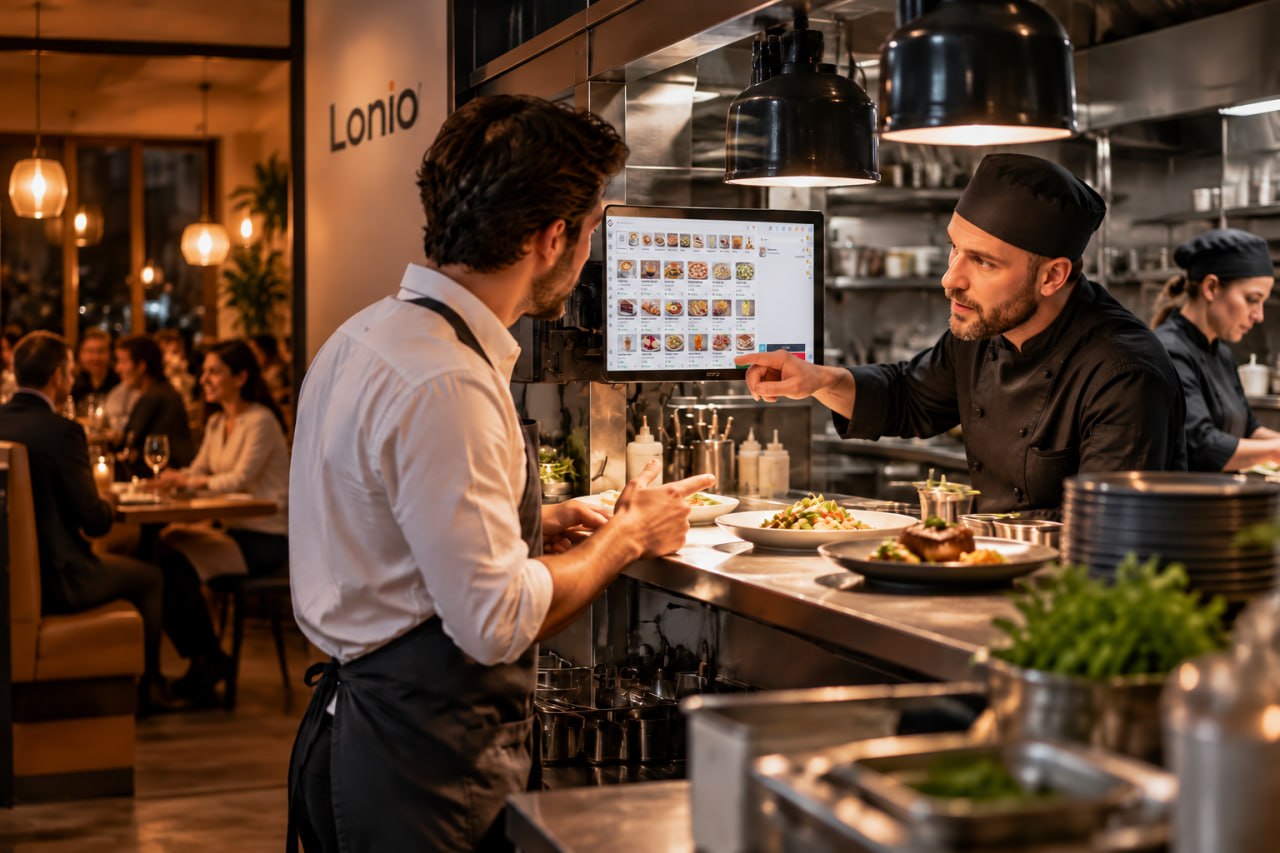
Once an order reaches the kitchen, every change needs a clear status, owner and traceable message. Editing the original ticket in place can leave service and production working from different versions.
Record a linked change
Keep the original order and add the time, user, reason, affected item and before-and-after values.
Check preparation status
Confirm whether the item is not started, in preparation, ready, delivered or cancelled. Removing it at the till does not automatically stop production.
Notify only affected stations
Send a visible correction to the same station that received the original item. Resending the full order may cause duplicate production.
Confirm receipt
Separate sent, seen and accepted states. Silence is not acceptance.
Track operational and financial impact
Distinguish cancellation, correction and remake. Keep price differences, payments, refunds, stock and waste linked to the original order.
Protect safety-critical changes
Ingredient and allergen changes require a visible marker and an approved communication route. Software does not replace food-safety procedures.
Checklist
- Select the correct order and item.
- Confirm preparation status.
- Record reason and before-after values.
- Notify the affected station.
- Confirm feasibility.
- Record financial, stock or waste impact.
The goal is one clear order version and no production from an outdated ticket.
Frequently asked questions
Should the original kitchen ticket be overwritten?
No. Keep it and record a linked correction.
When is manager approval useful?
For removals after preparation, price edits, refunds and reopening closed orders.
Does deleting an item stop production?
No. The affected station must receive and accept the change.