
Autumn Checklist: How to Get Your Business Ready for the New Season
Switch over your product range, plan promotions, prepare your team and technology: the compact autumn checklist for retail and hospitality businesses in Austria.
Print a clear notice for your door or counter in a minute.
Choose the notice, fill in dates, times or payment methods and add a short message.
The notice is created in your browser. Nothing you enter is sent to Lonio.
The notice is created in your browser. Nothing you enter is sent anywhere.
Marketing with LonioChanged opening hours, holiday closure, payment methods or closed today.
Dates, opening times or payment methods, depending on the notice, and a message of up to 280 characters if you like.
Print the notice or save it as a PDF and put it on your door or counter.
Times use the 24-hour format. If the closing time is earlier than the opening time, the notice shows that you close the next day. A holiday closure can name the day you open again.
List the methods you accept: cash, debit card, credit card, contactless payment, mobile phone payment or vouchers. If cards are accepted only from a certain amount, enter that minimum.
| Notice | You enter | The notice shows |
|---|---|---|
| Changed opening hours | From date, optional until date, opening and closing time | The dates and the new opening hours |
| Holiday closure | From and until date, optional reopening date | The closed dates and when you open again |
| Payment methods | Accepted methods, optional card minimum | The methods you accept and the card minimum |
| Closed today | Date, optional reopening date and time | That you are closed and when you open again |
What to know before you print.
Yes. Add a message of up to 280 characters, for example the reason or where customers can go instead.
Print your notice here, then explore checkout, reservations and newsletters that keep customers up to date.
Bring sales, payments, receipts and checkout shift closing into the same workflow.
Explore this featurePlan appointments, tables and resources with availability and customer information.
Explore this featurePrepare newsletters and coupons with audience groups, validity periods and usage limits.
Explore this featurePrepare documents, check amounts and plan your next steps with our free business tools.
Lay out a menu or price list with sections, prices and allergens, ready to print.
Open toolMark the 14 allergens for each dish and print the sheet for your guests.
Open toolTurn the web address of your menu into a QR code to download as SVG or PNG.
Open toolPrint price labels with the unit price and an optional EAN-13 or Code 128 barcode.
Open toolCount notes and coins, check the total against your till and print the sheet.
Open toolCompare book and counted quantities, see the differences and print the list.
Open toolWork out how many receipt rolls you need per month and per year.
Open toolPrint blank repair and workshop forms to fill in by hand with your customer.
Open toolExplore guides and examples for the work behind your numbers.
Switch over your product range, plan promotions, prepare your team and technology: the compact autumn checklist for retail and hospitality businesses in Austria.
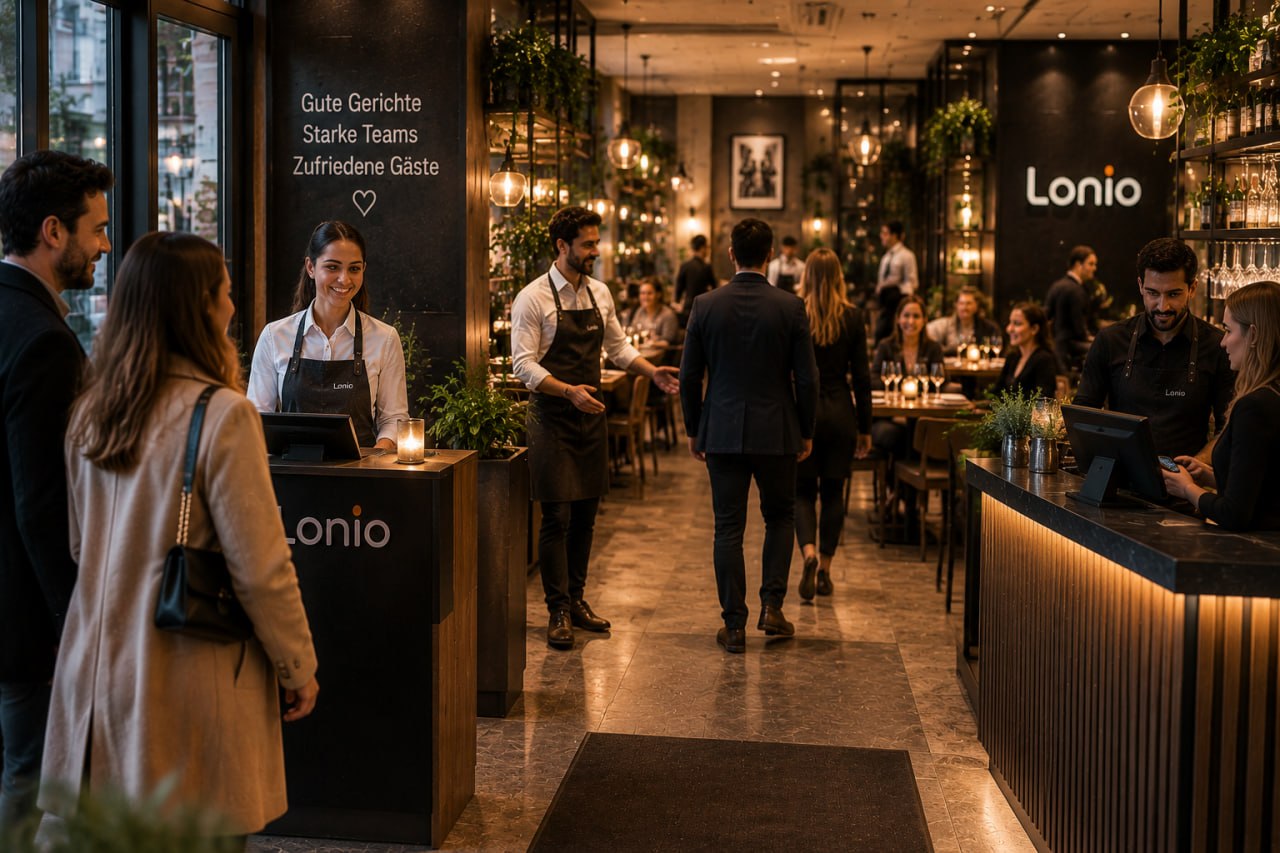
Guide to connecting reservations, guest reception, table planning, ordering and payment in one restaurant workflow.

Anonymous reports, customer accounts and newsletters: how businesses use POS data for marketing – with the key GDPR and TKG rules for everyday practice.
Explore the relevant Lonio features in a personal demo and discuss a setup that fits your business.