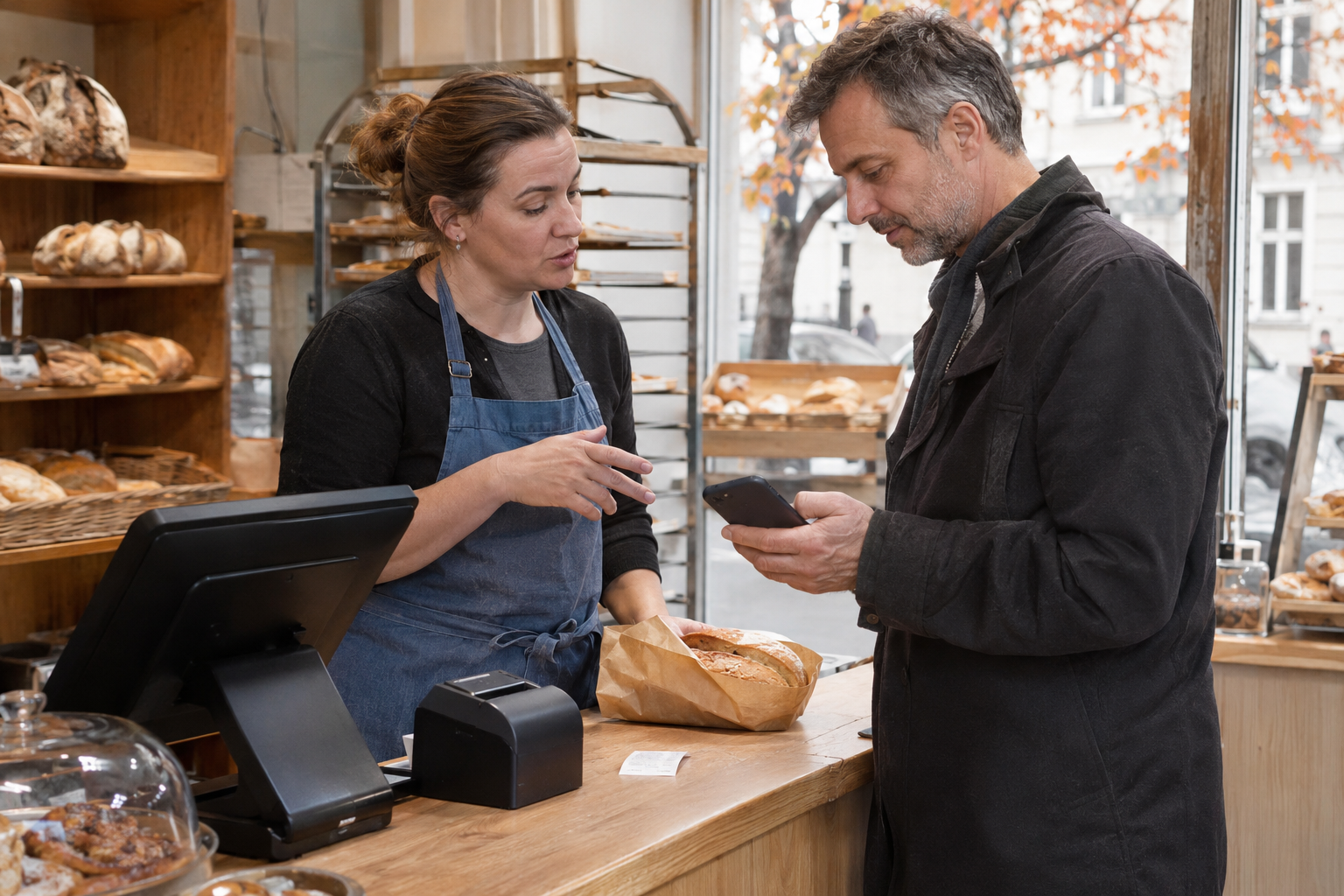
Receipt obligations in Austria: digital receipts since October 2026
A receipt is still required. What changed on 1 October 2026 is how businesses can make it digitally available. Here is what your team needs to check at the counter.
Count the till by denomination, check the result against your till and print the sheet.
Enter the pieces of each note and coin, the opening float and the cash your till expects.
This count runs in your browser. Your amounts are not sent to Lonio.
The count runs in your browser. Your amounts are not sent anywhere.
Checkout with LonioEnter the number of pieces for each banknote from €500 to €5 and each coin from €2 to 1 cent.
The opening float is the change put in at the start of the day. Expected cash is the total your till reports. Both are optional.
The sheet shows the counted cash, the counted cash minus the float and the difference to expected cash. Add who counted and who checked, then print.
If the counted cash is higher than expected, the till is over; if it is lower, it is short. Find the cause before you close the day, for example a missing receipt or wrong change.
The sheet records one count. Your till keeps the records required by the GoBD in Germany and the RKSV in Austria, and the sheet does not replace them.
| Line | How it is worked out |
|---|---|
| Banknotes total | Pieces × value of each note, added up |
| Coins total | Pieces × value of each coin, added up |
| Counted cash | Banknotes total + coins total |
| Counted cash minus float | Counted cash − opening float |
| Difference to expected cash | Counted cash − expected cash |
What to know before you count.
The change you put in the till at the start of the day. It is taken off the counted cash so you see the takings. Leave it blank if there is none.
After counting your cash here, explore checkout shift closing, accounting and reports that keep each day’s takings traceable.

Bring sales, payments, receipts and checkout shift closing into the same workflow.
Explore this featureConnect source documents, postings and bank reconciliation for period closing and exports.
Explore this featureReview sales, payment methods and financial reports with traceable transactions.
Explore this featurePrepare documents, check amounts and plan your next steps with our free business tools.
Lay out a menu or price list with sections, prices and allergens, ready to print.
Open toolMark the 14 allergens for each dish and print the sheet for your guests.
Open toolTurn the web address of your menu into a QR code to download as SVG or PNG.
Open toolPrint price labels with the unit price and an optional EAN-13 or Code 128 barcode.
Open toolPrint a notice about changed opening hours, a holiday closure, payment methods or being closed today.
Open toolCompare book and counted quantities, see the differences and print the list.
Open toolWork out how many receipt rolls you need per month and per year.
Open toolPrint blank repair and workshop forms to fill in by hand with your customer.
Open toolExplore guides and examples for the work behind your numbers.
A receipt is still required. What changed on 1 October 2026 is how businesses can make it digitally available. Here is what your team needs to check at the counter.

A practical UK-English guide for Austrian SMEs explaining how Storno and Korrekturbeleg should be handled in a Registrierkasse so daily reports, payments and RKSV records stay clear and auditable.

A complete guide to split bills, part and staged payments, open order balances, deposits, refunds and restaurant payment reconciliation.
Explore the relevant Lonio features in a personal demo and discuss a setup that fits your business.