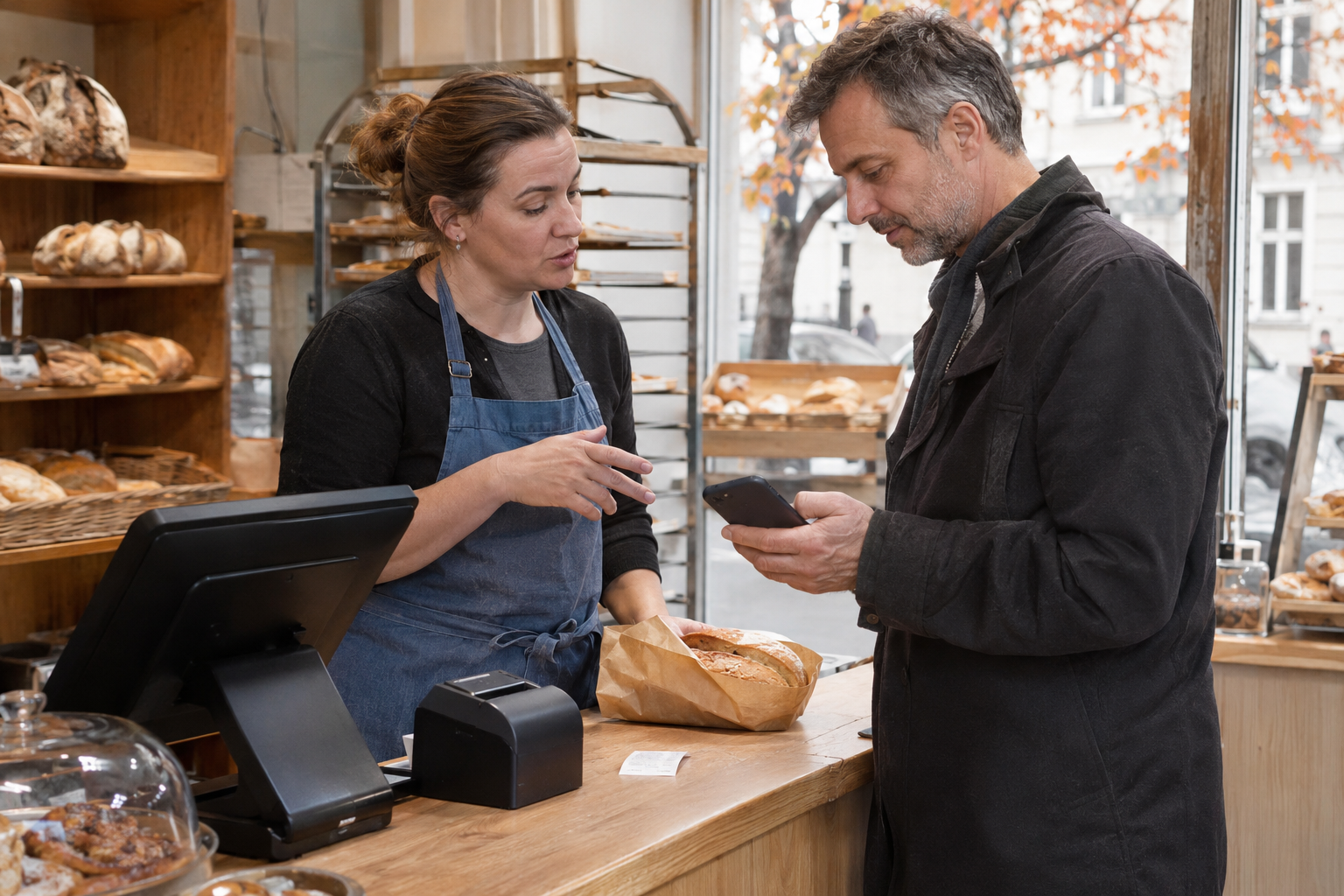
Receipt obligations in Austria: digital receipts since October 2026
A receipt is still required. What changed on 1 October 2026 is how businesses can make it digitally available. Here is what your team needs to check at the counter.
Work out how many rolls your receipt printer uses per month and per year.
Enter your receipts per day, the receipt length and the roll size.
This calculation runs in your browser. Your figures are not sent to Lonio.
The calculation runs in your browser. Your figures are not sent anywhere.
Checkout with LonioReceipts per day, sales days per month and printed copies per sale, from 1 to 3.
Take the paper length printed on the roll, or enter the outer and core diameter and the paper thickness. Then add the average receipt length in mm.
A reserve of 0 to 100% covers busy days. Rolls per month and per year are rounded up to whole rolls.
If the length is not printed on the roll, the tool works it out from the outer diameter D, the core diameter d and the paper thickness t: length = π × (D² − d²) ÷ (4 × t).
In Germany (§ 146a (2) AO) and Austria (§ 132a BAO) every sale needs a receipt, on paper or, if the customer agrees, electronically. Electronic receipts use no paper; the calculation counts the printed ones.
| Line | How it is worked out |
|---|---|
| Printed receipts per month | Receipts per day × sales days × copies |
| Receipts per roll | Paper per roll ÷ receipt length, rounded down |
| Rolls per month | Receipts per month with reserve ÷ receipts per roll, rounded up |
| Rolls per year | Twelve months with reserve ÷ receipts per roll, rounded up |
What to know before you order paper.
It is usually printed on the roll or its box, in metres. If not, measure the outer and core diameter and take the paper thickness from the data sheet.
Plan your paper here, then explore checkout, payment methods and sales reports for every receipt you issue.
Bring sales, payments, receipts and checkout shift closing into the same workflow.
Explore this featureConfigure payment methods, terminal connections, shipping and collection options.
Explore this featureReview sales, payment methods and financial reports with traceable transactions.
Explore this featurePrepare documents, check amounts and plan your next steps with our free business tools.
Lay out a menu or price list with sections, prices and allergens, ready to print.
Open toolMark the 14 allergens for each dish and print the sheet for your guests.
Open toolTurn the web address of your menu into a QR code to download as SVG or PNG.
Open toolPrint price labels with the unit price and an optional EAN-13 or Code 128 barcode.
Open toolCount notes and coins, check the total against your till and print the sheet.
Open toolPrint a notice about changed opening hours, a holiday closure, payment methods or being closed today.
Open toolCompare book and counted quantities, see the differences and print the list.
Open toolPrint blank repair and workshop forms to fill in by hand with your customer.
Open toolExplore guides and examples for the work behind your numbers.
A receipt is still required. What changed on 1 October 2026 is how businesses can make it digitally available. Here is what your team needs to check at the counter.
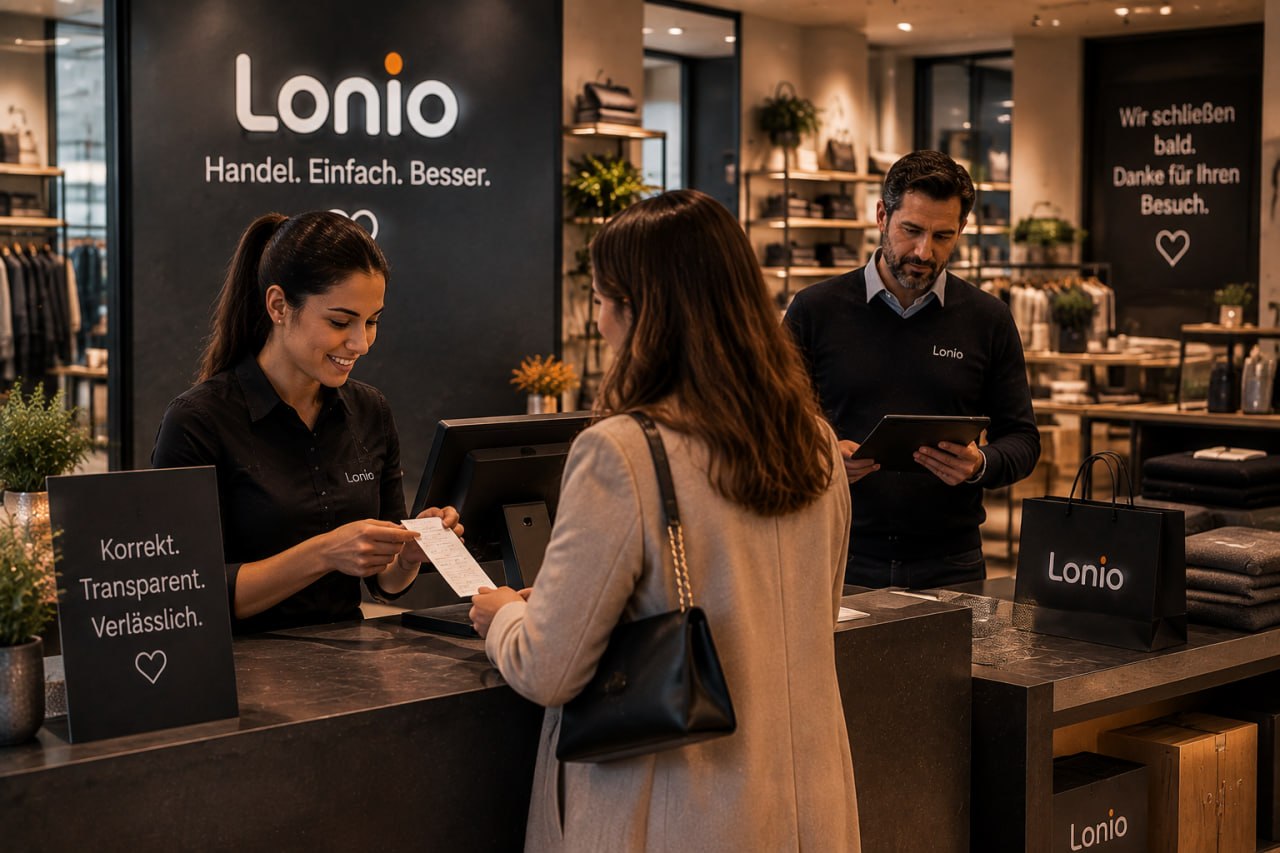
A practical UK-English guide for Austrian SMEs explaining how Storno and Korrekturbeleg should be handled in a Registrierkasse so daily reports, payments and RKSV records stay clear and auditable.
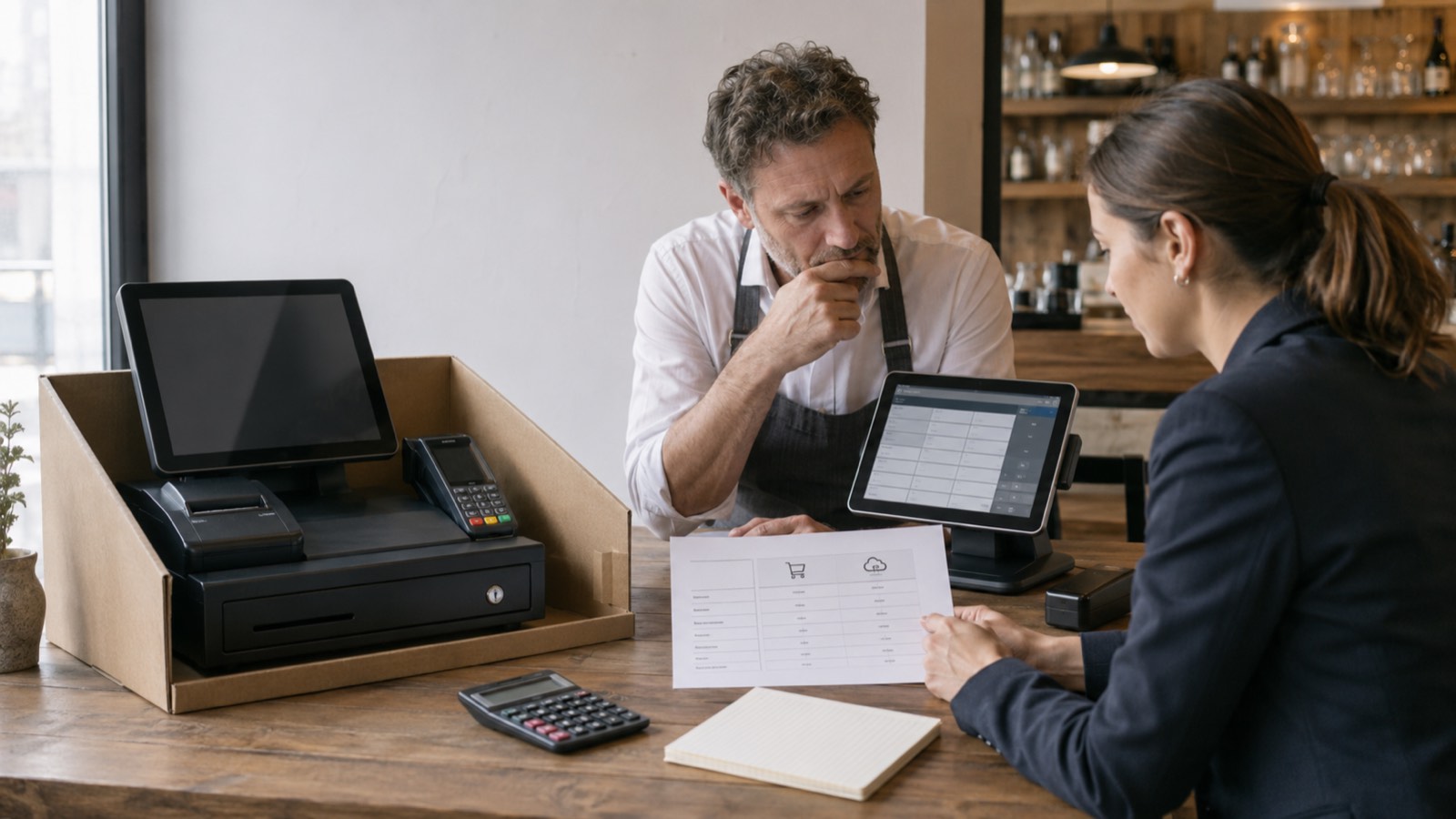
A practical comparison of buying versus renting/leasing a POS system: pros, cons and how to decide.
Explore the relevant Lonio features in a personal demo and discuss a setup that fits your business.