
Setting reorder points and safety stock correctly: no more empty shelves
A simple rule of thumb, practical tips and automatic order proposals: how to set the reorder point and minimum stock per item correctly – without overstocking.
Print labels with the price, the unit price and a barcode if you need one.
Enter up to 48 products with price, pack size and VAT rate. The labels show the unit price where one applies.
The labels are made in your browser. Lonio does not receive your products or prices.
The labels are made in your browser. Your products and prices are not sent anywhere.
Products and prices with LonioSay whether you enter prices with or without VAT. Net prices get the VAT rate added, so every label shows the final price.
Enter the name, price, VAT rate and pack size with its unit: g, kg, ml, l, m, m², m³ or piece. Up to 48 products at once.
Choose no barcode, EAN-13 or Code 128, then print on A4 label sheets with 3 × 8 labels of 70 × 36 mm at 100% scale.
In Germany the Price Indication Ordinance (PAngV) requires a unit price next to the total price for goods sold by weight, volume, length or area. The tool gives it per kilogram, litre, metre, square metre or cubic metre. Goods sold by the piece have no unit price.
EAN-13 numbers are assigned by GS1. For your own in-store numbers use the prefixes 20 to 29; other made-up numbers can clash with real products. The tool checks the check digit and tells you the right one.
| Pack size in | Unit price per |
|---|---|
| g | kg |
| kg | kg |
| ml | l |
| l | l |
| m | m |
| m² | m² |
| m³ | m³ |
| Pieces | No unit price |
What to know before you print.
The large one is the price of the pack. The small one is the unit price, for example per kilogram, which lets customers compare packs of different sizes.
Print labels here, then explore how prices, stock and checkout stay aligned across your products.
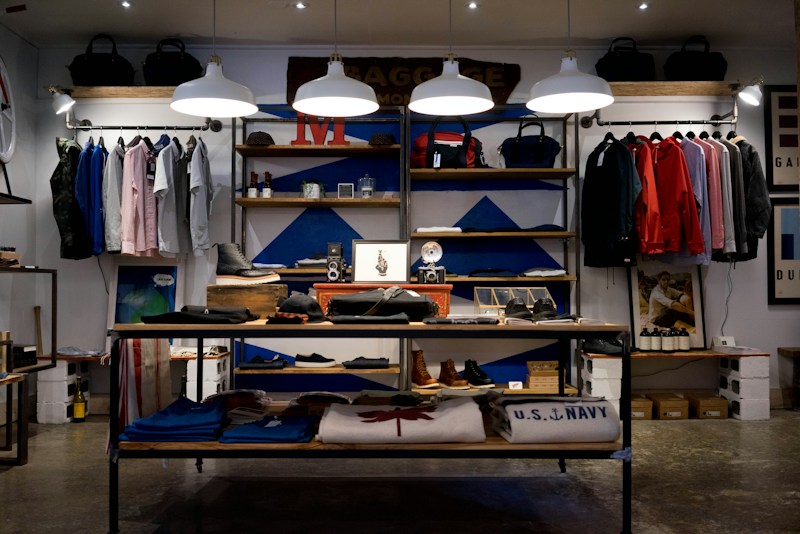
Organise products, variants, prices and visibility across your sales channels.
Explore this featureSee available and reserved stock, trace movements and prepare replenishment.
Explore this featureBring sales, payments, receipts and checkout shift closing into the same workflow.
Explore this featurePrepare documents, check amounts and plan your next steps with our free business tools.
Lay out a menu or price list with sections, prices and allergens, ready to print.
Open toolMark the 14 allergens for each dish and print the sheet for your guests.
Open toolTurn the web address of your menu into a QR code to download as SVG or PNG.
Open toolCount notes and coins, check the total against your till and print the sheet.
Open toolPrint a notice about changed opening hours, a holiday closure, payment methods or being closed today.
Open toolCompare book and counted quantities, see the differences and print the list.
Open toolWork out how many receipt rolls you need per month and per year.
Open toolPrint blank repair and workshop forms to fill in by hand with your customer.
Open toolExplore guides and examples for the work behind your numbers.
A simple rule of thumb, practical tips and automatic order proposals: how to set the reorder point and minimum stock per item correctly – without overstocking.
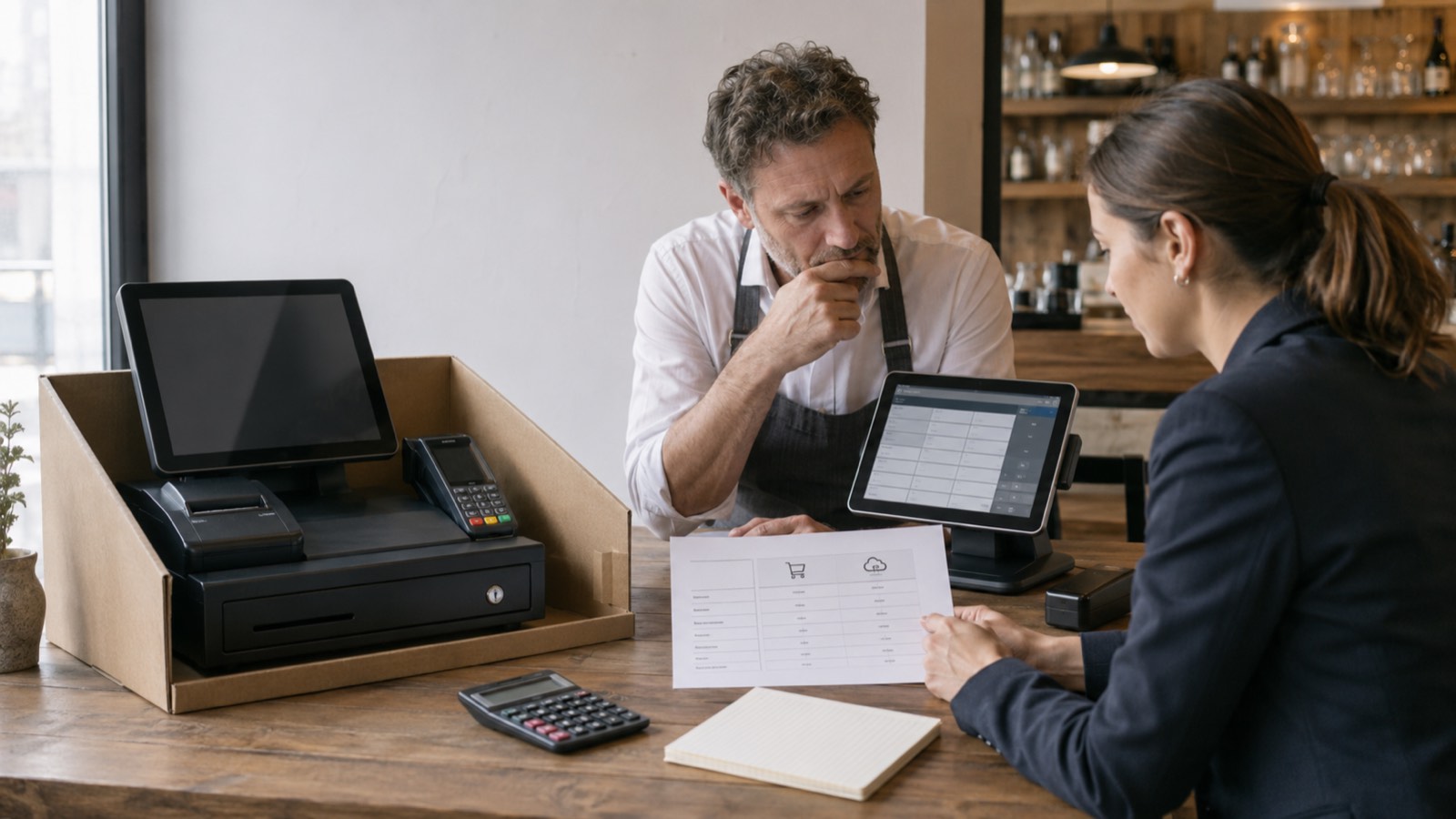
A practical comparison of buying versus renting/leasing a POS system: pros, cons and how to decide.

A practical guide to cross-location reports and centralised inventory management for multi-location businesses.
Explore the relevant Lonio features in a personal demo and discuss a setup that fits your business.