Restaurant ordering kiosks: costs, payment and kitchen flow
An ordering kiosk changes the whole order journey. Guests choose for themselves, payment needs an unambiguous status, and the kitchen must receive the order at the right time. Start with the business workflow rather than the screen size.
- Bahram Davoodi
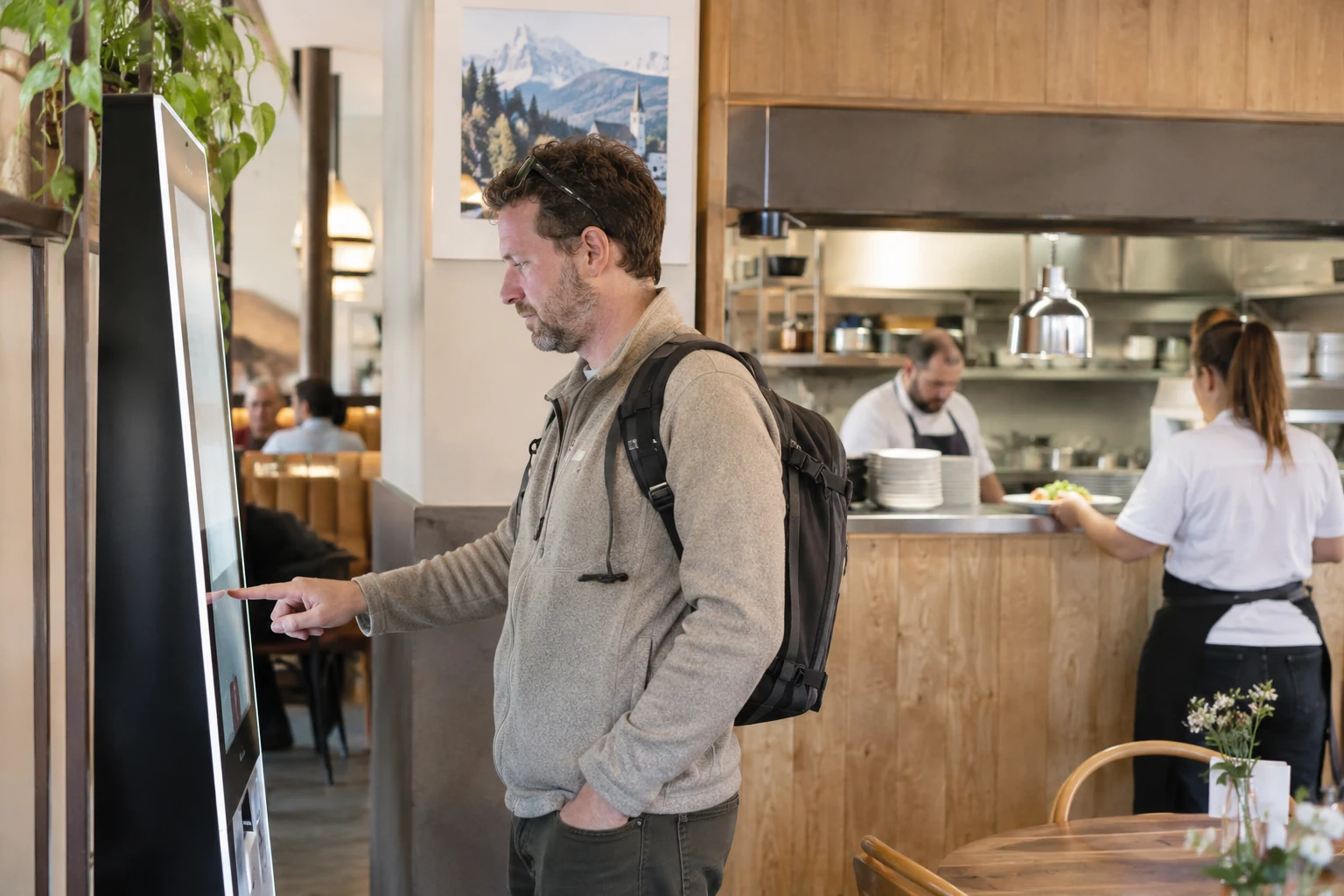
An ordering kiosk changes the whole order journey. Guests choose for themselves, payment needs an unambiguous status, and the kitchen must receive the order at the right time. Start with the business workflow rather than the screen size.
Define the complete order journey
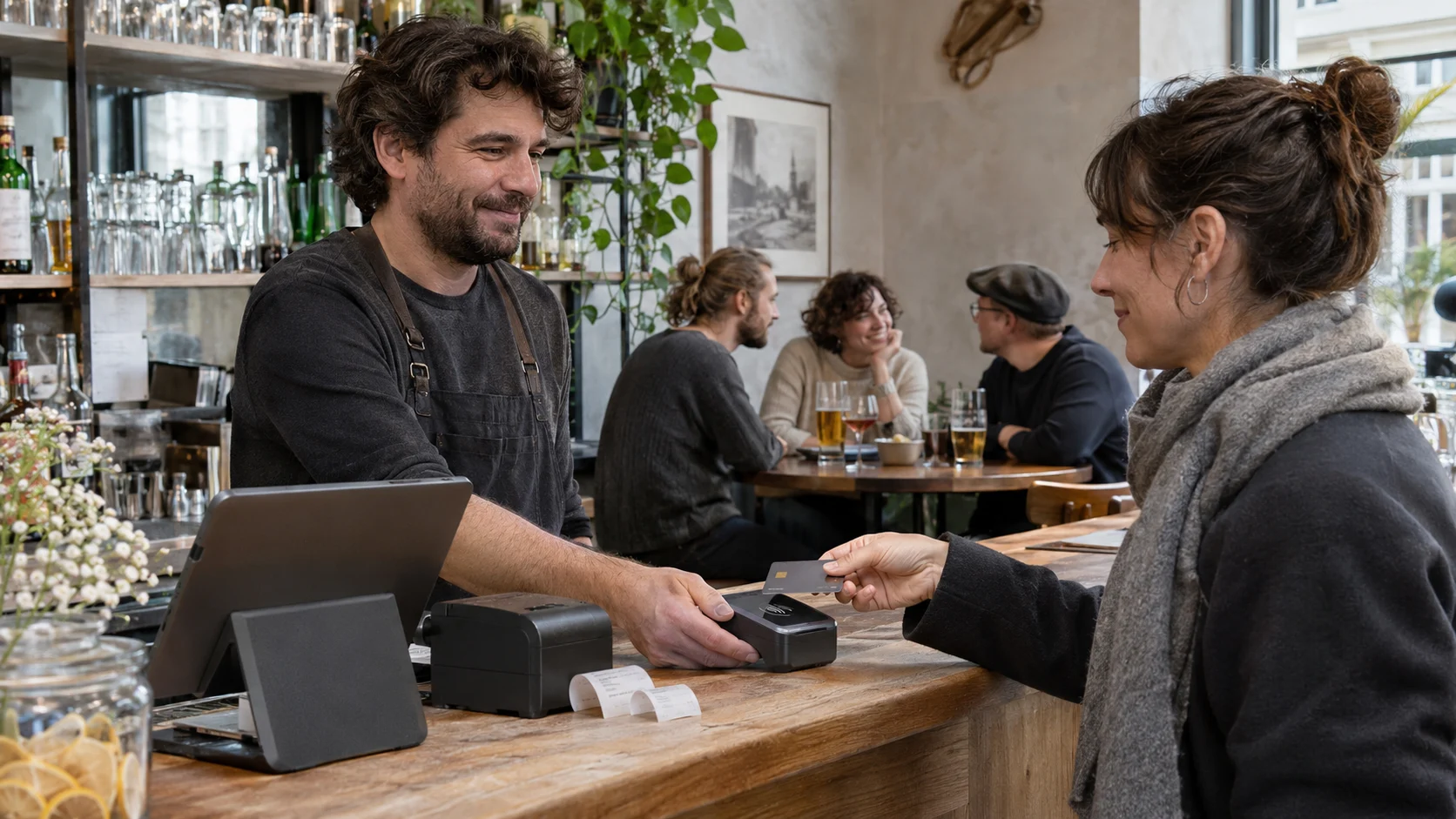
Describe selection, variants, preparation notes, payment, order number and collection. Decide whether guests pay at the terminal or later at the counter. A completed selection is not a confirmed payment. Also decide whether the kitchen should start preparing unpaid orders.
Cash register functions in Lonio describe a kiosk with options, preparation notes and different payment paths. Check the exact combination intended for your business.
Keep choices understandable
Start with a manageable menu. Show available variants and clear prices, restrict incompatible options and define how unavailable items are handled. Ingredient and allergen questions need a reliable operational process; a free-text field does not replace accurate product information.
For example, a guest chooses a dish, a side and a preparation request. Those details must stay together in the kitchen order. A changed price or unavailable side should not become a surprise after payment.
Test exceptions before launch
- Payment succeeds but receipt output fails.
- Payment is cancelled or its response is delayed.
- The guest presses confirmation again.
- The kitchen connection is interrupted.
- A basket is abandoned before the next guest starts.
- An item becomes unavailable during ordering.
For each case, define what guests and staff see and who intervenes. In particular, check that delayed results do not create duplicate orders or charges. Use the payment provider’s approved testing facilities.
Include kitchen capacity
Accepting more simultaneous orders does not automatically increase throughput. Measure order arrival, preparation start and actual handover separately. Match the menu, stations and expected collection time to capacity. The kitchen display and order timing guide helps identify bottlenecks.
Assess cost and success realistically
Include the device, mounting, payment terminal, connectivity, software scope, setup, cleaning and assistance for guests. An existing screen is useful only if the whole setup works reliably.
During a limited trial, compare waiting time, abandoned orders, mistakes and staff effort. Average basket value is not enough on its own. An extra option may increase order value while keeping the kitchen busy for considerably longer.
Common questions
Does a kiosk replace staff at collection?
Not automatically. Assistance, exceptions, handover and kitchen work remain business tasks. The trial shows which time, if any, is released.
Does every kiosk need its own card terminal?
That depends on the intended payment path and approved integration. Paying at the counter and paying directly at the device have different requirements.