Kitchen Display System (KDS): Queue, Timing and Course Management
Practical KDS guide for managing order queues, station routing, preparation time and course coordination between front-of-house and the restaurant kitchen.
- Bahram Davoodi
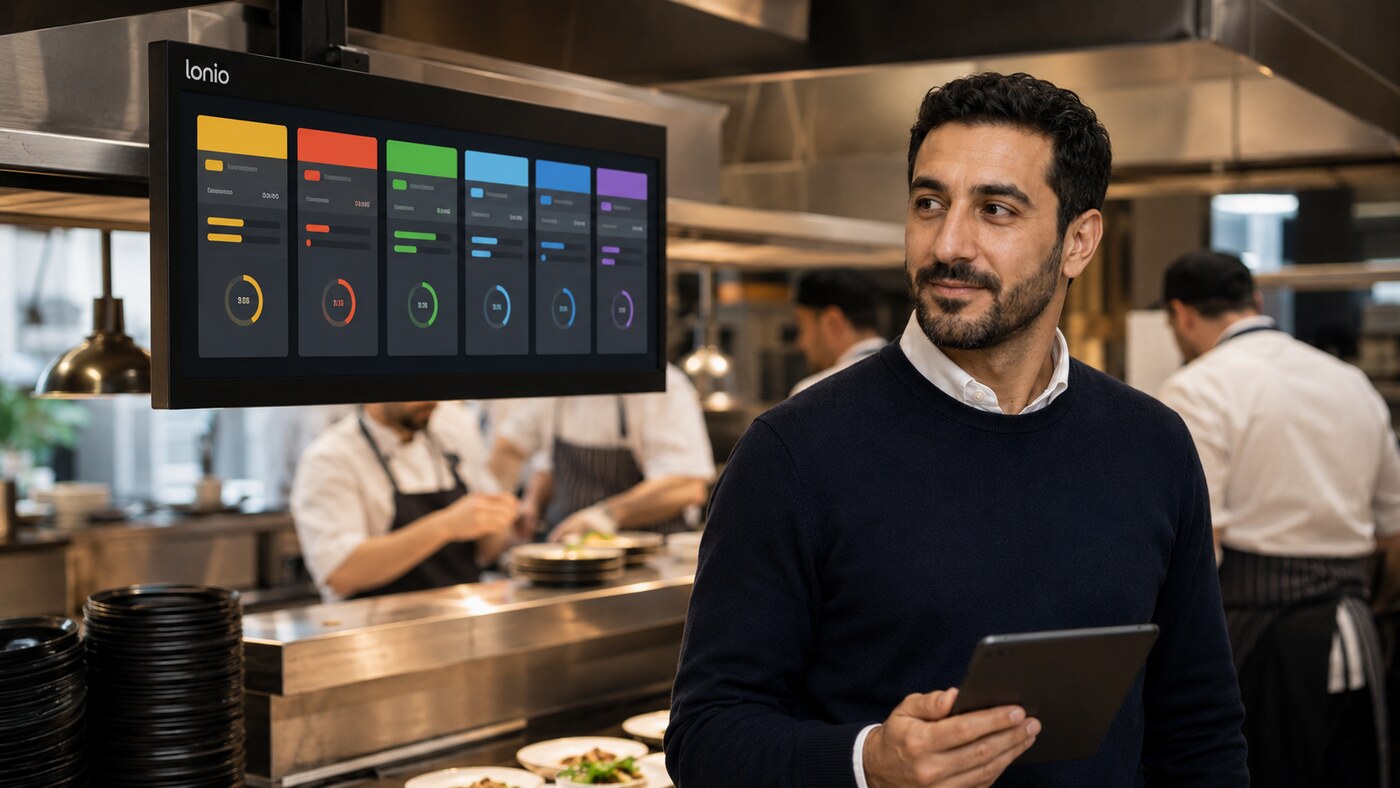
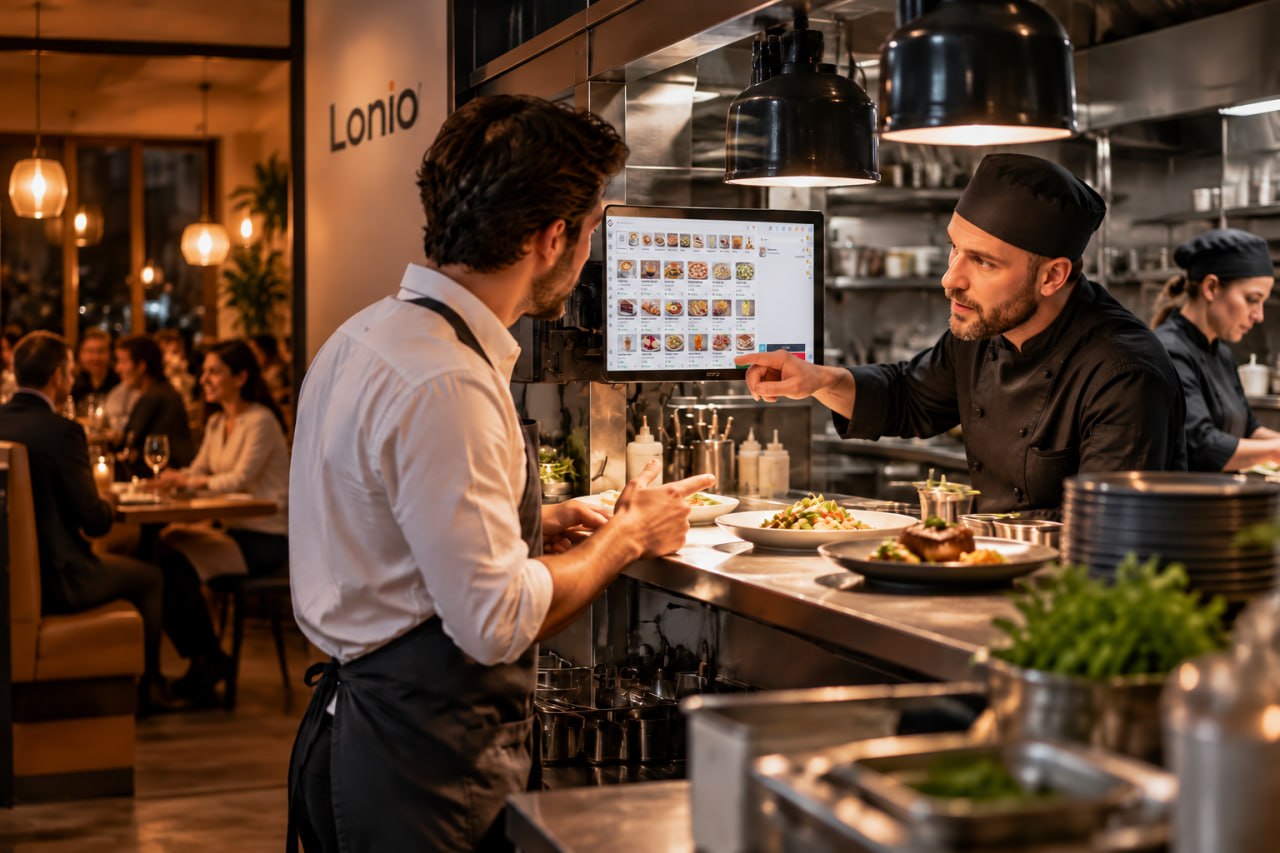
A kitchen display system (KDS) turns orders entered at the POS or on ordering devices into a live kitchen queue. Unlike a printed ticket, a KDS can show the order state, waiting time, changes and preparation path, allowing the team to follow the work rather than simply read it.
During busy service, the main challenge is deciding priority, coordinating several stations and preventing duplicate preparation. A kitchen display creates value only when its routing rules and statuses reflect the restaurant's real workflow.
How does a kitchen display system work?
- A server or cashier enters the order in the POS.
- Each item is routed to the appropriate station according to category and configuration.
- The ticket appears with table, time, quantity and item notes.
- The kitchen changes the state from new to preparing and then ready.
- Front-of-house or the delivery team is notified when the order is ready.
Keep order statuses simple
For most restaurants, new, preparing, ready and served or collected are enough. Every state needs a clear owner and next action. Too many states slow the kitchen and make reporting harder to understand.
Routing between kitchen, bar and dessert
One table order may contain food, drinks and dessert. Routing lets each station see only the items it must prepare. The customer order remains one basket, while the bar, hot kitchen, cold station and dessert area work from separate operational queues.
Item notes and product options
Notes such as no onion, cooking level or milk choice must appear beside the relevant item. A later amendment should be visually distinct so the team does not prepare the original and the changed version. Important allergen or safety notes should be highlighted according to the restaurant's confirmed process.
Controlling preparation time
A ticket timer shows how long an order has waited and how long it has been in preparation. The purpose is not simply to make staff work faster. It is to identify bottlenecks. If drinks are consistently ready early but main dishes are late, the manager can investigate station capacity, routing or staffing.
Order priority
Priority should be based on order time, service type and promised handover time. Dine-in, takeaway and scheduled orders may need different rules. Manual priority changes should be restricted, clearly visible and stored in the history so urgent orders do not silently displace the entire queue.
Managing starters, mains and desserts as courses
With coursed service, the kitchen queue is only part of the process. The release time for each course must match the pace of the table. Starters, main courses and desserts should be identifiable so the kitchen knows what to prepare immediately and what should wait for a clear signal from front-of-house.
- The server assigns a course to each item when taking the order.
- First-course items enter preparation immediately.
- The next course remains on hold until front-of-house releases it.
- Items within the same course are coordinated to finish close together.
- Guest requests to speed up, delay or remove a course are passed with an explicit state.
Holding finished food for too long reduces quality. Preparing earlier does not always mean serving faster. The aim is to align the start of preparation with the table's pace and station capacity. Any automatic hold or course-release feature must be confirmed in the production configuration before it is presented as a product capability.
Coordinating several stations
When parts of an order are prepared at different stations, one coordination point should monitor the complete order. The table should not receive an incomplete order or items belonging to another table merely because one station finished early.
Cancellations, amendments and refires
A cancelled item must be visible at the station that received it. A refire without a clear label can create duplicate work. The history should show what changed, who changed it and when. Where an item has already started, the kitchen also needs a practical way to confirm whether preparation should stop, continue or be remade.
Alerts and fallback operation
An audible alert can announce a new order, but it must be controlled so it does not become constant noise. The display also needs reliable power, network coverage and an appropriate mounting position. Some restaurants keep a kitchen printer as a fallback for outages or device failure.
Practical scenario
Table 14 orders two steaks, one salad and three drinks. Drinks appear on the bar display, the salad at the cold station and the steaks in the hot kitchen. One steak's cooking level is shown directly beside that item. When every station has completed its part, the full order is confirmed ready for handover.
Useful KDS reports
- Average time to start and complete preparation
- Number of late orders
- Preparation time by station
- Cancellations, amendments and refires
- Peak hours and queue volume
Common mistakes
- Sending every product to one display
- Creating overly complex statuses
- Having no defined process for amendments
- Mounting the display in heat, steam or an awkward position
- Training front-of-house and kitchen separately instead of together
- Assuming automatic course release or terminal integration without testing
How Lonio supports the workflow
Orders entered in the Lonio POS can be routed through the restaurant workflow to the relevant preparation station. The restaurant and café solution connects ordering, kitchen operations, payment and reporting. Exact KDS behaviour, hardware compatibility and automatic alerts must be verified against the live configuration.
Conclusion
A kitchen display is not merely a paper replacement. It is a tool for controlling order flow. Correct routing, simple statuses, visible changes, course coordination and time analysis help the kitchen work in a more organised way and make handover more predictable.
Frequently asked questions
What is a KDS?
A kitchen display system shows orders, status, timing and preparation station in a live digital queue.
Can a KDS split an order between several stations?
Yes. Items can be routed to the hot kitchen, bar, dessert or another station according to configuration.
How are courses managed?
Starters, mains and desserts are recorded as courses, and each course is released in coordination with front-of-house.
How does a KDS show delays?
Ticket timers and statuses identify waiting orders and stations where preparation is becoming a bottleneck.