Opening an online shop alongside your retail store in Austria
Turn existing product and stock records into a manageable online shop launch, with a clear assortment, handover rules and five practical order tests.
- Bahram Davoodi

A customer likes a jacket in your shop but wants to order another colour from home. You already have the product, its sizes, prices and stock records. Opening an online shop should build on that work. The part that needs attention is the promise you make online: which version can be ordered, where it will come from and when someone will prepare it.
For an existing retail business in Austria, a useful first launch is a small, complete shopping journey. Choose an assortment your team can maintain, connect it to reliable business records and test an order through to its final handover.
Choose the first online assortment
Start with products that are easy to identify, describe and fulfil. A manageable collection with accurate photographs, variants and quantities is more useful than thousands of unfinished listings. Keep awkward items for a later stage if shipping, condition or individual advice makes the buying process unclear.
Give every proposed item a decision: sell online with delivery, sell online for collection, display for enquiry, or keep it available only in the store. These are different commercial choices. Sharing a catalogue does not mean publishing every item everywhere.
Assign one person to approve the launch collection and another to check whether the actual products match their records.
Reuse product records, then improve them for shoppers
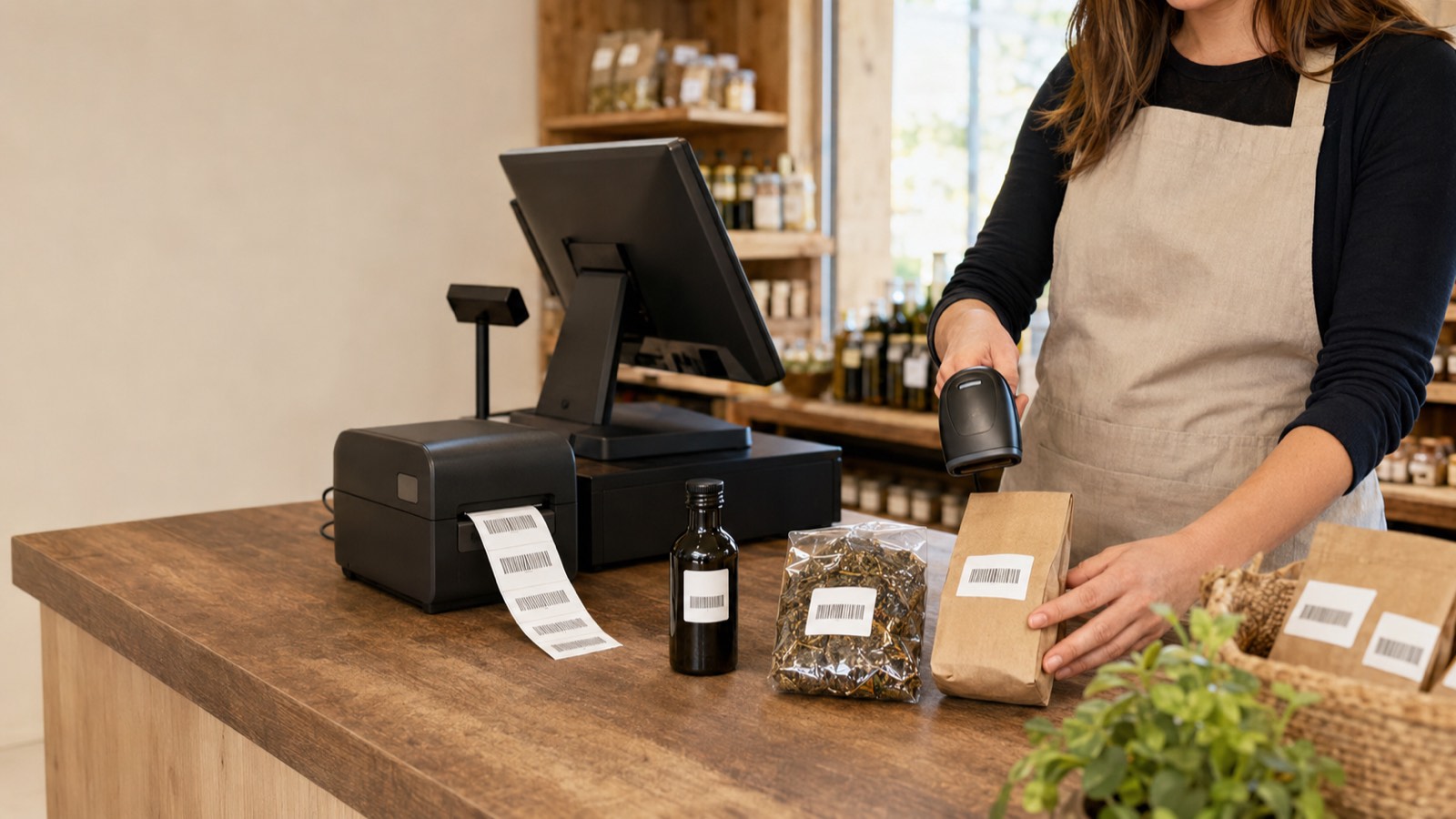
An internal label such as “JKT BL M” might be enough at the counter. It is not a helpful product title online. Preserve the SKU or barcode that identifies the item, then add a clear name, material, dimensions or size information, photographs and an accurate description.
Check variants individually: a parent product can look complete while one size has the wrong image or price. Avoid creating a second, unrelated record just to make an item appear in the shop.
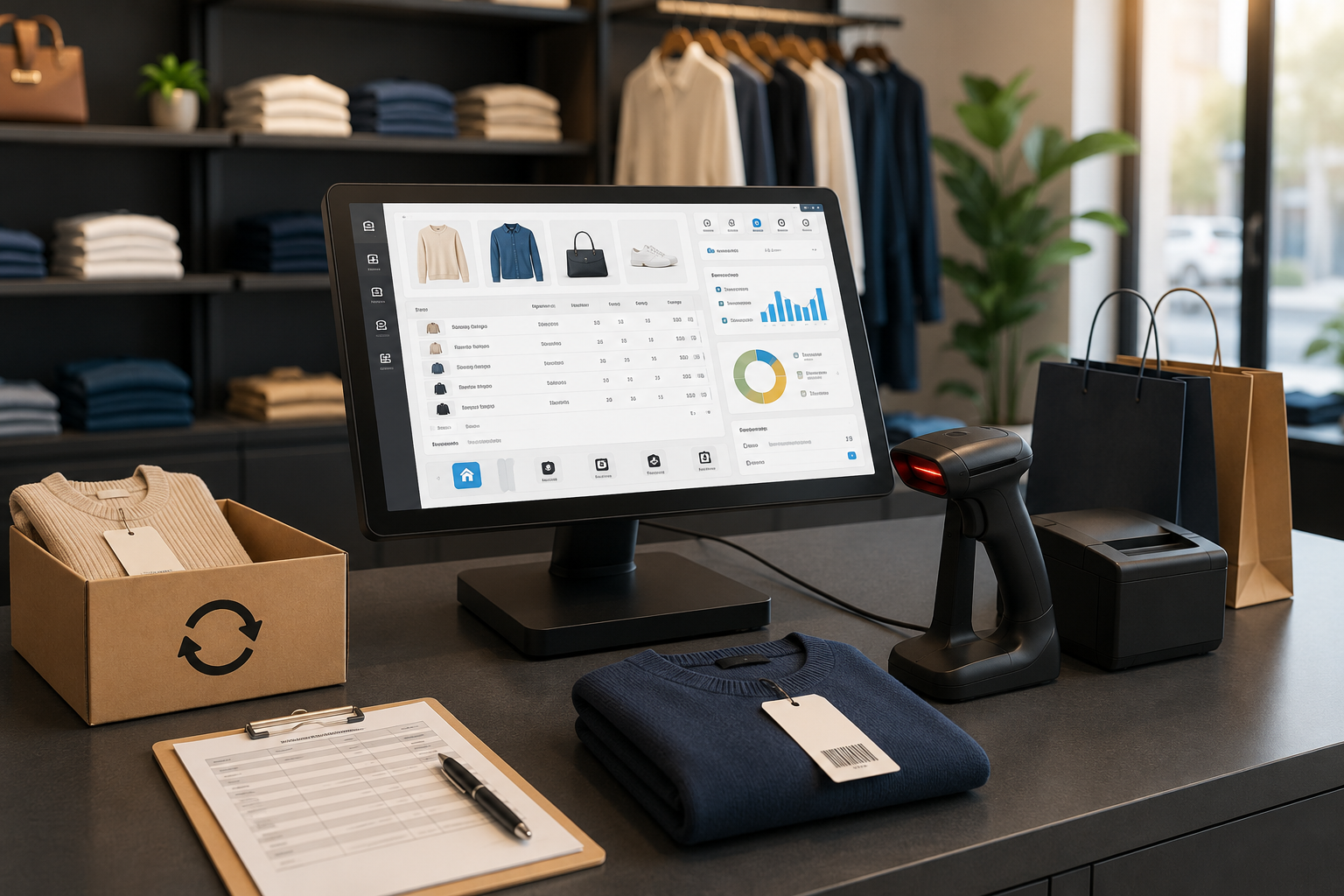
The Lonio product catalogue supports variants, multilingual product information and separate visibility for the register and online catalogue. Use that structure to prepare a collection before publishing it.
Build a website around the buying decision
Your first website needs to explain what the shop sells, why a customer would choose it and how an order reaches them. A collection page, clear product pages, store details and an understandable checkout are a practical starting point.
Look at these pages on a phone. Can someone distinguish similar variants, find the price and understand the available delivery or collection option without contacting the shop? A prominent photograph cannot compensate for a missing size or an unclear handover promise.
The website and online shop in Lonio connect page content with catalogue data, customer accounts and orders. Page titles, descriptions and URLs can be edited alongside the content.
Decide which stock the online shop can promise
A quantity on a shelf is not automatically available for a new order. Some units may already be reserved; others may be damaged or needed for display. Agree which location supplies online orders and how staff record those exceptions.
Inventory management in Lonio distinguishes stock on hand, reserved quantities and saleable availability. Check those quantities against a physical count before launch, especially for the first collection.
Then test a store sale and an online order against the same variant. Observe the resulting availability rather than assuming that a shared catalogue alone guarantees the behaviour you need. Decide what customers should see when the remaining saleable quantity reaches zero.
Separate collection from delivery
For collection, name the preparation owner, the collection location and the point at which the customer can come in. An order confirmation and a ready-for-collection message should not be treated as the same promise.
For delivery, settle the packing location, dispatch routine, supported destinations and charges. Test a mixed basket too: one collection-only item can change the options for the entire order.
Payment and shipping settings cover configured payment methods, delivery rules and collection options. Confirm the provider and workflow that will actually be enabled for your shop. For the detailed pickup process, use the separate Click & Collect guide.
Run five orders before inviting customers
Use the approved test procedure for your payment provider and order setup. Give a colleague the customer role and follow each case through the staff workflow:
- A normal delivery: select a variant, complete checkout, find the order and prepare the correct item.
- A collection: verify location availability, preparation time and the handover status.
- The last available unit: make an in-store sale, then check what the website allows.
- An interrupted payment: confirm that staff can distinguish an unpaid or uncertain order from a paid one.
- A cancelled order: check the payment action, stock release and customer communication separately.
Record the result, the person responsible and any correction. Repeat a failed case after the correction. A successful homepage preview is not a substitute for these order tests.
Calculate the cost of operating the shop
Read the current plans and pricing against your actual setup. The published Professional plan includes the website builder and online shop; other scopes require agreement. Do not assume that every feature shown on a product page has identical terms in every plan.
Request a breakdown covering the subscription, billing period, users and locations, domain, setup or migration work, design, payment-provider charges, delivery arrangements and any additional support. Clarify which items are included, separately charged or supplied by another provider.
Include your own workload: photography, product descriptions, packing materials, staff preparation time and handling exceptions. A software subscription is only one part of running the sales channel.
Expand after reviewing real orders
Launch the approved collection with a named order owner and a backup. Review the first orders for missing information, stock corrections, payment confusion and preparation delays. Add the next collection when those exceptions are understood and the team can handle the extra work.
If you are evaluating Lonio, bring a small sample of your current catalogue and two typical orders. Use them to agree the website, catalogue, stock and fulfilment setup before widening the launch.