Inventory management for clothing stores in Austria — control sizes, colours and returns efficiently with your POS
Practical, step-by-step guidance for managing inventory in Austrian clothing stores: handling variants (size/colour), bundles, reservations and returns with a connected POS and compliant reporting.
- Bahram Davoodi

Accurate inventory control is crucial for small and medium clothing stores in Austria: mistakes in sizes or colours, stockouts during peak seasons or weak returns handling can cost sales and add unnecessary expenses. This article gives practical steps for setting up variant-based inventory, seasonal bundles and returns workflows, and explains how a modern POS can simplify these processes.
1. Why variants (size and colour) are challenging
Garments usually come in multiple variants: sizes (S, M, L, etc.) and colours. Recording and tracking each variant separately shows which sizes/colours sell fastest and which remain on the shelf. Without that data, you risk incorrect reorders or excess stock, tying up working capital.
2. Proper data structure: one product with variants
The recommended approach is to create a single “base product” (for example, “Classic shirt”) in your catalogue and then define variants for size and colour. That allows you to:
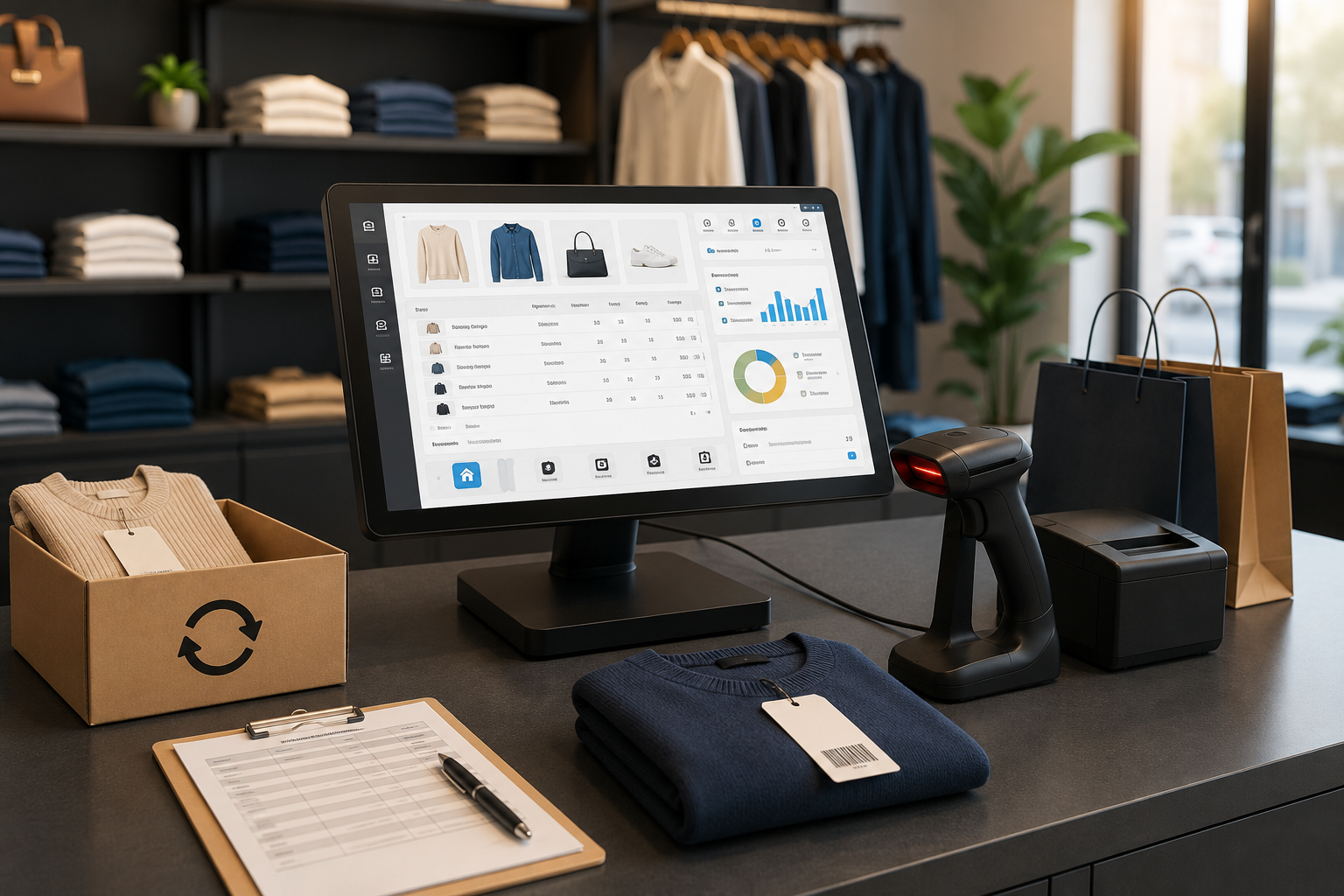
- assign a unique barcode or SKU to each variant so the till can scan quickly;
- run sales reports by variant and make more accurate purchasing decisions;
- apply pricing or discounts to specific variants when needed.
See the catalogue and inventory feature pages for tools and workflows: Catalogue feature and Inventory feature.
3. Bundles and kits: increase sales while keeping stock correct
Creating bundles (for example, a T‑shirt + trousers set) can raise average basket value. When defining bundles, make sure component SKUs are reserved so you don’t sell more items than you actually have. Your POS should automatically deduct the correct quantities of each variant when a bundle is sold.
4. Stock movements every clothing store should record
- goods receipt (supplier → stock) with barcode/serials and variant granularity;
- sales (in-store/online) that decrement the correct variant;
- transfers between branches or between shop floor and back stock;
- customer returns that may be restocked or set aside for quality review;
- stock adjustments (damages, theft, incorrect deliveries).
Recording these movements and keeping an audit trail helps explain variances and supports financial reporting—especially important when complying with Austrian cash-register rules such as RKSV. For technical and reporting questions, coordinate with your accountant and consult official guidance from the Austrian Federal Ministry of Finance: Bundesministerium für Finanzen (BMF).
5. Returns policy (returns/‘Retouren’): process and POS recording
A standard returns workflow should include three steps: acceptance (verify receipt or order number), condition check (resellable or needs repair/quarantine) and financial posting in the system. Practical tips:
- record reason and condition for each return so patterns can be analysed;
- if an item is returned to sellable condition, increment the identical variant’s stock with the correction date; otherwise move it to a returns/quarantine location;
- issue a returns receipt to the customer and ensure the accounting booking follows Austrian rules—consumer-rights information is available from the Austrian Consumer Protection authority: USP – Austrian Consumer Protection.
6. POS features that improve speed and accuracy
When selecting or configuring a POS for clothing retail, look for:
- variant identification via barcode/QR and automatic decrement per scanned variant;
- stock reservation for phone orders or in-store holds;
- multi-location stock management (shelf, shop floor, back stock) and internal transfers;
- returns processing with an auditable workflow and common reporting;
- seasonal and analytical reports to spot size and colour trends.
To review how catalogue, inventory and tills work together, see our clothing-store solution page: Clothing stores solution and the POS feature page: POS feature.
7. Operational rules for peak seasons and sales
During peak seasons or sales:
- limit per-customer quantities at the POS for high-demand variants to avoid bulk buying of a single size/colour;
- set safety stock levels for fast-selling variants and enable automatic replenishment alerts;
- clear labelling and near-real-time stock updates reduce the risk of selling items that are out of stock.
8. Implementation and data migration: from catalogue import to team training
A simple rollout plan when migrating from an older system to a new POS:
- export your current catalogue and structure it around base products and variants;
- generate unique barcodes for every variant and assign them to each item;
- define return and stock-movement rules and configure them in the POS;
- provide short, practical training for the sales team on scanning, returns and transfers.
Find more on data migration services in our data-import and migration page: Data import & migration, or contact us for advice: Contact.
9. Final notes on compliance and reporting
In Austria, compliance with cash-register and electronic-record rules (including RKSV, the signature creation unit and the Data Export Protocol—DEP) is important. Before changing financial reporting or core cash workflows, consult your accountant or tax advisor and refer to official resources such as the Austrian legal information system: RIS and the Federal Ministry of Finance: BMF.
If you’d like a free review of your current workflows and improvement points for your store, see our clothing-store solution: /industries/clothing-stores and get in touch via /contact.
Frequently asked questions
1. How should I record sizes and colours in the system?
Create each base product as an item and add a separate variant for every size/colour combination. Assign a barcode or unique identifier to each variant so the till can scan it.
2. Should a return immediately increase stock levels?
Only after a quality check. If the returned item is resellable, reverse the variant stock with a correction date; otherwise move it to a returns/quarantine location until it is inspected.
3. How do I prevent selling more than the available stock?
The POS must decrement stock at payment and provide a reservation mechanism for simultaneous sales. Setting reorder alerts and regular stock reports also helps prevent overselling.
4. Are these methods compatible with Austrian rules?
This article explains operational best practice but does not replace legal or tax advice. For specific questions about financial reporting and RKSV, consult official sources such as the Federal Ministry of Finance and speak to your tax advisor: BMF.