Barcode and Label Printing in Retail POS Systems
A practical guide to barcode and label printing in retail POS systems: barcode types, label printing and inventory integration.
- Bahram Davoodi
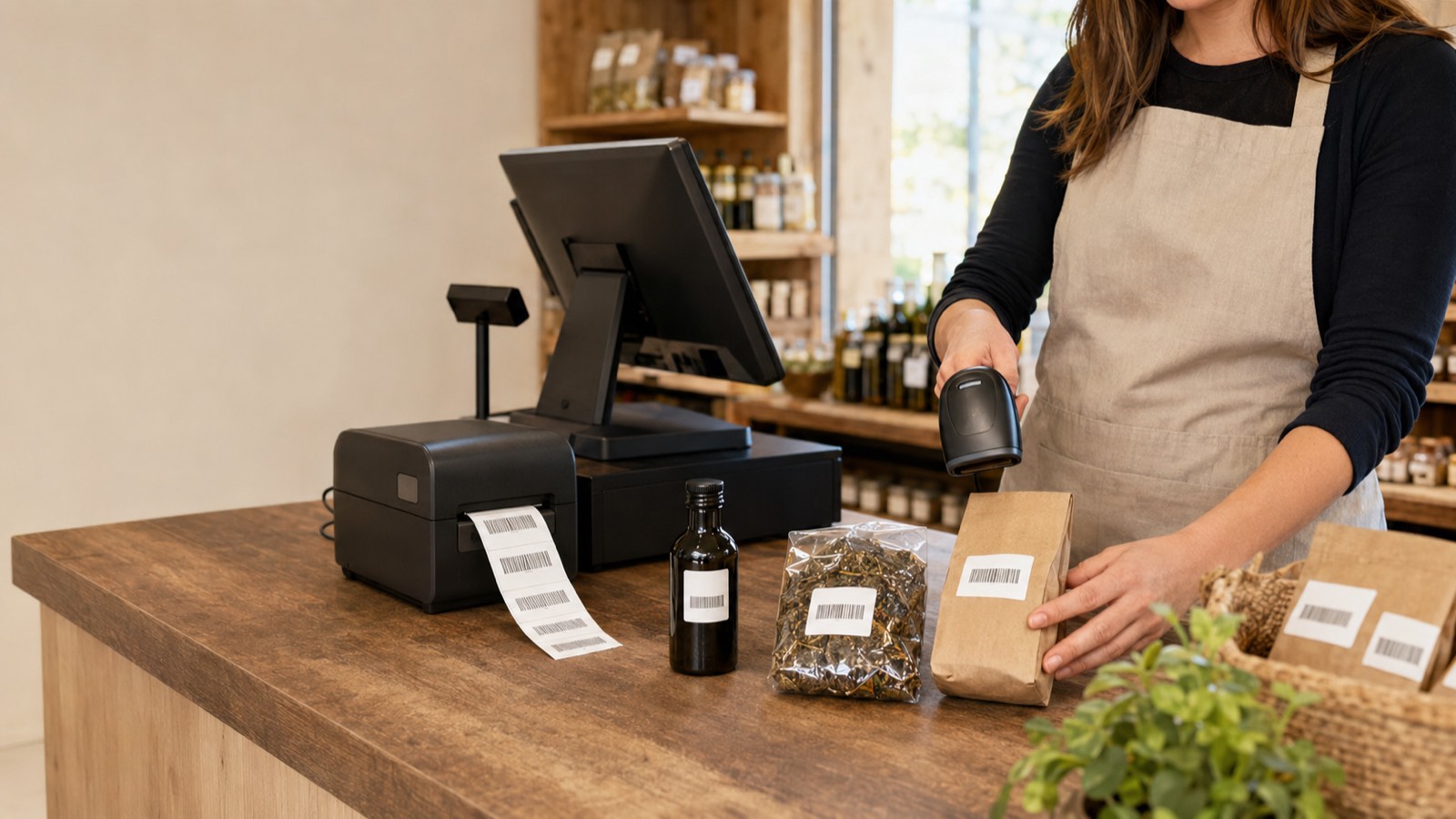
Why are barcode and label printing essential in a retail POS system?
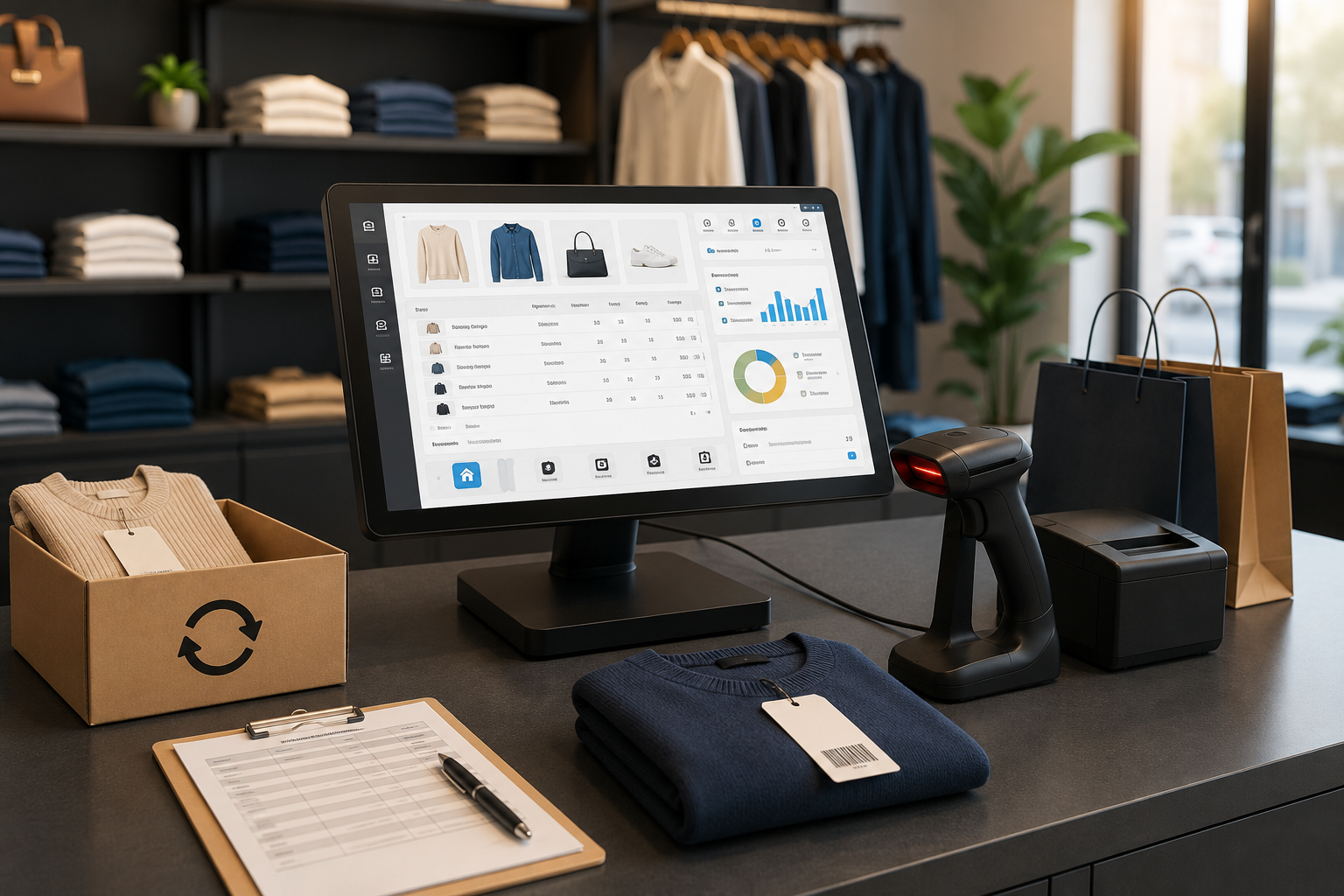
Using barcodes speeds up checkout, reduces human error when entering prices, and enables accurate stock tracking. For retailers with many items, a barcode is an essential tool, not a luxury.
Barcode types and choosing the right one
- Standard manufacturer barcodes (EAN/UPC) already printed on the product;
- Internal barcodes the business creates itself for products without one;
- QR codes for extra information or a link to the online product.
Label printing: in-house or outsourced?
Small businesses usually use a desktop label printer connected to the POS system, allowing fast, low-cost printing of custom labels. This method is ideal for loose goods or handmade products that don't have a standard barcode.
Integrating barcodes with inventory management
When barcodes are integrated with inventory management, every scan at checkout automatically updates stock levels, reducing the need for manual counts.
Summary
A suitable barcode and label printing setup speeds up the sales process and makes inventory management more accurate. Lonio's POS system with integrated inventory management provides this capability for Austrian retailers. Get in touch for more information.
Do all POS systems support barcode scanners?
Most modern POS systems support standard USB or Bluetooth scanners.
Can you create a barcode for unpackaged products too?
Yes, an in-house label printer can generate a custom barcode.
What's the difference between a barcode and a QR code?
A barcode is usually for quick product identification, while a QR code can hold more information such as links or descriptions.
Does scanning a barcode update stock automatically?
Yes, in integrated systems every sales scan updates stock automatically.