Unavailable Restaurant Menu Items: Pause Sales, Offer Substitutes and Analyse Lost Sales
A practical guide to pausing unavailable restaurant items across channels, proposing customer-approved alternatives, correcting orders and estimating the commercial impact of shortages.
- Bahram Davoodi
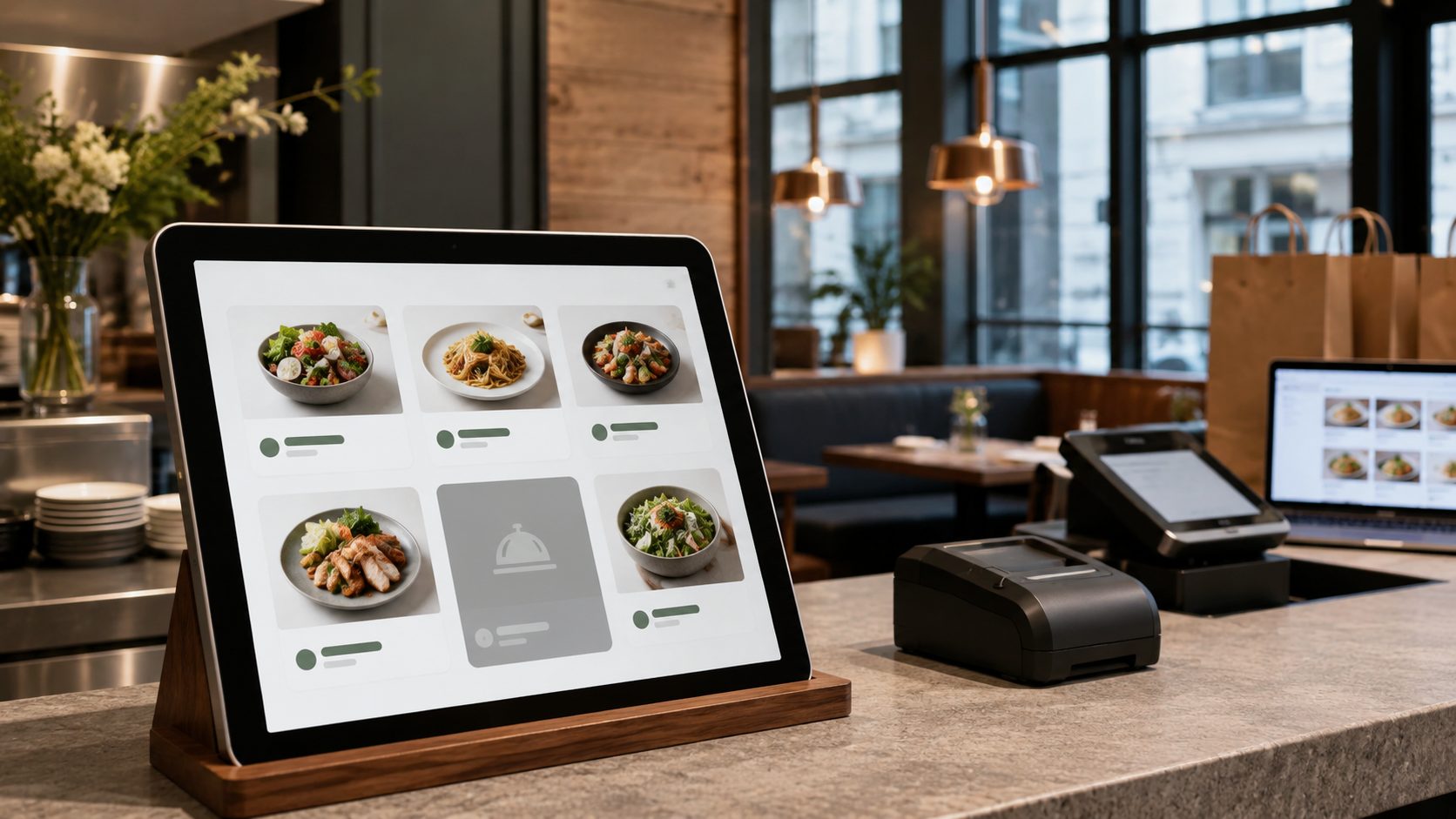
When a menu item sells out, it should be stopped quickly in the relevant channels so staff do not accept orders that cannot be fulfilled. The process must also protect the customer from silent substitutions, price surprises and allergen risks.
Temporary pause versus deletion
A seasonal or temporarily unavailable item should usually remain in the catalogue. A temporary pause preserves its pricing, options, kitchen routing, reporting history and future availability rules.
Define the scope of unavailability
An item may be unavailable in one branch, channel or daypart while remaining sellable elsewhere. Record the branch, channel, start time, expected end time and reason. An online-only shortage should not automatically remove the item from in-person POS unless the same limitation applies.
Channels that must stay aligned
- POS and tableside ordering
- Online ordering, takeaway and delivery
- Website and QR digital menu
- Branch-specific and scheduled menus
- Kitchen and packing stations
Inform staff and prevent new selection
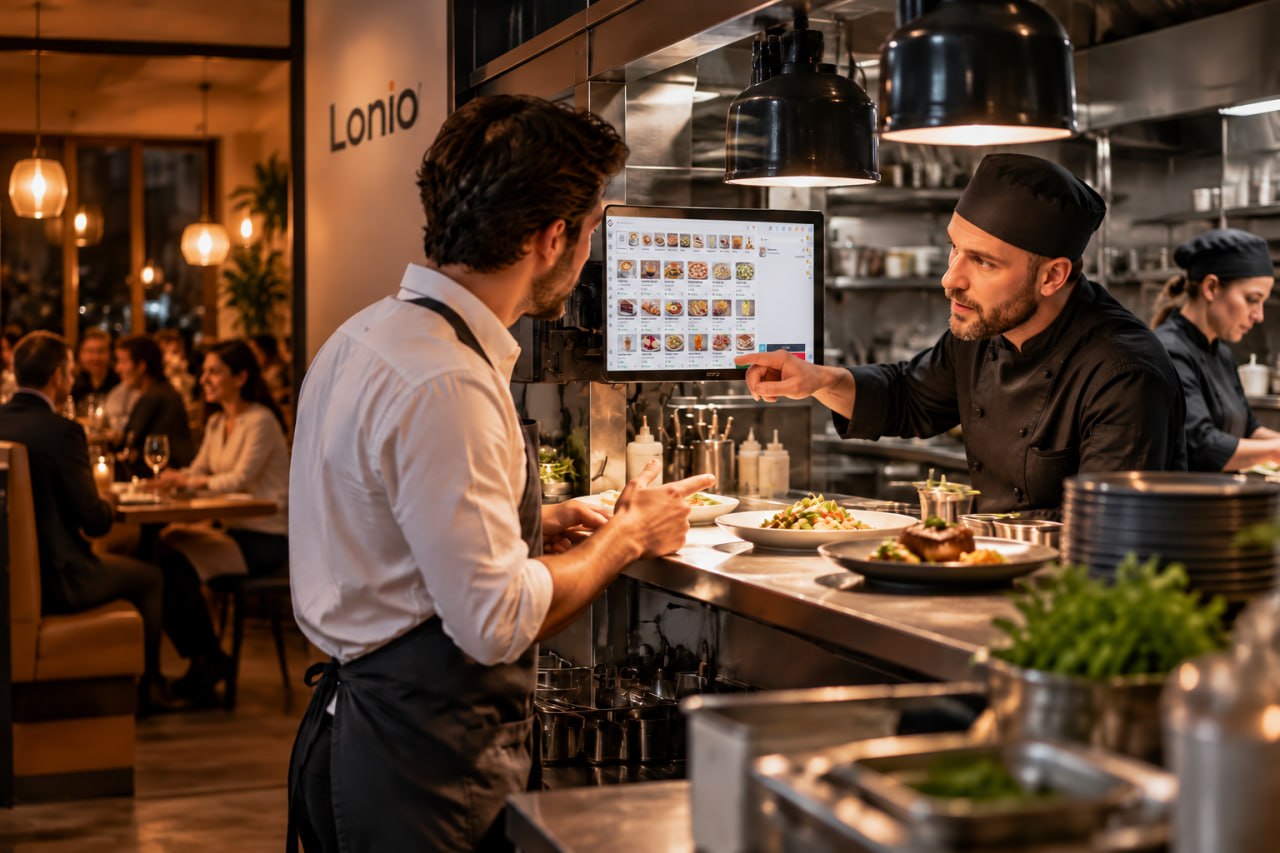
Front-of-house, checkout and kitchen teams need one current status. The item should no longer be selectable in affected channels, while existing orders must remain visible for controlled resolution.
Substitute only with customer approval
A substitute should be comparable in type, size, price, ingredients and relevant allergen information. The customer must choose whether to accept the alternative, remove the item or cancel the order. Automatic substitution can create price disputes or food-safety risk.
- Pause the unavailable item in the affected channels.
- Check which alternatives can actually be prepared.
- Explain price, size, ingredients and allergen differences.
- Record the customer's response with time and channel.
- Update the order, payment, kitchen ticket and packing instructions.
Handle price and payment changes clearly
If the substitute costs more or less, the order total and payment status must be corrected transparently. For paid orders, refunds or additional collection must follow the configured payment process. Pending or uncertain payment states should be verified before another charge or refund is attempted.
Treat lost sales as an estimate
Failed requests can be compared with item price or typical basket value, but the result is not guaranteed lost revenue. Some guests accept an alternative, some remove one line and others cancel the entire order. These outcomes should be recorded separately.
Data needed for shortage analysis
- Start and end of the unavailable period
- Branch, sales channel and item
- Number of failed requests
- Alternative offered, accepted or rejected
- Item cancellation or whole-order cancellation
- Reason: purchasing, supplier, waste, stock error or unexpected demand
Return the item to sale safely
Reactivate only after physical availability is confirmed. Recheck price, options, ingredients, allergen information, kitchen destination and active channels so a rushed return does not create another unfulfillable order.
Practical scenario
A dessert sells out at the central branch while the second branch still has stock. The dessert is paused only for the central branch and its connected channels. Two alternatives with different prices are offered for an open order, the customer's choice is recorded, and the order and payment are updated. The end-of-day report sends the duration, failed requests and shortage reason back to purchasing.
Prevent repeated shortages
- Adjust minimum stock and reorder points
- Count critical ingredients before peak periods
- Review supplier performance
- Match seasonal menus to actual production capacity
- Analyse repeated shortages and their order impact
How Lonio can help
Depending on the confirmed configuration, Lonio can maintain item availability by branch and channel and connect catalogue, POS, online ordering and reports. Automatic synchronisation, substitution workflows, alerts and stock-driven availability must be validated in the live setup.
Conclusion
Unavailable-item management should be fast, scoped, reversible and auditable, while every substitution remains a customer decision.
Frequently asked questions
Should an unavailable item be deleted from the catalogue?
No. A temporary pause normally preserves its history, price and configuration.
Can a sold-out item be substituted without customer approval?
No. Price, ingredients and allergen differences must be explained and the customer's choice recorded.
How should lost sales from shortages be calculated?
As a management estimate based on failed requests, item value and order outcome; it is not guaranteed lost revenue.
When should the item be reactivated?
After real stock is confirmed and price, options, ingredients, kitchen routing and channels are checked.