Restaurant Software Setup: Migration, Staff Training and Go-Live Without Stopping Sales
A practical restaurant software migration and go-live guide covering controlled data transfer, equipment testing, role-based training, internal documentation and first-week controls.
- Bahram Davoodi

Changing restaurant software is not simply installing a new application. Menus, prices, tables, users, printers, payments, reservations and reports must be prepared and tested before the first live shift. An unplanned migration can interrupt order flow, send items to the wrong station or create payment differences at the busiest possible moment.
Step one: define the project scope
Decide what must be live on day one: POS, table service, kitchen routing, reservations, inventory, online ordering and reporting. Activating every module simultaneously is not always the safest approach. A phased rollout can reduce operational risk, provided that responsibilities and temporary processes are clear.
Which data should be migrated?
- Categories, products, prices and tax settings
- Structured modifiers, choices and operational notes
- Table plan and dining-room service areas
- Users, roles and permissions
- Opening stock and essential suppliers
- Customers and future reservations where needed and legally permitted
- Records that must remain available or archived in the old system
Do not migrate every old record
Duplicate products, expired prices, obsolete modifiers and inactive users should be cleaned before import. Migration is an opportunity to improve the structure, not to reproduce every historical problem. Define who approves the cleaned dataset and keep an export or archive of the source where required.
Hardware and network preparation
POS terminals, tablets, receipt printers, kitchen printers or KDS screens, payment terminals, cash drawers and the network should be installed and tested in the real venue. An office test cannot replace checks in the kitchen, terrace, service corners and peak-load conditions. Confirm power, charging, cable routes, Wi-Fi coverage and fallback devices.
Configure order routing
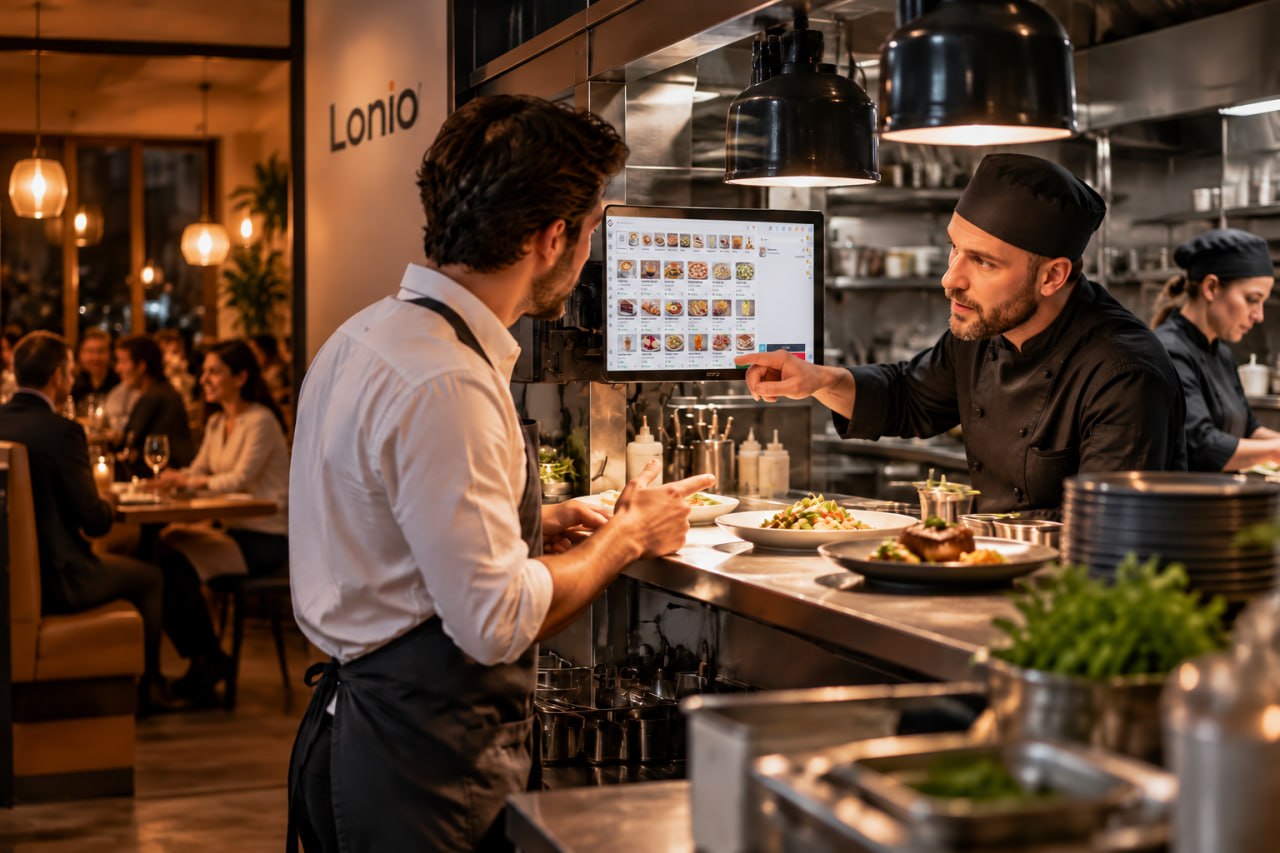
Every item needs the correct operational destination. Test food, drinks, desserts, takeaway, packaging, amendments and cancellations separately. The team must be able to see whether an order was accepted, pending or failed, so that a network delay does not create duplicate preparation.
Staff training before go-live
Training should use the real menu structure, table plan, user roles and realistic scenarios, while practice data remains separate from live sales. Short role-based exercises are usually more effective than one long general session. Each participant should perform the tasks rather than only watch a demonstration.
Train by role
Cashiers, servers, kitchen staff, hosts and managers have different responsibilities. Training should reflect real workflows: opening a table, adding items and modifiers, moving or combining tables, splitting a bill, taking mixed payments, processing a refund and closing a shift.
Essential training scenarios
- Simple orders and orders with required choices
- Moving, joining and separating tables
- Split bills, partial payments and mixed tenders
- Amendments, cancellations and refunds
- Reservations, check-in and walk-ins
- Internet interruption, printer failure and use of a replacement device
Each user should complete the scenarios relevant to their role without full assistance. A named internal lead and a clear support contact path should be available on go-live day.
Internal knowledge base and staff guides
Verbal training is forgotten and can vary between shifts. Keep searchable guides for opening and closing a shift, ordering and payment, refunds, reservations, stock procedures and common fault scenarios.
Each guide should state its purpose, steps, responsible role, example or screenshot and last review date. When the menu, workflow or software changes, update the guide and identify the old version. This is an operational standard for a successful rollout and does not claim that a specialist learning-management module is included in the product.
Pre-go-live test checklist
- Cash and card sales
- Mixed payment and tips
- Customer receipt and kitchen output
- Order amendment and cancellation
- Reservation and guest arrival
- Moving and combining tables
- Refund with manager permission
- Shift close and daily report
- Behaviour during network or device failure
Pilot run
Where possible, run a low-risk shift or a controlled test environment with realistic data. The goal is to expose configuration and training problems before the formal launch. Record every issue, owner and retest result rather than relying on memory.
Go-live day
Choose a lower-pressure period. Name a technical owner, an operational owner and the support contact route. Freeze unnecessary menu and price changes for that day. Confirm the old-system access or fallback method before service starts.
Fallback plan
Define alternatives for printer failure, network problems, payment-terminal issues and user mistakes. Staff should know what they are authorised to do, how to record temporary transactions, how to avoid duplicate orders and when a manager must be called. Exact offline, synchronisation and payment behaviour depends on the confirmed production architecture.
Post-launch control
At the end of each early shift, review sales, payment methods, open orders, kitchen output and cash differences. Log issues from the first days, assign priorities and separate urgent operational faults from improvement requests. Re-test corrections before closing them.
Migration and RKSV in Austria
In Austria, changing a cash-register system may affect registration, receipt, DEP and security-device processes. The technical setup and the business's tax position should be reviewed with the responsible implementation team and a qualified tax adviser. Software alone does not determine legal compliance or replace the required records and procedures.
A suggested four-week plan
- Week one: requirements, responsibilities, data and equipment
- Week two: cleaning, mapping and importing data
- Week three: configuration and scenario testing
- Week four: training, pilot run and controlled go-live
How Lonio can help
The restaurant and café solution outlines the operational areas that need preparation, while Lonio POS forms the core sales and ordering workflow. Use contact Lonio to discuss migration planning, configuration and a demonstration. Exact imports, integrations, offline behaviour and RKSV steps must be confirmed for the production setup.
Conclusion
A successful migration comes from clean data, realistic testing, role-based training, clear documentation and a fallback plan. The goal is not merely to switch on the new system quickly; it is to run the first live shifts with controlled risk and a team that knows what to do when something differs from the plan.
Frequently asked questions
Can a restaurant migrate without stopping sales?
Good data preparation, testing, training and a lower-risk launch window can greatly reduce the chance of interruption, but a documented fallback is still required.
How should staff be trained?
Use role-based practice with real workflows such as ordering, payment, refunds, reservations, shift close and device failure.
Which procedures should be documented?
Frequent and sensitive processes including shift open and close, payments, refunds, reservations, stock tasks and fault scenarios.
Does a migration require an RKSV review?
In Austria, cash-register registration, receipts, DEP and security components should be reviewed with the technical team and a qualified tax adviser.