Restaurant Order Options: Add-ons, Pricing, Allergens and Kitchen Routing
A practical guide to restaurant order options and add-ons, including selection limits, prices, allergens, temporary unavailability and kitchen amendments.
- Bahram Davoodi

A restaurant order often contains more than a product name. Guests may choose a size, cooking level, milk type, paid add-on, sauce, side dish or ingredient removal. When recurring choices are stored only as free text, staff can miss them, price them incorrectly or send incomplete information to the preparation station.
Structured option or free-text note?
Frequent, priced or rule-based requests should be configured as structured options. Free-text notes are better for genuine exceptions. Repeating the same instruction every day as a note makes reporting difficult and increases variation between employees.
Common option groups
- Small, medium or large size
- Meat cooking level
- Milk or drink base
- Paid extras and additional portions
- Ingredient removals
- Sauce, side or preparation choice
Define selection rules
For each group, specify whether a choice is required or optional, the minimum and maximum number of selections, any default value and whether each option changes the price. Staff should see the final selection before sending the item; a hidden default can create an order the guest did not explicitly request.
Manage dependencies between options
Some choices depend on others. A milk choice may appear only for selected drinks, while a large size may change the price or the number of allowed extras. Structured dependencies keep irrelevant choices off the order screen and reduce a long, confusing list for staff and guests.
Control prices and combinations
Paid add-ons should increase the item total through a defined price rule. In meal deals or combinations, the system should clearly distinguish what is included in the base price from what costs extra. Free text must not replace formal pricing. A change after payment may require a payment adjustment, updated tax treatment and a clear message to the preparation station, depending on the confirmed setup.
Handle allergens and sensitive information carefully
Removing or replacing an ingredient does not automatically remove an allergen or cross-contact risk. Option definitions must rely on verified product data and the restaurant's kitchen procedure. Free-text notes must never be treated as a professional allergen-control process. Staff should communicate uncertainty instead of making an unsupported safety promise.
Route each choice to the correct station
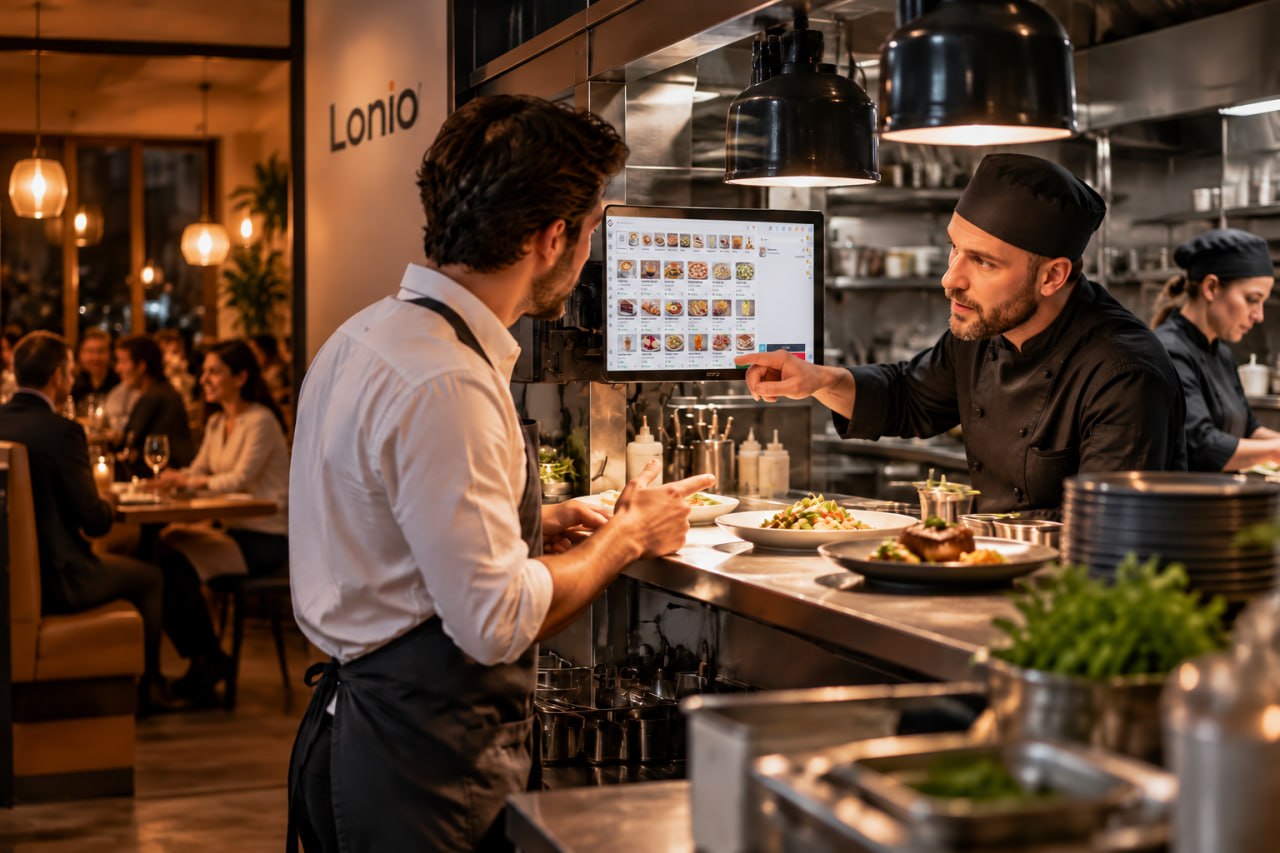
Options and notes must remain attached to the same line item and reach the station responsible for preparation. A custom drink should be visible to the bar, while meat doneness should be visible to the hot kitchen. If one item is routed to several stations, each station should receive only the information it needs without losing the complete order context.
Changes after an item has been sent
When an option changes after the kitchen or bar has received the order, the amendment should be marked clearly and sent to the same destination. The old instruction must not remain active without warning. Staff should confirm whether preparation has started and whether the change creates waste, a price difference or a new preparation time.
Pause only the unavailable option
A product may remain available while one size, topping or milk type is temporarily unavailable. Pause only that option for the relevant branch and channel. Open orders should not be changed automatically; the replacement or removal must be agreed with the guest and any price difference handled on the same order.
Keep ordering simple for staff
Too many options slow down order entry. Group choices by product category, show the most relevant options first and review rarely used or duplicated entries. Clear labels are more useful than internal abbreviations that new employees may not understand.
Test before publishing
- Order the product with the minimum and maximum allowed selections.
- Check the final price and configured tax result.
- Verify the option on POS, mobile and every active sales channel.
- Test kitchen or bar tickets with choices and notes.
- Practise amendment and cancellation after the item has been sent.
- Confirm branch-specific unavailability and restoration.
Reporting and periodic clean-up
Structured options can show popular sizes, extras and removals, helping menu simplification, purchasing and price review. Free-text notes are harder to classify and should not be treated as definitive reporting data. Review unused options, repeated notes, inactive add-ons and outdated prices on a regular schedule.
Practical scenario
A drink has a required size, an optional milk choice and a paid extra shot. Oat milk becomes unavailable in one branch. Only that option is paused for the affected branch; the drink remains on sale. Existing orders stay unchanged until staff contact the guest, agree on a replacement and update any price difference and preparation message.
How Lonio can help
Depending on the confirmed configuration, Lonio can keep product data, option groups, price rules and order notes connected through sales and preparation workflows. Exact support for dependencies, channel-specific availability, kitchen routing, payment adjustments and reporting must be validated in the live configuration before operational reliance.
Conclusion
Turn frequent requests into structured options and keep free text for exceptions. This improves order speed, pricing accuracy, allergen communication and the quality of instructions sent to the kitchen and bar.
Frequently asked questions
When is a structured option better than a free-text note?
Use a structured option for frequent, priced or selection-limited requests because it is more consistent and reportable.
Does removing an ingredient remove the allergen?
No. Ingredients and cross-contact risks must be checked against verified product data and the kitchen procedure.
What if only one add-on is unavailable?
Pause that option for the relevant branch and channel instead of removing the main product without reason.
How should an option change after sending be recorded?
Update the price and the item instruction, and send a clearly marked amendment to the original preparation station.