Restaurant Online Order Integration with POS and Kitchen: Complete Workflow Guide
A complete guide to connecting restaurant online orders with the POS, payment and kitchen workflow, including menu synchronisation, duplicate prevention, capacity and handover.
- Bahram Davoodi
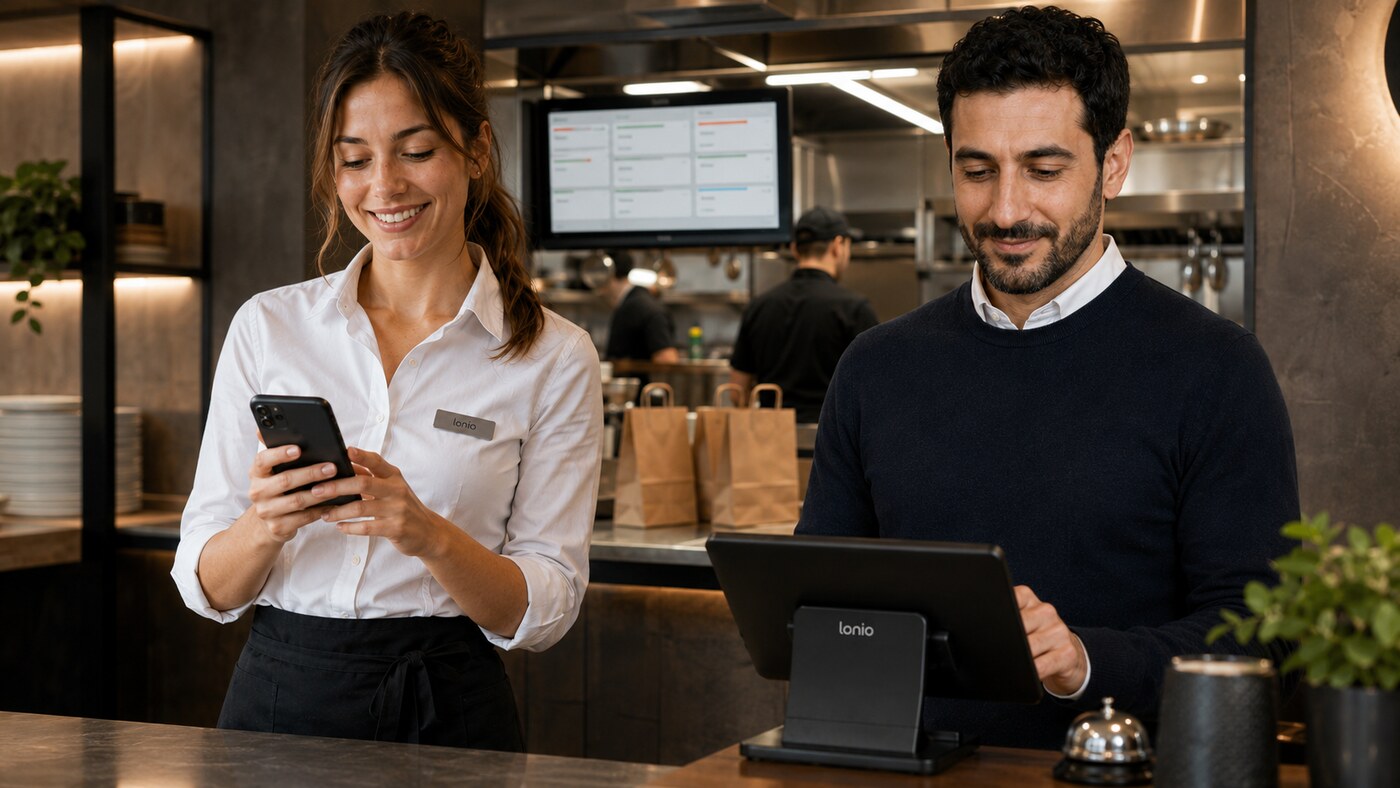
When online orders arrive in a separate dashboard and staff must enter them again in the POS, errors become part of the process. A “no onions” option may be missed, the payment status may be recorded incorrectly, an order may be sent to the kitchen twice, or the promised collection time may not match the restaurant’s real capacity. A reliable restaurant online order integration should remove duplicate entry and create one traceable workflow from the customer’s selection to final handover.
Successful integration means more than displaying an order on a till screen. Menu data, prices, tax settings, modifiers, payment status, kitchen routing, time-slot capacity, availability and fulfilment status must remain aligned. Otherwise, the operational problem simply moves from one panel to another.
A standard online ordering workflow for restaurants
- The customer selects the branch, fulfilment method and preferred time.
- Products, modifiers, add-ons and notes are loaded from the central catalogue.
- Product availability and time-slot capacity are checked.
- The customer chooses a payment method and confirms the order.
- The order enters the POS with a unique identifier.
- Each item is routed to the correct station, such as the kitchen, bar, dessert or packing area.
- The order progresses from received to preparing, ready and handed over.
- Sales, payments, refunds and preparation times are stored in reports.
Why every order needs a unique identifier
If the customer refreshes the payment page or the connection drops briefly, the same order must not be created again. A unique order identifier allows the POS to recognise whether a request is new or a retry of an existing order. This control helps prevent duplicate production, double stock deductions and payment disputes.
Manage menus, prices and modifiers from one source
Product names, descriptions, prices, tax settings, add-ons, allergen information and availability should be maintained in a central catalogue. A separate online menu that is not linked to the POS makes it easy to forget a price change or continue selling an unavailable item on one channel.
Each product should also have a clear sales scope: branch, channel and time period. Breakfast items may only be available until a specific hour, while another product may be offered only for collection. Availability rules should be checked before the customer pays, not after the order reaches the restaurant.
Transfer modifiers and notes at item level
Cooking preference, milk type, removed ingredients, size and paid extras must remain attached to the relevant item. A general order note should not replace structured modifiers because the kitchen needs precise instructions for each product. Modifier prices must also reach the POS so that the order total matches the amount paid.
Route items to the kitchen, bar and packing station
After the order reaches the POS, each item should go to its operational destination. Hot food goes to the kitchen station, drinks to the bar and takeaway items to the packing area. Routing should come from product settings rather than relying on staff to separate every order manually.
For multi-station orders, the status of each station matters. Finishing the drinks must not mark the entire order as ready. The order should become ready only after all required parts are complete and the final quality check has been performed.
Online payment, payment on collection and open balances
Payment status should travel with the order. An order already paid online must not be charged again at the till. For unpaid or partly paid orders, the remaining balance must be visible. When a payment is failed or uncertain, the result should be checked with the payment provider and linked to the original order rather than assuming that leaving the payment page means failure.
Refunds must also stay connected to the original transaction and order. Deleting an order without recording the refund, or refunding a payment without updating the order, creates differences between sales reports and settlement records.
Control capacity and realistic preparation times
Unlimited acceptance within one time slot can overload the kitchen even when the technical integration works perfectly. Capacity should reflect the number and complexity of orders, menu mix, station availability and expected preparation time. A large group order may consume more capacity than a normal order.
When a slot is full, the next suitable time should be offered or ordering should be paused temporarily. The promised time shown to the customer should come from operational capacity rather than a fixed estimate used throughout the day.
What if an item becomes unavailable after ordering?
Availability should normally be checked before payment. If an item cannot be prepared after the order is placed, staff need a clear exception workflow: pause the order, contact the customer, offer a suitable replacement and record any price difference. Replacing an item without consent or changing the amount without history can create allergen, service and financial risks.
Working during an internet outage
The restaurant should know in advance which functions continue when the internet is unavailable. A local POS may still handle dine-in orders, while new website orders or online payment confirmation may stop. When connectivity returns, synchronisation should recognise duplicate requests and apply status changes in the correct sequence.
Pre-launch testing checklist
- Prices, tax settings and modifiers match between the website and POS.
- A paid order enters the POS only once.
- Notes and modifiers are visible at the correct station.
- A multi-station order is not marked ready until all required parts are complete.
- Cancellations and refunds remain linked to the original order.
- Marking an item unavailable affects the correct online channels.
- Time-slot capacity and revised collection times have been tested.
- Behaviour during network loss and reconnection is documented.
Practical example
A customer orders two burgers, one drink and one dessert for collection at 19:30 and pays online. The order enters the POS once with a unique identifier. The burgers go to the kitchen, the drink to the bar and the dessert to the cold station. The bar finishes first, but the order remains in preparation until the burgers are ready. After the packing check, the order changes to ready for collection and closes without another payment.
Reports worth reviewing
- Sales and order count by channel and branch
- Average time from order receipt to acceptance and readiness
- Duplicate, cancelled and refunded orders
- Failed payments and orders with open balances
- Unavailable products and accepted substitutions
- Delays by hour and kitchen station
- Average online order value
How Lonio fits into the workflow
In the Lonio restaurant and café solution, orders, POS, catalogue, kitchen workflow and reporting can be viewed as one operational process. The exact scope of payment gateway, ordering-channel and hardware integration must be confirmed with the technical team before launch.
Conclusion
Connecting restaurant online orders to the POS and kitchen creates value when it does more than remove manual entry. It should also align menu data, payment, capacity, routing, preparation status and exception handling. Unique identifiers, a central catalogue, realistic capacity control and complete exception records are the foundations of a reliable workflow.
Frequently asked questions
Should online orders be entered again in the POS?
No. In an integrated workflow, the order enters the POS with its unique ID, payment status, items and modifiers.
How are duplicate orders prevented?
Each order uses a unique identifier, allowing the system to recognise a repeated request before creating another order.
What should happen when an online payment is failed or uncertain?
The transaction status should be checked with the payment provider and linked to the original order rather than creating a new order.
Does the order go directly to the kitchen?
After acceptance, each item is routed according to its product settings to the kitchen, bar, dessert or packing station.
How is online-order capacity controlled?
Operational capacity is defined for each time slot. When a slot is full, another time can be offered or ordering can be paused.





