Restaurant Menu Management: Catalogue, Pricing, Approvals and Scheduled Publishing
A practical guide to building and publishing a restaurant menu from one central catalogue, including prices, modifiers, branches, seasonal offers and change control.
- Bahram Davoodi

When the POS menu, website, online ordering channels and individual branches are edited separately, price and product information quickly drift apart. A central restaurant catalogue creates one controlled source for products, categories, prices, modifiers, availability and publication rules.
The objective is not only to make menu editing faster. It is to make every change traceable, reviewable and consistent across the places where staff and guests see it.
Build a clear catalogue structure
Separate categories, products, modifier groups, prices and display rules. A product should have a stable internal identity even when its customer-facing name, image or description changes. Clear naming helps staff search quickly and prevents duplicate products.
Organise menu categories around service
Breakfast, starters, mains, drinks and desserts should reflect the ordering flow. Categories used for reporting do not always need to match the exact customer display, but the relationship should be understandable. Avoid placing one product in several nearly identical categories without a clear reason.
Control prices and tax settings
Keep the base price, branch-specific price, channel-specific price and relevant tax setting as separate controlled fields. Before publication, check that the displayed price, POS price and online price match the intended rule. Tax treatment depends on the product and business situation and should be confirmed with the responsible specialist.
Use structured modifiers and add-ons
Size, milk type, cooking level, side dish and paid extras should be configured as structured options. Mark required and optional choices clearly, define minimum and maximum selections and show any price difference before the order is confirmed. Free-text notes should remain available for true exceptions, not replace good catalogue design.
Manage combinations and set menus
For a set menu or meal deal, define which selections are allowed, how many items may be chosen and whether any choice changes the price. The kitchen and reporting logic should still be able to identify the selected components.
Decide where each product is visible
A product may be active at the POS but unavailable for online ordering. One branch may sell it at a different price or not sell it at all. Channel and branch rules should be explicit rather than hidden in duplicate product records.
Draft, review and approve menu changes
A change to price, tax, name, description, options or availability can affect several branches and channels at the same time. Prepare the change as a draft and give a named reviewer visibility over the affected products, branches, channels and proposed publication date.
- Record the requested change, reason and intended start date.
- Review price, tax, modifiers and mandatory product information.
- Check branch and channel exceptions.
- Approve the final version and publish at the planned time.
- After publication, test a sample product in the POS and each relevant online channel.
Exact draft, approval and scheduled-publishing functions depend on the confirmed product configuration. Even without an automated workflow, the same controls can be implemented as an internal operating procedure.
Schedule breakfast, lunch and dinner menus
For every meal period, define active weekdays, start and end times, participating branches, categories and product exceptions. The displayed time should match real kitchen capacity. Breakfast might remain visible until 11:00, while the last order for a time-intensive item is accepted at 10:45.
- Check overlaps between meal periods and special menus.
- Confirm whether the same product has different prices at different times.
- Record public holidays, closures and special hours as dated exceptions.
- Test the final schedule in the POS, website and ordering channel.
Manage seasonal menus and limited offers
A seasonal item needs a start date, end date, price, availability rule, image, ingredients, staff briefing and a stop plan. It should not remain active in one channel after the promotion ends. Deactivation is usually better than deletion because sales history and reporting remain intact.
Before launch, check ingredient supply, preparation capacity, allergens, modifiers and expected preparation time. After the period ends, review sales, cancellations, stock-outs and waste before deciding whether to repeat the offer.
Route products to the correct station
Every product needs an operational destination such as hot kitchen, cold station, bar, dessert or packing. A modifier that changes preparation should reach the same station with the item. Incorrect routing creates delay even when the catalogue looks correct to the customer.
Use temporary unavailability instead of deletion
When an item sells out, temporarily disable it for the affected branch or channel. This protects the sales history and makes reactivation easier. Staff should know who can change availability and how online channels are checked afterwards.
Practical scenario
A restaurant changes the price of a drink. The manager enters the new value in the central catalogue, reviews the effective date and publishes it to the POS and selected online channel. A second branch keeps its approved local price. The manager then checks one test order in each affected channel.
Menu quality-control checklist
- Duplicate products or products without a category
- Missing price or tax configuration
- Required modifiers without valid choices
- Products routed to the wrong preparation station
- Active products that are unavailable in practice
- Seasonal products without an end date
- Differences between POS and online descriptions or prices
Useful management reports
Track sales by product and category, use of modifiers, out-of-stock frequency, cancellations after menu changes and performance of seasonal offers. These reports show whether the menu structure supports operations or creates avoidable friction.
How Lonio supports menu operations
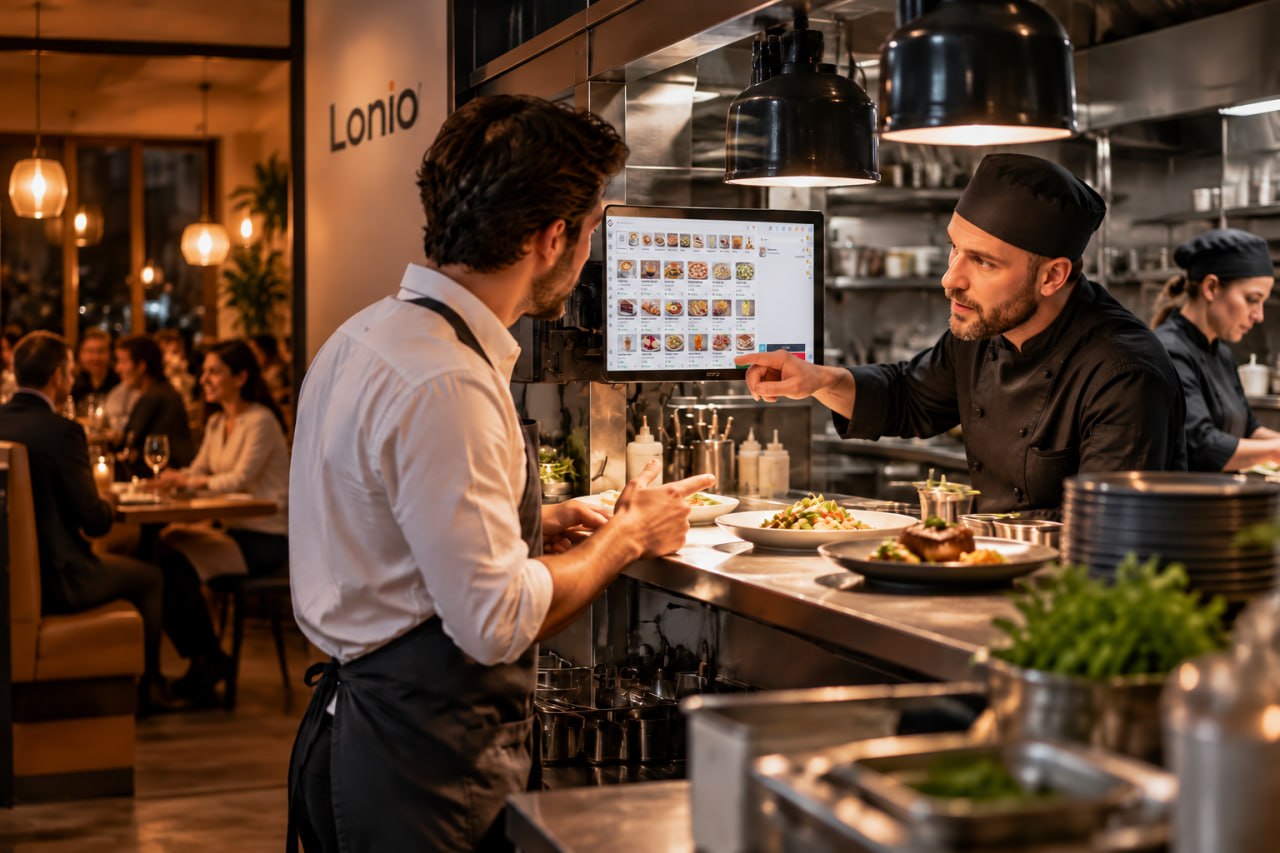
The Lonio catalogue can organise product information for sales and operations. The restaurant and café solution shows how the menu connects with POS, kitchen workflow and online ordering. Exact approval, scheduling, branch pricing and channel-publication behaviour must be confirmed in the production configuration.
Conclusion
A central catalogue is the single source of truth for the restaurant menu. A controlled structure for categories, prices, modifiers, branches, channels and publication dates makes changes faster, easier to review and less likely to create customer-facing errors.
Frequently asked questions
Can each branch use a different price?
Where branch-level configuration is supported, price and product availability can be managed separately for each location.
What should be checked before publishing a menu change?
Review price, tax, name, description, modifiers, branches, channels and the effective date.
Should a seasonal product be deleted after the promotion?
Usually it is better to deactivate it so sales history and reporting remain available.
What should menu scheduling be aligned with?
Branch opening hours, kitchen capacity, stock availability and the information shown to customers in every channel.