Restaurant Group Reservations: Events, Spaces, Resources and Blocked Times
Operational guide to group reservations and restaurant events, including capacity, private spaces, shared resources, blocked times, setup, deposits, tasks and billing.
- Bahram Davoodi
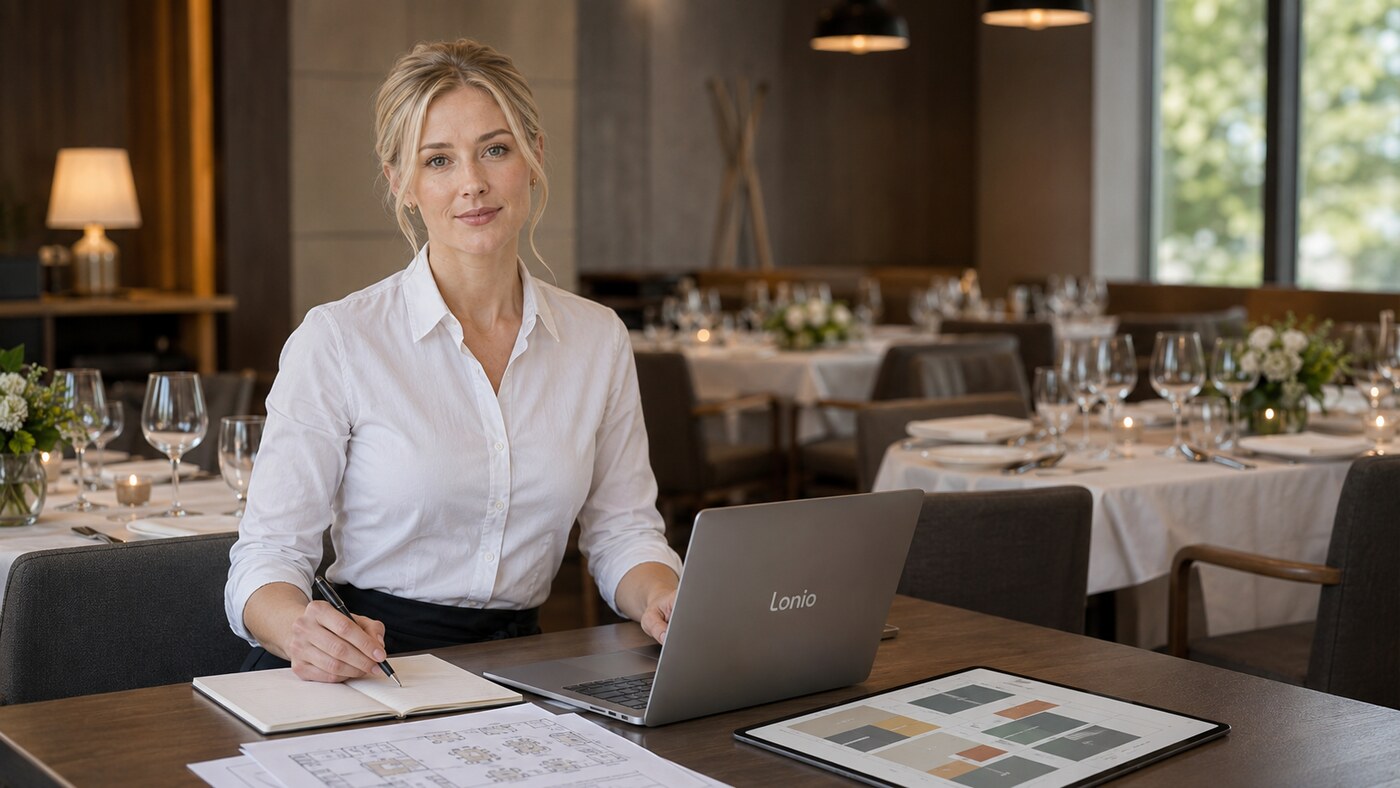
A group reservation is more than a larger table booking. Guest count, several tables, a selected menu, deposits, equipment and coordination between front of house and kitchen should remain in one event record.
Capture the complete group booking
- Expected and confirmed guest count
- Arrival, service, finish, setup and turnaround times
- Table layout and assigned space
- Menu, dietary requirements and approved substitutions
- Deposit, payment status and billing contact
- Named customer contact and internal event owner
- Tasks for floor, kitchen, bar and management
Treat spaces and equipment as bookable resources
A birthday, meeting or private dinner may need a private room, terrace, event area, audio equipment, decorations or additional staff. Each resource should have a name, branch, capacity, availability window, dependencies and a person responsible for setup.
Prevent overlapping reservations
The calendar should consider the space, dependent tables and shared equipment together. If a private room is built from several tables, booking the room should prevent those tables being sold again. The same rule applies to equipment that can serve only one event at a time.
Include setup and reset time
The reservation window should include room layout, cleaning, technical checks, conversion and equipment removal. Showing only the guest attendance period creates false availability and can cause the next event to start late.
Use blocked times deliberately
Closures, repairs, private hire and event preparation should be entered as blocked periods so reception and online booking do not show capacity that cannot actually be used. Every block should record its reason, scope, owner and end time.
Build a dated task checklist
Group events benefit from dated tasks such as menu confirmation, deposit collection, final guest-count call, floor-plan approval, supplier coordination, room setup and equipment testing. Assign each task to a role and record completion rather than relying on verbal handover.
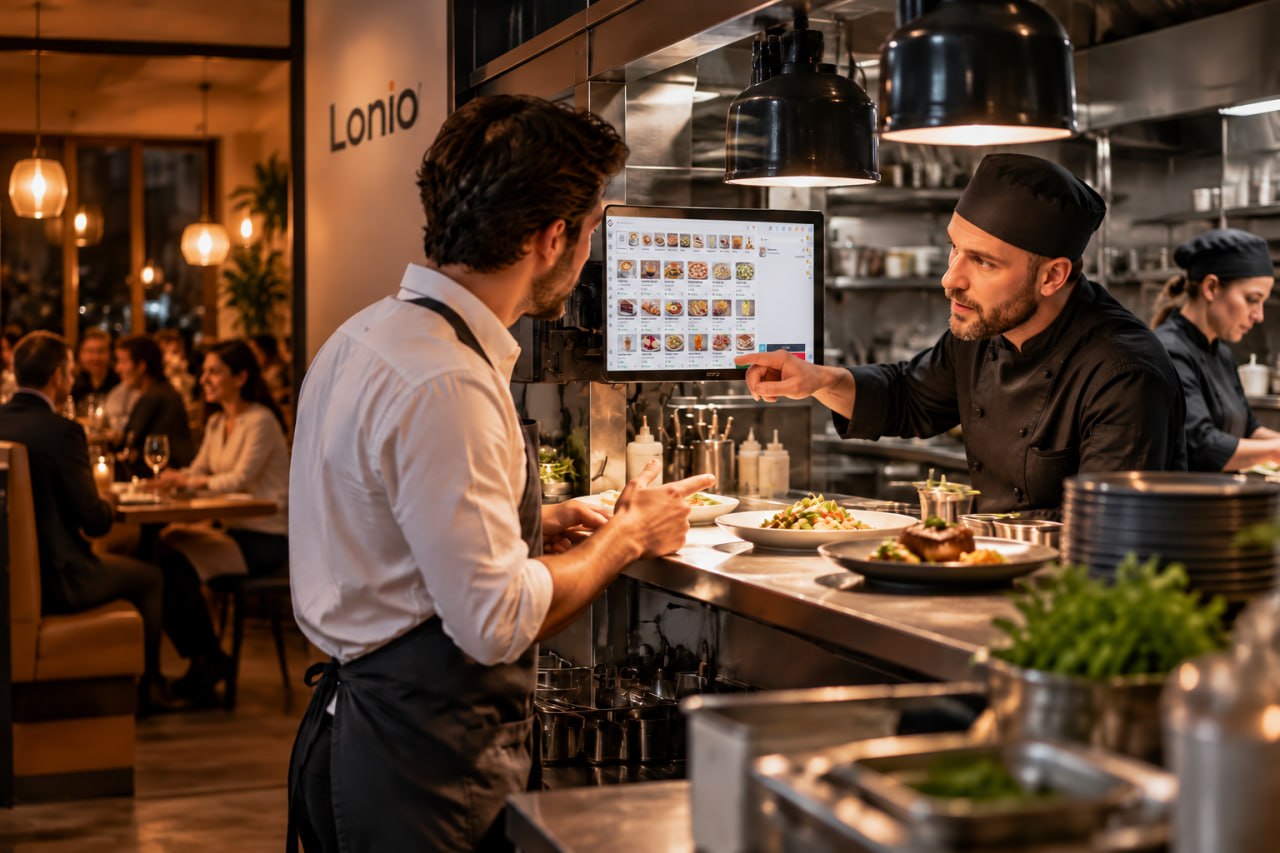
Coordinate kitchen, bar and POS
Guest count, service time, courses and selected menu should reach the kitchen and bar early enough for planning. On the event day, the reservation should connect to the correct tables and bill so deposits, prepayments, additional consumption and split settlement remain traceable.
Define deposit and cancellation rules clearly
Deposit amount, due date, cancellation terms and refund handling should be visible before confirmation. These rules depend on the restaurant's policy, customer agreement and applicable Austrian legal and tax review. The system should preserve the original payment and any refund or retained amount in the same event history.
Run the event day from one record
Reception, floor, kitchen and management should see the same guest count, timing, resources and current status. Changes such as a revised headcount, delayed arrival or room move should update the existing record and notify the responsible team through the confirmed workflow.
Review the event afterwards
Analyse revenue, discount, deposit, refund, occupied hours, labour effort, cancellation, no-show and customer feedback. The aim is to improve future pricing, setup time, staffing and resource allocation rather than only recording sales.
How Lonio can help
Depending on the confirmed configuration, Lonio can bring calendar, group reservations, events, resources, blocked times, tasks, attendance and POS links into one workflow. Deposit automation, online resource availability, notifications and complex event billing should be validated in the live setup.
Conclusion
Group reservations become manageable when capacity, spaces, equipment, timing, payments and team tasks are controlled in one shared event file.
Frequently asked questions
How is a group reservation different from a normal booking?
It may include several tables, a special menu, deposits, bookable resources, equipment and dated team tasks.
What is a bookable resource?
A space or facility such as a private room, terrace or shared equipment with its own capacity, availability and setup rules.
How can resource overlap be prevented?
Control the space, dependent tables, setup time and shared equipment in one calendar.