Mobile Restaurant Ordering with a Tablet: Accurate Entry, Kitchen Routing and Network Outages
Practical guide to tableside ordering with a tablet, including accurate entry, kitchen routing, amendments, user control and network fallback.
- Bahram Davoodi
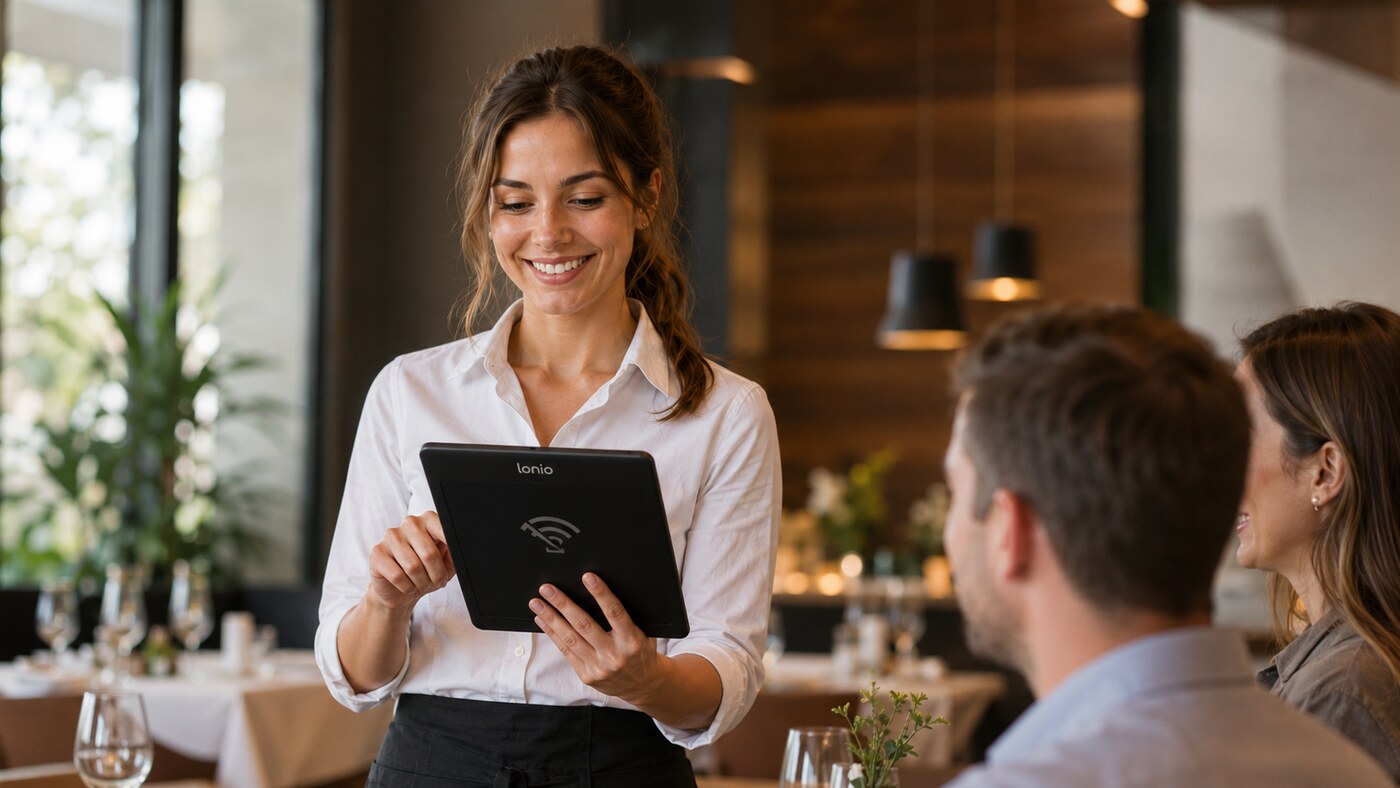
In a traditional workflow, a server writes the order on paper, returns to the till and enters it again. During a busy service, that gap creates delays, duplicated work and mistakes in quantities or notes. Mobile ordering with a tablet or handheld device lets the server capture the order at the table and send it directly into the POS, bar and kitchen workflow.
What is the main benefit of tableside ordering?
- No second entry at the till
- Fewer errors in quantities, variants and modifiers
- Faster routing to the kitchen and bar
- Clear visibility of the table and its open order
- Additional items can be added without leaving the guest
The aim is not simply to replace paper with a screen. A good mobile flow shortens the route from the guest's request to the correct preparation station while keeping responsibility and order history clear.
A practical mobile ordering flow
- The server signs in with a personal account.
- The correct table, reservation or service area is selected.
- Products, quantities, options and item notes are entered.
- A summary is checked before the order is sent.
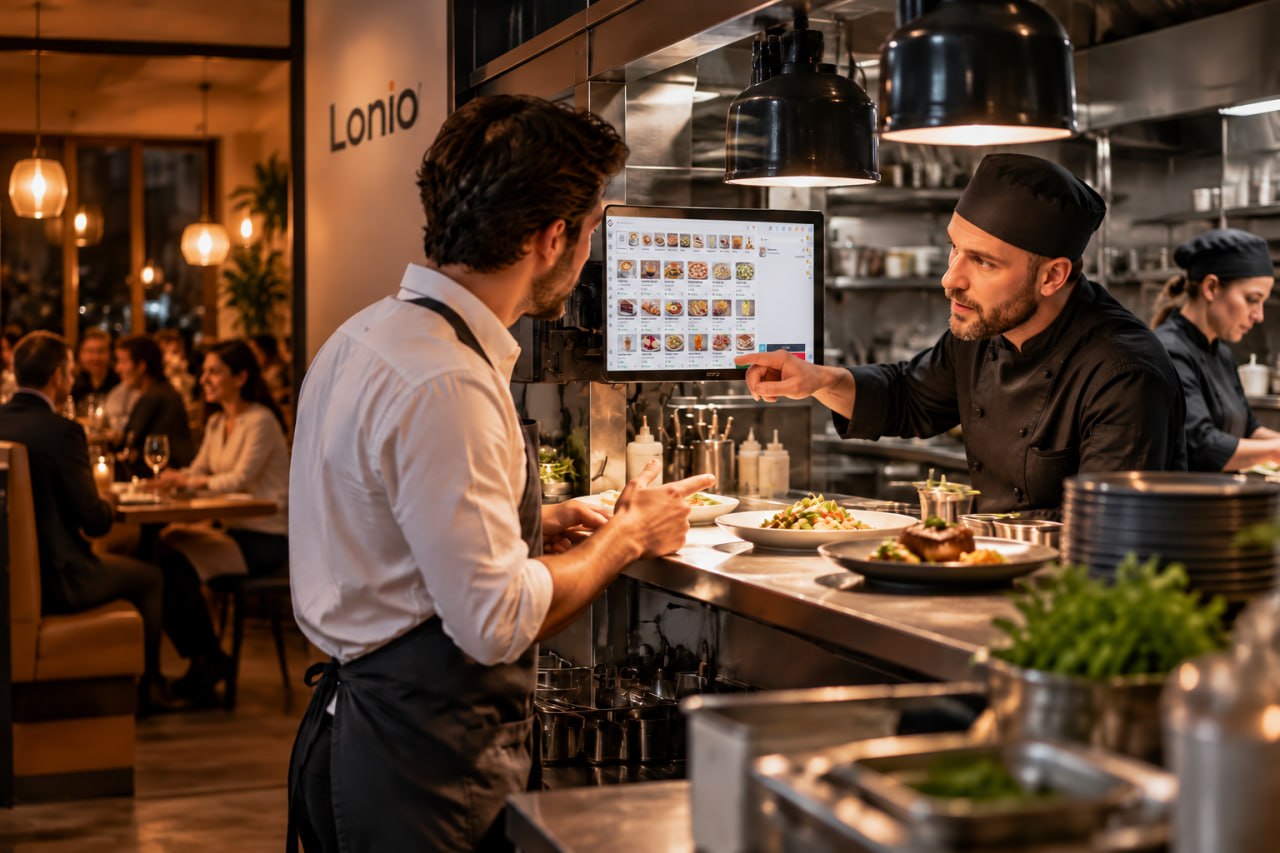
- Each item is routed to the relevant bar, kitchen or dessert station.
- Later additions, amendments and cancellations are recorded with a visible history.
- The final bill remains connected to the same table until settlement.
Design the menu for a small screen
Mobile menus should use short, recognisable categories. Best sellers, search and frequently used modifiers need to be reachable with as few taps as possible. A long menu copied directly from a desktop screen slows the server and increases the chance of opening the wrong product.
Buttons should be easy to distinguish while walking, in low light or during outdoor service. The design also needs a quick route back to the table overview so the server can confirm which order is being edited.
Use structured options before free-text notes
Cooking level, milk type, side dish, add-ons and removing ingredients are better recorded as structured options. Structured modifiers are easier for the kitchen to read, easier to price and more useful in reporting. Free-text notes should remain available for genuine exceptions, not replace a poorly configured menu.
Allergy or food-safety information requires the restaurant's confirmed process. A tablet can make a note visible, but it does not replace staff training or the required communication between front-of-house and the kitchen.
Access control and the correct table
Each server should use a personal account so orders, discounts, amendments and cancellations remain linked to the actual user. A shared tablet can move between staff, but a shared login removes accountability and makes later investigation difficult.
Before adding items, the device should clearly show the table name or number, guest count and service area. Similar table numbers, terrace zones and combined tables need especially clear labels. A short confirmation step is usually less costly than moving an entire order after it has reached the kitchen.
Confirm the order before sending
The send screen should show quantities, selected options, notes and the destination of each item. For sensitive requests such as allergy information or removing an ingredient, a second confirmation is useful. After sending, the status must also be clear: has the order reached the POS and preparation station, is it waiting to synchronise, or is it still only stored on the device?
Unclear transmission status is one of the main causes of duplicate orders. Staff need an obvious difference between saved, sending, sent and failed.
Routing to kitchen, bar and other stations
A drinks item may go to the bar, a main course to the hot kitchen and a dessert to another station. The guest order remains one table order, while each preparation area sees only the items it must handle. Routing rules should be tested with the real menu, including options, bundles and late additions.
Amending an order after it has been sent
A change or cancellation must reach the affected station with a clear marker. Sending the full item again without identifying the amendment can cause duplicate preparation. The history should show the original item, the change, the user and the time. Where preparation has already started, the team also needs a practical decision: stop, continue, discard or remake.
Network coverage and device management
Wi-Fi must be tested in the dining room, terrace, entrance and known dead zones. Battery life, protective cases, charging points and replacement devices are part of the operating design, not secondary technical details. Fixed access points and separated guest Wi-Fi usually provide a more reliable foundation than depending on a consumer router.
What happens during a network outage?
The exact behaviour depends on the confirmed system architecture. Some configurations may temporarily store an order on the device; others may prevent sending until the connection returns. Staff must know the current state of the order and how to avoid sending it twice after reconnection.
A fallback process should be documented, such as moving to the fixed POS, using a kitchen printer or recording the order on a controlled paper form. Offline storage, synchronisation and conflict handling must be verified in the production configuration before they are described as guaranteed capabilities.
Payment at the table
Where a supported POS-to-terminal integration has been confirmed, the amount may be transferred to a mobile payment terminal and the result returned to the POS. Without such an integration, the server can still prepare the bill on the tablet, but the payment steps may need to be completed separately. Card-terminal support, tips, split payments and network behaviour should all be tested with the chosen payment provider.
Implementation checklist
- Test real Wi-Fi coverage in the dining room, terrace and dead zones.
- Give every user a personal account and appropriate permissions.
- Match table names and service areas to the physical floor plan.
- Place frequent modifiers within a few taps.
- Make sent, pending and failed states visually distinct.
- Ensure amendments and cancellations reach the correct station clearly.
- Train the team for network outages and device failure.
- Define charging points, spare devices and maintenance ownership.
Practical scenario
A server enters the order for table 8 on a tablet. Drinks are routed to the bar and food to the kitchen. A few minutes later, the guest adds a dessert. The new item is attached to the same table, routed to the dessert station and recorded as a later addition rather than a duplicate of the first order.
Useful metrics
- Time from entry to successful sending
- Number of corrections caused by entry errors
- Orders opened on the wrong table
- Failed or duplicated transmissions
- Additional sales such as desserts and drinks
- Device and network incidents by service area
How Lonio supports the workflow
In the Lonio POS, table orders, items and settlement can remain connected within one operational flow. The restaurant and café solution shows how front-of-house, kitchen and checkout work together. Exact mobile, payment, offline and hardware behaviour must be confirmed for the live configuration.
Conclusion
Mobile ordering works when it removes duplicate entry and shortens the route to the kitchen without hiding order status. A simple menu, reliable network, personal user accounts and a rehearsed fallback process are the foundations of a dependable tableside workflow.
Frequently asked questions
Does a tablet order go directly to the kitchen?
After confirmation, each item can be routed according to configuration to the relevant kitchen display or printer.
What happens if the network fails?
Exact behaviour depends on the architecture. Staff must know whether the order is saved, pending or failed and use the defined fallback without sending it twice.
Does every server need a separate account?
Yes. Personal accounts provide clearer responsibility, permissions and amendment history.
How do we avoid opening the order on the wrong table?
Confirm the table name, service area and guest count clearly before sending the order.