KDS or Kitchen Printer? Comparing Cost, Reliability and Restaurant Order Flow
A practical comparison of restaurant KDS screens and kitchen printers, covering order flow, amendments, stations, reporting, total cost, maintenance and failure backup.
- Bahram Davoodi
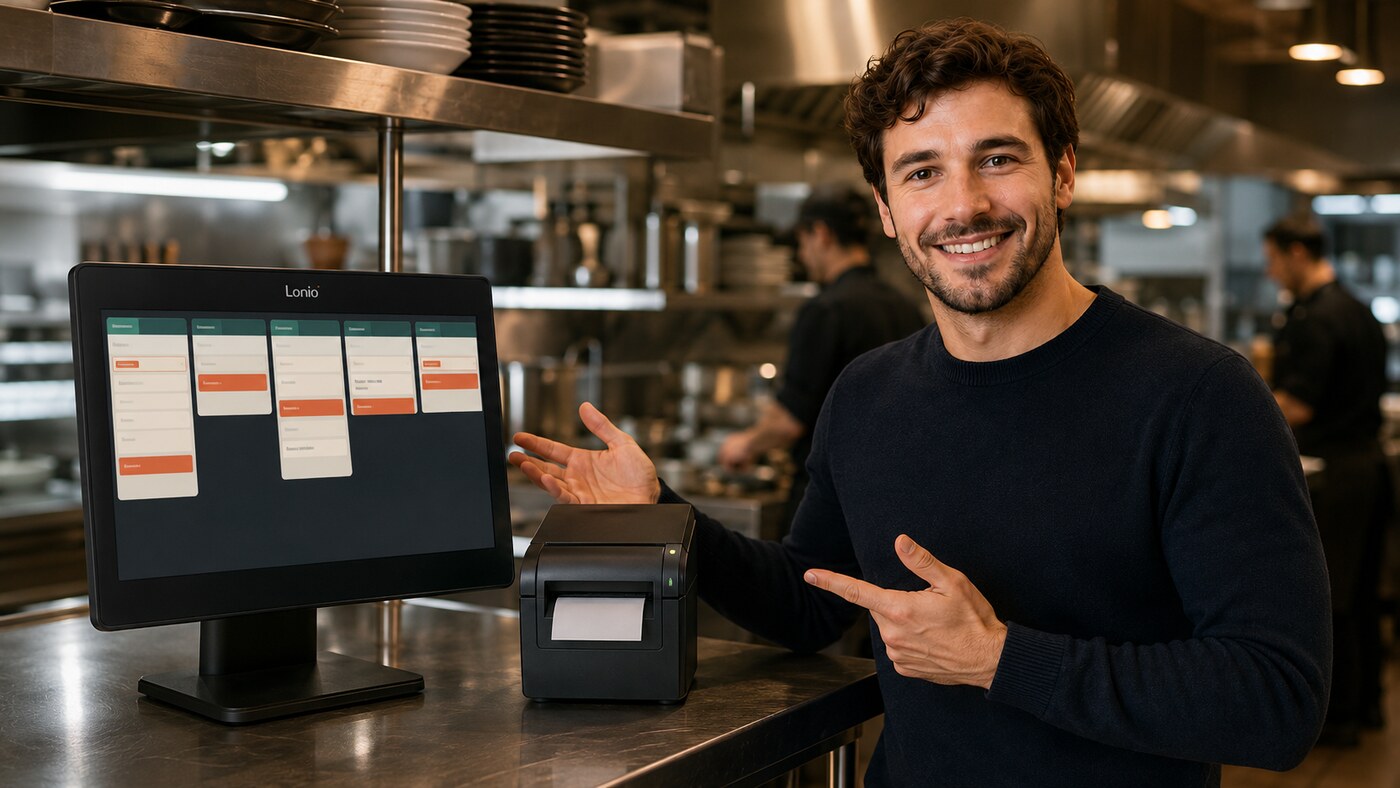
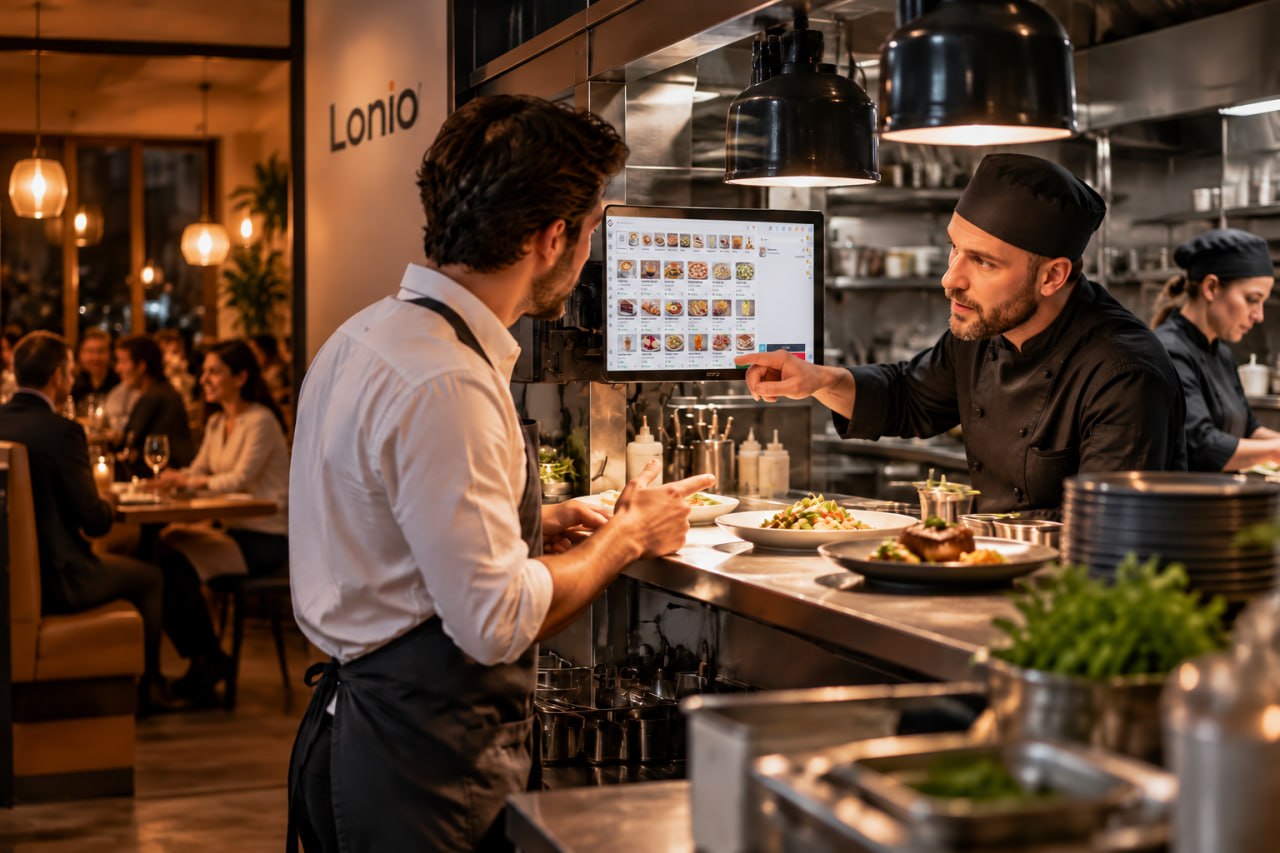
A kitchen display system and a kitchen printer both move orders from the POS to preparation stations, but they control work differently. The right choice depends on restaurant size, concurrent order volume, station count, network quality, reporting needs and staff readiness.
Where kitchen printers work well
- Simple setup and familiar paper tickets
- Low training burden for small teams
- Portable tickets for compact operations
- Useful independence from a screen interface
A small cafe or single-station kitchen may obtain a stable workflow from one well-positioned printer.
Printer limitations
Paper alone does not provide a live queue, preparation timer or shared view of the complete order. Tickets can be lost, become wet, print twice or be moved without a reliable status history. Reprints and amendments need a clear visual rule so staff do not prepare the same item twice.
Where a KDS can add value
- A live order queue and visible status
- Preparation timers and ageing alerts
- Routing to hot kitchen, bar, cold station or dessert
- A shared view across several stations
- Time data for operational reporting
These benefits depend on actual configuration. A KDS improves control only when routing, modifiers, status rules and responsibilities are designed and tested correctly.
KDS limitations
A KDS requires suitable screens, mounting, power, network coverage, device management and training. A crowded interface or too many status steps can slow the team. The restaurant also needs a documented response to screen, network or power failure.
Which option fits which operation?
A compact cafe with a limited menu and one preparation point may prefer a printer. A busy restaurant with separate bar and kitchen stations may benefit from a KDS or a hybrid setup. A high-volume multi-station site normally gains value only when routing, completion status and reporting are implemented consistently.
Decision criteria
- Concurrent order volume and peak-hour pressure
- Number and distance of stations
- Frequency of amendments, cancellations and coursing
- Need for timers, status visibility and reports
- Network, electricity and device support
- Equipment, consumables, maintenance and training cost
- A clear backup path during failure
Practical comparison
- Status: paper usually relies on ticket position; a KDS records status in the queue.
- Amendments: printer reissues must be clearly marked; a supported KDS may update the same ticket and show what changed.
- Multiple stations: separate printers are straightforward, but coordinating the full order is harder; a KDS can offer a shared view.
- Reporting: a printer does not normally record start and completion times; a KDS can produce time data when staff use statuses consistently.
- Failure: printers depend on paper, print heads and mechanics; KDS devices depend on screens, power and network.
Total cost of ownership
Purchase price is only one component. Compare paper rolls, print heads, spare devices, screens, mounts, network work, backup power, software, support, training and downtime over several years. A more complex system is justified only when it reduces a real bottleneck.
Hybrid model
Some restaurants use KDS as the primary workflow and a printer as a backup or permanent tool for one station. The trigger for backup printing must be documented. Staff also need a way to identify orders already prepared so switching systems does not create duplicate production.
Test before choosing
- Simulate a real peak hour.
- Enter a multi-station order with modifiers.
- Amend and cancel items after sending.
- Test reprint or redisplay behaviour.
- Disconnect the network or power down a device.
- Measure training time and operator errors.
- Compare support, consumables and replacement costs.
Suggested scenarios
A small cafe may perform better with one reliable printer. A medium restaurant with separate bar and kitchen may use a KDS, printers or a hybrid. A high-volume operation benefits from KDS only when routing, status ownership, backup and training are ready before go-live.
How Lonio can help
Orders entered in the Lonio POS can feed the configured kitchen workflow. The restaurant and cafe solution explains the connection between ordering and preparation. Exact KDS, printer, routing and fallback behaviour must be confirmed for the live setup.
Conclusion
Kitchen printers are simple and familiar; KDS can create more visibility and control. The best choice is the one that survives a real peak-hour test, fits the team's skills and has a clear failure path.
Frequently asked questions
Is a KDS always better than a kitchen printer?
No. A printer may be simpler and fully adequate for a small, single-station operation.
Can a restaurant use KDS and printers together?
Yes. A printer can serve as a backup or as the permanent tool for a specific station when the failure process is clearly defined.
What is the most important selection criterion?
Peak order volume, number of stations, need for status and reporting, infrastructure quality, staff readiness and total cost.