Choosing Restaurant Software: Demo, Cost, Support and Data Export Checklist
A decision checklist for comparing restaurant POS, kitchen, reservations, inventory, accounting, hardware, support, total cost and data portability.
- Bahram Davoodi
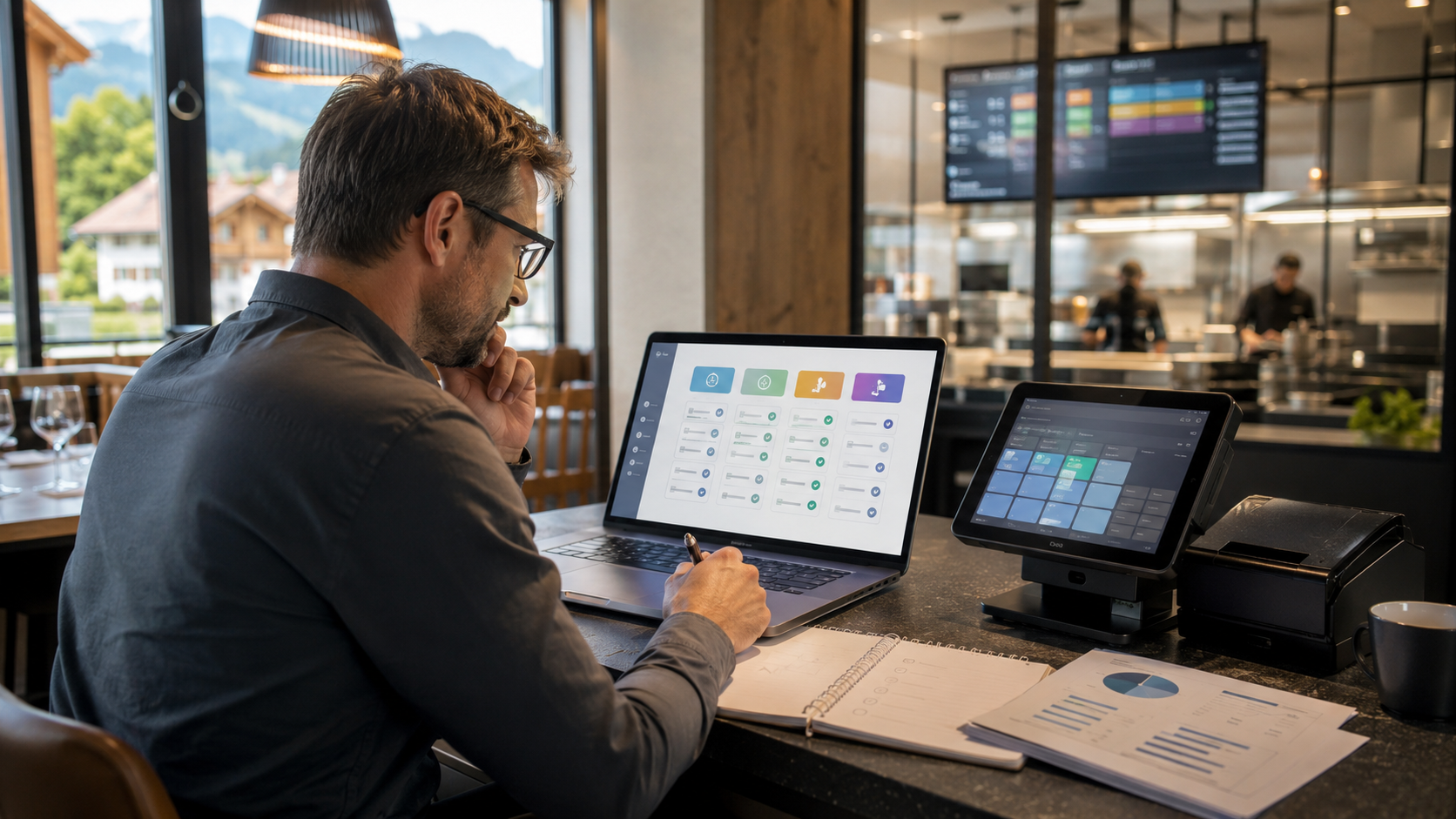
Choosing restaurant software is not simply a price comparison. The system must fit the service model, number of sites, kitchen flow, payment methods, reporting needs and the team's ability to operate it under pressure.
Define operational requirements first
- Table service, café, takeaway, delivery or mixed operation
- Number of branches, tills, tablets and kitchen stations
- Reservations, floor plans, walk-ins and waiting lists
- KDS, kitchen printers, bar and dessert routing
- Inventory, purchasing and accounting handover
Separate non-negotiable needs from useful extras. A feature is valuable only when it supports a real workflow.
Test POS and payments
Check order-entry speed, modifiers, split bills, mixed payments, tips, refunds, shift closing and behaviour during a network interruption. Confirm supported payment terminals, settlement responsibilities and what happens when a payment status is uncertain.
Review kitchen and order routing
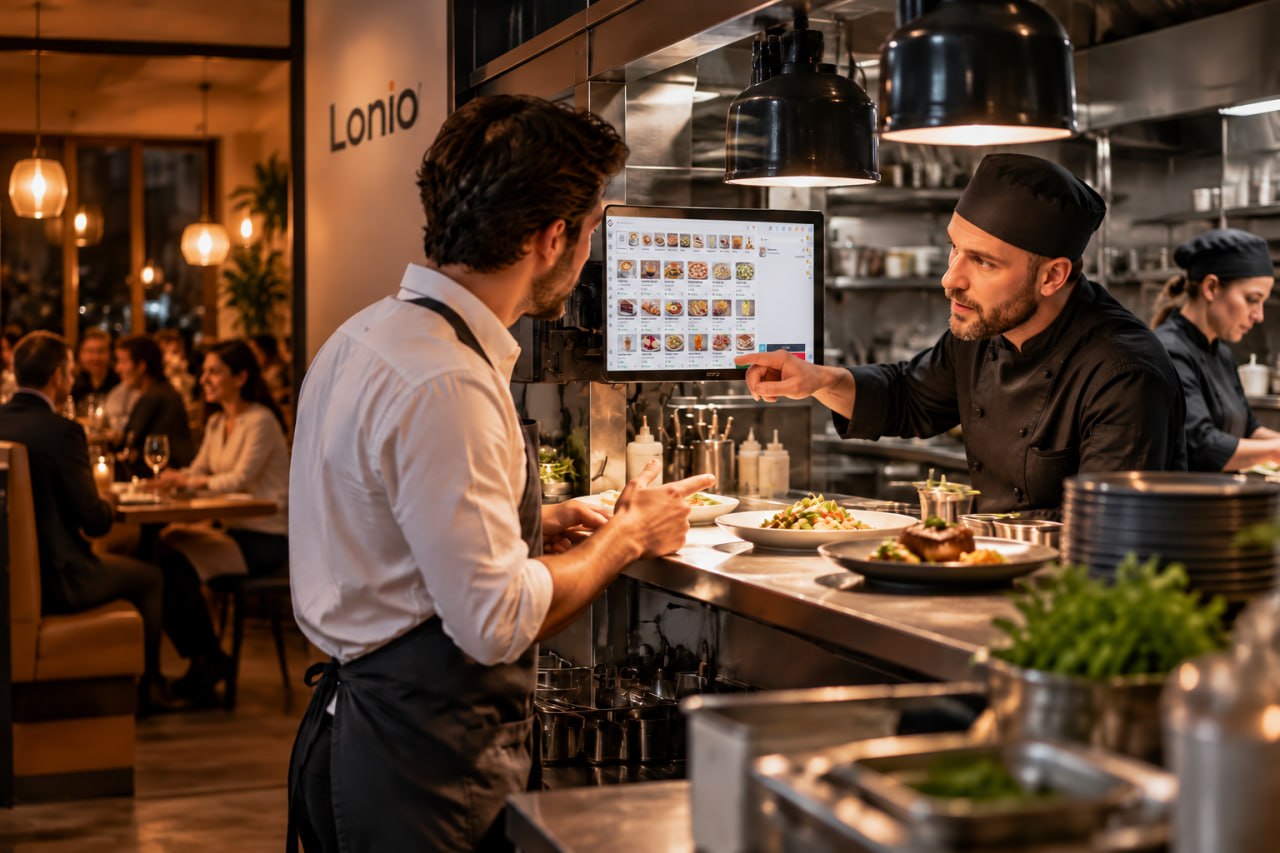
Ask how items reach kitchen, bar, dessert or packing stations. Test additions, cancellations, reprints, course timing and how the team avoids preparing the same item twice.
Evaluate reservations and customer flows
Review calendar capacity, table assignment, reminders, no-shows, deposits, group events, resources and the link from reservation to table and final bill. Marketing consent must remain separate from operational contact.
Verify reports and accounting outputs
Sales, payment method, shift, branch, inventory and accounting exports should be traceable to source transactions. Ask how corrections, refunds and closed periods are handled.
Calculate total cost of ownership
Compare subscription, hardware, setup, training, support, integrations, payment costs, maintenance and replacement devices over a realistic period. Record one-off and recurring charges separately and confirm whether prices include taxes.
Run a real scenario demo
Do not only watch prepared screens. Enter an order, change it, route items, split a bill, take mixed payment, refund one item, close a shift and simulate an internet outage. Use the same script for every supplier.
Confirm data ownership and exit options
Before signing, establish how menus, customers, sales, inventory and reports can be exported. Confirm format, completeness, frequency, cost, delivery time and access after contract termination. Request a sample export and test whether it is usable without the vendor's application.
Define support and response expectations
A support channel name is not enough. Confirm hours, languages, severity levels, response targets, escalation, emergency coverage and responsibility for hardware, payments and third-party integrations.
Test security, roles and audit history
Use individual staff accounts. Test refund and configuration permissions, manager approval, sensitive-action logs, branch restrictions and the process for disabling a departed employee.
Plan implementation and migration
Document catalogue preparation, data migration, table and station setup, hardware installation, role-based training, pilot operation, go-live support and rollback. Assign an owner, deadline, acceptance test and cost to every stage.
Use a weighted scorecard
- Separate mandatory requirements from preferences.
- Weight operations, reliability, reporting, support, security, cost and exit risk.
- Test every option with identical scenarios.
- Match sales claims to demo evidence and contract wording.
- Score migration and exit risk alongside day-one features.
Warning signs
- Unclear pricing for extra devices, modules or support
- No precise answer about data export
- Critical workflows depend on an unconfirmed integration
- Only a recorded demo is offered
- No outage, failure or emergency-support plan
- Important promises are absent from the contract
Conclusion
The best system is the one that simplifies the restaurant's real workflow, produces reliable data and leaves the business with clear costs, support responsibilities and exit options.
Frequently asked questions
What is the most important restaurant software selection criterion?
Fit with the restaurant's real workflow and successful execution of everyday scenarios.
What should be tested in a demo?
Order entry and changes, routing, mixed payment, refunds, shift close and network interruption.
Why is data export important?
It reduces lock-in and preserves access to menus, sales, customers, inventory and reports when changing provider.