Cash register hardware: check devices and connections
Opening cash register software in a browser does not prove that a receipt printer, scanner and payment terminal will work in the intended workflow. Check the whole connection chain: device, operating system, browser or app, interface and exact peripheral.
- Bahram Davoodi

Opening cash register software in a browser does not prove that a receipt printer, scanner and payment terminal will work in the intended workflow. Check the whole connection chain: device, operating system, browser or app, interface and exact peripheral.
Start with the working location
A fixed counter, service tablet and kitchen station have different needs. Record power, networking, available ports, space and accessibility. In a kitchen, cleanability and readability matter; mobile use also involves battery life and switching connections.
List existing devices by exact model and software version. A brand name is insufficient: two printers from the same manufacturer may need different connections and control methods. The hardware overview helps classify devices but does not approve a particular combination.
Build a small test matrix
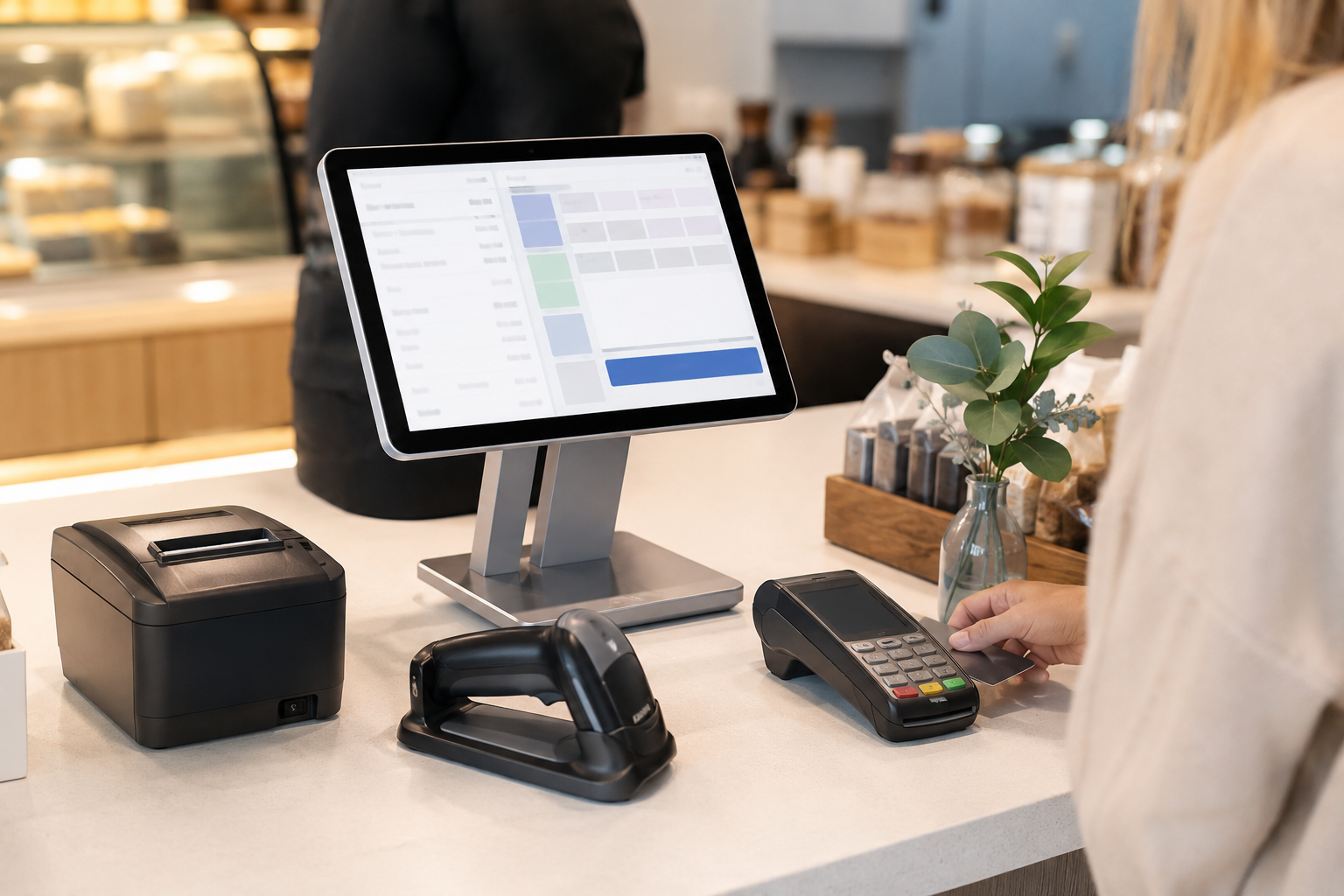
Component | Record in the test |
|---|---|
Main device | Model, operating system, browser/app and version |
Printer | Model, connection, printing path and paper format |
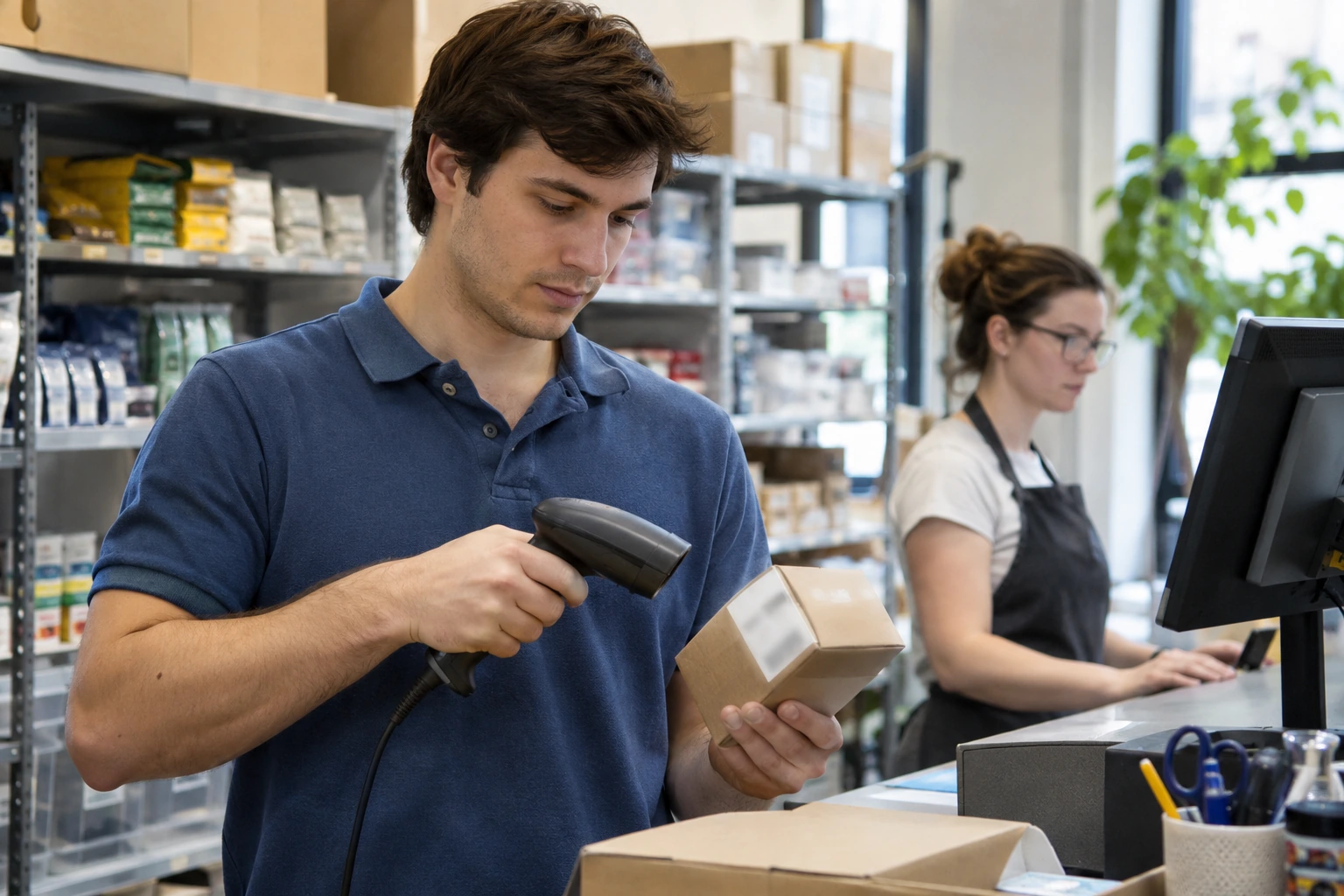
Scanner | Transmission method, supported codes and input behaviour |
Card terminal | Model, payment provider and integration type |
Connectivity | Network, required supporting software and restart behaviour |
Distinguish an integrated card payment from an independent terminal where staff enter amounts manually. Both may be used operationally, but their checks differ. Being able to enter an amount at a terminal does not establish a direct integration.
Test a complete sale
Scan an item, change its quantity, complete payment and issue a receipt. Check that amount, payment status and receipt agree. Add a correction and shift closing.
For example, a printer works immediately after setup. After restarting, its network address changes and printing stops. A test without restarting would miss this weakness. Record recovery and error messages as well as the initial success.
Test interruptions in a controlled way
Use suitable test data to check paper shortages, disconnected links and restarts. Establish which sales remain possible during an interruption and which payment methods require an online connection. Offline register functionality does not automatically make every card payment available offline.
Identify a responsible contact and a documented fallback process. For restaurants, the cash register and kitchen hardware checklist adds industry-specific considerations.
Approve the combination
Test the cash register in Lonio together with the actual equipment. Record the test date, versions, successful workflows and remaining restrictions. Repeat affected checks after a significant change.
Common questions
Can existing equipment be reused?
It is often worth checking. Condition, supported connections and successful tests of required workflows matter; a blanket assurance would be unreliable.
Is one printed receipt enough evidence?
No. Payment, receipt, restart and error handling all matter. Approval applies to a documented combination, not an entire device brand.