Restaurant Inventory, Stocktaking and Purchasing: Complete Guide
Complete guide to restaurant inventory, stocktaking, waste, reorder points, supplier purchasing and goods receipt.
- Bahram Davoodi
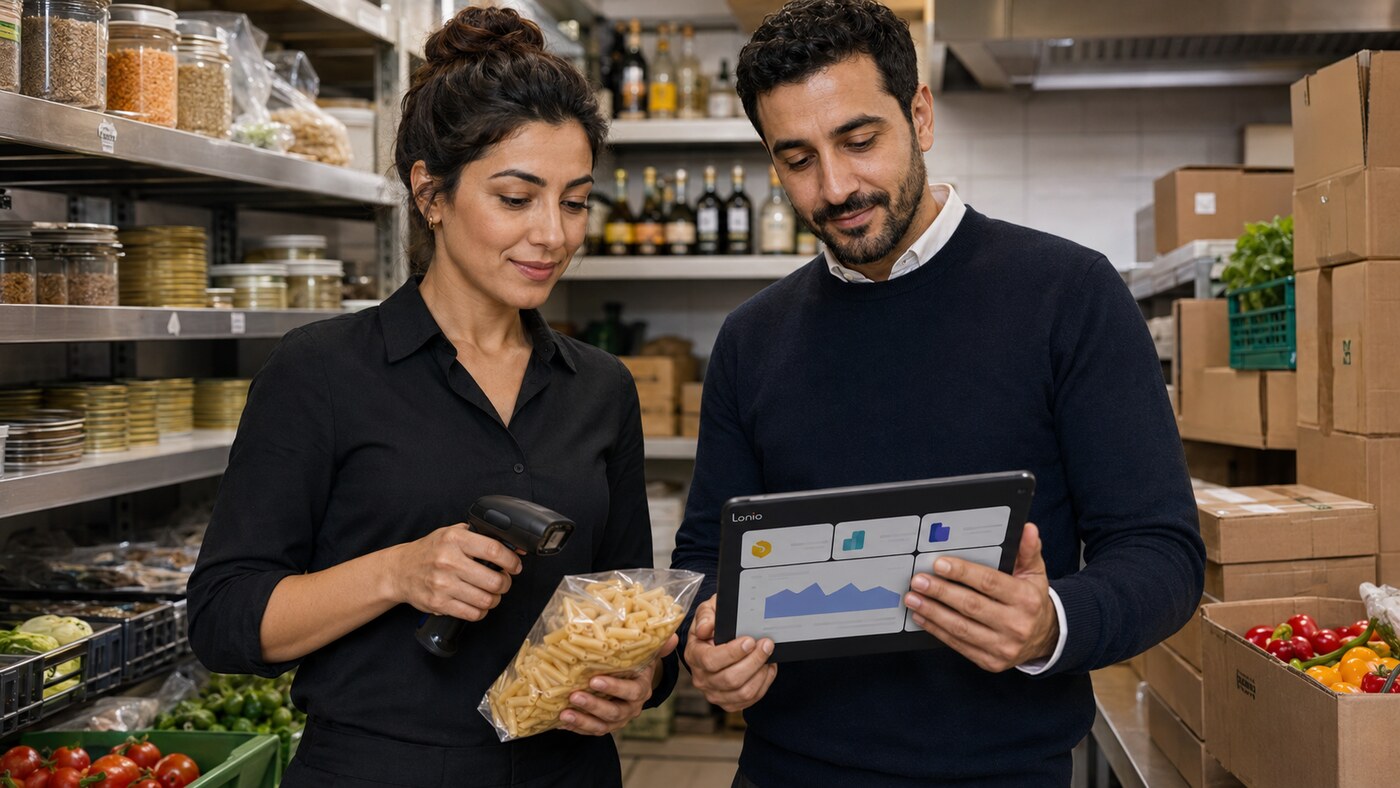
Restaurant inventory management is not simply counting what is on the shelves. Every sale, goods receipt, transfer, waste entry, supplier return and manual adjustment can change stock. When these events are recorded in separate systems or on paper, the software balance soon differs from the physical quantity. The result is over-ordering, unexpected stock-outs, higher waste and reports that managers cannot trust.
An integrated workflow should connect sales to inventory, inventory to low-stock alerts, alerts to purchase orders and actual goods receipt back to stock. In this model, stocktaking is not a recurring emergency used to discover unexplained errors. It is a control process that tests whether daily operations are being recorded correctly.
Why restaurant inventory is more complex than ordinary retail stock
Some restaurant items are sold directly, such as bottled drinks or packaged desserts. Others are ingredients used across several menu items. The purchasing unit may also differ from the consumption unit: oil may be bought by the litre but used by the millilitre, while a case may contain twelve bottles that are sold individually.
Before relying on inventory reports, define the product structure, base unit, purchase unit, pack conversion and the rule that links a sale to stock usage. If recipes or consumption settings are incomplete, theoretical stock should be treated as an estimate rather than a guaranteed result.
What should be tracked
- Direct-sale products such as bottled drinks, packaged desserts and retail merchandise
- High-value or operationally important ingredients and consumables
- Packaging, takeaway containers and service supplies
- Stock by branch, storeroom, bar, kitchen or other location
- Minimum stock, reorder point and safety quantity
- Supplier, purchase price, order unit and lead time
Tracking every low-value item in extreme detail can make the process too heavy. Start with products that have a meaningful financial value, a high risk of shortage, frequent movement or repeated waste.
How sales connect to inventory
When an item is sold through the Lonio POS, the related stock can be reduced according to the product configuration. A simple retail product may reduce one unit per sale. A prepared menu item may reduce defined ingredients or follow another approved operational method.
Selling price and inventory structure are separate concepts. A price change should not break unit conversions or stock rules. Likewise, when an item is unavailable, its sales status should be reflected in the POS and relevant ordering channels so that the restaurant does not accept orders it cannot fulfil.
Why inventory history matters
The current balance alone does not explain what happened. Managers need a movement history that records sales, receipts, transfers, returns, waste, counts and manual corrections with time, location, quantity and user. This audit trail helps identify the cause of shortages and highlights unusual adjustments.
How to carry out restaurant stocktaking
1. Define the counting scope
You may count the full storeroom at month-end or rotate through selected groups during the week. Cycle counting helps expensive, fast-moving or high-risk items receive attention before a large discrepancy develops.
2. Choose a controlled time
Counting during a busy service interrupts work and leaves quantities moving while they are being recorded. Count before opening, after a shift closes or within a controlled window. If sales or transfers continue, define a cut-off time and record movements separately.
3. Record the physical quantity without showing the system balance
A blind count reduces the risk that staff unconsciously adjust the result towards the expected number. The physical quantity, location, unit, counter and time should be stored before the variance is revealed.
4. Investigate the difference instead of only correcting it
A variance may come from unrecorded waste, partial delivery, incorrect units, missing transfers, a sale that did not trigger stock usage or a counting error. Correcting the balance without finding the cause only hides the problem until the next count.
Waste, staff consumption and non-sales usage
Spoiled ingredients, returned food, kitchen testing, staff meals, complimentary items, breakage and leakage are not ordinary sales. Each type of non-sales movement should have a clear reason code. Reports can then show which product, shift or process generates the highest loss and whether the issue relates to purchasing, storage, preparation or portion control.
Low-stock alerts and reorder points
A minimum level should reflect consumption speed, supplier lead time, delivery schedule, order cycle and a reasonable safety margin. One fixed threshold is not suitable for every product. An item used daily with a three-day lead time needs a different reorder point from a slow-moving item available from several local suppliers.
The inventory module can create an actionable list of items below their threshold. These requirements should flow into purchasing rather than being copied into a separate spreadsheet, where quantities, units and supplier decisions may diverge.
Purchasing workflow from requirement to goods receipt
- Identify low-stock items and planned operational requirements.
- Select supplier, quantity, unit, price and expected delivery date.
- Create and approve the purchase order according to the restaurant's policy.
- At delivery, compare the physical quantity with the purchase order.
- Record complete, partial, damaged or discrepant receipt.
- Add only the accepted quantity to usable inventory.
- Keep purchase price, supplier document and the remaining open quantity for reporting and accounting preparation.
The purchasing module should support partial and staged receipt. Adding the entire ordered quantity before it physically arrives produces false availability and can prevent necessary follow-up.
Managing several suppliers
A product may be available from several suppliers with different prices, pack sizes, minimum orders and delivery times. The lowest quoted price is not always the best decision. Delivery reliability, quality, payment terms, substitutions, damaged goods and return rates also matter. Purchase-price history helps managers detect cost changes and evaluate whether a cheaper supplier creates additional operational expense.
Practical example
A branch's bottled-drink balance falls below the reorder point. The item appears on the purchasing action list and the manager creates an order for 100 units. Only 80 are delivered and accepted, so 80 units enter stock while 20 remain open. A cycle count later shows a four-unit variance. Movement history reveals that two units were used for staff consumption and two were damaged but had not been recorded. The team corrects the missing movements and improves the process rather than simply overwriting the balance.
Important inventory and purchasing reports
- Current stock by branch, storage location and unit
- Items below minimum stock or reorder point
- Movement history and manual adjustments
- Waste by item, reason, shift and location
- Purchase value and price history by supplier
- Open purchase orders and partial receipts
- Stocktake variance and repeated discrepancy patterns
Inventory, reporting and accounting
Sales, purchasing and waste should be comparable in management reports. Supplier documents and purchase records can support accounting preparation, but tax treatment, valuation and journal entries must be configured for the business and reviewed by an accountant or tax professional in Austria.
Cycle counting without stopping operations
A full stocktake remains important, but restaurants do not need to wait until month-end to find every difference. Cycle counting means counting selected product groups at shorter intervals. Expensive, fast-moving, perishable or repeatedly discrepant products should have the highest frequency.
For each group, define the counting day, responsible person, storage location and measurement unit. The count should preferably be blind. After submission, compare the difference with sales, receipts, transfers, waste, staff use and adjustments before changing the balance.
Suggested counting schedule
- High-value or high-risk items: daily or several times per week
- Fast-moving products: weekly
- Slow-moving items: monthly
- Full stocktake: according to operational volume and the business's financial-control policy
Every correction should record the reason, user and time. Changing the number without an explanation makes the report look correct temporarily, but the same variance will return.
Boundary between this guide and specialist articles
This article maps the full relationship between sales, stock, counting, purchasing and goods receipt. Detailed topics such as reorder points, delivery discrepancy control and supplier performance can be explored separately with deeper examples and metrics. Keeping these intentions distinct avoids repetitive content and keyword cannibalisation.
How Lonio connects the workflow
The Lonio restaurant and café solution brings sales, inventory, purchasing and reporting into a connected operational workflow. The goal is not to make decisions from a single uncertain balance, but to show where every movement came from and what action is required next.
Conclusion
Reliable restaurant inventory starts with correct products, units and locations. It continues with consistent recording of sales, receipts, transfers, waste and counts. Connecting low-stock alerts to purchase orders and actual receipt completes the chain, helping the restaurant buy more accurately, reduce stock-outs and produce reports that managers can trust.
Frequently asked questions
How often should a restaurant carry out stocktaking?
High-value and fast-moving items should be cycle-counted frequently, while a full count can be monthly or based on the scale and control policy of the operation.
Can POS sales reduce inventory automatically?
Yes, when products, units and stock-consumption rules are configured correctly. The exact result depends on validated product settings and recipes.
How should a partial purchase-order delivery be recorded?
Only the accepted quantity is added to stock. The undelivered quantity remains open for follow-up or closure.
Why does system stock differ from the physical count?
Common causes include unrecorded waste, wrong units, partial receipts, missing transfers, manual adjustments or incomplete sales-to-stock configuration.





