Restaurant Goods Receipt: Control Discrepancies, Inventory and Invoice Matching
A practical guide to restaurant goods receipt control, including actual quantities, partial deliveries, unit conversion, quality discrepancies, inventory posting and purchase-order-to-invoice matching.
- Bahram Davoodi
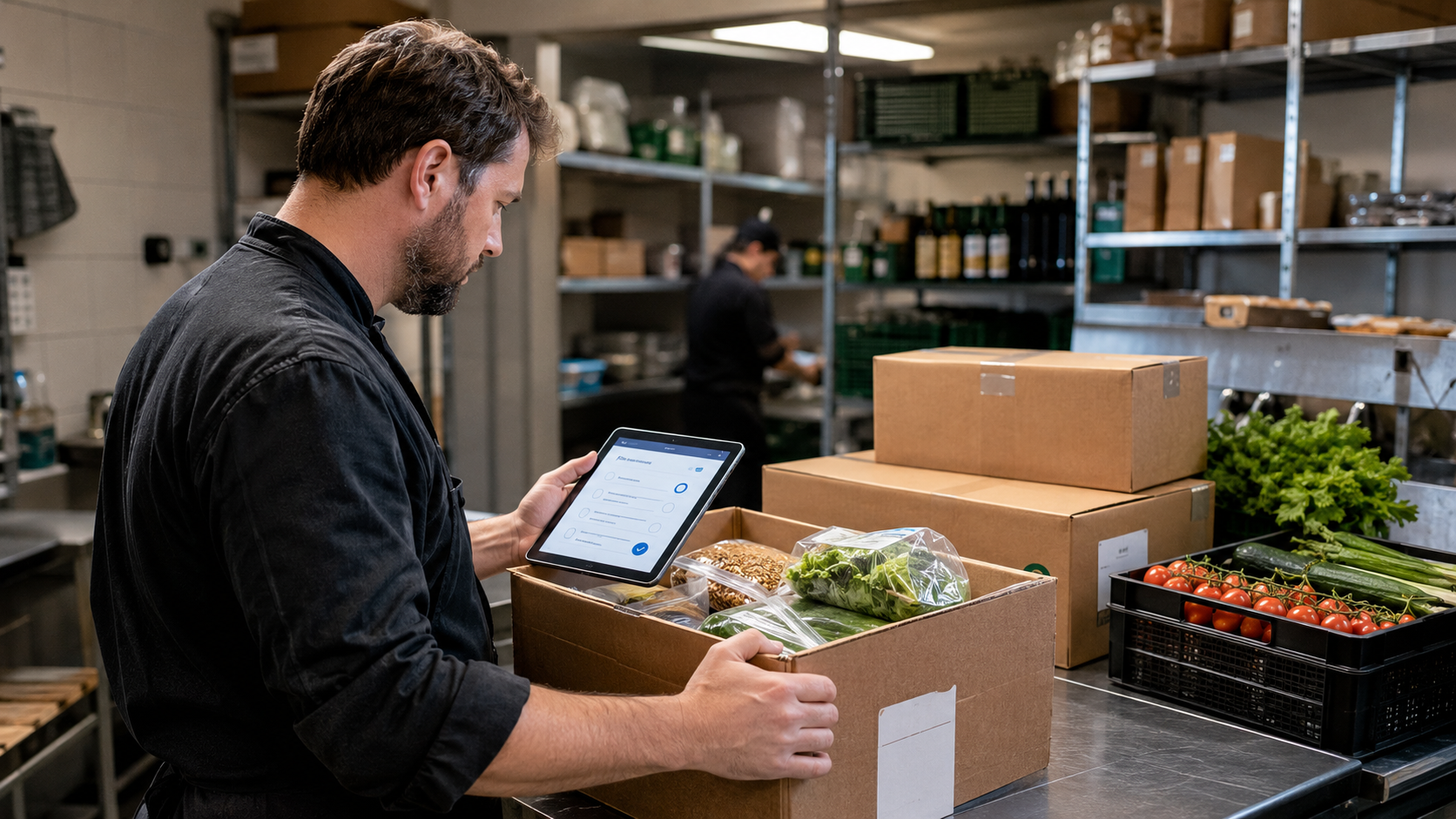
Receiving goods is not the end of purchasing. The restaurant must compare the quantity, price and quality actually delivered with the approved purchase order before stock or accounts payable are updated.
Check the purchase order before receiving
Confirm the purchase-order number, supplier, delivery date, expected items, agreed prices, units of measure and any special quality conditions. A delivery without a clear reference should be held for review rather than posted automatically.
Inspect quantity and quality
- Ordered, delivered and accepted quantity
- Order unit, delivery unit and conversion factor
- Price, discount and agreed conditions
- Damage, temperature, expiry date and packaging
- Substitute, extra or incorrect items
Record full and partial deliveries separately
A supplier may deliver part of an order now and the balance later. Record the received quantity, accepted quantity, rejected quantity, open balance, line status and promised follow-up date on the same purchase order. Closing the order after a partial delivery hides shortages and weakens supplier follow-up.
Control units of measure
Confusion between cases, packs, kilograms and consumption units is a common source of inventory errors. Check the ordered unit, delivered unit and conversion factor before increasing stock. A case of twelve must not be posted as twelve cases or as one consumption unit.
Use three-way matching
Compare the purchase order, the actual goods receipt and the supplier invoice. Payable quantity and price should follow the accepted delivery and agreed purchasing conditions, not simply the figures printed on the invoice.
- Purchase order: what quantity and price were approved?
- Goods receipt: what was actually delivered and accepted?
- Invoice: what quantity and amount is the supplier requesting?
Handle conditional and rejected goods
Damaged, incorrect or non-compliant goods should not enter normal usable inventory. Mark them as accepted, conditionally accepted, rejected, returned or under review and record the responsible decision-maker. Food-safety and quality acceptance criteria must follow the restaurant's verified local procedure.
Follow a discrepancy approval workflow
- Record quantity, price or quality variance on the receipt.
- Add evidence and the receiver's explanation.
- Increase usable inventory only by the approved quantity.
- Link the supplier follow-up for credit, replacement or invoice correction.
- Record the final resolution and approving user.
Update inventory only from confirmed quantities
Inventory should increase from the accepted physical quantity, not from the ordered quantity or the invoiced quantity. Rejected or quarantined goods should remain outside normal available stock unless the configured process explicitly tracks a separate controlled location.
Keep supporting documents together
Store the delivery note, invoice number, photos, temperature records, notes and supplier correspondence with the purchase record where the confirmed system supports attachments. This shortens later investigation and audit work.
Practical scenario
A restaurant orders ten cases of beverages. Eight cases arrive in good condition, one case is damaged and one case is not delivered. Eight cases enter usable stock, the damaged case is rejected, and one case remains open on the purchase order. The supplier invoice is held or corrected until it matches the accepted receipt and agreed price.
Supplier performance indicators
- Complete and on-time delivery rate
- Frequency of shortages or wrong items
- Price variance from the purchase order
- Damaged or rejected goods
- Time to resolve discrepancies and issue credit notes
How Lonio can help
Depending on the confirmed configuration, Lonio can connect purchase orders, goods receipts, inventory movements, supplier records and reports. Automatic stock posting, approval rules, document attachments and invoice matching must be validated in the live setup before operational reliance.
Conclusion
Accurate goods receiving prevents false inventory, missed shortages and incorrect supplier payments.
Frequently asked questions
Should inventory increase from the order or the actual delivery?
Only the physically received and approved quantity should increase usable inventory.
How is a partial delivery recorded?
Post the received quantity and keep the remaining balance open with its status and next promised date.
What is three-way matching?
It compares the purchase order, actual goods receipt and supplier invoice to control payable quantity and price.
How should damaged goods be handled?
Mark them as rejected, returned or under review and do not post them as normal usable stock.