Restaurant Phone Orders: From Call and Address Confirmation to the Kitchen
A practical guide to converting a phone conversation into a structured restaurant order with confirmed address, total, time, payment and kitchen routing.
- Bahram Davoodi

Phone orders remain important for many restaurants, but errors increase when contact details, addresses, modifiers and delivery times are written on paper or scattered across messages. A phone order should receive the same identifier, status history and operational controls as any other order.
Use a consistent call flow
Guide the conversation through customer identification, collection or delivery choice, item entry, modifier confirmation, address and time confirmation, total, payment method and a final read-back. A consistent sequence reduces omissions without making the call sound scripted.
Identify the customer, then confirm current details
Search by phone number or name where an existing profile is available, but do not reuse stored information without confirmation. Previous orders can speed up service, yet addresses, prices, availability and preferences may have changed.
Record structured order data
- Customer name and reachable phone number.
- Collection or delivery.
- Street, number, unit, postcode and access instructions.
- Items, quantities, modifiers and item-specific notes.
- Promised preparation or delivery time.
- Payment method and actual transaction status.
Confirm the address for this order
Break the address into controllable fields and repeat it back. Confirm the name on the bell, building entrance, delivery zone and a temporary note for this order. A saved address is not enough because customers may call from work, move home or choose another destination.
Base the promised time on real capacity
Do not quote one fixed duration for every call. The kitchen queue, number and complexity of items, orders already ahead, courier capacity, distance and current delivery area should inform the estimate. Automated time calculation or customer notification should only be claimed when the deployed product and operating process support it.
Read the order back before confirmation
Repeat items, quantities, modifiers, total, address, promised time and payment method. The customer should correct any listening error before the order enters production.
Send the confirmed order to the right kitchen stations
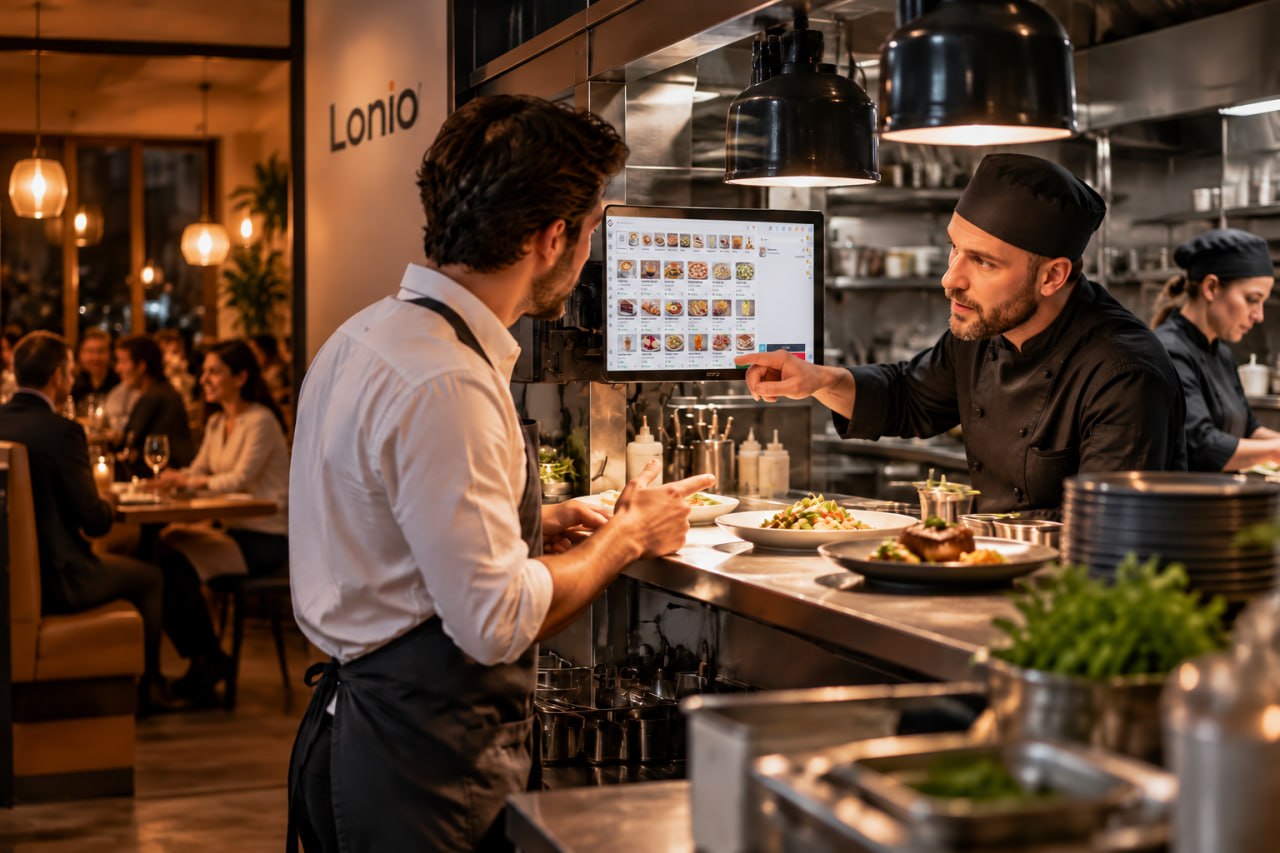
After final confirmation, the order should enter preparation with the same details. Item notes must appear beside the relevant item, not in an unrelated general note, and the expected time should be visible to the responsible station.
Use clear operational statuses
Status values such as entered, customer confirmed, in preparation, ready, handed to courier, delivered, collected or cancelled make ownership and follow-up visible. Incomplete calls and unconfirmed addresses should not be released to production.
Keep payment data minimal and secure
Record the selected method and real transaction state. Sensitive card data must not be written in a free-text note or on paper beside the till. Prepayment should use an approved payment route, and an uncertain or failed transaction must not be marked as paid until verified.
Prevent duplicate phone orders
If the call drops or the customer calls again, check the phone number, call time and open orders before creating another one. Duplicate entry can produce the same food twice and may also duplicate payment.
Handle amendments on the same order
When a customer changes an order after confirmation, record the change on the original order and notify every affected station. Show which item was removed, added or changed, whether the price changed and whether preparation had already started.
Manage cancellations and incomplete calls
A cancellation should include a reason, payment handling and the preparation state of affected items. Missed calls, half-entered orders and unconfirmed addresses need a follow-up state and a named owner; they should never become assumed kitchen orders.
Practical scenario
A returning customer asks for the previous order but wants delivery to a workplace. The employee rechecks item availability and modifiers, records the new address, repeats the total and estimated time, confirms payment and only then sends the order to the kitchen.
Useful phone-order indicators
- Number and sales value of phone orders.
- Time from call start to kitchen release.
- Address or phone-number error rate.
- Amendments and cancellations after confirmation.
- Delay against the promised time.
- Duplicate-order incidents.
How Lonio can be evaluated
Depending on the confirmed POS, customer, kitchen and delivery configuration, Lonio may support structured phone-order entry, customer history, item modifiers, kitchen routing and status tracking. Delivery zones, payment methods and automated time estimates should only be presented where they are supported by the actual deployment.
Conclusion
Phone ordering becomes controllable when spoken information is converted into structured data and the order remains in one traceable workflow from call to handover.
Frequently asked questions
What should be repeated before ending the call?
Items, quantities, modifiers, total, address, promised time and payment method.
Is a saved customer address sufficient?
No. The address and phone number should be reconfirmed for the current order.
Can card details be written in an order note?
No. Sensitive payment information should not be stored in free text or on paper.
How can duplicate phone orders be prevented?
Check the phone number, call time and open orders before creating a new order.