Data Migration When Switching POS Systems: Checklist
A complete, vendor-neutral checklist for data migration when switching POS systems: before, during and after.
- Bahram Davoodi

Why does a data migration checklist matter?
When switching POS systems, losing sales data, customer data, or sales history is the biggest risk. A thorough checklist ensures no important information falls through the cracks.
Before migration: preparation
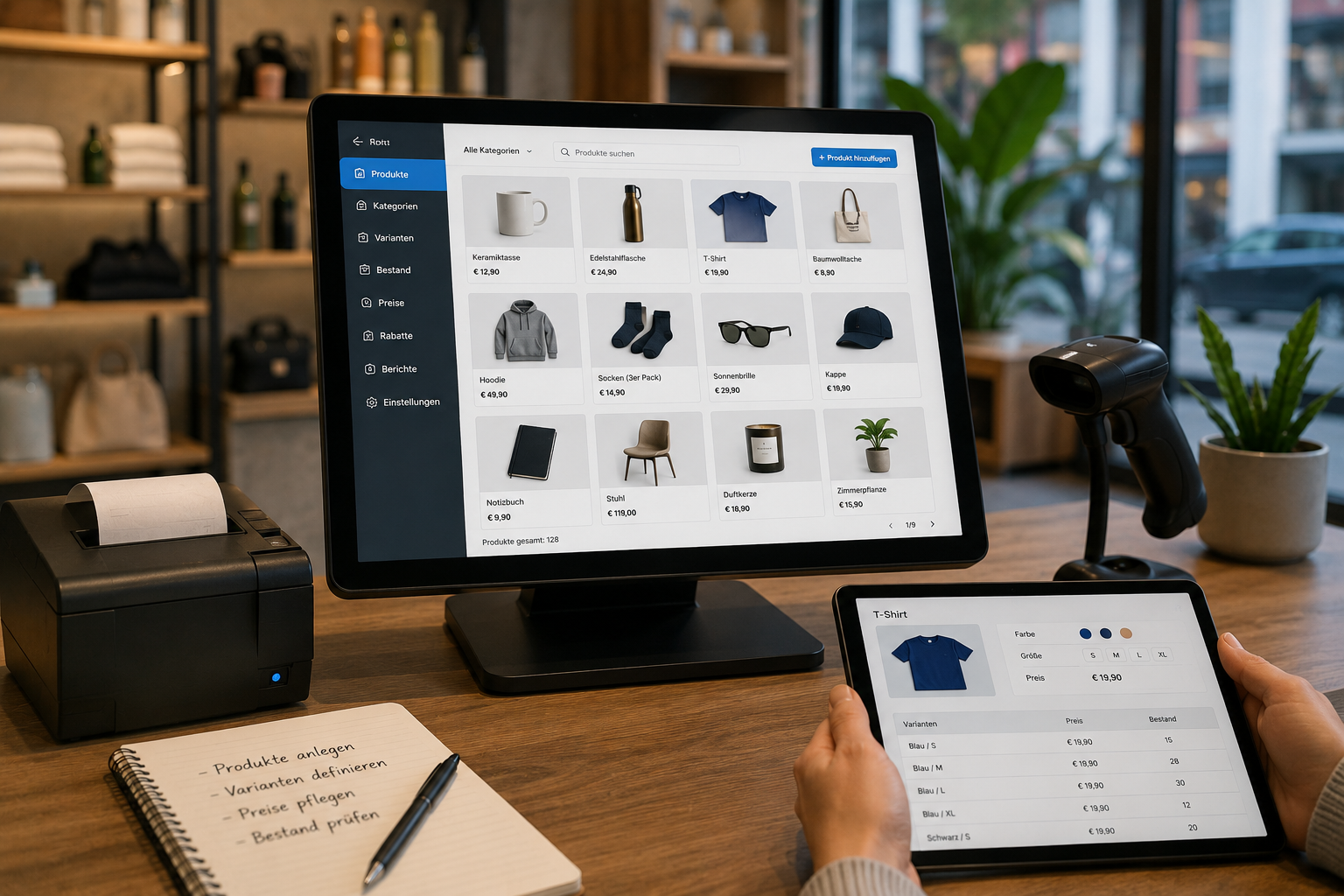
- Draw up a complete list of all data to be transferred (products, customers, stock, sales history);
- Confirm the export format required by the new system;
- Secure a full copy of the old till's data recording protocol (DEP) for a possible audit;
- Schedule the migration for the quietest business hours.
During migration: execution steps
- Transfer data into the new system and verify completeness, especially stock and prices;
- Reconcile customer data with data protection in mind;
- Run the new system in parallel with the old one before fully switching off;
- Issue a zero receipt (Nullbeleg) on the old till when finally taking it out of service.
After migration: verification and archiving
- Check the accuracy of all data in the new system;
- Archive the old till's data recording protocol per retention requirements;
- Confirm registration of the new till with FinanzOnline;
- Gather staff feedback on any issues after the switch.
Summary
A thorough data migration checklist significantly reduces the risk of switching POS systems and ensures no data is lost. Lonio supports this process with its POS system and dedicated migration support. Get in touch for a full checklist. This article is for general information only; for the exact registration/deregistration steps, we recommend consulting a tax advisor (Steuerberater).
What data needs to be transferred when switching POS systems?
Products, customers, stock and sales history.
Does the old till's data recording protocol (DEP) need to be kept?
Yes, it should be archived in case of a tax audit.
Does selling stop during migration?
No, a parallel test run of the new system prevents downtime.
Who should verify the migration was successful?
Your internal team, confirming before fully switching off the old system.