Shopify POS in Austria: checking card payments, RKSV and alternatives
Assess Shopify POS for an Austrian shop: external card terminal, RKSV, stock, migration and clearly defined costs with Lonio.
- Bahram Davoodi
As of 26 November 2026
Do you run a Shopify online shop and want to open a physical store? Or are you looking for a POS system that brings together your shop, stock management and online business? Start by comparing the actual sales process. A familiar brand or a low starting price does not tell you how card payments, the cash register and stock will work together in your Austrian business.
What to consider for card payments in Austria
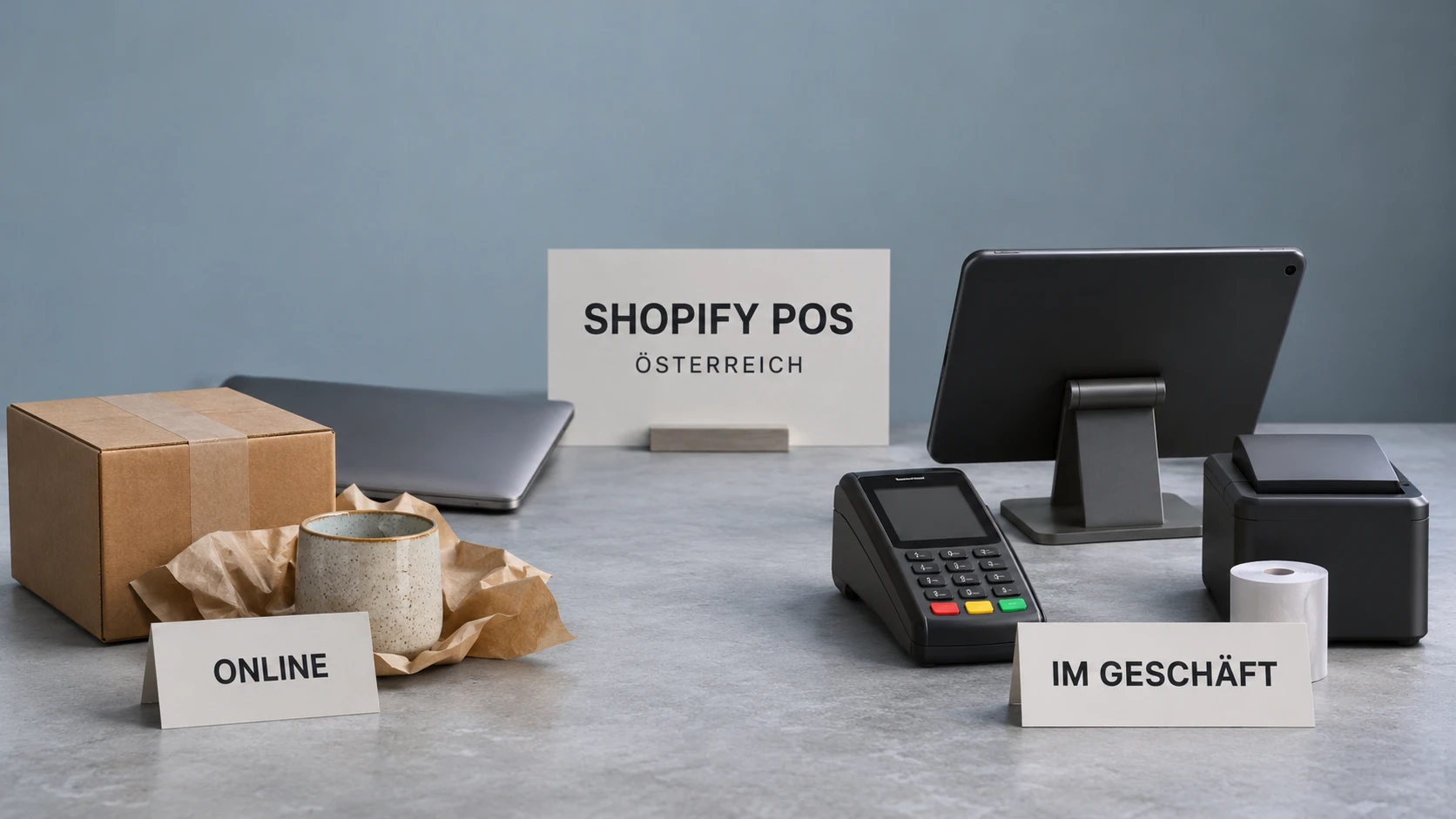
According to Shopify’s documentation for Austria, Shopify Payments supports online payments here; in-person card payments with Shopify POS require an external card terminal. This does not mean that Shopify POS is generally unusable in Austria.
In the documented process using an external terminal, a successful payment is subsequently confirmed manually in Shopify POS. Ask to see how the amount, payment status and refunds work together in your particular setup. If an additional integration is offered, ask specifically which terminal it supports, who your contractual partner is and how errors are handled.
Clarify RKSV separately from card payments
A successfully debited bank account does not establish that the cash register is correctly configured. Where the cash register obligation applies, the Austrian business service portal lists requirements including tamper protection and a data capture log.
Request an Austrian sample receipt for the proposed complete system, together with an explanation of signatures, registration and data export. Clarify which component performs each task and who is responsible if problems arise. A general VAT setting alone does not answer these questions. This article does not assess any particular Shopify add-on as legally compliant or non-compliant.
One stock record: ask to see this process demonstrated
Use one of your own products with three units available in a demonstration, and check these steps in order:
- Someone orders one unit online. When is it reserved or deducted from the available stock?
- Another unit is sold in the physical shop. What stock level then appears online and at the till?
- The online order is cancelled. When does that unit become available again?
- A sold item is returned. How are the refund, receipt correction and return to stock distinguished?
This is a suggested sequence of checks, not a product test carried out for this article. Record the results you actually observe. That lets you compare exceptional cases as well, rather than simply comparing two home screens.
Keep, extend or replace the whole system?
If your online shop works well, it may make sense to keep it and add a suitable solution for the physical store. Check the interfaces, ongoing additional costs and responsibilities.
A complete change may be more relevant if you want to manage your website, sales, stock and purchasing together. As an integrated system for the entire business, Lonio is an alternative worth assessing. Its website and e-commerce features form one part of the offering.
Plan a change using a small data sample: product code, variant, tax rate and opening stock. Address customer accounts, open orders, gift vouchers and historical receipts separately. This article confirms neither a direct Shopify connection nor a tested automatic import from Shopify.
Compare costs for the same scope
For each quote, list software, additional tills, payment processing, hardware, signature certificates and migration separately. A low package price is not yet a total price.
The Lonio pricing page lists Professional at €49.90 per month excluding VAT when billed monthly, including one till and unlimited users. The website builder and online shop are included in this package. Additional tills cost extra; hardware and signature certificates need to be considered separately. Have the complete scope confirmed for your business.
Frequently asked questions
Do I have to give up my Shopify shop to use a new till? Not necessarily. First check whether an additional solution reliably meets your requirements.
Is Lonio automatically the cheaper option? You cannot establish that without quotes covering the same setup. Compare the same number of tills, the same payment methods and the work involved in switching.
Bring this sequence of checks to a conversation with Lonio. What matters is which configuration supports your actual process.