Minibar, breakfast and extras on the hotel bill: How POS integration simplifies checkout
Practical guidance for Austrian hotels: how POS–PMS integration ensures minibar, breakfast and extra charges appear accurately on the guest folio, with notes on RKSV reporting and step‑by‑step implementation.
- Bahram Davoodi
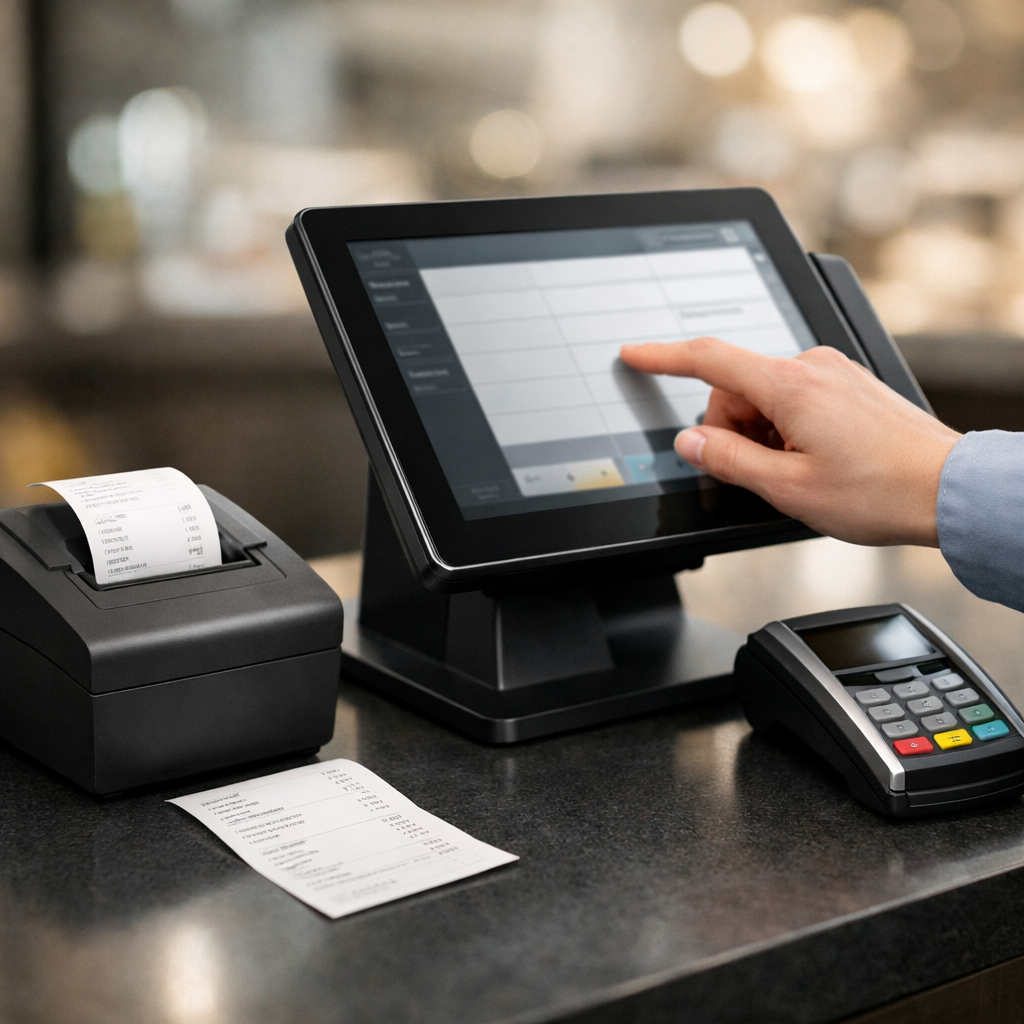
Integrating your point‑of‑sale (POS) system with the hotel property management system (PMS) speeds up checkout and reduces billing errors for minibar items, breakfasts and other extras. This article explains which data should flow between systems, common technical approaches, important Austrian reporting and compliance points, and a practical low‑risk implementation path for small and medium hotels.
Why minibar, breakfast and extras often cause problems
These items commonly trigger a few recurring issues: differing product identifiers (PLU/SKU), different VAT rates for food and drink, mixed payment methods (cash vs card), and the correct assignment of charges to the guest folio. Without integration, manually handling these charges at checkout creates queues, mistakes and disputes.
What data should be exchanged between POS and PMS
- Guest identifier or room number (folio id) so charges post to the correct folio
- Product identifier (PLU/SKU), item description and applicable VAT rate
- Unit price, quantity, discounts or bundle charges (for example a minibar pack)
- Payment method and settlement instruction (leave on folio, charge to guest card, separate payment)
- POS receipt / transaction ID for reconciliation and audit
Common technical approaches to POS–PMS integration
1) Direct API integration
If both POS and PMS expose APIs, sales events can be pushed in real time to the PMS. Benefit: live posting and simple reconciliation. Note: define offline and error handling (local queuing and automatic retries).
2) Middleware or integration layer
Where systems use different data formats, a middleware layer (or ESB) can transform, validate and persist messages. This is useful for hotels with multiple POS environments (bar, restaurant, in‑room minibar).
3) Scheduled batch synchronization
For smaller sites or limited technical capability, a periodic export (hourly or daily) from POS to PMS is possible. Drawback: delayed folio updates and a higher chance of mismatches at payment time.
Practical tips for product and pricing setup
- Create unique SKUs/PLUs for minibar items and breakfast packages and set the correct Austrian VAT rate in the product master.
- Support tiered pricing in POS when necessary (for example different rates for hotel guests and outside visitors).
- Document in policy whether minibar charges are captured at time of consumption or settled at checkout — this clarifies the expected payment flow.
Compliance and reporting considerations in Austria
In Austria, cash sales and cash register requirements are governed by national rules. For official guidance on cash‑register (Registrierkasse) obligations and reporting, consult the Austrian Ministry of Finance guidance on registrierkassen (bmf.gv.at), your local Chamber of Commerce (wko.at) and FinanzOnline (FinanzOnline). This article is for general information only and not a substitute for professional tax or legal advice.
How integration improves the checkout experience
- Speed: charges post automatically to the folio so reception staff do not type each item.
- Accuracy: POS transaction IDs and item descriptions match the guest bill, reducing disputes.
- Financial transparency: consolidated reports show sales by outlet, minibar and breakfast in one view — see reporting features for examples (reports).
- Inventory control: minibar consumption can decrement stock automatically to simplify reorders (inventory).
Example flow: real‑time API posting
- A guest takes an item from the minibar and the POS records the sale.
- The POS records the room or access card identifier and sends a POST to the PMS endpoint.
- The PMS validates the input, adds the item to the folio and returns a receipt/document number.
- The POS stores that receipt number for end‑of‑day reconciliation.
Technical points not to ignore
- Offline mode: POS terminals must queue transactions securely when the network is down and forward them once connectivity returns.
- Error routing: define automatic retry behaviour and notification paths for failed postings so reception can act quickly.
- Security and access control: only authorised systems or users should be able to edit folios; keep an audit log of changes.
- Auditability: ensure data remains traceable for final invoice generation and fiscal audits.
Recommended rollout path for small and medium hotels
- Scope: list which channels (in‑room minibar, restaurant, bar) must be included.
- Choose integration method: direct API if both systems support it; otherwise middleware or scheduled sync.
- Factory testing: validate payment scenarios, offline behaviour, returns and folio edits in a test environment.
- Train staff on checkout procedures and how to verify receipts against the folio.
- Monitor and review: analyse reports in the first 30 days and reduce reconciliation thresholds.
If you want to review POS, inventory management and digital invoice capabilities, see our feature pages for POS, integrations and digital invoices. For a personalised demo or more detailed advice, contact our team (Contact).
Important reminder: this article provides general information and is not legal or tax advice. For interpretation of Austrian cash‑register or invoicing rules consult a tax advisor or legal professional.
Frequently asked questions
1. Should minibar charges be posted immediately to the folio or at checkout?
Both are technically possible. Real‑time posting improves guest transparency and reduces disputes. If technical constraints exist, consider a short batch interval (for example hourly) rather than a single end‑of‑day upload.
2. Do POS receipts in Austria have to comply with RKSV / Registrierkassen rules?
Cash‑register obligations and fiscal reporting in Austria are governed by national rules. For official information about Registrierkasse requirements consult the Ministry of Finance guidance (bmf.gv.at) and your Chamber of Commerce (wko.at). Consider asking a tax advisor for definitive guidance.
3. How do we reconcile differences between POS receipts and the room folio?
Implement an end‑of‑day reconciliation process that matches the POS transaction ID with folio line items. Storing the POS receipt number and keeping change logs in the PMS makes identifying and correcting mismatches straightforward.