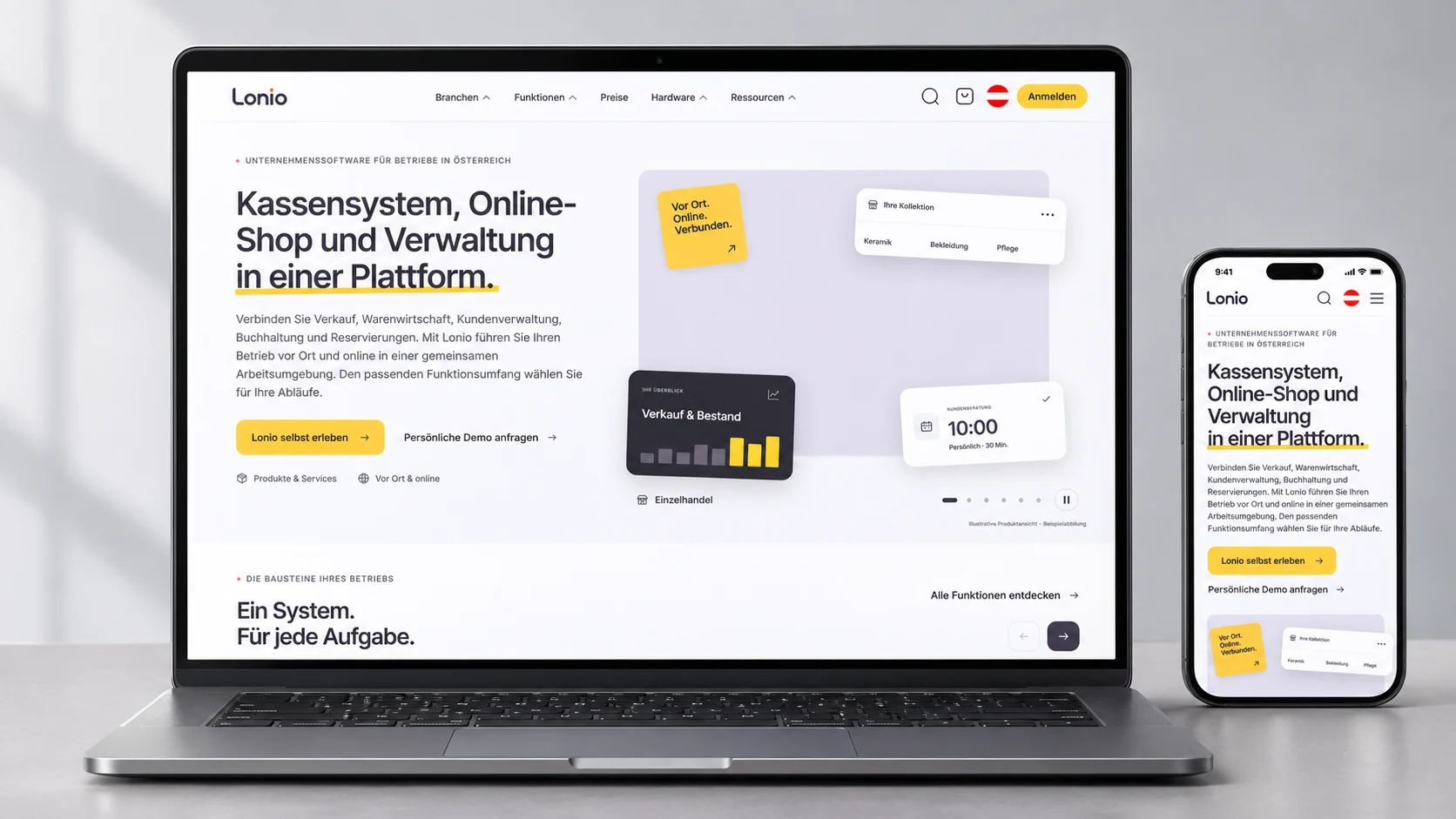
Discover the Lonio VAT Validator for checking VAT IDs
A VAT ID is part of verifiable company information. We introduce the Lonio VAT Validator and an organised approach to check results.
- Bahram Davoodi
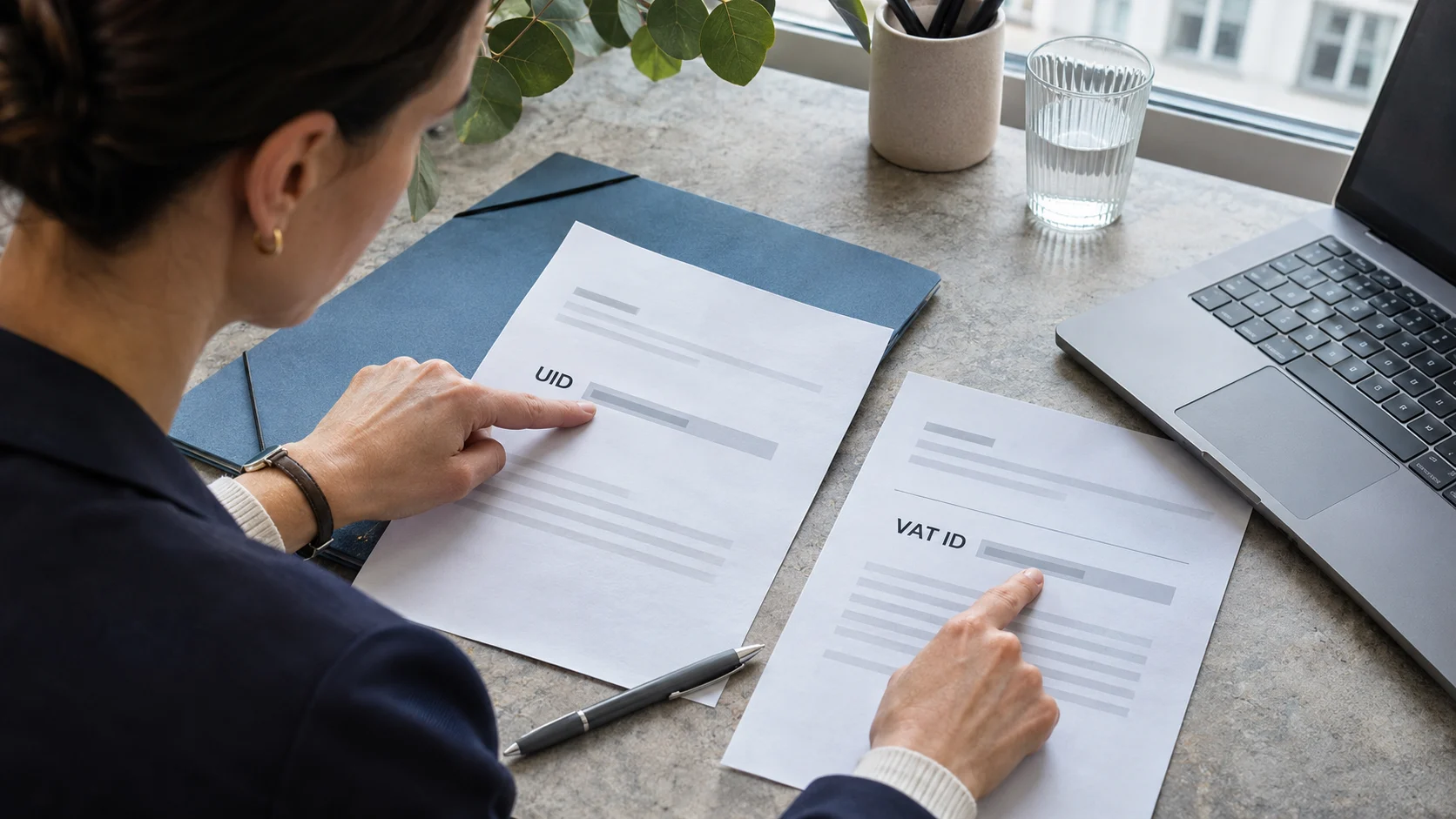
With the VAT Validator, checking VAT IDs is also among Lonio’s tools. We are introducing this aid for businesses that want to check company details before continuing to process a business transaction.
A check result should always be understood alongside the procedure used and the specific transaction. It does not replace the full tax assessment of a supply of goods or services.
Record company details clearly first
Take the number from confirmed information supplied by the business partner. Check that the country, number and company identity match. Avoid copying from an old template if the company or invoice recipient has since changed.
Also decide who in the team maintains the information. Different numbers in the customer profile, order and invoice quickly lead to avoidable questions.
What a VIES query tells you
A check through the official VIES system queries information from national VAT databases. The European Commission explains that a negative result can have various causes: for example, a number that does not exist, a number that is not activated for intra-EU transactions or registration that has not yet been completed.
A negative result should therefore be investigated and, where necessary, clarified with the business partner or responsible authority. On its own, it is not evidence of attempted fraud. European Union explanation of VIES.
The checks and scope of data that a tool actually uses must be clear from its functionality. A format-only check and a query to an official service are not the same thing.
Define a traceable workflow
A short process is advisable for organising work in the business:
- Check input data and the business partner.
- Note the checking procedure actually used.
- Record the result and time in the intended workflow.
- Assign unclear results to a responsible person.
- Resolve necessary enquiries before the next step.
These steps are an organisational recommendation. How the information is stored or processed further depends on the system used and the actual business transaction.
An administrative example
A fictional business customer provides a new billing address and a VAT ID. The responsible person compares the information with the intended invoice recipient and checks the number. If the result is unclear, they do not simply copy the details of a similarly named company. Instead, they open a specific enquiry.
This process is particularly useful when someone is covering for a colleague: the next person can see what has already been checked and what remains unresolved.
Frequently asked questions
Does a valid number automatically mean an invoice is tax-exempt? No. Tax treatment also depends on the specific circumstances.
Is a technical error message the same as an invalid number? No. A check that has not completed should not be treated as a confirmed negative result.
Where can I learn more about the Lonio tool? Through our contact section. You can discuss the intended use and the scope of checking you need there.