Lonio’s SEPA QR tool for preparing payment details
A QR code can make transferring payment details easier. We introduce the Lonio tool and a clear process for using it.
- Bahram Davoodi
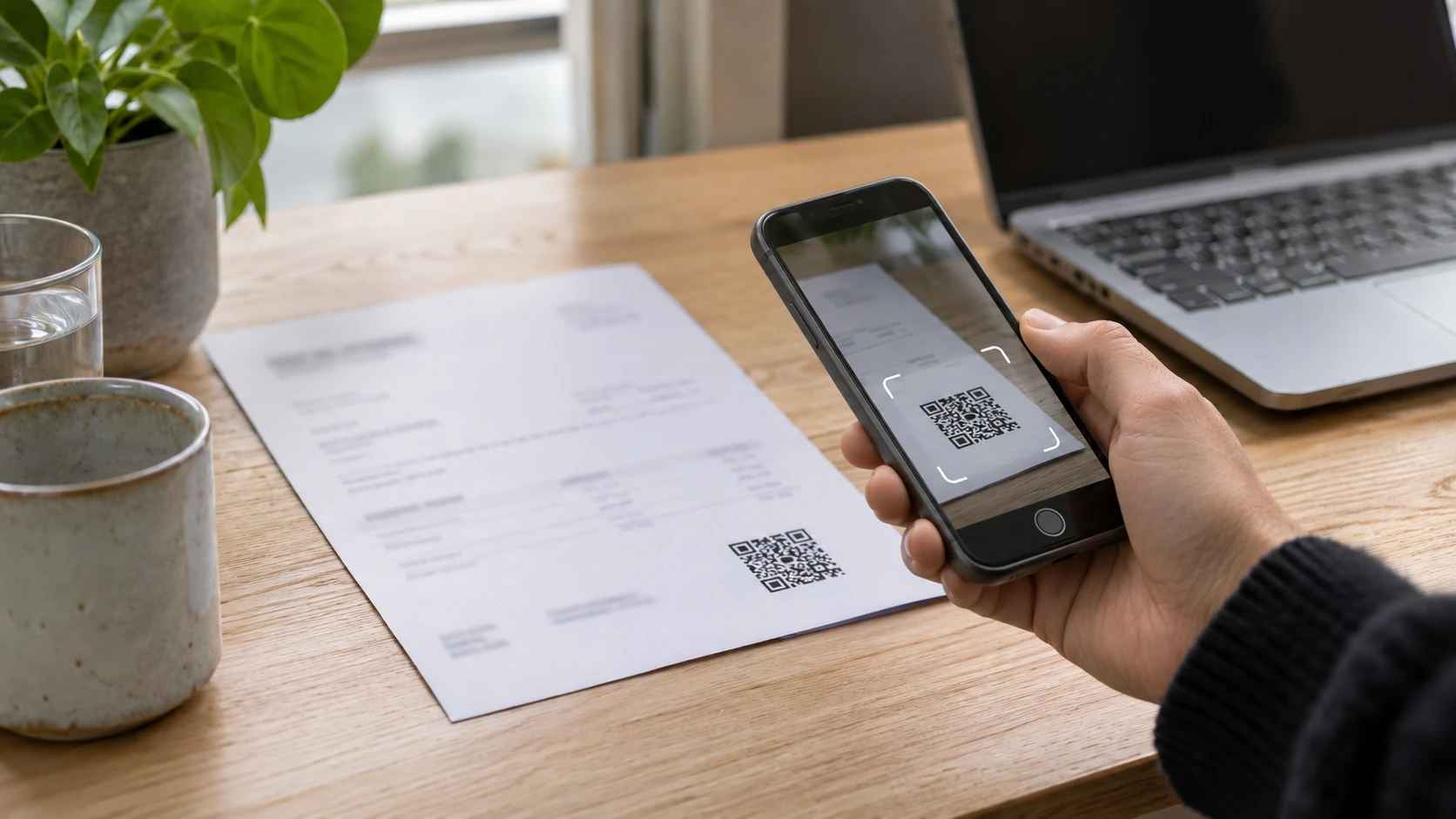
We are introducing Lonio’s SEPA QR tool. It supports the preparation of payment details for a QR code, addressing a recurring task in everyday business: sharing payment information clearly and without unnecessary retyping.
The code is a way to transfer data. The actual checking and authorisation of the bank transfer take place within the respective payment process.
What a SEPA QR code is intended for
The European Payments Council describes QR codes, among other uses, as a way to capture data for initiating a SEPA credit transfer. A suitable application can transfer payment details after scanning. Support depends on the banking app and procedure used.
The EPC guideline distinguishes different contexts of use. A QR code accompanied by readable payment details on an invoice is not automatically equivalent to a QR-only payment process at the point of sale. Information from the European Payments Council.
Check payment details before sharing them
Start with confirmed recipient details. Check the account information, intended amount and details that will later be used to allocate the payment. A convenient scan cannot correct an error in the source data.
A fictional example: a business wants to allocate a transfer of 85 euros to a particular open transaction. Its internal check therefore covers not just the amount, but also the correct recipient and an unambiguous payment reference.
Run a short trial
First create an example and check the details contained in the code using a suitable application. Compare the displayed result with the intended data. The code being readable is not enough if the wrong reference then appears.
For the first use, this sequence is advisable:
- Confirm the source data.
- Prepare the code.
- Check the transferred details.
- Check its appearance in the intended medium.
- Define an internal process for enquiries.
Also provide payment information in an understandable form. This keeps it clear for people who cannot use the code.
Continue to allocate incoming payments
A generated or scanned QR code is not yet a confirmed payment receipt. The business must still be able to establish whether money has arrived and which transaction it belongs to. Keep the payment details together with the underlying order or invoice.
The tool is one of the practical aids we are introducing around Lonio. Further information about using it is available through our contact section.
Frequently asked questions
Does scanning mean the payment is already made? No. Transferring details and authorising a bank transfer are different steps.
Does every code work in every banking app? This should be tested for the intended use. The name SEPA QR does not imply universal support.
Does the code replace payment reconciliation? No. Allocating the actual receipt remains a separate task.