User Access Rights in Austrian POS Systems: Roles, Till Access and Sales Error Control
In Austrian businesses, choosing a Kassensystem usually starts with price, hardware or RKSV compliance. But once several people work the till, another question matters just as much: who is allowed to do what.
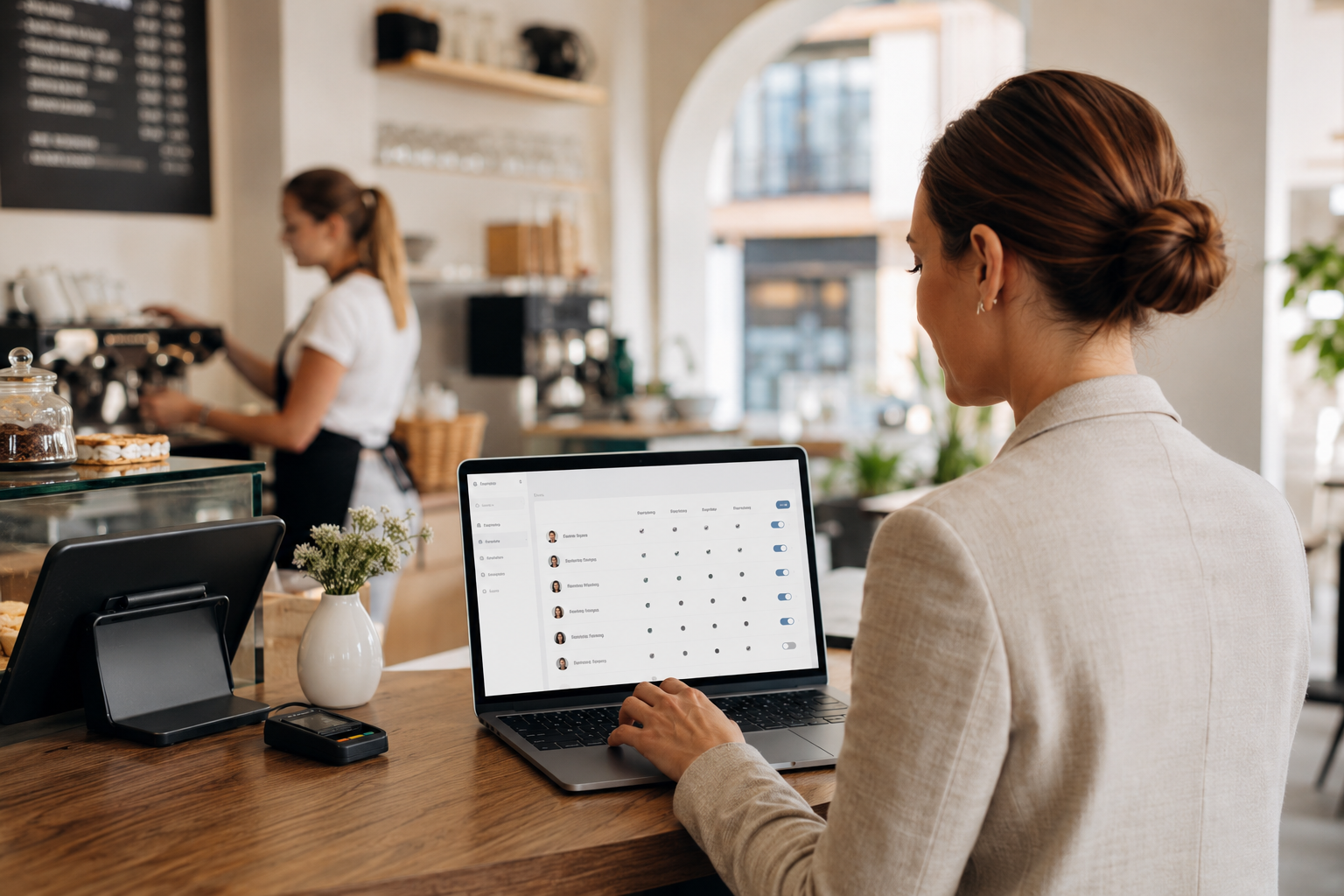
In many Austrian businesses, choosing a Kassensystem (point-of-sale system) starts with questions about price, hardware or RKSV (Austria's cash register and receipt integrity ordinance). But once more than one person works the till, another important factor enters the decision: who is actually allowed to do what?
Benutzerrechte means user access rights. Rollen refers to the roles defined for staff, shift managers, branch managers or the business owner. Note: this article is not legal, tax or audit advice.
Why user access rights matter in a POS system
On a busy day, if a POS system hasn't been set up with clear roles, every correction can become ambiguous — and hard to trace back to the person who made it.
Common roles in a small business
- Sales staff or Servicekraft, for recording sales, orders and payments
- Shift manager, for overseeing corrections, discounts and the Tagesabschluss (end-of-day closing)
- Branch manager, for sales reports, staff and stock at that specific location
- Head office manager or business owner, for core system settings
Permissions that need careful handling
- Deleting an item or voiding a transaction after it has been recorded
- Manual discounts or price changes
- Returns and Store Credit
- Opening the cash drawer without a sale
User access rights and the Tagesabschluss
If every user can make changes without a clear record of who did what, the end-of-day closing turns into guesswork rather than a reliable figure.
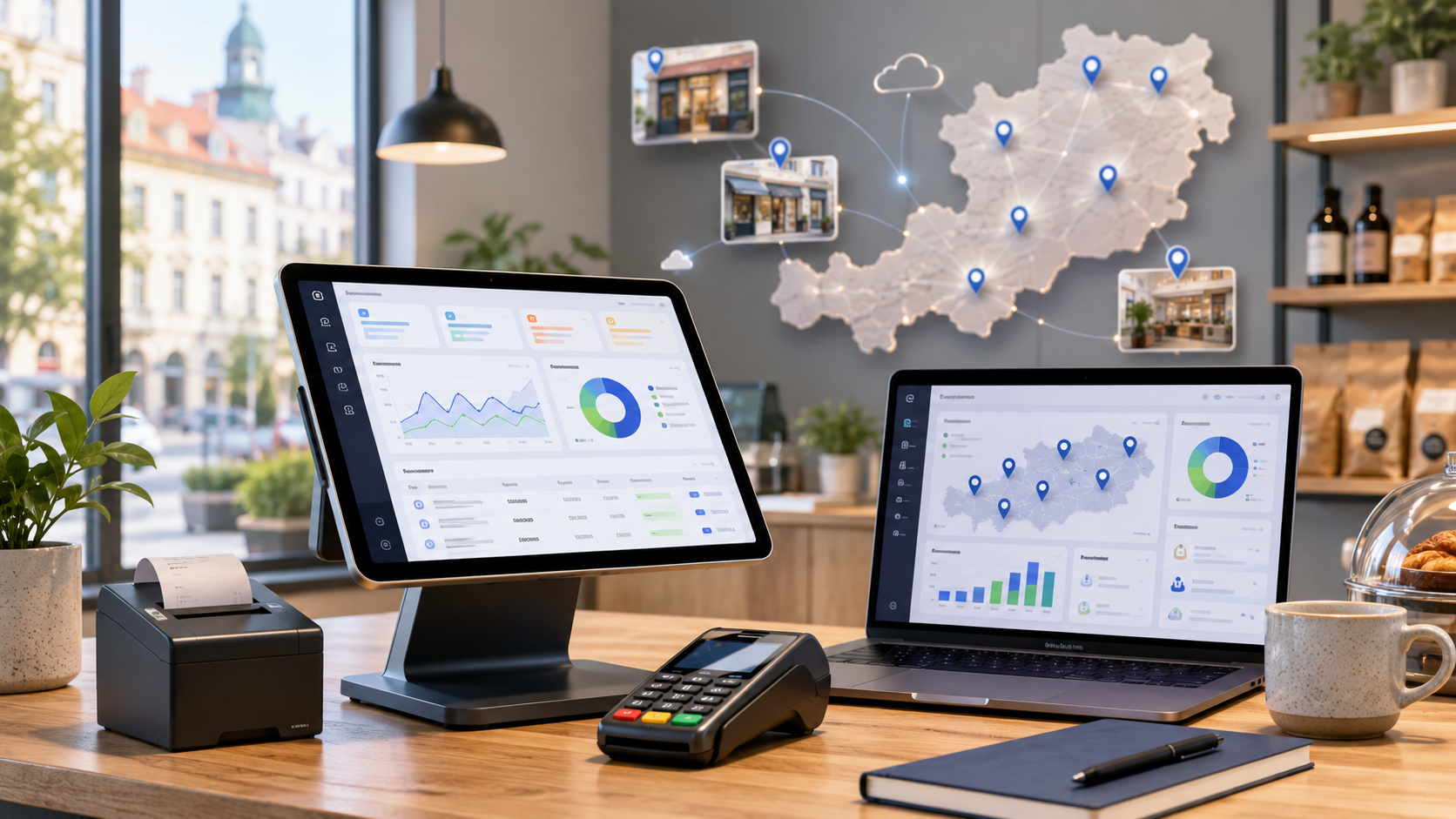
Multiple branches and different access levels
Here, Till and Sales in Lonio needs to work in step with roles, users and reporting across every location.
How user access connects to customers and data
For this part, the Customers in Lonio page helps maintain purchase context alongside the right access controls.
Reports that keep user roles accountable
The Reports in Lonio page is relevant for analysing this kind of access and activity data.
Checklist for setting up POS access
- Which roles genuinely exist in your business?
- Which actions should require manager approval only?
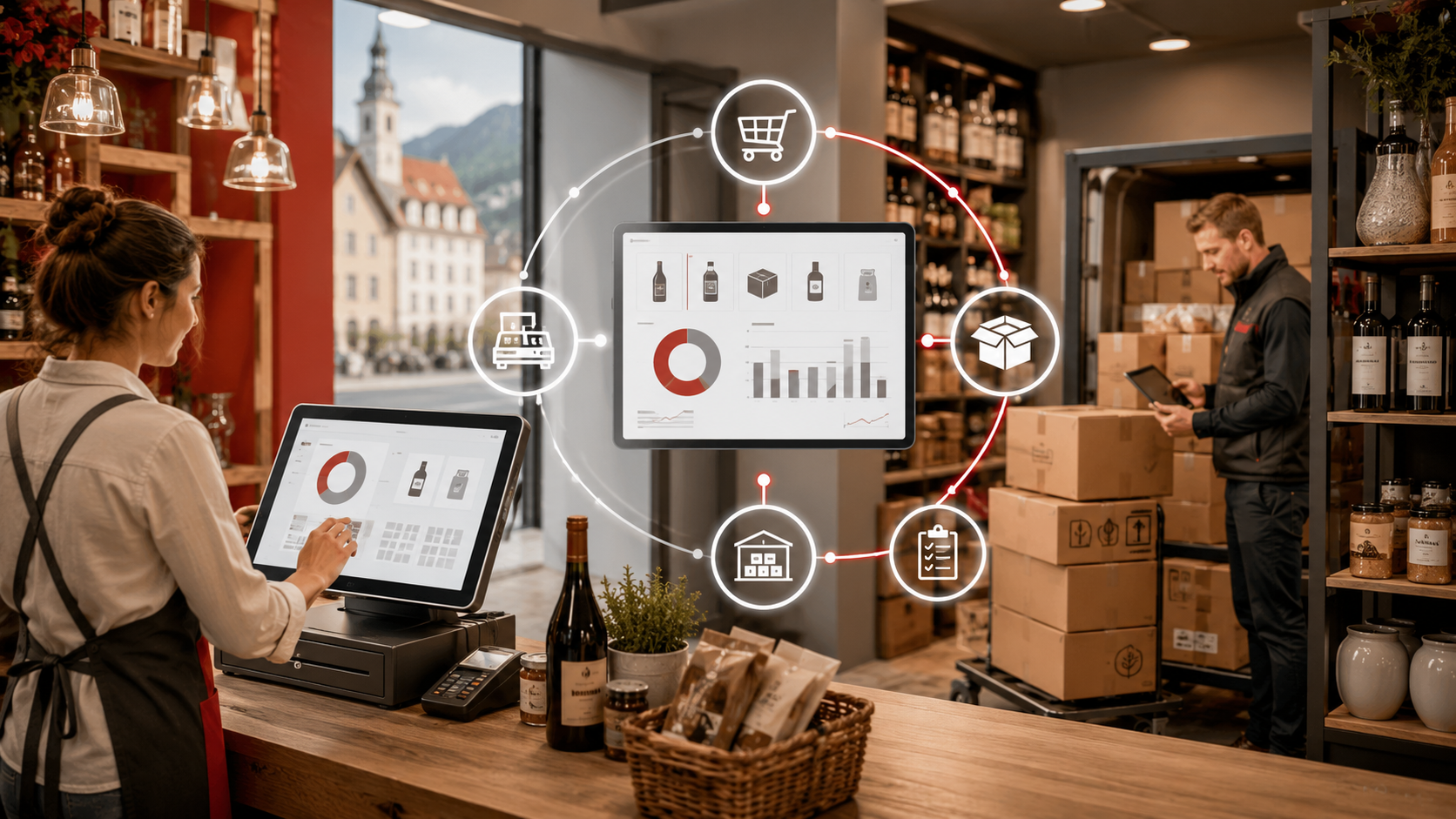
How Lonio helps manage roles
If your business is switching systems, Data Import and Migration in Lonio can help with the transition. To start the conversation, the Contact Lonio page is the right place to begin.
Summary
User access rights in an Austrian POS system are not a minor detail — they shape accountability, accuracy and trust in every Tagesabschluss.
FAQ
What do user access rights in a POS system mean?
They define which parts of the cash register system each user is allowed to access — from recording sales to changing prices or closing the day.
Should all staff have the same access?
Usually not. Sales staff, shift managers, branch managers and business owners typically have different needs and responsibilities.
Which permissions are more sensitive?
Deleting transactions, manual discounts, returns, opening the cash drawer without a sale, and price changes are generally the most sensitive.
Do small businesses need defined roles too?
Yes, even with a small team, clear roles help keep the till and the Tagesabschluss accurate and traceable.