Purchasing & Supplier Management in Austria: When POS, Inventory and Purchasing Work Together
How Austrian businesses connect sales, inventory, ordering, suppliers and reports in one POS system, and how Lonio brings purchasing and procurement together in one workspace.
- Bahram Davoodi
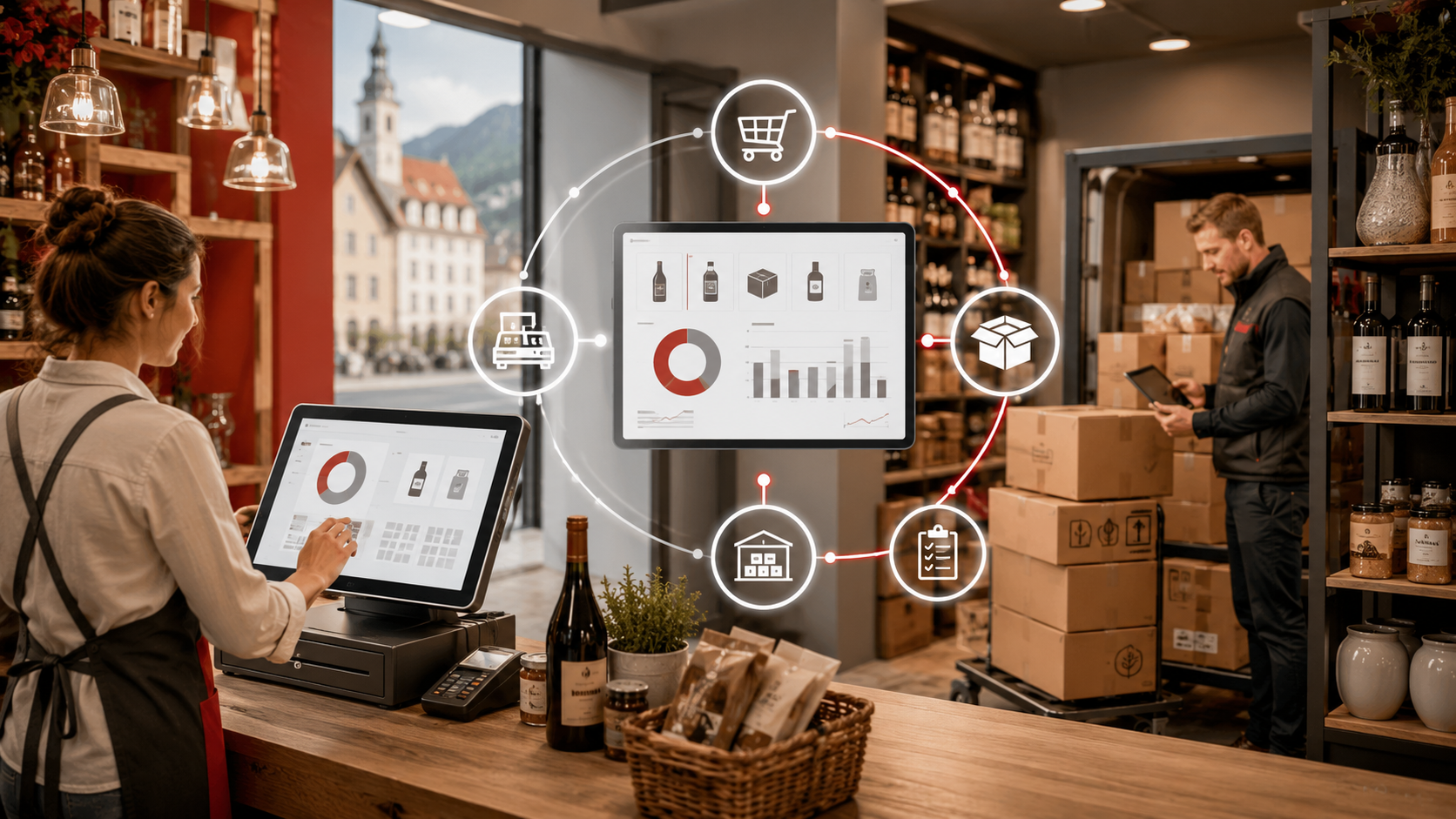
In many small and medium-sized businesses in Austria, purchasing is still managed separately from daily sales. Sales run through the POS system (Kassensystem), inventory is kept in a file or another piece of software, and supplier orders are tracked by email, message or a separate spreadsheet. While the workload is small, this separation feels manageable. As the business grows, however, the errors become visible more quickly: goods ordered too late, products over-ordered, stock that does not match reality in the system, or a report that is not enough to make a decision.
This guide is about exactly that connection point. Procurement in Austria is not just an administrative task behind the scenes; it is part of how sales, inventory, cash flow and the customer experience work together. When the POS system is seen together with inventory (Warenbestand) and purchasing (Einkauf) in one continuous workflow, management can decide with better data and the team spends less time on duplicated work.
Cloud systems such as Lonio can simplify this path because they bring sales, inventory, ordering, suppliers, reports and operational data together into one organised workspace. The goal is not only to record a sale or an order, but for every sale to build a clearer picture of the next purchasing need.
This guide is written for shops, cafés, bakeries, service businesses, retailers and Austrian companies that want to organise sales and procurement more clearly. It is informational and does not replace tax, accounting or legal advice.
Why purchasing should not run separately from sales
When sales and purchasing are managed in two separate places, the purchasing decision is usually made too late or based on a guess. For example, management sees that a product is running low but does not know whether the decrease came from real sales, a manual correction, a return, shrinkage or an internal transfer. As a result, the business either over-orders or acts too late.
When sales data is connected to inventory, the consumption pattern of each product becomes clearer. And when inventory is connected to ordering, the team knows what needs to be reordered, from which supplier, with what priority and for which location or product group. This connection matters even more for businesses with several product groups, several suppliers or seasonal sales.
What connected sales and purchasing looks like in practice
Imagine a bakery in Vienna that sells bread, pastries, coffee and packaged products every day. If daily sales are recorded in the POS system but the consumption of flour, milk, eggs, packaging and finished products is not visible in the inventory system, management has to rely on experience, memory or staff notes when ordering for the following week.
But if sales, inventory and purchasing are connected, the system shows more clearly which raw materials were used up faster, which product sold more slowly, what is approaching its minimum level and which supplier order should be raised. That means more accurate purchasing, less waste and better decisions for the busier days.
The role of the POS system in the purchasing decision
A POS system is not only where a payment is recorded. In a good operational system, every sale is a signal for stock, reporting and the next purchase. When a product is sold, stock should be updated. When stock reaches a defined level, the system should show the team that an order is due. When a product group sells more slowly, the next purchase should be planned more cautiously.
For this reason, choosing a POS system in Austria should go beyond the look of the till or payment speed. The key question is: can the system connect sales with inventory, purchasing, suppliers and management reporting? If the answer is unclear, the business may later add a separate tool for each area and return to the same disorganisation.
Inventory as the link between sales and purchasing
Inventory (Warenbestand) is the link between what is sold and what needs to be procured again. If stock is not accurate, accurate purchasing is not possible either. A suitable system should show which items are running out, which products have been sitting in storage too long and which categories perform better across different periods.
For retail, this can mean controlling size, colour, model or barcode. For a café or bakery, it can mean managing raw materials, finished products, daily consumption and a weekly ordering plan. For a service business, it can mean controlling retail products, consumables and periodic ordering from suppliers.
Separate purchasing management versus a connected system
Topic Separate management with file, email or message Connected management with POS, inventory and purchasing Purchasing decision based on a guess, experience or manual review based on sales, stock, minimum level and reports Inventory a gap from reality is likely kept more current with sales and goods receipt Supplier order tracked in email, message or a separate file traceable within the purchasing and inventory flow Stock shortage often noticed too late seen earlier through minimum levels and alerts Management report scattered and time-consuming sales, stock and purchasing can be reviewed together
When a business needs structured purchasing
Almost every business that works with goods, consumables or daily equipment eventually needs an organised purchasing path. The following signs usually mean it is time to simplify the purchasing process:
- Orders are mostly tracked through memory, messages or a separate file.
- Fast-selling items sometimes run out suddenly.
- Some products are bought beyond what is needed and lock up capital in storage.
- The team does not know which supplier the last order went to or what its status was.
- The sales report has no clear link to the next purchasing decision.
- To learn the real stock level, management has to ask several people or check several files.
- The gap between what was ordered and what was received is not documented properly.
What a good purchasing process looks like
The purchasing process does not have to be complex, but it should be traceable. For many Austrian businesses, the logical path starts with a recognised need, continues with a review of stock and sales, and ends with ordering, goods receipt and reporting.
- Identify the need based on sales, minimum level or a seasonal plan.
- Check the real stock and goods already on order.
- Select the main or an alternative supplier.
- Record the purchase order with quantity, price and expected delivery date.
- Track the order status until the goods arrive.
- Record goods receipt and check the gap between order and delivery.
- Update stock after goods receipt.
- Review the effect of the purchase on sales, margin and management reporting.
When these steps run in one system, or at least in a connected flow, the purchasing decision becomes easier to explain. Human error also decreases, because the team does not have to enter data several times.
Reports that lead to better purchasing
A purchasing report is not just a list of orders. A useful report should help management understand what is genuinely worth reordering and what needs to be reviewed carefully. For example, if a product sells well but has many returns or heavy discounts, its purchasing decision differs from a product with stable sales and a better margin.
- Sales of a product or product group across different periods.
- Current stock, minimum level and shortage alerts.
- Slow-moving or overstocked items.
- Open orders, received orders and delays.
- Supplier performance in terms of delivery time and supply stability.
- The gap between the quantity ordered and the quantity received.
- The link between sales, inventory and purchasing and the management reports.
RKSV and procurement – what is the connection?
RKSV and the cash register obligation (Registrierkassenpflicht) in Austria mainly concern the recording of sales, receipts and the documentation of transactions, not the purchase order itself. Even so, a business that documents sales, stock and purchasing better usually has a clearer picture of its own operations. This transparency is helpful for accounting, planning and the conversation with a tax adviser (Steuerberater).
The important point is that no software should be presented on its own as a definitive guarantee of meeting every requirement. For an accurate assessment of the tax, accounting or legal situation, a qualified professional should be consulted.
How Lonio simplifies this path
Lonio is designed for businesses that want to see sales, stock, customers, purchasing, reports and daily operations in one organised workspace instead of several scattered tools. As a starting point for sales, the POS and Sales page in Lonio gives a better picture of the till and sales flow. For stock control, the Inventory and stock management page sits close to the operational needs.
If your focus is on ordering, suppliers and goods receipt, the Purchasing and supplier management page shows how purchasing connects to inventory. For management decisions, the Reports page in Lonio can help turn sales, stock and purchasing into decision-ready signals.
If you want to manage sales, inventory and purchasing in one connected system, you can request a demo or a consultation through the Contact Lonio page.
Checklist for choosing a system for purchasing and procurement
Before selecting or switching systems, ask these questions in the demo session or your internal review:
- Does the sale of each product automatically affect stock?
- Can a minimum level or a shortage alert be defined?
- Can the system show a suggested order or purchasing need based on stock?
- Are the purchase order and supplier visible in the same workflow?
- Can a main and an alternative supplier be managed per item?
- Does goods receipt update stock after the order is received?
- Can the gap between the order and the received goods be recorded?
- Do the reports show which items should be reordered?
- Can the data be exported for accounting, management and professional review?
- Is the system simple for staff, or does it fall back on separate files again?
Official sources for further review
For topics related to sales recording and cash register requirements in Austria, official sources such as USP on the cash register obligation, BMF on cash registers and WKO on the cash register obligation for businesses are a good starting point. These sources do not replace a review specific to your own business.
Conclusion
Procurement in Austria is managed better when it is not separated from sales and inventory. If the POS system only records the payment, management still needs separate tools for stock, ordering and reports. But when sales, inventory and purchasing are in one connected flow, the purchasing decision becomes faster, more accurate and easier to explain.
For growing businesses, this connection is not just a software feature; it is a foundation for better cash-flow control, fewer stock shortages, less excess storage and more confident operational decisions.
Frequently asked questions
Does every small business in Austria need purchasing software?
If a business has only a few items, a simple process may be enough. As the number of products, suppliers or orders grows, connecting purchasing to sales and inventory gains clear operational value.
What is the difference between inventory and purchasing?
Inventory relates to current stock and the flow of goods. Purchasing refers to planning, ordering and tracking the purchase from the supplier. The two should be connected so the purchasing decision becomes more accurate.
Can a POS system also manage the purchase order?
It depends on the system. Some systems only record sales, while a more complete operational platform can bring sales, stock, purchasing, suppliers and reports together.
Is this directly linked to the RKSV?
The RKSV mainly concerns sales recording and the documentation of transactions. Even so, having orderly sales and inventory data can be useful for accounting and professional review.
Note: This article is for general information only and does not replace legal or tax advice. For binding guidance, please consult your tax advisor or the competent authority.