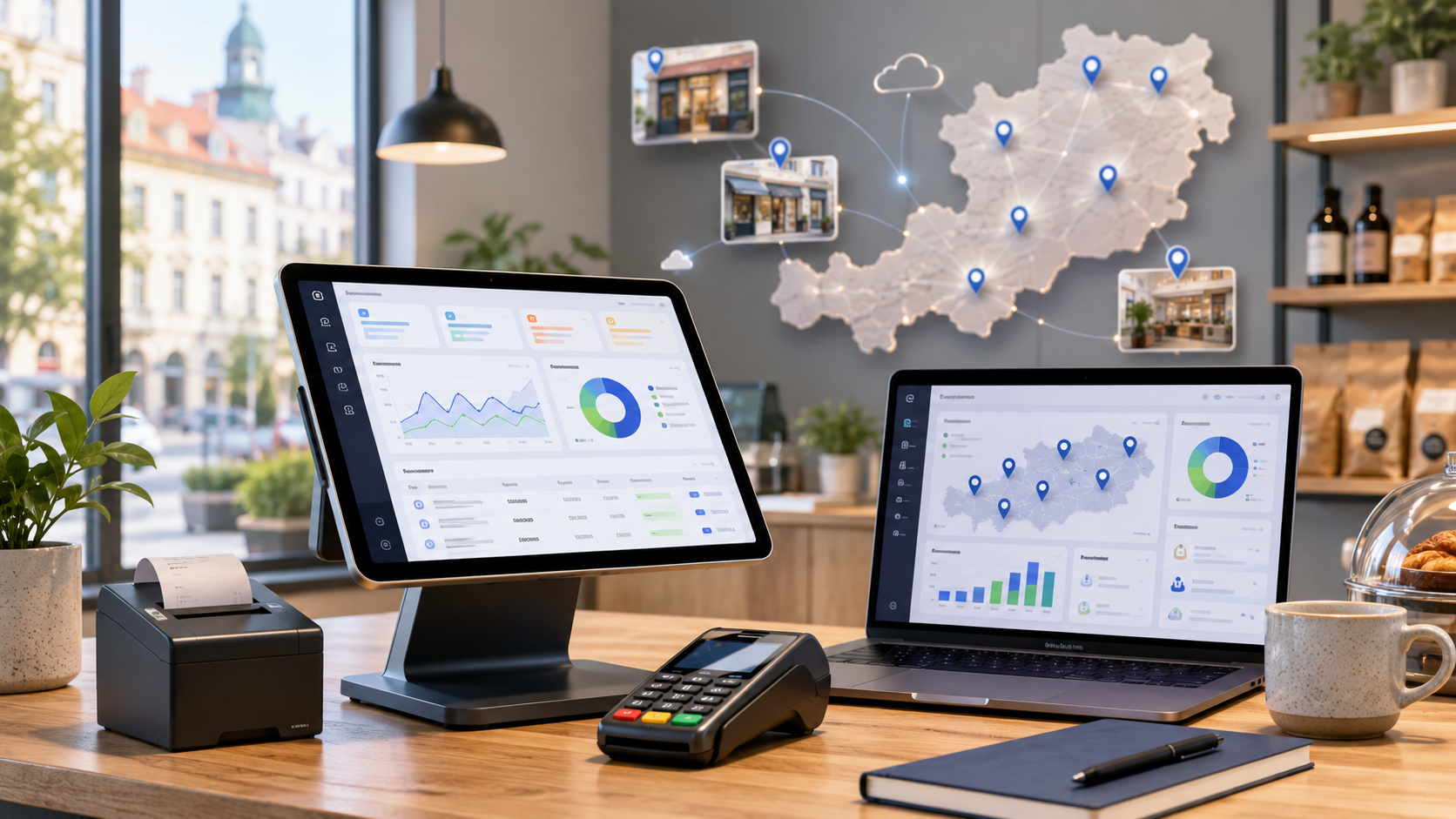
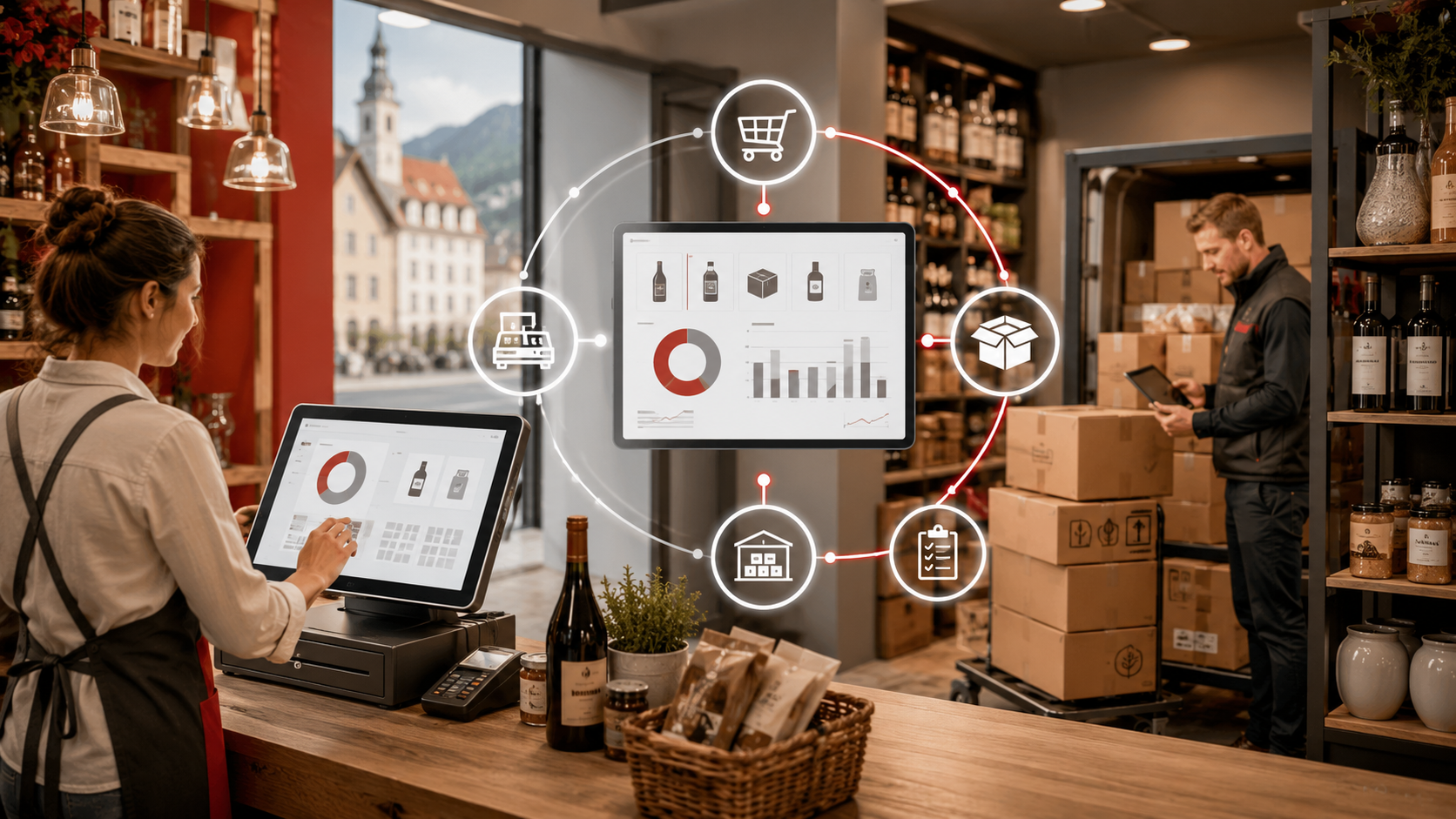
Kassensystem Staff Training in Austria: POS Onboarding Before Go-Live
A new Kassensystem is more than installed software and connected hardware. If staff can't ring up a sale, reprint a receipt, handle a split payment or run the end-of-shift report, even the best POS causes chaos in its first days. Here's how to train your Austrian team properly before go-live.
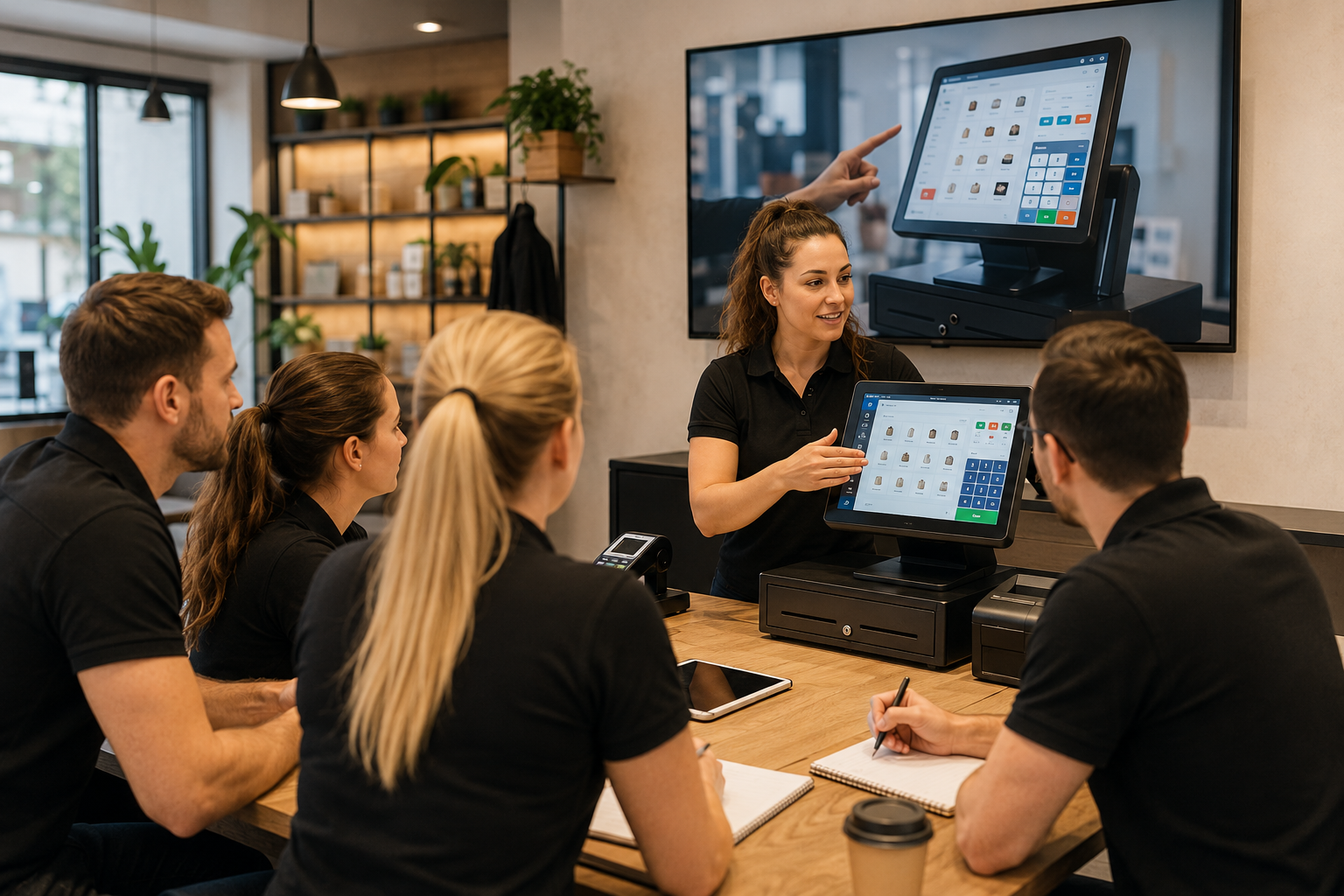
Setting up a new Kassensystem (cash register/POS system) is never just about installing software and plugging in hardware. If staff don't know how to ring up a sale, reprint a receipt, handle a split payment, or pull the end-of-shift report, even the best POS becomes a headache in its first few days. That's why Kassensystem staff training in Austria needs to be part of the rollout project itself — not something handed to the team at the last hour.
This article is written for shops, cafés, restaurants, bakeries, service salons and small and medium-sized Austrian businesses. While the guidance is general, the market and operational context is Austria throughout. This is not binding legal, tax or technical advice — for decisions with financial or legal weight, consult a qualified Steuerberater (tax adviser) or other relevant professional.
Why staff training before go-live matters
On the first day of a new system, your team needs to handle core tasks without panic. Customers won't wait around while staff hunt for the sales screen. Solid training lowers the risk of a rocky start and helps the new system become genuinely useful, faster.
Training isn't just pointing at a few buttons. Staff need to understand the logic of the sales flow: selecting a product or service, choosing the payment method, issuing the receipt, handling a correction or return where needed, and reviewing the report at the end of the shift.
Who actually needs training?
Not everyone needs the same level of training. Sales staff or waiters need to be confident with sales, payments, receipts and simple corrections. Shift managers need to understand Storno (voiding a transaction), returns, till discrepancies, user roles and the end-of-day report. The business owner needs to be familiar with reports, stock, user accounts, access permissions and the support process.
Practise real sales scenarios
The best POS training starts with real-world examples.
- A standard sale by card and by cash
- Printing a receipt and reprinting a receipt
- Correcting an item or cancelling an order before payment
- Storno or a return, following internal policy
- A split payment across card, cash, Gutschein (voucher) or store credit
- Closing a shift and reviewing the Tagesabschluss (end-of-day closing report)
- Sales made under different staff logins with different access levels
- A disconnected printer or a failed payment, and how the team should respond
Training on sales, payments and receipts
The first part of training should focus on the core sales flow. For this section, Sales & Checkout in Lonio is a relevant internal reference point.
Training on roles and access
Not everyone should be able to do everything. Access to refunds, Storno and price changes should be controlled through user roles.
Tagesabschluss and end-of-day reporting
Many errors only surface at day's end. The Reports in Lonio page is relevant for the role reporting plays in daily decision-making.
Stock, customers and master data
If your business sells physical products, staff need to understand how a sale affects Warenbestand (stock levels). The Customers in Lonio page, and for stock the Inventory in Lonio page, can both be useful here.
Pre-go-live training checklist
- Are staff roles and access levels defined?
- Has the standard sales, payment and receipt flow been practised?
- Is the Tagesabschluss run using one consistent method?
How Lonio supports training and onboarding
If your business is switching systems, Data Import & Migration in Lonio can help. If your team needs assistance, Technical Support in Lonio makes the support path clearer. To talk it through, Contact Us at Lonio is the right place to start.
Summary
Kassensystem staff training in Austria is an essential part of any POS rollout.
FAQ
What does Kassensystem staff training in Austria mean?
It means training staff to use the POS for sales, payments, receipts, returns, end-of-day reporting and error scenarios.
When should POS training happen?
It's best done before go-live, using real-world scenarios.
Should only the manager be trained?
No. The owner, shift managers and sales staff each need training suited to their role.
Does POS training help with RKSV compliance?
Training can help, but it does not replace a proper legal or tax review with a qualified professional.