Kassensoftware in Austria: A Guide to Choosing POS Software for Small Businesses
A practical guide for Austrian small businesses on choosing Kassensoftware — covering RKSV and Registrierkasse requirements, Cloud POS, reporting, stock, cost evaluation, and data migration, with a checklist to compare providers.
- Bahram Davoodi
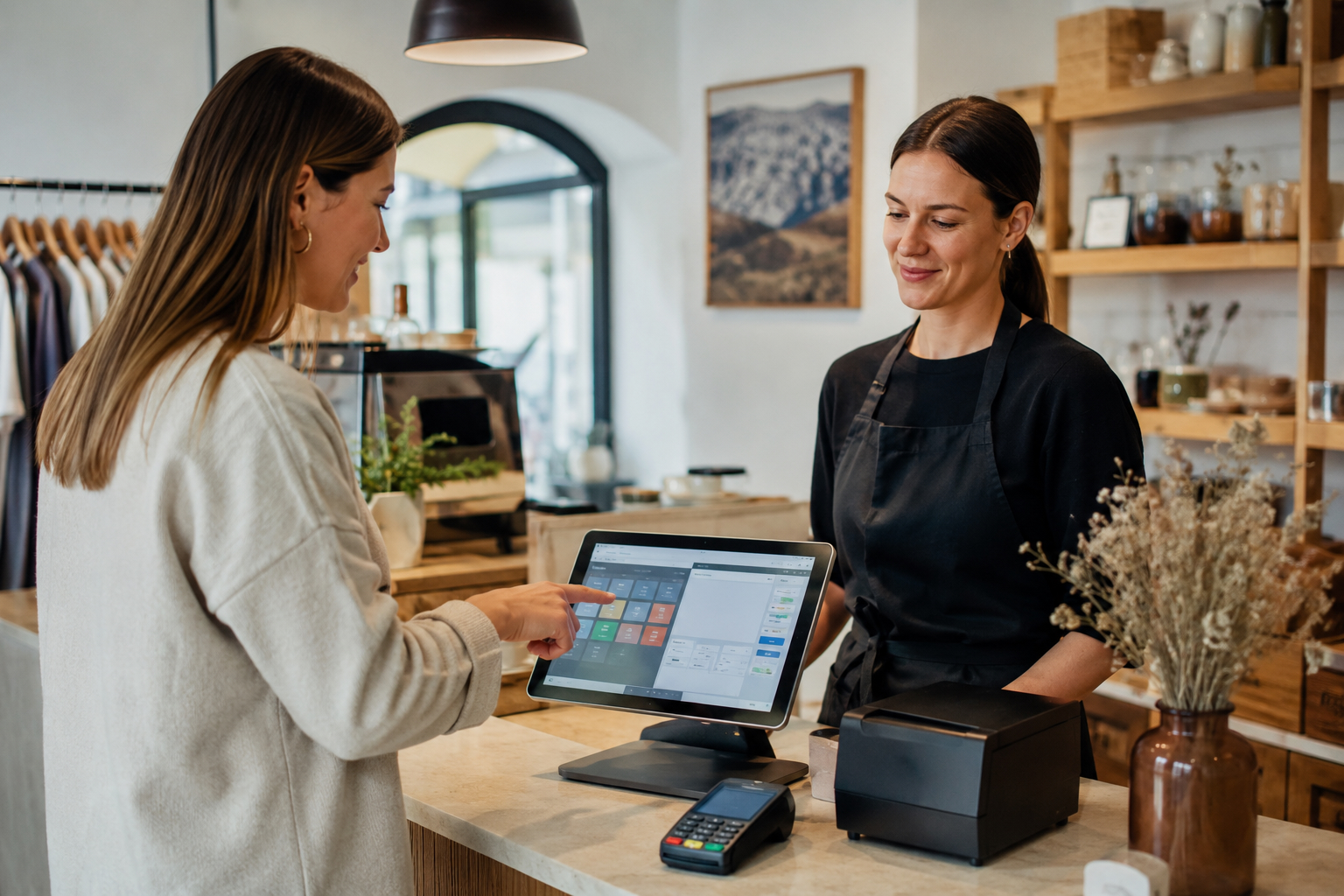
Choosing Kassensoftware (POS software) in Austria is about far more than picking a tool to ring up payments. For most small and medium-sized businesses, the till software becomes the control centre of daily operations: sales, receipts, reporting, stock, customers, card payments, the Tagesabschluss (end-of-day closing), and the data handed over to accounting all depend on this one decision.
In Austria, the Registrierkasse (registered cash register) and RKSV (Registrierkassensicherheitsverordnung, the cash register security regulation) framework means the decision can't be based on looks or features alone. A business needs to understand how the software records sales, manages receipts, keeps data organised, and helps staff work with fewer errors. This article is not legal or tax advice — for the exact requirements that apply to your business, speak to a Steuerberater (tax advisor) or another qualified professional.
This guide is written for shop owners, cafés, restaurants, service salons, bakeries, boutiques, and local Austrian businesses — especially those who want real, checkable criteria before choosing Kassensoftware.
What does Kassensoftware actually do?
Kassensoftware, or till software, is not just a screen for entering an amount. Good software should record sales, issue receipts, capture the payment method, connect goods or services to reporting, and keep everything needed for the end-of-day close organised. In more modern systems, it also links to stock, customers, bookings, invoices, Gutschein (voucher) handling, and management reports.
If your business only handles a handful of simple transactions a day, basic functionality may be enough. But as the number of products, staff, locations, orders, or sales channels grows, choosing the right system matters more. At that point, weak till software can lead to duplicated work, incomplete reports, and confusion in accounting.
To see how sales and checkout work in Lonio, the POS and Sales page is a good starting point.
Why has Cloud POS become important for Austrian businesses?
Cloud POS means till software that manages data and settings in the cloud. The main benefits are easier access to reports, simpler updates, coordination across devices, and less dependence on a single fixed computer. For businesses working with tablets, multiple staff, or several points of sale, this can matter a great deal.
That said, being cloud-based isn't a quality marker on its own. The real test is how well the system fits your daily work. Do staff learn it quickly? Are the reports easy to understand? Does stock update correctly with each sale? Is the data usable for accounting? These questions matter more than how polished the interface looks.
For many small businesses, combining till software with a card reader, receipt printer, and tablet creates a simple, scalable setup. Lonio's Tablet POS Terminals page is worth reviewing for this part of the setup.
RKSV and the Registrierkasse in your software choice
In Austria, many businesses need to pay attention to Registrierkasse requirements, the Belegerteilungspflicht (obligation to issue receipts), and RKSV. In simple terms, sales need to be recorded consistently, receipts must be issued, and till data needs to remain traceable. Software should support this — but no provider's claim of full compliance should be taken at face value without checking it against your own situation.
When evaluating Kassensoftware, ask the Anbieter (provider) how the system works for the Austrian market specifically: what data is recorded, how the end-of-day report is generated, and what outputs are available for accounting. It's also worth making sure your Steuerberater knows which system you intend to use.
For general background, official sources such as the USP on Registrierkassenpflicht, the BMF on Registrierkassen, and the WKO on Registrierkassenpflicht for businesses are good places to start.
Which features actually matter?
Before booking a demo, it helps to list your own requirements. Some businesses only need fast sales entry, while others need stock management, barcodes, order handling, regular customers, bookings, or multiple locations. A good choice starts from your daily workflow, not from a long features list.
- Fast entry of product and service sales
- Receipt issuing and payment method management
- Tagesabschluss and daily reporting
- User management and access levels
- Connection to stock and the product catalogue
- Data export options for accounting
- Support for the right hardware — tablet, printer, card reader
- A simple experience for staff to use
- A clear path to scale as the business grows
If your business sells physical goods, stock functionality matters a great deal. Lonio's Inventory Management page is relevant here.
How should you evaluate the cost of Kassensoftware?
The cost of till software isn't just the monthly fee. You also need to account for setup, training, hardware, support, extra users, additional devices, data migration, and the time your team spends on it. An option that looks cheaper at first can end up costing more in practice — because data doesn't transfer cleanly, reports are incomplete, or the team spends too much time on simple tasks.
When assessing cost, it's worth asking three questions: First, what does getting started cost? Second, what does the monthly or annual fee actually cover? Third, if the business grows, how do costs change for extra devices, users, locations, or features?
The right software should be transparent about pricing. Even if the final price depends on your specific needs, the explanation should be clear — with no vague promises or artificial discounts.
The role of reports in daily decisions
Good reporting isn't just for accounting. Business owners need to know what sold, which hours were busiest, which product categories performed best, which payment methods were used most, and whether stock levels match sales. Without reliable reporting, many decisions end up being guesswork.
For example, a shop can identify which product needs reordering. A café can see which time slots bring in the most sales. A service salon can find out which services are requested most often. This is why Kassensoftware needs to make reports understandable, usable, and repeatable.
Lonio's Reports page is relevant here.
Stock, catalogue, and sellable goods
If your business sells products, the catalogue and stock need to be set up correctly from the start. Product name, category, price, barcode, variants, stock status, and sales reporting all need to work together. If product data is disorganised, even the best till software won't produce accurate reports.
For shops, bakeries, boutiques, and businesses that sell both products and services, connecting sales to stock is especially important. Accurate stock data supports better reordering, Inventur (stocktaking), and sales analysis.
For managing product structure, Lonio's Catalog page is useful.
Implementation and data migration
Many Kassensoftware problems don't show up during the buying process — they show up during setup. If product, customer, pricing, user, or stock data needs to move over from a previous system, the Datenimport (data import) process needs to be clear. If migration happens without a plan, the team can face errors, duplicated work, or missing information on day one.
Before making a final decision, ask who handles the setup, how training is delivered, what data can be migrated, what needs to be cleaned up first, and what support is available on go-live day. For an active business, even a few hours of downtime in sales can be a real problem.
If you're migrating from an existing system, Lonio's Data Import and Migration page is relevant.
Checklist for choosing Kassensoftware in Austria
To make your decision practical and comparable, check these points during a demo or conversation with a provider:
- Does the software clearly explain how it supports the Austrian market and RKSV requirements?
- Are sales, payments, receipts, and the Tagesabschluss handled simply?
- Are the reports understandable for the business owner?
- Are stock, products, and catalogue connected to sales?
- Is the required hardware clearly defined and supported?
- Can users and access levels be managed properly?
- Is the data migration and training path clear?
- Are costs explained transparently?
- Can the system grow alongside the business?
How does Lonio help?
Lonio is built for businesses that want to manage sales, stock, customers, reports, and daily operations in one organised environment. If you're looking for Kassensoftware in Austria, start by mapping out your own daily workflow: checkout sales, stock, reporting, customers, bookings, invoices, or multiple sales locations.
In Lonio, the POS and Sales page is a good place to begin. Depending on your needs, you can then look at Inventory Management, Catalog, Reports, Customer Management, or Migration. The goal is software that doesn't just record payments, but gives you a clearer picture of the business as a whole.
To discuss your business's actual needs, Lonio's Contact Lonio page is a good next step.
Summary
Choosing Kassensoftware in Austria should start from your business's real needs: sales, receipts, reporting, stock, hardware, cost, implementation, and readiness for Austrian market requirements. Well-chosen till software isn't just a payment tool — it becomes part of how the business is run day to day.
Before deciding, test a demo with your real scenario. Complete a sale, issue a receipt, run an end-of-day report, check a product in stock, and ask about the data export path for accounting. If the system feels simple, transparent, and reliable through this process, it's likely to be the right choice for daily use as well.
FAQ about Kassensoftware in Austria
How is Kassensoftware in Austria different from a simple cash register?
Kassensoftware usually does far more than record an amount. It can manage sales, receipts, payment methods, reporting, stock, users, and sometimes customers or invoices, all within one organised system.
Does every business in Austria need to comply with RKSV?
The exact requirements depend on Umsatz (turnover), Barumsatz (cash turnover), and the business model. For an official determination, check credible sources and consult a Steuerberater. Software can help, but it doesn't replace professional advice.
Is Cloud POS a good fit for small businesses?
In many cases, yes — it simplifies reporting, updates, and working across multiple devices. That said, the main criterion is still how well the system fits your business's actual daily workflow.
What should I test before buying Kassensoftware?
Test a real scenario: a sale, a payment, issuing a receipt, the Tagesabschluss, reporting, stock, user accounts, and the data export for accounting. If these steps are clear and smooth, the choice is more likely to be a safe one.
Note: This article is for general information only and does not replace legal or tax advice. For binding guidance, please consult your tax advisor or the competent authority.