POS system for multiple locations in Austria: central control for sales, inventory and reports
English guide for Austrian SMEs choosing a multi-location POS system with central sales, inventory, reporting, RKSV-aware workflows and migration planning.
- Bahram Davoodi
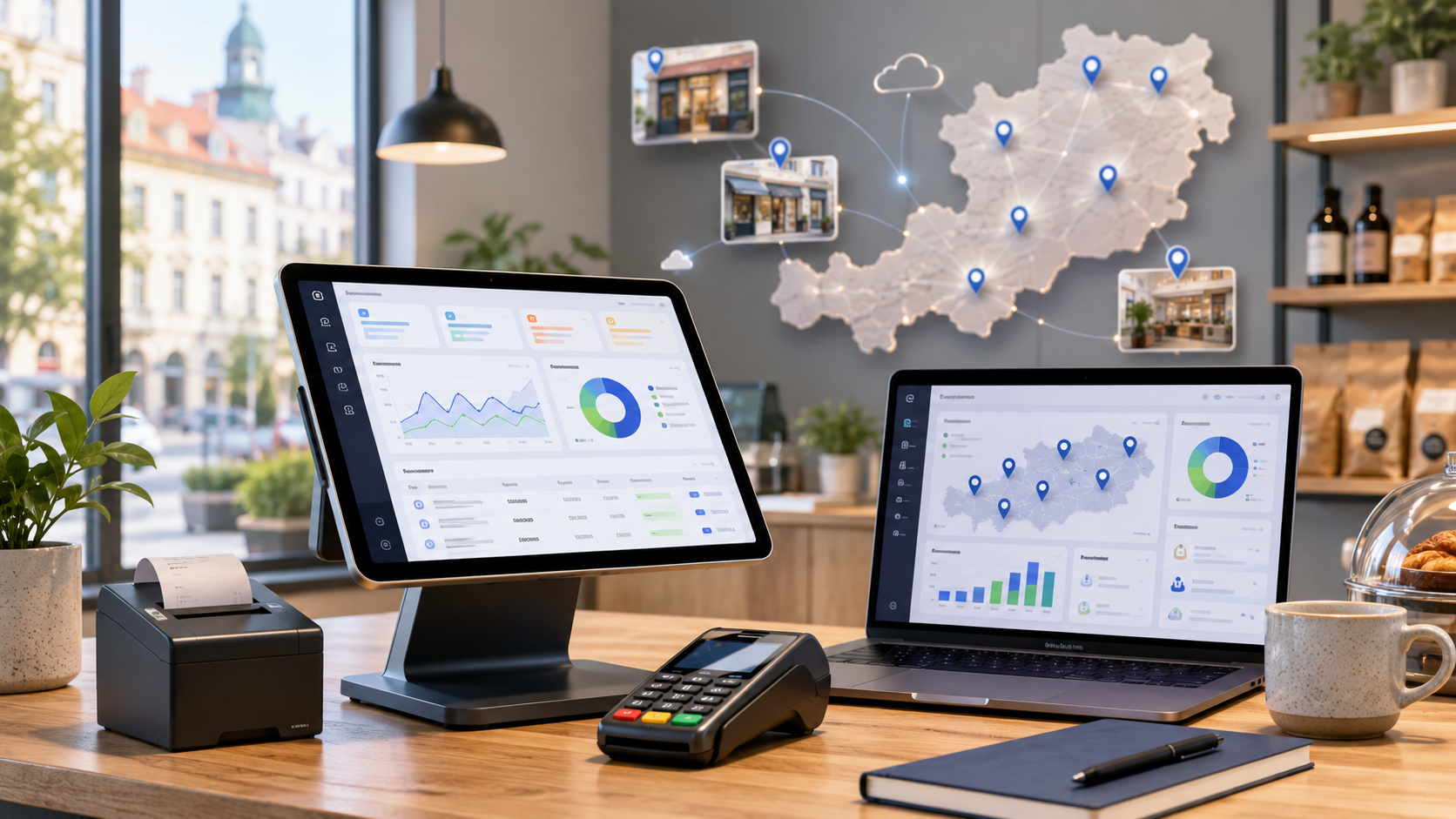
When an Austrian business grows from one checkout point to several locations, the POS system becomes more than a tool for taking payments. It becomes part of daily operations: sales, stock, staff permissions, reports, receipts, accounting exports and branch-level decisions all need to work from one reliable structure.
This guide is for retailers, cafes, bakeries, salons, service businesses and other SMEs in Austria that are planning a second site, running several branches or managing temporary sales locations. The focus is practical: what a multi-location POS system should do, how to reduce operational risk, and how to keep Austrian cash-register topics such as RKSV and receipt workflows in view. This article is informational and is not legal or tax advice; for binding decisions, speak with a tax adviser, accountant or qualified professional.
Why multiple locations change the POS decision
In a single shop, many issues can be solved by the owner being present. In several locations, small inconsistencies multiply. One branch may use a different product name, another may enter discounts differently, and a third may report cash and card payments late. A good multi-location POS system reduces this friction by giving every site the same operational foundation while still allowing managers to review each location separately.
The main question is not only whether the till works. It is whether the system helps you compare locations, understand stock movement, manage staff access and prepare useful reports without copying numbers between spreadsheets.
Core functions a multi-location POS should support
Before choosing software, map your real workflow. Do all sites use the same catalogue? Are prices identical? Does stock move between branches? Do managers need daily reports from one dashboard? The answers define the system you need.
- Separate setup for each location, register and user.
- Central product catalogue with clear product and category rules.
- Branch-level and group-level sales reports.
- Inventory visibility by location, including low-stock signals.
- Role-based access for staff, branch managers and head office.
- Exports for accounting, tax advisers and management review.
- Support for POS hardware such as tablets, card terminals and receipt printers.
RKSV and cash-register duties in Austria
For many Austrian businesses, the cash-register decision is connected with the Registrierkassenpflicht and the RKSV framework. Public Austrian sources commonly explain thresholds around EUR 15,000 annual turnover and EUR 7,500 cash turnover, but the exact situation depends on the business and should be reviewed professionally.
In a multi-location setup, it must be clear how each location records sales, issues receipts, stores daily data and prepares information for accounting. Software can support these processes, but it should not be treated as a blanket guarantee. The safer approach is to choose a system with clear documentation, transparent exports and workflows your team can actually follow.
Why cloud POS often fits several branches
A cloud POS can make multi-location control easier because product data, users, reports and settings can be managed centrally. A manager can review sales from a laptop, identify slow-moving stock, compare locations and update operational settings faster.
Cloud alone is not enough, though. The system still needs good user permissions, reliable reporting, practical inventory logic and a clean migration path from the previous setup. For growing SMEs, the best solution is usually the one that makes daily work easier for staff and gives management trustworthy data.
Reports that matter for branch management
Useful reporting is not just a table of totals. It should help you make decisions. A business with several shops needs to see which location performs well, which product categories move fastest, when staff need support and where stock is blocked.
- Daily, weekly and monthly sales by location.
- Payment-method, shift and staff reports.
- Product and category performance across branches.
- Returns, discounts, cancellations and corrections.
- Inventory by branch and central stock overview.
- Management exports for accounting and planning.
Migration and setup should be planned early
Changing POS software across several locations is not just installation. Product data, prices, customer records, users, stock and historical reports may need to be cleaned, imported or reorganised. If this work is rushed, the same mistake can spread across every branch.
Before migration, define what data must be transferred, what can be archived, and which workflows should change. This is also the moment to review categories, staff roles, device setup and reporting needs.
How Lonio can support this scenario
Lonio helps businesses connect sales, inventory, customers, reports and daily operations in one workspace. For the checkout workflow, review Kasse und Verkauf in Lonio. For stock control, see Warenbestand and inventory management. For management visibility, reports in Lonio are a useful next step. If you are moving from an older setup, data import and migration can help you plan the transition. To discuss your own branch structure, start with contacting Lonio.
Official resources for further checking
For Austrian cash-register topics, official resources such as USP on cash-register duties, BMF information on cash registers and WKO guidance for businesses are useful starting points.
Conclusion
A POS system for multiple locations in Austria should connect more than payment processing. It should make sales, inventory, staff access, reporting, migration and cash-register documentation easier to control. The best choice is the one that fits your real branch workflows today and still gives you room to grow tomorrow.
FAQ
Do Austrian businesses with multiple locations always need a cloud POS?
Not always, but many multi-location businesses benefit from central reports, shared product data and easier user management.
Should inventory be managed centrally or by branch?
That depends on the business model. Many companies need both a branch-level view and a central overview for planning and transfers.
Can POS software guarantee RKSV compliance?
Software can support documented processes, but compliance should be reviewed for the specific business by a qualified professional.